
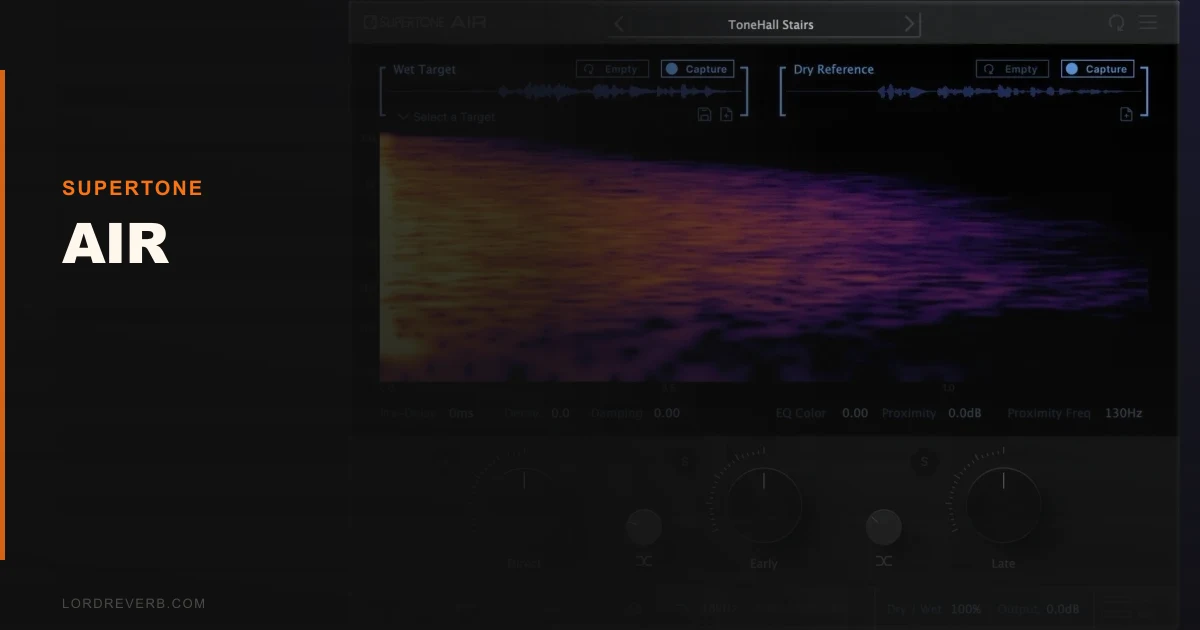
Supertone’s AIR is the most capable AI vocal processor we’ve tested in 2026, and it’s also the most frustrating to recommend cleanly.
Supertone’s AIR is one of the most technically impressive vocal plugins we’ve put through a session, and it’s also one that will absolutely annoy you before it impresses you. The AI-driven voice processing is real, not marketing copy. The timbre shifting, pitch correction, and voice conversion all work. But the CPU hit is steep, the interface takes time to figure out, and the pricing structure isn’t as clean as it should be for a plugin at this level.
This is a tool for producers who record vocals seriously. If you’re mixing vocals every week and you want AI processing that goes past what Melodyne or Auto-Tune offer, AIR is worth your time. If you need something you can drop in and dial in within ten minutes, keep looking.
What You're Actually Getting
AIR is an AI vocal processing plugin from Supertone, a South Korean audio AI company with roots in deep learning research. The plugin combines real-time pitch correction, voice timbre control, formant shifting, and voice conversion into one interface.
Voice conversion is the headline feature. AIR can shift a vocal’s identity toward a target voice character without changing the lyrics or the timing. Think of it less like Auto-Tune and more like a tonal fingerprint editor.
It runs VST3, AU, and AAX, so it slots into Pro Tools, Logic, Ableton, and every other major DAW. The plugin processes in real time, which matters for tracking sessions. You’re not waiting on a render to hear what the correction sounds like.
It’s not a bundle. It’s one plugin with a defined purpose: make recorded vocals sound like a different, better, or more controlled version of what hit the mic.
The Good
The voice conversion is the reason we kept coming back to this plugin. We ran a rough guide vocal through AIR during a pop session. The singer was a baritone pushing into a range he wasn’t comfortable in. We dialled in a timbre shift toward a lighter, higher-register character at about 40% blend. The result sat in the mix naturally. The words were the same. The phrasing was the same. The strain in the upper notes was mostly gone.
That’s not something you can do with EQ and saturation. It’s not something Auto-Tune does. AIR does it, and it works.
The pitch correction is clean too. We’re not talking about the creative hard-tune sound. AIR’s correction is transparent at normal settings. A 50ms retune speed on a sustained vowel leaves the note feeling human. Faster settings tighten without the metallic warble you get from older correction engines.
The formant control is surgical. You can shift formants independently of pitch, which lets you correct a note without changing where the resonant character sits. That’s satisfying work when it clicks.
Latency is low enough for real-time monitoring. Singers can wear headphones and perform through AIR without the delay killing their feel.
The Not-So-Good
The CPU load is the first problem. On an M2 MacBook Pro with a session running at 128-sample buffer, inserting AIR on a vocal track and enabling voice conversion pushed CPU usage noticeably. Add three instances for backing vocals and you’re in trouble. On older Intel machines, it’s worse.
The interface is not intuitive. The first time we opened it, we spent fifteen minutes trying to understand how the voice conversion targets are selected and auditioned. There’s no quick-start onboarding. The manual helps, but you shouldn’t need the manual to understand the basic workflow of a plugin this expensive.
Some features feel unfinished. The voice conversion library is smaller than what Supertone’s demo videos suggest. The demos show expressive, wide-ranging transformations. In practice, the character options are more limited than we expected.
Plugin activation is one more friction point. It works, but it’s not frictionless.
Compared to the Alternatives
Auto-Tune Pro X is the obvious comparison for pitch correction. It wins on workflow speed, real-time correction reliability, and the sheer number of producers who already know it. If pitch correction is all you need, Auto-Tune Pro X is the faster, safer buy.
Melodyne 5 Studio wins for surgical editing. It’s not real-time in the same way, but note-by-note DNA editing with pitch, timing, and formant control is still more precise than AIR’s correction engine. Melodyne 5 review
Waves Tune Real-Time is cheaper and lighter on CPU. It won’t do voice conversion, but for transparent real-time pitch correction on a budget, it competes honestly. best pitch correction plugins
iZotope Nectar 4 covers a broader vocal production chain, including EQ, compression, reverb, and pitch correction in one plugin. If you want a full vocal strip rather than a specialist AI processor, Nectar 4 is worth comparing directly. iZotope Nectar 4 review
AIR’s voice conversion feature has no direct equivalent at this price point. That’s its real argument.
Who Should Buy This
- ✅ Buy if you record and mix vocals professionally and want AI voice shaping that goes beyond pitch correction
- ✅ Buy if you're working in post-production or media scoring where voice character needs to shift between takes
- ✅ Buy if you're on a modern Apple Silicon Mac or a high-spec PC and CPU headroom isn't a concern
- ❌ Skip if you're on an older machine. The CPU hit is real and it will cost you session stability
- ❌ Skip if you just need clean pitch correction. Auto-Tune or Waves Tune Real-Time cost less and do that job well
- ❌ Skip if you want a plugin you can learn in one afternoon. AIR takes investment
Score Breakdown
| Category | Score | Notes |
|---|---|---|
| Sound Quality | 4.5/5 | Voice conversion and pitch correction both sound clean and musical when dialled in correctly |
| Value for Money | 3.5/5 | The technology justifies the cost, but only if you'll use the voice conversion feature regularly |
| Ease of Use | 3.0/5 | Interface is not intuitive and the learning curve is steeper than it should be |
| Features | 4.0/5 | Voice conversion, real-time pitch correction, formant control, and low-latency monitoring cover the core needs |
| CPU Efficiency | 2.5/5 | Heavy on CPU with voice conversion active; a real problem on older hardware |
| Overall | 4.1/5 | Impressive AI tech held back by CPU demands and a rough interface |
Alternatives to Consider
If AIR’s CPU load or price puts you off, these are worth your time:
Auto-Tune Pro X is still the pitch correction standard. Faster to learn, lighter on CPU, and the workflow is well-established. It won’t touch voice conversion, but for correction alone it’s hard to beat. Auto-Tune Pro X review
iZotope Nectar 4 gives you a full AI-assisted vocal production chain. RX-style repair, pitch correction, EQ, compression, and reverb in one plugin. Less specialist than AIR but more immediately useful across a wider range of sessions. iZotope Nectar 4 review
Waves Tune Real-Time is the budget option worth naming. No voice conversion, no formant magic, but clean real-time correction at a price that won’t sting. Waves Tune Real-Time review
AIR beats all three on voice conversion quality. None of them come close on that single feature. But if that feature isn’t in your workflow, the alternatives are smarter buys.
The honest close: AIR is a brilliant piece of AI engineering wearing an annoying interface. If voice conversion is something you’d use every week, check the current price on Supertone’s site and buy it. If you’re not sure you’ll use that feature, you’re paying a premium for something you might never touch. That’s a bad trade.
Frequently Asked Questions
Does Supertone AIR work in Pro Tools?
Yes. AIR supports AAX format, which means it runs in Pro Tools 11 and later. Installation and activation need to go through Supertone's account system before Pro Tools will see the plugin. Allow time for that on your first setup session.
Is AIR usable for live performance, or is it strictly a studio tool?
The real-time processing and low-latency monitoring mode make live use technically possible. In practice, the CPU demand makes it risky on stage unless your machine has serious headroom. We'd call it a studio-first tool with live capability as a secondary use case.
How does AIR's voice conversion compare to what Supertone demos show?
The demos are impressive and the technology is real. Our honest experience is that the character library available in the current build is narrower than the demo material suggests. The quality of the conversion is high, but you have fewer target characters to work with than you might expect from the marketing.
Can AIR handle backing vocals and harmonies, or is it built for lead vocal use?
AIR processes one vocal signal at a time, so you'd need a separate instance for each backing vocal track. Given the CPU load per instance, stacking three or four backing vocal tracks through AIR simultaneously will push most machines. For heavy harmony arrangements, consider a lighter pitch correction plugin on the backing tracks and save AIR for the lead.