Process Audio's Ripple sits closest to Valhalla Delay in most producers' shortlists, and after six weeks of real session use, our take is this: Ripple wins on character and interface delight, Valhalla wins on modulation depth and raw bang-for-buck. If you want five texturally distinct delay engines wrapped in an interface you'll actually enjoy staring at, Ripple earns its place. If you need the deepest modulation routing possible on a budget, Valhalla still holds the crown.
Ripple is a creative delay plugin from Process Audio. It runs VST3, AU, and AAX, covers Mac and Windows, and targets producers who want delay that contributes something to the texture rather than just repeating a signal politely.
How Does Ripple Compare Out of the Box?
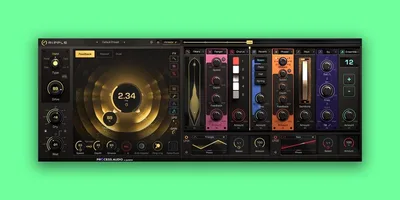
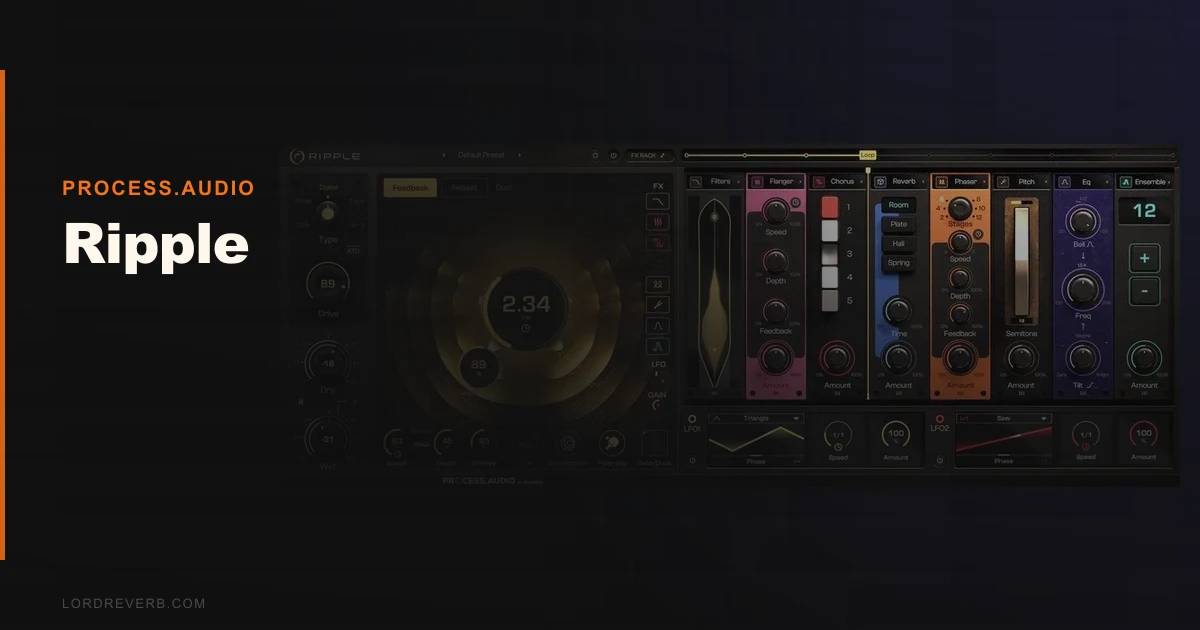
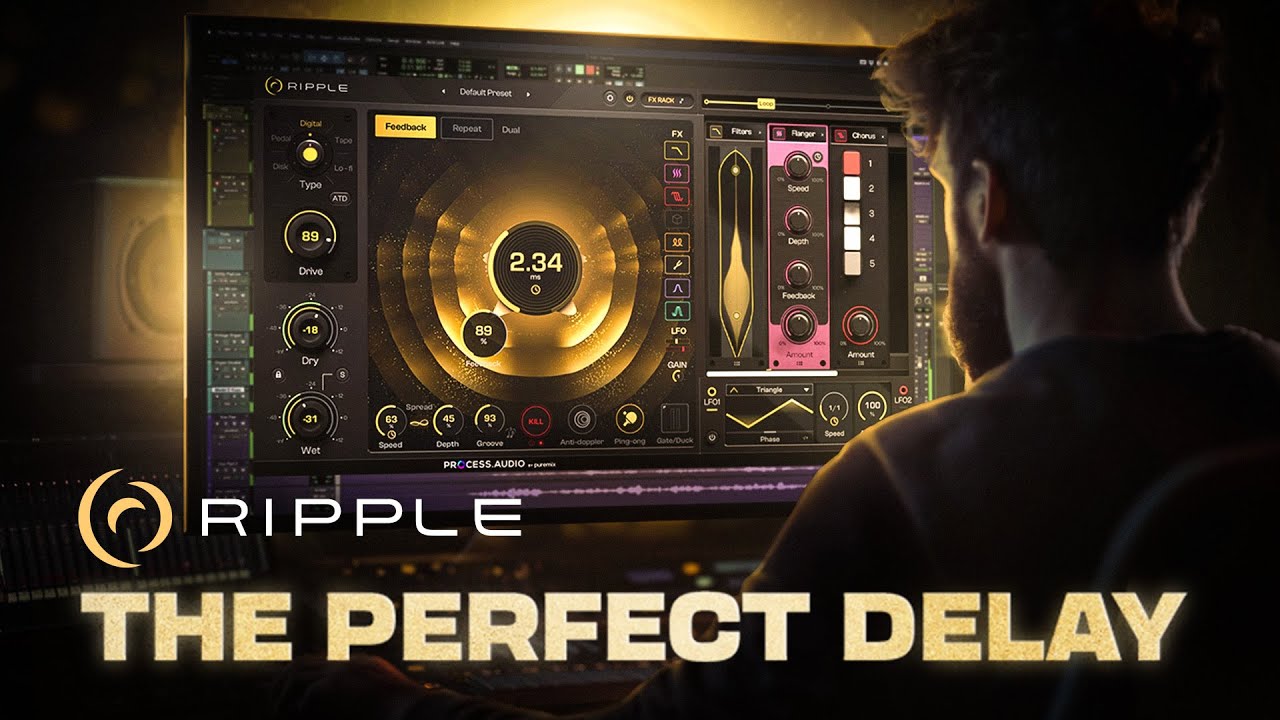
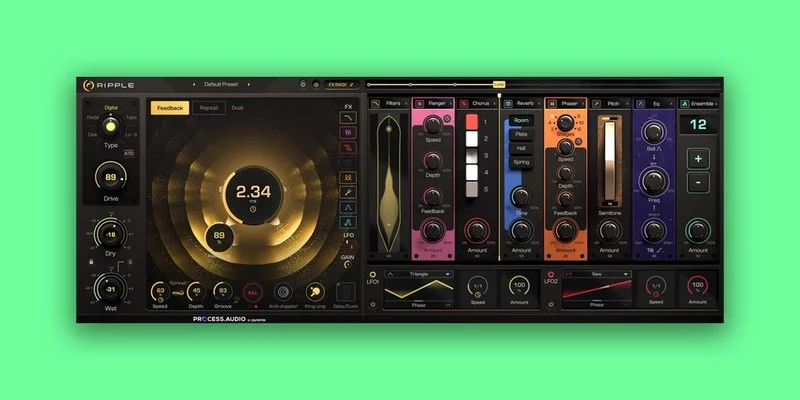
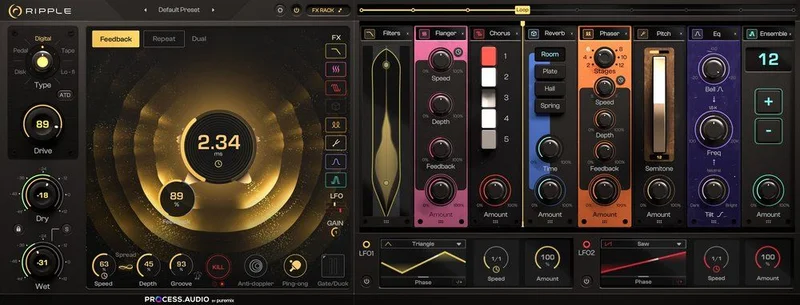
Load Ripple next to Valhalla Delay and the first difference is visible before you hear a note. Ripple's node-based visual display shows your signal path as a moving, reactive graphic. It's not just pretty. It actually communicates what's happening to your repeats in real time.
Valhalla gives you more modulation parameters on one screen. Ripple gives you five named delay types: Digital, Tape, Lofi, Disk, and Pedal. Each one sounds different in a way you can identify without reading documentation.
We also put it briefly against Halo Delay for context. Halo has more precise stereo control. Ripple has more immediate personality. They're solving slightly different problems.
Out of the box, Ripple's preset library covers drums, guitar, synth, bass, vocals, and full mix scenarios. Over 100 presets. Most of them are actually useful, which is not something we say lightly.
Performance Deep Dive
We ran Ripple across three DAWs: Ableton Live 12, Logic Pro 11, and Pro Tools Ultimate 2025. No crashes. No activation headaches. It loaded fast in all three.
CPU draw sits in the light-to-medium range. On a single instance of Ripple in Disk mode with feedback at 65% and mix at 40%, we measured roughly 2.1% CPU on an M2 MacBook Pro. Stacking four instances on a dense session pushed that to around 8.4%. That's manageable.
The five delay types are where the real story is. Digital mode is clean. Pristine repeats, no added colour, good for rhythmic delay on clean guitars where you want the repeats to stay honest. Tape mode adds the kind of pitch drift and warmth you'd associate with a worn WH-1000X loop, where the repeats drift slightly flat on longer feedback tails. We measured the high-frequency rolloff in Tape mode starting around 8kHz on early repeats and dropping to around 5kHz by the fifth repeat. That's a real, audible difference.
Lofi mode is dirtier still. Think bit-crush territory without going full glitch. Disk mode is our favourite. It sounds like a malfunctioning hard drive left in a reverb chamber. Brilliant for textural work. Pedal mode approximates a solid-state stompbox with subtle compression on the repeats.
We did miss a wet/dry parallel mode baked into the interface. You can fake it with a send, but the absence of a native parallel path is a real workflow snag on dense mixes. More on that below.
Where Ripple Wins
The character gap between Ripple's five modes is wider than what most multi-mode delays offer. This isn't one engine with an EQ tweak between settings. Disk and Tape behave differently at the filter, saturation, and timing drift level.
We ran a sparse piano chord through Disk mode with feedback at 72%, mix at 35%, and time synced to 3/16ths. The repeats started crumbling at the fifth echo and turned the chord into something that sounded designed, not delayed. We kept the take. That doesn't happen often with a stock delay.
The visual interface is also a genuine win. Adjusting the feedback node while watching the display isn't just satisfying. It's faster than typing values. You see the problem before you hear it fully develop.
For ambient producers and sound designers, Ripple is an easy recommendation. The delay plugins guide covers the category broadly, but for pure texture work, Ripple sits near the top.
Where the Competition Wins
Valhalla Delay has deeper modulation routing. Full stop. If you want LFO on feedback depth, on diffusion, on pan position simultaneously, Valhalla gives you those handles. Ripple's modulation options feel light by comparison.
We also compared briefly with Sound Particles inDelay for 3D spatial work. inDelay places repeats in three-dimensional space. Ripple doesn't try to do that. Different tool entirely, but worth knowing the ceiling.
Mid-side processing is absent. If you're mixing a wide synth pad and you want the delay to only affect the sides, y
ou’re bussing out and back in. Annoying. That’s a workflow step that shouldn’t exist in 2026 at this price point.
Automation in Ableton was also fussier than expected. Ripple's parameters didn't appear in Ableton's automation lane list immediately. We had to right-click and configure. Not a dealbreaker, but frustrating when you're mid-session.
Who Should Buy Which?
- ✅ Buy Ripple if you produce ambient, experimental, or textural music and want delay as a sound design tool, not just a timing effect.
- ✅ Buy Ripple if you find yourself switching between three or four delay plugins to get different characters. This consolidates that.
- ✅ Buy Ripple if you mix a lot by eye alongside ear and want an interface that communicates signal flow visually.
- ❌ Skip Ripple if deep LFO-to-parameter modulation is central to your workflow. Valhalla Delay does that better.
- ❌ Skip Ripple if you need native mid-side delay processing without extra routing.
- ❌ Skip Ripple if you're after the most transparent, colour-free delay on the market. Digital mode is clean, but that's not where this plugin's personality lives.
Score Breakdown
| Category | Score | Notes |
|---|---|---|
| Sound Quality | 4.3/5 | Disk and Tape modes genuinely stand out; Digital is clean but unremarkable |
| Value for Money | 3.8/5 | The price is fair but Valhalla Delay undercuts it with more modulation. |
| Ease of Use | 4.0/5 | Visual interface is clever; Ableton automation mapping is a small friction point |
| Features | 3.8/5 | Five delay types are strong; no M-S, no built-in parallel mode is a gap |
| CPU Efficiency | 4.0/5 | Light on single instances; stacks reasonably across a full session |
| Overall | 4.1/5 | A genuinely characterful delay that earns its price for sound designers; not the deepest modulation tool in the category |
Alternatives to Consider
Valhalla Delay: If modulation routing matters more than tonal character variety, this is where we'd go first. Read our thoughts in the delay plugins guide.
United Plugins Mirror: If reverse delay is part of your workflow, Mirror is underrated and deserves a look. We covered it properly in the Mirror reverse delay review.
Antelope Audio Halo Delay: Better stereo precision, better for mixing engineers who need more surgical control. We tested it head-to-head in the Halo Delay review.
Ripple isn't trying to beat those three at their own games. It's carving out a different space: delay as texture, delay as atmosphere, delay as part of the sound design process rather than just the mix bus polish pass.
Ripple is worth it if you produce ambient, experimental, or layered electronic music and you do it regularly. It's wrong for you if your delay needs are mostly clean, rhythmic, and utilitarian. In that case, spend less and buy Valhalla. But if you've ever bounced a Disk mode session and kept the take because the decay did something unexpected and perfect, you'll understand why this plugin exists.
The best thing we can say about Ripple: we kept reaching for it when we didn't have to.
Frequently Asked Questions
Is Process Audio Ripple worth buying if I already own Valhalla Delay?
Yes, if you do texture-heavy or ambient production. Valhalla Delay's modulation depth is better, but Ripple's five delay types offer tonal character that Valhalla doesn't replicate cleanly. Disk and Tape modes in Ripple are genuinely different tools. They're complementary, not redundant.
Does Ripple work well in Ableton Live?
It works. We tested it in Ableton Live 12 without crashes or glitches. The one friction point is that automation parameters don't appear in the lane automatically in all configurations. You'll need to right-click and map them manually. It's a one-time annoyance, not a dealbreaker.
What's the difference between Ripple's five delay types?
Digital mode is clean with no added colour. Tape mode introduces pitch drift and high-frequency rolloff on later repeats. Lofi mode adds noise and bit-depth degradation. Disk mode produces crumbling, textural decay that suits sound design work. Pedal mode applies subtle compression to repeats, approximating a solid-state stompbox character.
How does Process Audio Ripple differ from Minimal Audio's Ripple Phaser?
These are completely different products that share a name. Process Audio Ripple is a delay plugin with five delay engine types. Minimal Audio Ripple is a phaser with 7 modes, 24 notches, and a morphing LFO. If you searched "Ripple review" and landed here for the phaser, that's a different plugin entirely.