Padshop 2 is one of the most underrated granular synths available right now, and it earns that label mostly because Steinberg keeps quietly bundling it into Cubase rather than marketing it like a flagship product.
We were neck-deep in a score for a sci-fi short film. The brief was “organic decay.” We dropped a single cello pizzicato hit into Padshop 2’s granular engine, stretched the grain size to around 180ms, pushed the position randomness up, and inside four minutes we had a breathing, shifting texture that no amount of stock reverb could have produced. That moment told us everything about what this plugin does well.
This review is for producers building atmospheres, film composers hunting evolving textures, and anyone who’s looked at Omnisphere’s price tag and wanted something leaner. It’s not for people who need a general-purpose polysynth.
First Impressions: Two Engines, One Interface
Installing Padshop 2 through Steinberg’s Download Assistant is straightforward. Activation requires an internet connection and a Steinberg account. First launch takes you to a clean two-layer interface where the granular engine sits on top and the spectral oscillator lives directly below it.
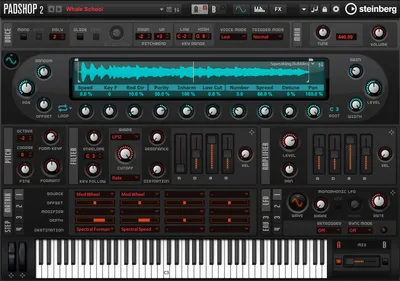
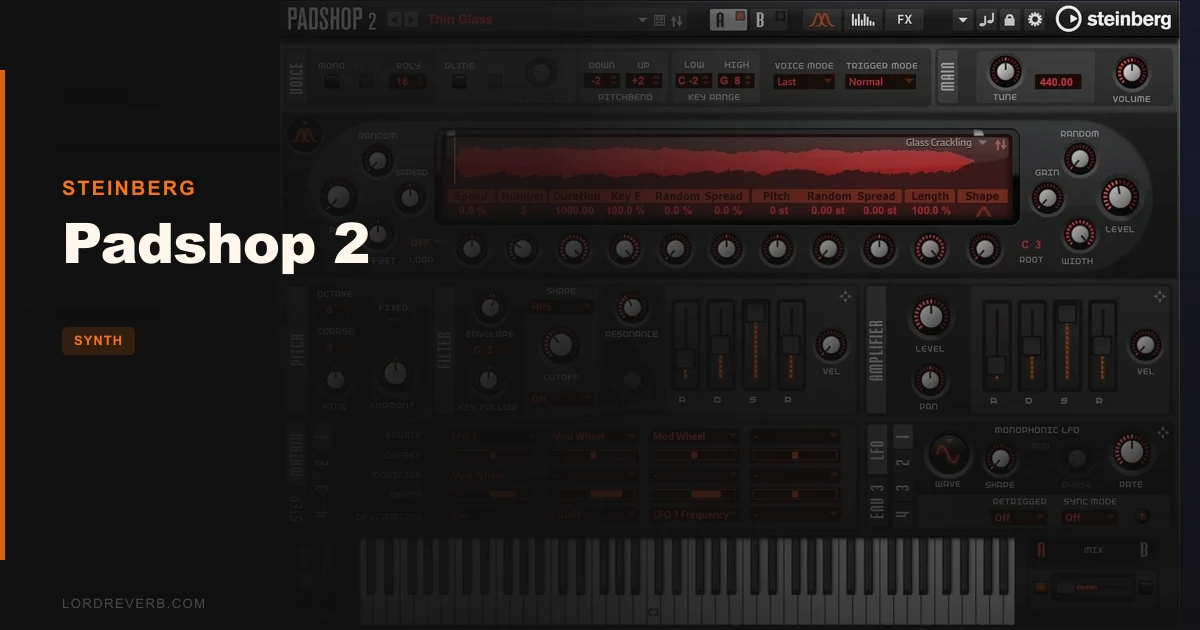
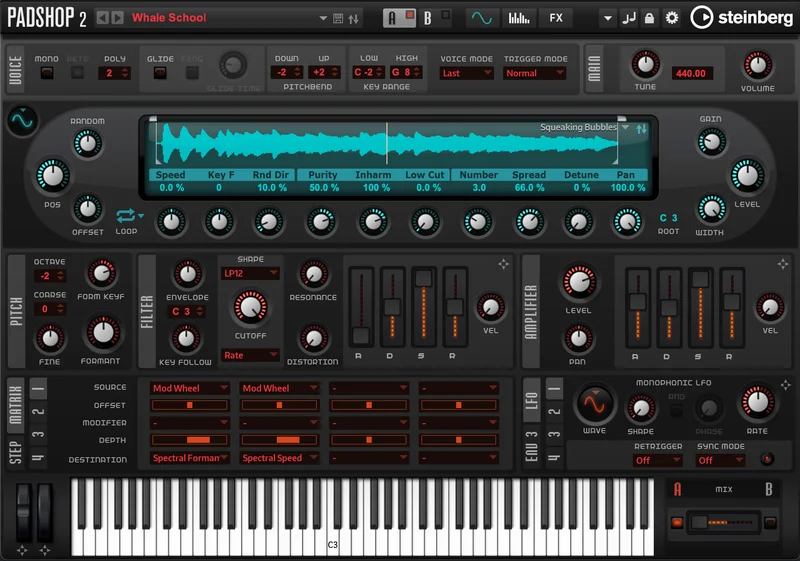
The layout is logical. Sample waveform display on the left, macro controls in the centre, mod matrix beneath. It doesn’t look exciting. It looks functional. Compared to something like Pigments or Serum, the GUI feels like 2019 ran out of time. But everything you need is visible without hunting through sub-menus, and that matters once you’re actually working.
Getting It Into a Real Workflow
Drag-and-drop sample loading works exactly as advertised. We pulled in a short field recording of rain on glass, and both engines accepted it without complaint.
The granular engine is where most of us will spend the majority of our time. Grain size, position, randomness, and pitch spread are the four controls that do the heavy lifting. We dialled grain size down to 40ms on a vocal chop, pushed position randomness to about 65%, and the source became completely unrecognisable in a satisfying way. That’s the workflow: choose your sample, choose your destruction level.
The spectral oscillator is different and takes longer to feel natural. It analyses the frequency spectrum of your sample and lets you reshape it over time. The friction point is that there’s almost no in-app explanation of what the parameters actually do. We spent 20 frustrating minutes clicking through settings before the results started making sense. A tooltips system would fix this overnight.
The arpeggiator is basic but usable. The mod matrix handles up to four LFOs and four envelopes per layer, which gives you enough modulation depth for complex movement without it becoming overwhelming.
What Padshop 2 Is Genuinely Good At
Pad and texture design from custom samples. That’s the headline skill. No other plugin at this price point gives you granular and spectral tools in the same signal chain, operating on the same source material simultaneously.
We layered a granular pad made from a piano sustain with a spectrally processed version of the same note. The result had low-mid warmth between 200Hz and 600Hz from the granular layer, and a shimmering high-frequency movement above 4kHz from the spectral layer. Two controls, one sample, sounds you couldn’t buy as a preset.
The 570+ presets aren’t filler. Around 60% are production-ready starting points rather than the kind of extreme demos that sound impressive for 10 seconds and then never work in a real mix. The “Cosmos” and “Celestial” categories are particularly strong for ambient work.
CPU usage is genuinely light for what it does. Running three instances of Padshop 2 simultaneously on a session with 40+ tracks didn’t push our CPU meter past 18% on an M2 MacBook Pro. That’s impressive. Compare it against heavier synth workhorses
The Rough Edges
The GUI is the most annoying thing about this plugin. Steinberg has updated the feature set without updating the visual design to match. At 4K resolution it looks soft and small. Resizing is limited.
The spectral oscillator needs documentation that doesn’t currently exist inside the plugin. The manual helps, but reading a PDF mid-session to understand a parameter is a 2015 solution.
Padshop 2 doesn’t have a standalone mode. You need a DAW to run it. For most producers that’s a non-issue, but it’s a real limitation if you want to use it for live performance or quick sound design outside a session.
We also wish the arpeggiator had more pattern options. It’s functional, not clever. If arp depth matters to you, here’s a synth that does it better
Who This Is Really For
- ✅ Buy if you score for film, TV, or games and build your own atmosphere libraries from custom samples
- ✅ Buy if you're already a Cubase Pro/Artist user and want to explore what's already in your toolkit
- ✅ Buy if you want granular synthesis without paying Omnisphere prices
- ❌ Skip if you need a general-purpose synth for leads, basses, and plucks
- ❌ Skip if you're new to synthesis and want a plugin that teaches you as you go
- ❌ Skip if you need standalone operation for live use
Score Breakdown
| Category | Score | Notes |
|---|---|---|
| Sound Quality | 4.5/5 | Dual-engine output is genuinely distinctive; granular textures hold up in professional mixes |
| Value for Money | 4.0/5 | $129.99 is fair; the upgrade pricing from original Padshop is very reasonable |
| Ease of Use | 3.5/5 | Granular engine is intuitive; spectral oscillator needs better in-app guidance |
| Features | 4.0/5 | Two full synthesis engines, mod matrix, arp, and effects is a strong package |
| CPU Efficiency | 4.5/5 | Three simultaneous instances barely registered on an M2 MacBook Pro |
| Overall | 4.1/5 | Best granular-spectral combination at this price point; held back by dated GUI and weak documentation |
Alternatives to Consider
Omnisphere 2 (Spectrasonics) is the benchmark for sample-based synthesis depth. It does more, sounds massive, and costs significantly more. If budget isn't a constraint and you want the most powerful option available, Omnisphere is the answer. Read our thoughts on powerful synth engines
Arturia Pigments offers granular as one of four oscillator types in a much more modern interface with excellent in-app documentation. It's a better teaching tool. It doesn't have a dedicated spectral oscillator, but the workflow is friendlier for producers who aren't deep into sound design. See how Arturia's synth design holds up in 2026
Tape Synths and sample-based expansion packs are worth considering if you want the character without the programming. Check our Tape Synths expansion review They won't give you Padshop 2's real-time sample manipulation, but they're faster to deploy in a tight session.
Padshop 2 is brilliant at one specific thing: taking any audio you own and turning it into something a listener will never trace back to the source. It is priced honestly for what it delivers. If pads and textures are a core part of your output, we’d buy it. If you need a synth that does everything, look elsewhere. The spectral oscillator alone is worth the upgrade cost from the original Padshop. The frustrating part is that Steinberg knows how good this is and still hasn’t given it the interface it deserves.
Related reviews: Can Theia Replace Your Go-To Pad Synth in 2026?
Frequently Asked Questions
Is Padshop 2 included with Cubase?
Yes. Padshop 2 is included with Cubase Pro and Cubase Artist from version 10.5 onward, and with the Absolute 4 bundle. If you already own either of those, you may already have access to it without knowing. Check your Steinberg account for available downloads.
What's the difference between the granular engine and the spectral oscillator in Padshop 2?
The granular engine cuts your sample into small grains (typically 20ms to 500ms) and plays them back with variable randomness, position, and pitch spread. The spectral oscillator analyses the frequency content of the sample and reshapes that frequency data over time. Granular is better for movement and texture. Spectral is better for tonal morphing and unusual harmonic transformations. They can run in parallel on the same sample.
Can you use your own samples in Padshop 2?
Yes, and it's one of the strongest features. You can drag and drop any audio file directly into either engine. WAV and AIFF files work without conversion. The results vary depending on the source material, but almost anything with sustain or harmonic content gives you workable results immediately.
How does Padshop 2 compare to Omnisphere for pad design?
Omnisphere has a larger library, more synthesis modes, and a deeper effects section. Padshop 2 wins on price and on the specific combination of granular and spectral tools working on the same sample simultaneously. For dedicated pad and texture work, Padshop 2 gets you 80% of Omnisphere's output at roughly 15% of the cost. Omnisphere is the better all-round instrument.