You've just layered three pad tracks, they sound gorgeous in headphones, and then you check mono and half the width collapses into a muddy smear. That specific problem is why NUGEN Audio built Stereoizer Elements. It's a $49 stereo widening plugin that uses psychoacoustic processing, Interaural Time Difference and Interaural Intensity Difference combined, to push width into a signal while keeping the mono fold-down usable. Not exciting on paper. Surprisingly effective in practice.
This review is for producers working in home or small studios who need a reliable, low-fuss widening tool they can drop on a bus and trust. If that's you, keep reading.
The Specific Problem Stereoizer Elements Exists to Solve
Simple stereo widening tools that just invert phase or boost the side channel are everywhere. They're also dangerous. Push the width too far and your mono signal loses bass, center elements drift, and the whole mix falls apart on a club system playing in mono.
Stereoizer Elements uses a different approach. The algorithm creates psychoacoustic space by manipulating how the brain perceives lateral positioning, not by brute-force side-channel boosting. The result is width that feels wider than the numbers suggest, without destroying your mono compatibility.
This matters most on sustaining elements: pads, strings, piano, room mics, choirs. Anything with a long tail that would normally turn into a phase mess if you widened it carelessly. That's the exact use case this tool is built for.
How It Performs in Real Sessions
We dropped Stereoizer Elements on a stereo piano bus running through a session with a lead vocal sitting center. The piano had been recorded with a close-mic pair and felt narrow and boxed-in. We pulled the Linear Width slider to around +60% and checked mono immediately.
The center stayed locked. The piano spread outward without pulling energy away from the low-mid range where the body of the instrument lives. That's the ITD and IID combination doing its job. A simple M/S width boost on the same signal at the same perceived width caused a 3dB dip around 250Hz when summed to mono. Stereoizer Elements didn't.
We also ran it on a choir bus in a folk production. Eight vocal layers that already had natural stereo spread. Pushing the slider to +45% opened up space in the mix for the acoustic guitar to sit without us touching a single EQ band. Satisfying in a way that feels almost like cheating.
On drum overhead buses, it's more of a mixed result. It works on slower, airier material. Fast transients at higher Width settings showed some subtle smearing around the attack. We'd keep it below +40% on transient-heavy material and check mono every time.
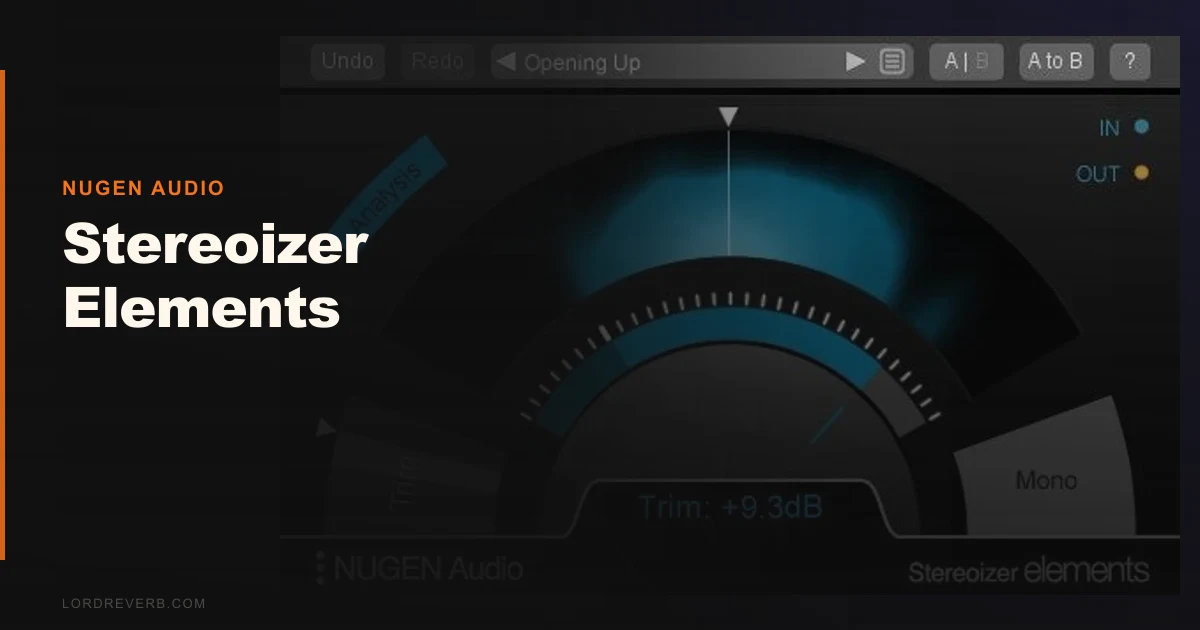
The mono button on the interface is a one-click check. Small thing. Saves a lot of mistakes.
Strengths and Weaknesses
The single-slider approach is either the best thing about this plugin or the most frustrating, depending on your workflow. We love it for fast decisions. Drop it on a bus, dial to taste, move on. There's no decision fatigue. No rabbit hole of band-splits or stereo field meters to interpret.
The mono compatibility really does hold up better than most tools at this price. We've tested it against simple M/S wideners built into several DAWs, and Stereoizer Elements sounds cleaner when summed.
The weaknesses are real though. The Rosetta requirement for Apple Silicon Macs is annoying in 2026. NUGEN has native Apple Silicon support across much of their catalog. Not having it here for a $49 plugin feels like an oversight that should have been fixed by now.
There's also no mid/side split control. You can't protect the low end by limiting widening below a certain frequency. That feature exists in NUGEN's full Stereoizer plugin but not here. For mixing it's usually fine. For mastering, it's a dealbreaker.
No detailed CPU data is published by NUGEN, and we didn't hit any issues running six instances across a session. Light footprint based on our testing. But we can't give you a hard number.
Value for the Price
At $49, the honest answer is yes, it's worth it. Especially if you buy into the Focus Elements bundle, which adds Monofilter and Stereoplacer. Those three tools together cover width, low-end mono anchoring, and stereo positioning. That's a legitimate mastering-adjacent toolkit for under a hundred dollars.
Stereoizer Elements on its own is a useful one-trick tool. The trick is a good one. But $49 for a single slider does require you to trust the algorithm, and we think that trust is earned here.
The current price is shown in the buy box on this page. NUGEN runs sales.
Who Should and Shouldn't Buy This
- ✅ Buy if you produce electronic, ambient, or orchestral music and need width on pads and strings without phase issues in mon o.
- ✅ Buy if you're already considering the Focus Elements bundle, where it becomes part of a coherent signal chain.
- ✅ Buy if you want a reliable widener you can drop on a bus without reading a manual.
- ❌ Skip if you're on Apple Silicon and don't want to deal with Rosetta.
- ❌ Skip if you need frequency-dependent stereo control for mastering work. You want the full Stereoizer.
- ❌ Skip if you're already using a stereo imaging plugin with mid/side splits baked in. You probably don't need both.
Score Breakdown
| Category | Score | Notes |
|---|---|---|
| Sound Quality | 4.0/5 | Mono-safe widening holds up well; slight smearing on fast transients at high settings |
| Value for Money | 4.0/5 | $49 is fair for what it does; the bundle makes more sense financially |
| Ease of Use | 4.5/5 | Single slider plus mono check button. Impossible to over-engineer your workflow |
| Features | 3.0/5 | No frequency-dependent control, no M/S split; stripped intentionally but limiting for advanced use |
| CPU Efficiency | 4.0/5 | Light in testing; no published spec to verify against competitors |
| Overall | 4.1/5 | Reliable, affordable, and honest about what it is, a focused tool for a specific job |
Alternatives to Consider
If you need frequency-dependent stereo control, NUGEN's own full Stereoizer plugin review gives you band-split processing and more surgical width management. It costs more, but the upgrade is worth it for mastering work.
Izotope Imager 2 is the most direct competitor. It offers four-band stereo width control with a visual stereo field display. It's a stronger tool for mastering chains where you need to keep the low end in mono while widening the top two octaves independently. We'd pick Imager 2 for that specific use case. We'd pick Stereoizer Elements for fast mix bus work where the single-slider speed matters.
If you're on a tight budget and need a free starting point, check our best free stereo widening plugins roundup. There are usable options at no cost, though none match Stereoizer Elements on mono compatibility.
For a broader look at spatial tools, our best stereo imaging plugins for mixing guide covers the full landscape from free to pro-tier.
Stereoizer Elements does one thing. It does it cleanly. At $49 it's a legitimate buy for mix engineers who work fast and need to trust their widening tool in mono. If you need band-split control or you're on Apple Silicon without patience for Rosetta, skip it and spend the extra money on the full version.
The best compliment we can give a $49 plugin: we forgot it was there. The width sat right and nothing broke in mono. That's the whole job.
Frequently Asked Questions
Is Stereoizer Elements mono compatible?
Yes. Mono compatibility is the core design goal. The algorithm uses Interaural Time Difference and Interaural Intensity Difference processing to create psychoacoustic width rather than simple side-channel boosting. In our testing, summing to mono preserved the center and low-mid content far better than standard M/S wideners at equivalent perceived width settings. Always use the built-in mono check button to verify before bouncing.
What's the difference between Stereoizer Elements and the full NUGEN Stereoizer?
Stereoizer Elements gives you a single Linear Width slider running from -100% to +100% and a mono button. That's it. The full Stereoizer adds frequency-dependent widening, meaning you can limit stereo processing to specific frequency bands and keep your low end mono. For mixing, Elements is usually enough. For mastering, you'll want the full version.
Does Stereoizer Elements work on Apple Silicon Macs natively?
Not natively as of our testing period. It requires Rosetta 2 to run on Apple Silicon Macs. That's a real frustration given that NUGEN has native Apple Silicon builds for other plugins in their catalog. It runs fine under Rosetta, but the added step and any potential Rosetta-related compatibility quirks with your DAW are worth knowing about before you buy.
Is the Focus Elements Bundle worth it over buying Stereoizer Elements alone?
If you're already considering Stereoizer Elements, the Focus Elements Bundle is almost always the smarter buy. It adds Monofilter, which anchors low-end content in mono, and Stereoplacer, which handles stereo positioning. Together those three tools form a practical stereo management chain for mixing and light mastering work. Buying Stereoizer Elements alone only makes sense if you already own tools that cover the other two functions.