We were building an outro pad for a synth-wave track, layering textures that needed to breathe and shift without looping obviously. We opened WAVESTATION, landed on a factory patch called something forgettable, and heard exactly the sound we didn’t know we were looking for: waveforms morphing into each other across four oscillators, the joystick vector panning between timbres in a way no static synth layer could replicate. That moment is what WAVESTATION the plugin does best. It contains the complete circuit-level emulation of one of the strangest and most influential synthesizers of the early 1990s, and if you work in film, ambient, synthwave, or any genre that demands evolving pads and rhythmic wave sequences, this is the plugin that earns its keep.
First Impressions: 1,500 Presets and One Confusing Interface
Installation through Korg’s software manager is quick. No iLok dongle. Internet activation on first load. Done.
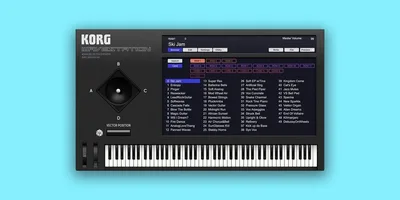
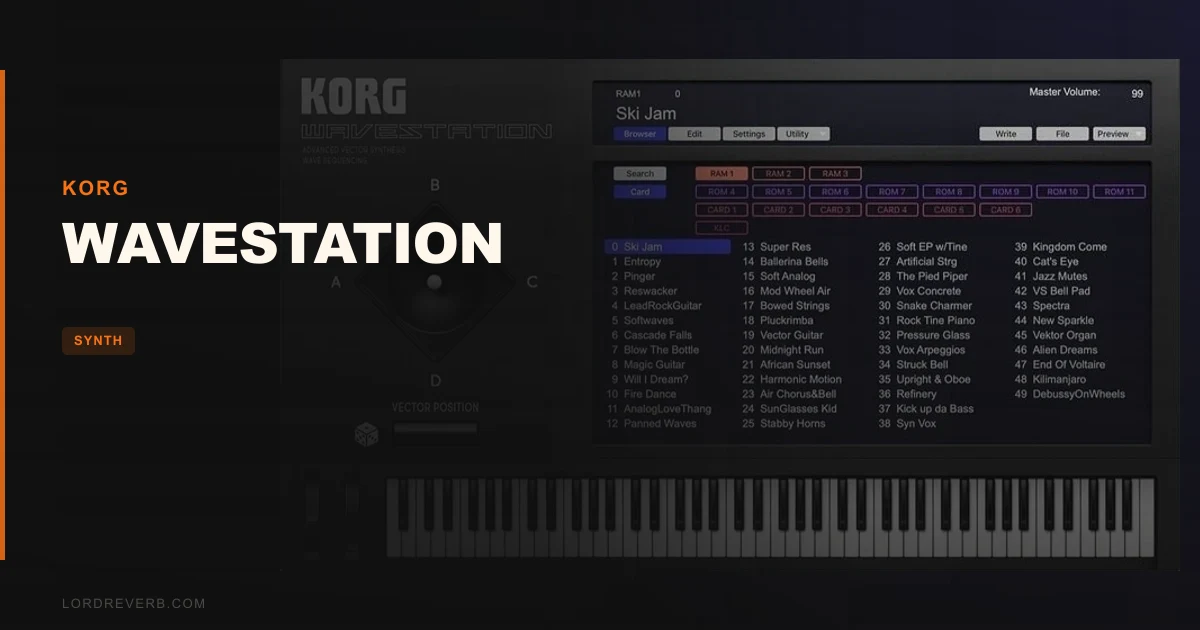
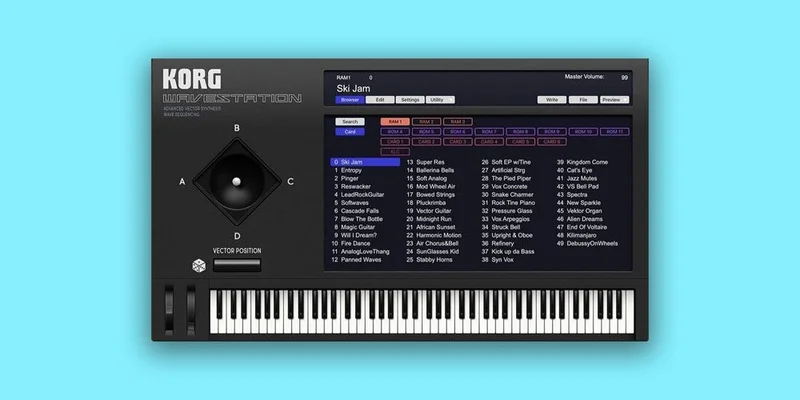
Then the GUI opens. It’s faithful to the original hardware layout. That’s both the charm and the problem.
The new high-resolution scaling helps. Six levels of scalability mean it doesn’t look like a blurry relic on a 4K screen. But the interface still presents wave sequences, vector envelopes, and patch routing as a wall of parameters with no tutorial overlay and no contextual help. If you’ve never touched a WAVESTATION before, you’ll spend your first hour in presets. That’s not necessarily wrong. With 1,500 programs covering all four hardware variants (WAVESTATION, EX, A/D, and SR) plus six optional PCM cards, the presets alone justify the price.
Getting It Into a Real Workflow
We dropped WAVESTATION onto a DAW track in a film score session. Routing is standard: AU on Mac, VST3/AAX across both platforms. No weirdness there.
CPU sits between 10-15% on complex patches with dense wave sequences running. That’s on an Intel Core i7. On Apple Silicon, Korg’s native M-series support keeps it closer to 8-10%. Not CPU-hungry for what it’s doing sonically, but you won’t stack twelve instances without noticing.
The new program browser is the biggest workflow upgrade in V2. Two tag types (instrument category and sound character) let you filter 1,500 patches without scrolling endlessly. We found usable textures in under 90 seconds. Before this update, that same search took closer to 10 minutes.
The friction hits when you try to edit. Wave sequencing means arranging individual waveforms from a library of 700-plus into a timed sequence. Adjusting crossfade times, step levels, and wave positions requires patience. There’s no visual waveform preview. You edit numbers, hit play, and listen. It’s slow. The random sequence engine in V2 generates new sequences automatically, and honestly, we used it more than manual editing. That’s a workaround, not a solution.
What WAVESTATION Does That Nothing Else Touches
The vector synthesis system is the whole point. Four oscillators. A joystick (or automatable XY envelope) that morphs between them in real time. No other plugin in this price bracket does this the same way.
We automated the vector position across 32 bars of an ambient piece. The result shifted from a pure sine-wave pad to a breathy, formant-like texture and back again, all within a single sustained chord. That’s not achievable with a static wavetable synth. The MiniFreq V review gets close with its vector envelope, but Minifreak V’s architecture is fundamentally different. WAVESTATION’s sound is more organic and less precise. That’s its strength.
The 55 onboard effects include chorus, reverb, delay, and modulation types that were baked into the original hardware. They’re not Fabfilter-grade. But they’re sonically correct for the instrument. We left them active on 80% of patches because removing them made sounds feel incomplete.
The preset library depth is underrated. The WAVESTATION A/D and SR expansion content alone adds timbres that the original base unit never shipped with. Film and TV composers used these boards through the 1990s. Those sounds are all here.
The Rough Edges
Honest warning: if you want to program from scratch, budget serious time.
Wave sequencing is not intuitive in 2026. The Korg Wavestate hardware from 2020 introduced Wave Sequencing 2.0, which added probability, randomisation per step, and a far more visual editing environment. The plugin doesn’t have that. It’s Wave Sequencing 1.0, faithful to 1990. That’s correct historically and frustrating practically.
No standalone mode is annoying. You need a DAW or a host. For a synth this deep, the inability to just open it and play without launching a session creates unnecessary friction.
The modulation routing is also complex without a patch cable visual. It’s a menu-driven system. Not wrong for its era. But competing modern synth plugins show you what’s connected. WAVESTATION makes you remember.
Who This Is Really For
- ✅ Buy if you score for film, TV, or sync and need evolving, morphing pads that don't sound like every other wavetable synth
- ✅ Buy if you owned or loved the original WAVESTATION hardware and want it in your DAW with 256-note polyphony and a searchable preset browser
- ✅ Buy if you're a sound designer who'll invest time learning wave sequencing properly and wants 700-plus source waveforms to work with
- ❌ Skip if you want instant, intuitive sound design with visual feedback and modern UX
- ❌ Skip if you're primarily a bass or lead synth user. This instrument lives in pads, textures, and rhythmic sequences
- ❌ Skip if you want Wave Sequencing 2.0's probability and per-step randomisation. Buy the Wavestate hardware instead
Score Breakdown
| Category | Score | Notes |
|---|---|---|
| Sound Quality | 4.5/5 | Circuit-level emulation from original schematics; no other plugin sounds like this |
| Value for Money | 4.5/5 | The price for 1,500 presets, 700+ waveforms, and four hardware model variants is hard to argue with. |
| Ease of Use | 3.0/5 | Preset browsing is good; programming from scratch is a significant learning investment |
| Features | 4.0/5 | 55 effects, random sequence engine, and full expansion card content; no standalone mode drags it down |
| CPU Efficiency | 4.0/5 | 10-15% on complex patches is reasonable; Apple Silicon native support helps |
| Overall | 4.2/5 | A unique instrument that earns its place in any serious plugin collection, if you're patient enough to use it right |
Alternatives to Consider
If WAVESTATION’s editing depth is too steep, Arturia MiniFreak V offers vector-adjacent morphing in a much more accessible interface. It doesn’t replicate WAVESTATION’s specific wave sequencing, but it’s faster to program and sits in a similar sonic territory for evolving pads.
For producers who want pure wavetable depth with modern UX, check the Audio Blast ABX3 Bundle as a starting point for understanding sequential synthesis workflows before committing to WAVESTATION’s architecture.
If you want physical knobs and Wave Sequencing 2.0 with probability and randomisation per step, the Korg Wavestate hardware is the real upgrade. It costs significantly more. But the gap in expressiveness is real.
For sound designers who want similarly unusual source material in a different format, Tape Synths Expansion offers textural weirdness at a comparable price point, though it’s sample-based rather than synthesis-based.
The Verdict
WAVESTATION is not a casual purchase. It rewards the producers who learn it. The ones who don’t will live in presets forever, which is fine because those presets are brilliant. But the real value sits inside wave sequencing, and that takes work to access.
If you need morphing pads and evolving sequences that sound like nothing else in your plugin folder, buy it. If you want modern synth workflow with visual feedback and quick results, look elsewhere.
The caveat: this is wrong for you if you expect Serum-style immediacy. WAVESTATION was complex in 1990. It’s still complex now. That’s not a bug.
Related reviews: Rave Station 2 Review · Can Colorwoods Piano Replace a Pricier Plugin in 2026?
Frequently Asked Questions
Is WAVESTATION V2 the same as the original Korg Legacy Collection WAVESTATION?
It's an upgrade of it. The 2004 Legacy Collection version was the starting point. V2 adds a high-resolution scalable GUI for Retina and 4K displays, the new program browser with tag-based filtering, and the random sequence engine. The core circuit emulation is the same principle: Korg engineers analysed original hardware schematics to replicate the circuitry in software rather than just sampling the output.
Does WAVESTATION work on Apple Silicon Macs without Rosetta?
Yes. Korg added native Apple Silicon support, so it runs without the Rosetta 2 translation layer. Performance on M-series chips is noticeably better than running through emulation, with CPU usage sitting lower than on equivalent Intel machines. Mac OS 10.14 Mojave or higher is required.
How is WAVESTATION different from the Korg Wavestate hardware?
WAVESTATION the plugin faithfully emulates the original 1990 hardware's Wave Sequencing system. The Wavestate hardware (released 2020) introduced Wave Sequencing 2.0, which adds probability per step, lane-based randomisation, and a much more visual editing environment. If you want the original sounds and workflow in your DAW, the plugin is the right tool. If you want the evolved, more modern version, the hardware is a different instrument.
Can you program original patches in WAVESTATION or is it mainly a preset player?
You can program from scratch. You have access to 700-plus waveforms, full wave sequence editing, vector envelope control, and 55 effects to build with. The honest reality is that programming is complex and menu-driven, without the visual aids that modern synths provide. The new random sequence engine helps by generating starting points you can then edit. Most users end up modifying existing presets rather than building from zero, which is a legitimate workflow given how deep the preset library goes.