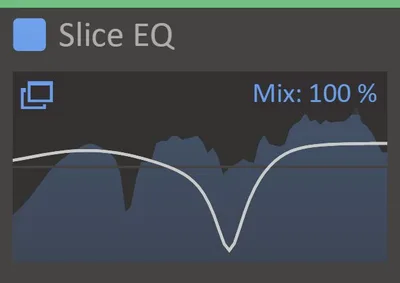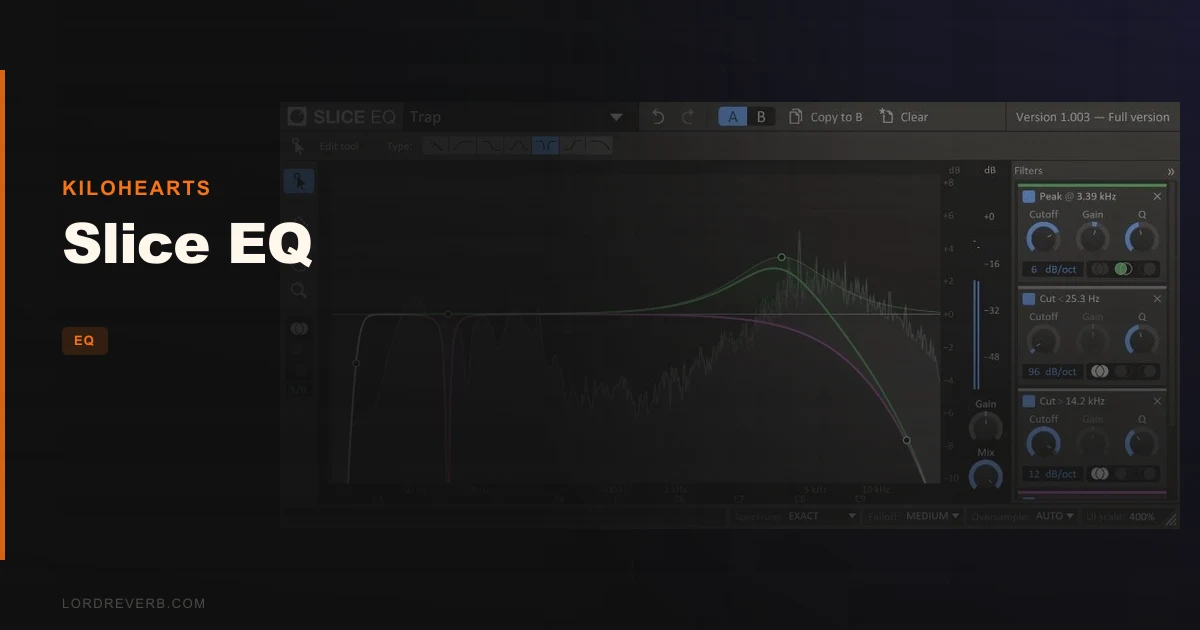
If you’re finishing a dense mix and need to carve room for a vocal without touching anything else, Slice EQ is the parametric EQ we’d reach for. It’s an advanced parametric equalizer from Kilohearts, priced at $79, with up to 32 stereo filters, six filter types, slopes that go to 96dB/octave, built-in M/S processing, and a spectrum analyzer that reviewers consistently call the most usable display they’ve seen in this price range. It’s built for producers and engineers who want a clean, fast, precise tool. Not one with a hundred features. Just one that does the core job without coloring the signal or dragging your session down.
Where Does Slice EQ Belong?
Slice EQ earns its place on the bus. Mid-range vocal cuts, surgical high-end work, and final mix passes in M/S mode are where it shines according to owners. The 96dB/octave slopes make it useful for tight band separation, the kind of work where a gentle shelf won’t cut it.
Users report preferring its M/S mode specifically for final mix touches, which makes sense given the precision the filter shapes allow. The spectrum analyzer with frequency referencing means you’re not guessing where the problem lives.
It also works as a creative EQ plugin for movement alternative when you want something surgical rather than animated. Stack it inside Snap Heap and the modulation possibilities open up fast.
It fits clean electronic, post-production, pop vocals, and any mix situation where coloration is the enemy.
Where It Doesn't Belong
Don’t load Slice EQ expecting a dynamic EQ. It doesn’t have one. Users flag this as a real limitation, and they’re right. If your mix needs frequency-selective compression, you’re adding another plugin to the chain regardless.
There’s no band solo function either. If you’re hunting a resonance by ear and need to isolate a band to find it, that workflow isn’t here.
And if you’re running Pro Tools on a session that needs bypass on every plugin without exception, the AAX bypass bug is a genuine frustration. The developers acknowledged it and committed to fixing it, but it’s not resolved yet as of this writing. Annoying, and hard to overlook in a professional AAX workflow.
How To Use It Well
Start with the spectrum analyzer before you touch a filter. Let the reference display show you where your signal actually sits, not where you think it sits. That’s the whole point of having it.
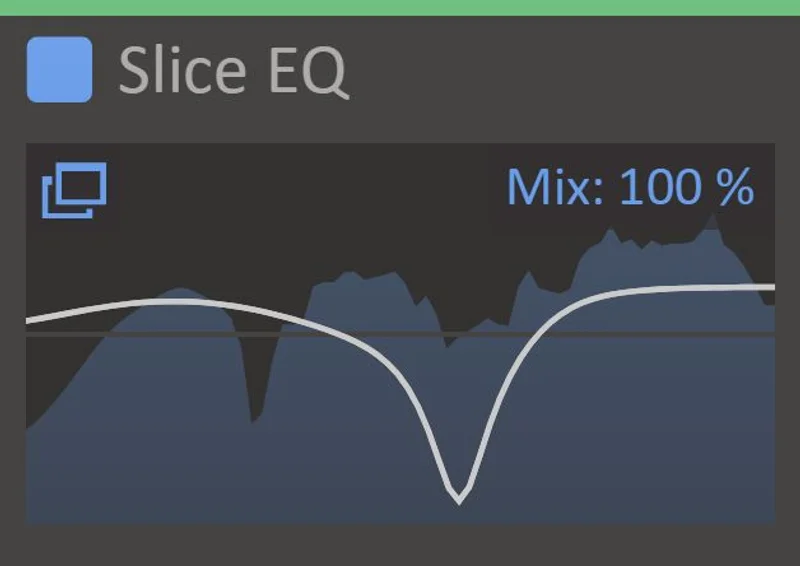
For vocal cuts, try a high-Q narrow notch to find the harsh peak first. Put Slice EQ on the vocal bus, sweep a boosted band through the 2kHz to 5kHz range until the problem screams at you, then flip it to a cut. Pull it down 3 to 5dB and widen the Q until the cut sounds natural rather than hollow.
For M/S work on a stereo bus, address the Mid channel separately from the Side. Pull low-mid mud from the Mid without touching the Side stereo width. Push Side air above 10kHz if the mix feels closed. That’s a satisfying workflow when you dial it in correctly.
The developer says you can stack Kilohearts plugins without worrying about performance. Take them at their word and don’t be shy about running Slice EQ on multiple channels.
The resizable workspace matters more than it sounds. On a dense session, dragging the EQ display large enough to see your filter shapes clearly improves your EQ decisions in ways that a cramped interface never does.
Against the Field
Pro Q3 is the obvious comparison. Reviewers who’ve used both describe Pro Q3 as clean and capable but “boring.” Slice EQ gets credited with more satisfying vocal mid-range cuts specifically. If you live in Pro Tools and need the full ecosystem, Pro Q3 wins on AAX integration right now because the Slice EQ bypass bug hasn’t shipped a fix yet.
Pro Q2 still shows up in comparisons. Its interface is considered genre-defining, but some reviewers question its sound quality head-to-head against Slice EQ. Slice EQ takes the sound quality argument according to the users making that comparison.
DMG and bx_digital compete on transparency. Users who’ve tried both against Slice EQ give Slice EQ the edge on mid-range vocal cuts specifically.
Slice EQ wins on: clean filters, spectrum display, M/S precision, and CPU load. It loses on: dynamic EQ capability, AAX bypass, and brand recognition.
The Verdict
Buy Slice EQ at $79 if you want a clean, surgical parametric EQ that won’t argue with your CPU. Reviewers back the sound quality claim. The M/S mode is genuinely useful for final mix work, and the spectrum display is better than what most similarly priced tools offer.
Skip it if you work exclusively in Pro Tools and can’t live with the bypass bug until it’s patched. Skip it if dynamic EQ is part of your regular toolkit. For everyone else? It’s worth it.
Specs & Technical Details
| Developer | Kilohearts |
| Price | $79 |
| Plugin Format | VST 2, VST 3, AAX, Audio Unit |
| OS Support | Mac / Windows (actively maintained versions) |
| Activation | N/A |
| CPU Usage | Light (developer states stackable without performance issues) |
| Trial Available | Yes (Kilohearts recommends trial for older OS versions) |
| Version Reviewed | N/A |
Score Breakdown
| Category | Score | Notes |
|---|---|---|
| Sound Quality | 4.5/5 | Reviewers consistently rate it above Pro Q2/Q3 on vocal mid-range cuts; digitally clean filters |
| Value for Money | 4.0/5 | Competitive at $79 but the missing dynamic EQ means extra spend for some workflows |
| Ease of Use | 4.0/5 | Resizable workspace and recognizable layout help; no scroll fine-tuning and limited zoom draw it back |
| Features | 4.0/5 | Six filter types, 32 stereo filters, M/S, spectrum referencing; no dynamic EQ or band solo |
| CPU Efficiency | 5.0/5 | Developer states stackable without performance drag; owners report RAM efficiency |
| Overall | 4.3/5 | A clean, precise parametric EQ that earns its place on any bus |
Alternatives to Consider
If the AAX bypass issue is a dealbreaker for your Pro Tools sessions, FabFilter Pro-Q 3 is the go-to alternative. The best EQ plugins for Pro Tools roundup covers it in context. It costs more, but the AAX integration is solid.
If you want frequency movement and animation built into the EQ itself rather than relying on a Snapin host for modulation, BLEASS Motion EQ is worth a look. Different tool, different job.
For a simpler filter-based approach with a specific character, VEQ-HLF handles Pultec-style shaping without the surgical precision Slice EQ offers. Pick based on whether you’re sculpting or shaping.
If you want to pair Slice EQ with a creative sequencer for modulation duties, SEQUND Lite stacks neatly into a modular signal chain.
Slice EQ handles the precision work. Add what it lacks elsewhere rather than expecting one plugin to do everything.
Frequently Asked Questions
Does Slice EQ work in Pro Tools?
Yes, Slice EQ supports the AAX plugin format. There is a known bug where the bypass function doesn't work correctly in AAX. The developers have acknowledged this and committed to a fix, but check the Kilohearts release notes before purchasing if bypass reliability in Pro Tools is critical to your workflow.
Does Slice EQ have dynamic EQ?
No. Slice EQ is a parametric EQ without dynamic EQ capability. If you need frequency-selective gain reduction that responds to signal level, you'll need a separate plugin for that job. Users consistently flag this as the main limitation to plan around.
Can you use Slice EQ for M/S processing?
Yes. Mid/side processing is built in. Users specifically call out the M/S mode as one of the strongest reasons to choose Slice EQ for final mix work. It lets you address the Mid and Side channels independently without leaving the plugin.
Is Slice EQ compatible with Mac and Windows in 2026?
Slice EQ runs on any version of Windows or MacOS actively maintained by Microsoft or Apple. Kilohearts recommends keeping your OS current, and they advise running the free trial before purchasing if you're on an older OS version they no longer support.