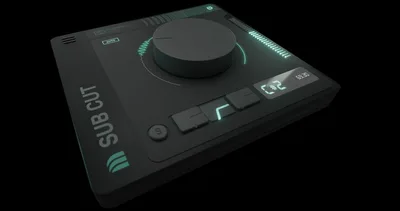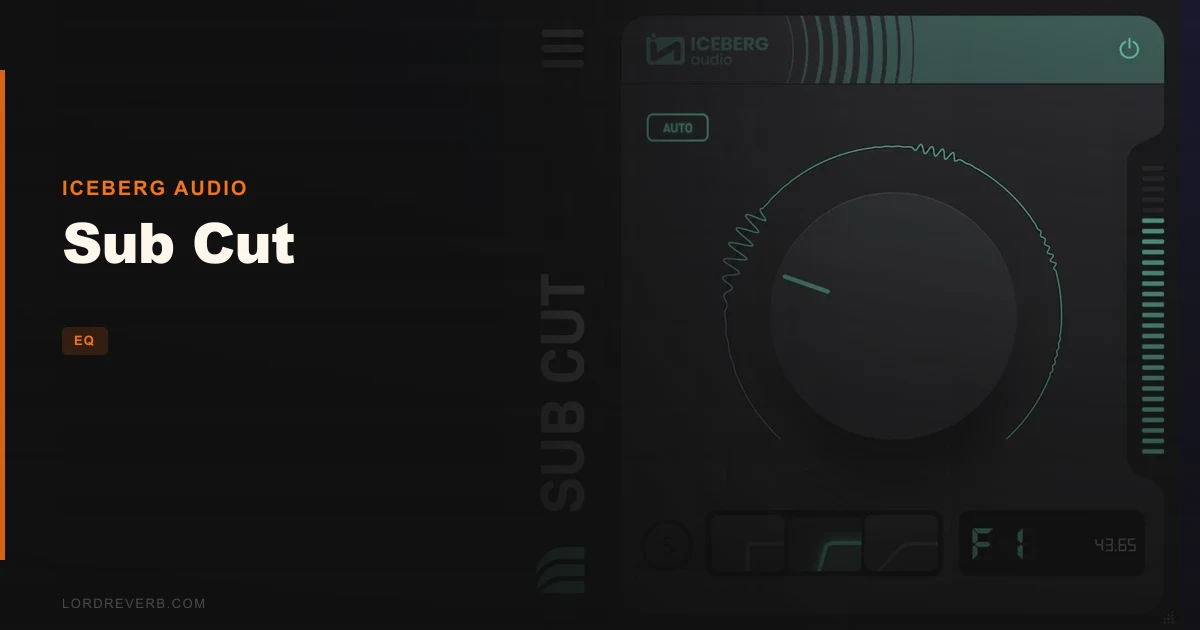
Sub Cut is a low-frequency cutting plugin from Iceberg Audio that works exclusively below 220Hz, and that single fact will either make it exactly what you need or completely useless for your session. If you're running an older host that relies on VST2, stop here: Sub Cut doesn't support it. No workaround, no legacy mode. You'll also need an internet connection to activate it. Those two things aside, what's left is a sharply focused tool priced at $49 that does one job and does it with a musical ear baked into the filter design.
The Catch Up Front
The 220Hz ceiling is real and it's the first thing to understand. Sub Cut is not an EQ. It doesn't touch your mids, your high-mids, your air. It lives from the sub region up to 220Hz and nowhere else.
VST2 is gone entirely. If you're on a DAW or system that hasn't moved to VST3 yet, this won't load. That's frustrating if your hybrid rig includes older hardware-linked software.
Activation needs a live internet connection the first time. After that, one licence covers every machine you own, which is genuinely useful. Mac users get VST3, AU, and AAX. Windows users get VST3 and AAX only, so Logic users are Mac-only anyway, but worth checking your setup before you buy.
What You Get If You Clear It
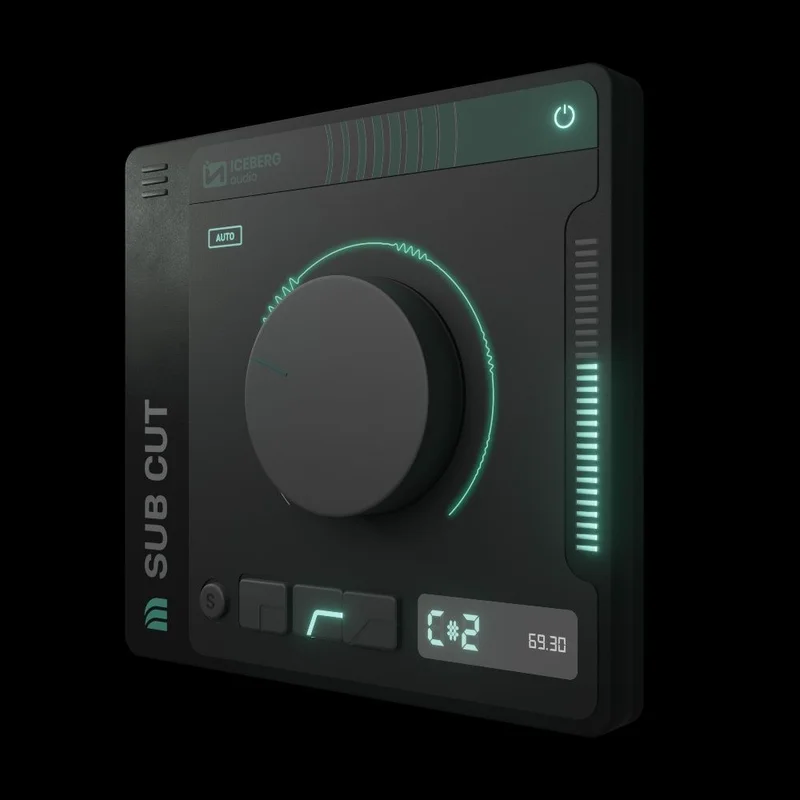
Sub Cut gives you three roll-off settings: Fast, Default, and Slow. These aren't arbitrary slope options. Iceberg Audio says they're calibrated specifically for musical results below 220Hz, tuned to feel right rather than just measure right.
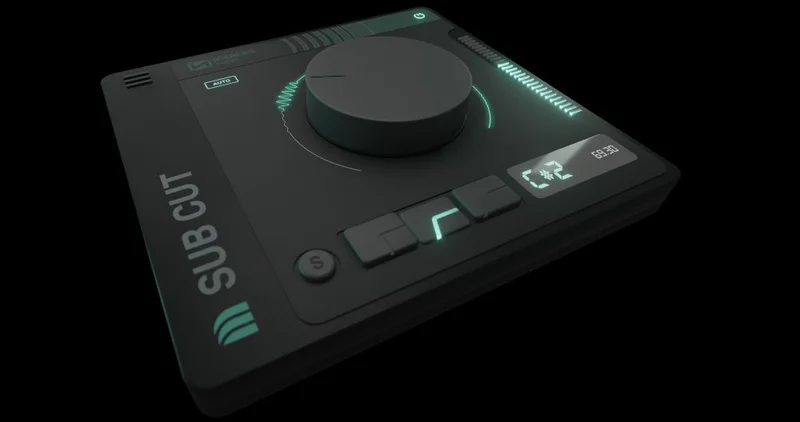
The cutoff isn't set in Hz on a traditional EQ graph. You pick a note. G2, C2, whatever sits under your kick. That approach keeps you thinking in pitch rather than frequency, which speeds up decisions on a busy session day.
Click on the waveform in the plugin and you can flip between hearing the actual audio and hearing a test tone at the cutoff frequency. That's a clever way to sanity-check your cut without reaching for a spectrum analyser.
AUTO mode pushes the filter to remove as much low-frequency energy as possible. Owners report the pitch tracking works well and the whole thing is quick to operate. The developer says remaining material after the cut is clean and uncoloured.
Where It Shines
You're mixing a hip-hop record and the 808 is clashing with the kick at around G1. Set your cutoff to G1 on the channel that's losing the fight, dial in the Default roll-off, and the problem resolves without you chasing a Hz number on a graph.
That note-based workflow is the brightest spot here. Musicians think in notes. When a bassline wanders into your kick's fundamental, the answer "cut below the note where they collide" is satisfying in a way that "find the exact Hz on a spectrum and drag a point" just isn't.
The three roll-off speeds also matter more than they might look on paper. Slow is kinder to low-end content that has natural resonance below the cut. Fast is surgical. The difference is audible when you're working with a room-miked bass cab or a synthesiser with a lot of sub bloom.
Against the Field
Two products come up when producers talk about Sub Cut: Surfer EQ and Trackspacer.
Surfer EQ is the note-tracking comparison. It tracks pitch across the full spectrum and rides EQ moves dynamically in real time. Sub Cut doesn't do dynamic EQ. It sets a static cut below a note you choose. If you need the filter to follow a moving bassline note-by-note, Surfer EQ wins that specific fight.
Trackspacer does something different altogether: it carves space in a track by reacting to a sidechain signal. It's a width and space tool, not a low-cut tool. The overlap with Sub Cut is minimal. They're mentioned together because both are "clever, focused processors," but they don't directly compete.
Sub Cut wins when you want a fast, static, musically calibrated low-cut with zero fuss. No sidechain, no dynamic movement, no full-spectrum EQ complexity. Just a clean cut below the note you pick.
| Plugin | Strongest Point | Weakest Point | Wins When |
|---|---|---|---|
| Sub Cut | Note-based low-cut, three musical roll-offs | Below 220Hz only, no dynamic tracking | You need a fast, static, clean low-cut below a specific note |
| Surfer EQ | Full-spectrum pitch tracking with dynamic EQ | More complex, broader scope than a simple low-cut | You need EQ that follows a moving melodic or bass element in real time |
| Trackspacer | Sidechain-reactive space carving | Doesn't do low-cut work at all | You need two tracks to coexist in the same frequency pocket |
Who Should Buy This
- ✅ Buy if you want a note-based low-cut that makes decisions fast in a full session.
- ✅ Buy if you're on Mac or a VST3/AAX Windows host and want a clean, uncoloured filter below 220Hz.
- ✅ Buy if you work in bass-heavy genres and hate chasing Hz numbers on a spectrum analyser.
- ❌ Skip if you need a full-range EQ. Sub Cut won't touch anything above 220Hz.
- ❌ Skip if your DAW or rig runs VST2 only. It won't load.
- ❌ Skip if you need a dynamic or pitch-tracking filter that follows a moving bass note in real time.
Specs & Technical Details
| Developer | Iceberg Audio |
| Price | $49 |
| Plugin Format | VST3 / AU (Mac) / AAX | VST3 / AAX (Windows) |
| OS Support | macOS 10.10+ (64-bit) / Windows 10+ (64-bit) |
| Activation | Internet connection required for activation; one licence, all computers |
| CPU Usage | N/A |
| Trial Available | N/A |
| Version Reviewed | N/A |
Score Breakdown
| Category | Score | Notes |
|---|---|---|
| Sound Quality | 4.5/5 | Owners report a clean, uncoloured result; developer says remaining material is undisturbed |
| Value for Money | 4.0/5 | Focused tool at $49; depends entirely on how much you need this specific job done |
| Ease of Use | 4.5/5 | Note-based cutoff and three roll-off modes make decisions fast; test tone flip is a clever touch |
| Features | 3.5/5 | Intentionally narrow scope; no dynamic tracking, no full-range EQ, no VST2 |
| CPU Efficiency | N/A | No data available |
| Overall | 4.0/5 | A brilliantly focused low-cut tool that earns its place if low-end tidying is a regular part of your work |
Alternatives to Consider
Surfer EQ is the one to look at if you want note-tracking that moves. It follows pitch dynamically across the full spectrum, not just below 220Hz. That's a bigger, more complex tool, but if your basslines are melodic and wandering, the static approach of Sub Cut won't be enough.
Trackspacer belongs on this list because producers mention it in the same breath, but the actual use cases barely overlap. If your problem is two instruments fighting for the same pocket rather than unwanted sub energy on a single track, Trackspacer is the right tool. Sub Cut is not.
If you already own a full-featured EQ with a steepness control, you can replicate a basic low-cut below 220Hz manually. What Sub Cut adds is the note-based frequency selection and filters tuned specifically for that sub-220Hz range. Whether that's worth $49 to you is an honest question only your workflow can answer.
Sub Cut is an underrated utility for producers who deal with low-end buildup constantly. It's not a Swiss Army knife. It's a scalpel with one blade, sharpened for exactly one cut. If that's what your sessions need, there's nothing annoying about it. If you need anything above 220Hz touched, don't even open the product page.
Frequently Asked Questions
Does Sub Cut work in Ableton Live?
Yes. Sub Cut supports VST3 and AU formats on Mac, both of which Ableton Live can load. On Windows, Ableton Live takes VST3, which Sub Cut also supports. Make sure your Ableton version is 64-bit, as Sub Cut has no 32-bit or VST2 build.
What does "note-based cutoff" actually mean in practice?
Instead of dragging a frequency slider to, say, 41Hz, you tell Sub Cut which musical note to cut below, like G1 or C2. The plugin converts that note to its corresponding frequency for you. It's faster when you're thinking about what's clashing musically rather than what's showing up on a spectrum analyser.
Can Sub Cut replace a standard EQ on a channel?
No. Sub Cut only operates below 220Hz. It has no controls for mids, highs, or anything above that threshold. Use it alongside your main EQ for low-frequency tasks, not instead of it.
What's the difference between the Fast, Default, and Slow roll-off settings?
All three cut below your chosen frequency, but at different rates. Fast removes low-end more aggressively and steeply. Slow eases off more gradually, preserving more of the low-end character while still reducing buildup. Default sits between them and is the recommended starting point for most material.