
Eventide says Sheen Machine adds vocal air without harshness. That claim is exactly half true, and which half you get depends entirely on what you're running through it.
The idea is clever. Split the audio into transient and tonal layers, apply separate EQ curves to each, and add high-end sheen without the brittleness you'd get from a straight high-shelf boost. In theory, this means more sparkle with less sibilance aggression. In practice, reviewers and forum users are split almost down the middle on whether it delivers.
At $49, Sheen Machine sits in a bracket where it has real competition. It's built for producers and mix engineers who want a fast, low-friction air knob to drop on vocals, synths, or any dull signal that needs to push through a dense mix. If that's your situation, read on. If you need real control over what's happening under the hood, this might frustrate you.
The Claim Eventide Is Making
The core promise is this: Sheen Machine adds smooth, airy high-end without the harshness that follows a traditional high-shelf boost.
It's a promise rooted in real technology. Eventide's patented Structural Split separates audio into two distinct layers before any processing happens. The transient layer holds attacks, pops, plosives, sibilance, and noise. The tonal layer holds sustained notes, harmonics, and ambiance. By running different EQ curves across each layer independently, Sheen Machine can theoretically boost the tonal shine in a signal while leaving transient edge alone.
The developer calls it surgical. They say it makes dull signals shine, that it helps vocals sit brighter in a mix, and that it avoids the kind of harsh top-end aggression that makes listeners reach for the volume knob.
That's the pitch. The question is whether the execution holds up to that standard, or whether the gap between the promise and the result is wide enough to matter.
What the Technology Actually Does
The Structural Split engine is the real differentiator here, and it's worth understanding before you write the plugin off or buy in.
Traditional EQ treats audio as one signal. Boost at 12kHz and you're boosting everything at 12kHz: the shimmer on a sustained vocal note, the consonant crack on a "t" or "s", the top-end grind in room noise. You get the air, but you also get the edge.
Sheen Machine splits that signal first. The tonal layer gets the high-end lift. The transient layer is processed separately with its own curve. If the split is accurate, your vocal's sustained vowel opens up without pushing sibilance further into the listener's face.
Owners report that this works. They describe bite and sheen from top-end transient enhancement, and several note that vocals and synths shimmer with clarity in a way that a standard shelving EQ doesn't replicate cleanly. One user specifically found it superior to Fresh Air at boosting the very top of the frequency range.
The same technology powers Eventide's SplitEQ, their more complex multi-band version of the same concept. Sheen Machine is a focused, single-purpose implementation of that same underlying engine.
The 74.8ms latency at 48kHz is the first place that implementation shows its limits. That number matters a lot depending on when you use the plugin. More on that below.
The One-Knob Interface: Fast, But Frustrating
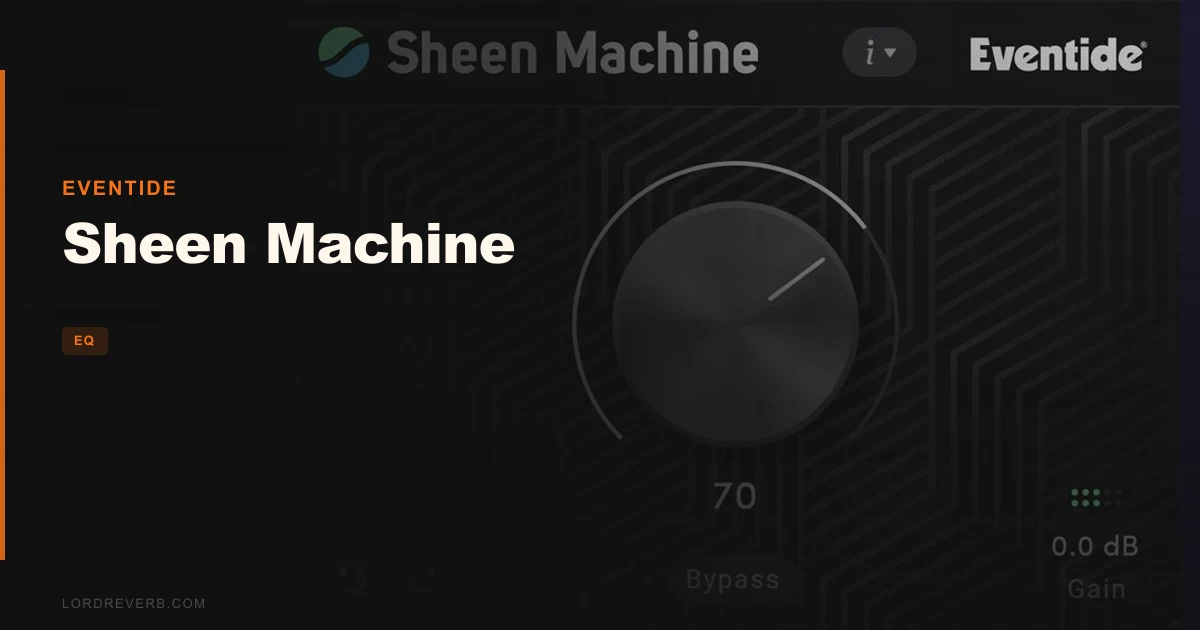
The UI is a single main control knob, plus input gain, bypass, and undo/redo. That's it.
If you love fast workflow decisions, that's satisfying. Drop it on a vocal bus, nudge the knob until the signal opens up, move on. It's the kind of tool that earns its place in a template because it doesn't ask much of you.
But you're giving something up for that speed. You can't separate how much lift the tonal layer gets versus the transient layer. You can't adjust the frequency of the boost. You can't see what the EQ curve is doing or tune it to a specific problem frequency. The split is happening, the curves are being applied, and you're just turning one dial that controls some blend of all of it.
Push the knob hard and the top end turns aggressive on some material. That's where the harshness reports come from. With no way to dial back just the transient contribution or shift the boost point lower, you're stuck either backing off the knob entirely or living with the brittleness.
Annoying? Yes, when you can hear exactly what the problem is and have no way to fix it without just turning the whole thing down.
The undo/redo is a small but clever touch. So is the input gain control, which lets you compensate for level changes caused by the processing. Those things help. But they don't replace the knobs that aren't there.
The Latency Problem Is Real
74.8ms at 48kHz. Write that number somewhere visible before you buy.
If you're a singer tracking through headphones and you want Sheen Machine in your monitoring chain, that latency will make the signal feel like it's arriving from a different room. It's not usable for real-time monitoring. Full stop.
If you're mixing ITB and printing stems, it's less of a problem. Your DAW's latency compensation handles it automatically. You bounce, the plugin does its thing, and the timing is correct in the final file. That's the workflow where this tool makes sense.
But the moment you try to use it during a live tracking session, on a recording chain, or anywhere you need zero-latency confidence monitoring, you'll feel that 74.8ms like a wall.
This isn't a flaw that gets patched. It's a consequence of the Structural Split algorithm needing time to analyse the signal and separate the layers accurately. The same constraint exists in similar transient-tonal separation tools. It's just worth knowing upfront rather than discovering it at 11pm before a session.
What the Mixed Reviews Are Actually Telling You
The harshness reports are the most interesting thing about Sheen Machine's reception, because they cut directly against the product's main selling point.
Eventide says it adds air without harshness. Multiple independent reviewers and KVR forum users say it sounds harsh at moderate settings. One reviewer described it as a cash-grab and found Slate Fresh Air more balanced. A KVR user called it very lackluster. Those aren't fringe opinions from one difficult-to-please corner of the internet.
At the same time, other owners report exactly the opposite: vocal sparkle, clarity on synths, shimmer that sits well in a mix. A user called the result a luxury vocal sound and rated it above Fresh Air for top-end extension specifically.
How do both things coexist? A few possibilities, and you should think about which one fits your signal chain.
First, source material. The Structural Split has to separate transients from tone accurately before the EQ curves do anything useful. On a dense, busy signal with lots of overlapping transient and tonal content, the split may be less clean, and the tonal EQ curve may bleed into transient content that should have stayed untouched. On a dry, isolated vocal with clear attack and sustain phases, the result is likely cleaner.
Second, the knob position. Push it past the midpoint and you're applying a lot of boost to both layers. The tonal curve opens up the air, but the transient curve simultaneously brightens the attack content, and that combination can tip into harshness fast when there's no way to control the two independently.
One reviewer also flagged possible soundstage flattening at certain frequencies, though noted some uncertainty about this effect. It's worth checking on your own material if stereo depth matters to your mix.
Who Gets the Promised Result
You'll get what Eventide promises if your session looks like this: a vocal or synth part that's already well-recorded, sitting in a mix that isn't already congested in the 8-16kHz range, and you're mixing ITB, not monitoring live.
Use the knob at a moderate setting. If the signal opens up and the top end feels airy rather than sharp, you're in the zone where Sheen Machine delivers. Users who report satisfaction consistently describe this kind of controlled, moderate use on clean source material.
You'll be frustrated if you're working with sibilant vocals that already have top-end issues, busy synth patches with a lot of high harmonic content, or any source where transients and sustained tones blur into each other. The plugin's core promise of separating those layers without harshness may hold up less cleanly on those signals.
Live monitoring is out entirely because of the latency. And if you want to understand exactly what's happening to your signal, the one-knob design will feel like a locked door.
The Verdict
Sheen Machine is a clever idea that lands somewhere between brilliant and overrated depending on what you bring to it.
The Structural Split technology is real and it works differently from a standard EQ shelf. On the right source material, it delivers. On the wrong material, the harshness reports are legitimate and the one-knob design gives you no way out.
At $49, it's not a ridiculous ask. But the gap between the marketing promise and the owner reports is wide enough that we can't hand this a confident thumbs up across the board. It's not a skip for everyone. It's also not a buy for everyone.
If you work with clean, well-recorded vocals and synths in a mixing context, it earns its place. If you need control, prefer transparency, or track live, look at the alternatives first.
Specs & Technical Details
| Developer | Eventide |
| Price | $49 |
| Plugin Format | Windows: AAX, VST2, VST3; Mac: AAX, AU, VST2, VST3 |
| OS Support | macOS 10.14+ (Intel & Apple Silicon) / Windows 10+ (64-bit) |
| Activation | Free iLok account or iLok Manager; no dongle required |
| CPU Usage | N/A |
| Trial Available | N/A |
| Version Reviewed | N/A |
Score Breakdown
| Sound Quality | 3.0/5 | Works beautifully on clean sources; harshness reports on busy or sibilant material are too consistent to dismiss |
| Value for Money | 3.5/5 | At $49 it's reasonable, but Waves Ozone's transient/sustain EQ and Fresh Air both offer more for less |
| Ease of Use | 4.0/5 | One-knob design is as fast as it gets; undo/redo and input gain are welcome additions |
| Features | 2.5/5 | Structural Split is genuinely interesting tech, but locking it behind a single knob strips out all meaningful control |
| CPU Efficiency | N/A | No data available |
| Overall | 3.2/5 | Smart concept, uneven execution, and the latency and harshness caveats are too significant to ignore |
Alternatives to Consider
Before you decide, here's how Sheen Machine stacks up against the tools most often mentioned alongside it.
| Plugin | Strongest Point | Weakest Point | Best For |
|---|---|---|---|
| Sheen Machine | Structural Split separates transient and tonal layers before EQ is applied | 74.8ms latency; harshness at moderate settings; zero granular control | Fast one-knob air boost on clean, dry sources in a mixing context |
| Slate Fresh Air | Two-knob design balances air and high-mid presence; reviewers report a more controlled result | No transient/tonal separation | Producers who want a more balanced high-end lift with slightly more control |
| Eventide SplitEQ | Full multi-band version of the same Structural Split engine with complete per-band transient/tonal control | More complex; steeper learning curve than a one-knob tool | Engineers who want the same core technology but with real surgical control over what's happening |
If Sheen Machine's harshness issue is a dealbreaker but the Structural Split concept appeals, SplitEQ is the honest answer. It's the full version of the same engine with the knobs that Sheen Machine is missing. The tradeoff is complexity and a higher price.
If you just want your vocal to breathe a little in the mix and you don't need layer separation, Fresh Air is the more pragmatic pick. The two-knob design gives you enough to work with and the reviewer consensus on it is warmer.
Waves Ozone 11 EQ is worth a look too. It can boost or cut sustain versus attack separately, which is a form of transient/tonal EQ, and it offers more functionality. It's the kind of tool that makes Sheen Machine's value proposition harder to defend.
The Final Word
Sheen Machine is the kind of plugin where the marketing wrote a cheque the product can't quite cash on every source. The underlying tech is real. The concept is clever.
But the harshness reports aren't edge cases. They're consistent enough across independent reviewers that you should take them seriously before handing over $49. The 74.8ms latency rules out a whole category of use cases entirely. And the one-knob design means that when it doesn't sound right, you have no way to fix it except to bypass.
Buy it if you're mixing clean vocals or synths ITB, you want fast results without menu-diving, and you're okay with a tool that works brilliantly in one specific lane. Skip it if you need live monitoring, work with complex or sibilant sources, or want to understand and control what's actually happening to your signal.
If you want what Sheen Machine is trying to be, SplitEQ is what it should have been.
Frequently Asked Questions
Does Sheen Machine add harshness to vocals?
Some owners report sonic harshness even at moderate knob positions, which directly contradicts the product's core marketing claim. Others report smooth, airy results on clean source material. The outcome seems closely tied to what you're processing. Dense, sibilant, or busy signals appear more likely to trigger harshness than clean, dry recordings with clear transient and tonal separation.
Can I use Sheen Machine during live vocal tracking?
No. The plugin has 74.8ms latency at 48kHz, which makes it unusable for real-time monitoring. A singer tracking through headphones would experience a noticeable and disorienting delay between singing and hearing the processed signal. Sheen Machine is built for the mixing stage, where DAW latency compensation handles the delay automatically on the final bounce.
How is Sheen Machine different from Eventide SplitEQ?
Both plugins use Eventide's Structural Split technology to separate audio into transient and tonal layers before processing. The difference is control. Sheen Machine applies fixed, specially crafted EQ curves to those layers via a single knob. SplitEQ is the full multi-band version of the same engine, where you set your own EQ curves per band for each layer independently. If you want to understand and control exactly how the transient and tonal content of your signal is being shaped, SplitEQ is the more capable tool.