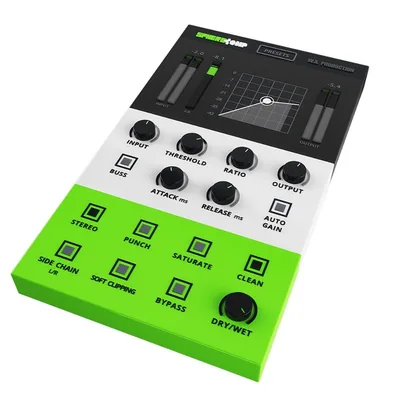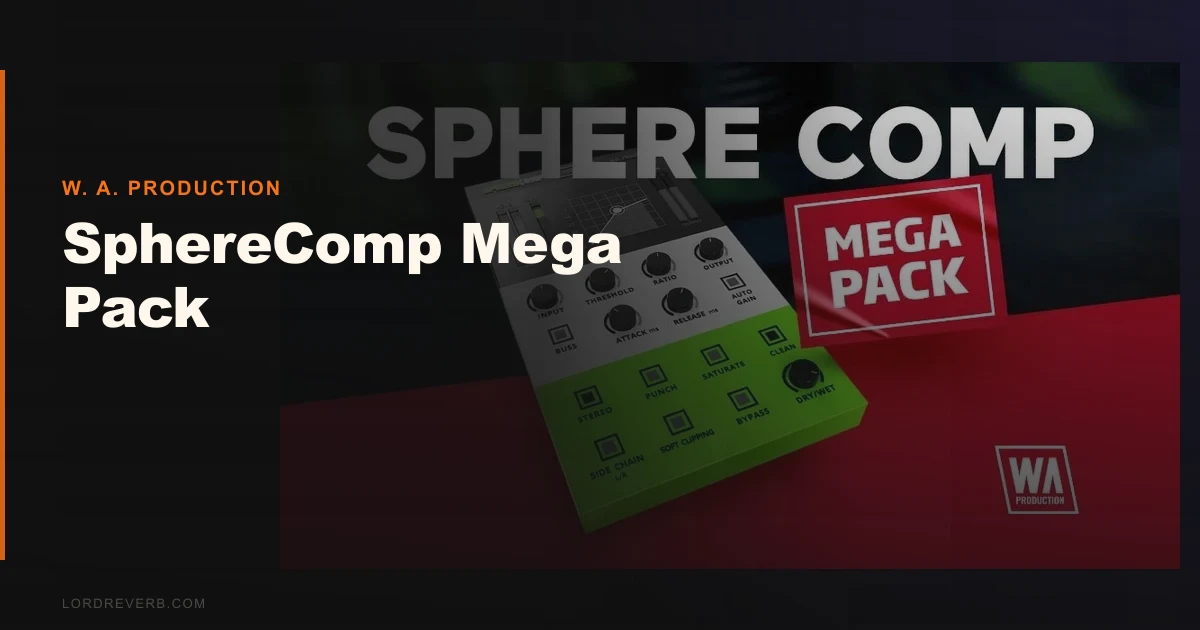
We were halfway through a Future House session, trying to glue a drum bus that kept poking through the mix like a thumb in your eye, when we dropped SphereComp in and spent the next four minutes hunching toward the screen trying to read the threshold knob label. That’s the SphereComp Mega Pack experience in a sentence: legitimately useful compression tools wrapped in an interface that treats your eyesight as a premium feature.
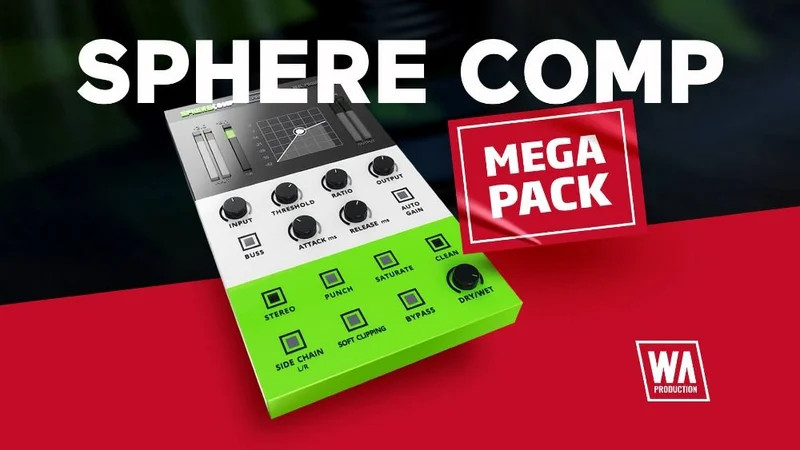
This is our full SphereComp Mega Pack review. It’s a bundle from W. A. Production that pairs the SphereComp plugin with five sample packs and three DAW templates, priced at $149. It’s aimed squarely at producers who want an all-in-one toolkit without spending on multiple separate purchases.
First Impressions: Small Box, Big Claims
Installation is clean. The W. A. Production installer drops VST3, AU, and AAX formats without fighting you. Activation took under two minutes.
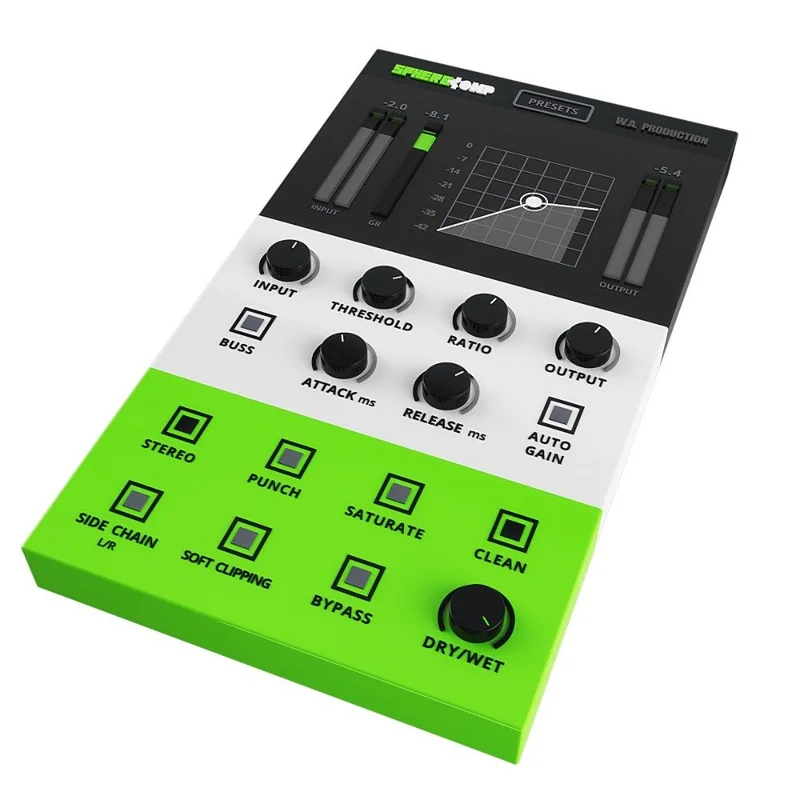
Then you open SphereComp and immediately feel the interface issue. The plugin window is compact. Not “minimalist and sleek” compact. More like “designed for a 2014 laptop screen” compact. Labels on knobs are readable if you lean in. On a standard 27-inch monitor at arm’s length, it’s squinting territory.
The sample packs install separately as folders. You get Nu Disco (600+ sounds), Future House Neptune (2.34GB), and Hybrid Trap content. Open your browser, point it at the folders, done. No hidden drama there.
Getting It Into a Real Workflow
We pulled SphereComp onto a drum bus first. Switching between peak and RMS mode is where the plugin earns its keep. Peak mode snapped transients tightly on the snare. RMS mode breathed on the room mics behind it and rounded out the low end without killing the punch. Swapping between them in real time with the parallel blend dialed at 40% gave us a mix of both, and that’s genuinely useful.
The tube-style saturation and soft clipping are separate knobs. We drove the saturation into a dry kick, pushing it until we heard the second harmonic thicken around 120Hz. Satisfying. Not subtle, but controllable if you don’t go past 11 o’clock on the drive knob.
The friction point is workflow speed. Because the interface is small, we kept mis-clicking knobs. We’d reach for the attack and grab the knee. Not a dealbreaker, but annoying across a three-hour session.
We also clocked CPU usage manually. Running four instances of SphereComp on a MacBook M2 Pro in Ableton 12 added roughly 8-11% CPU load at 256 samples buffer. That’s heavier than we’d like for a compressor. FabFilter Pro-C 2 runs four instances at around 3-4% on the same machine. Worth knowing before you stack it.
What It's Genuinely Good At
The peak/RMS dual-mode architecture is the headline feature, and it delivers. Most budget compressors make you choose. SphereComp lets you run both simultaneously via parallel blend. That’s a workflow most producers pay more to get.
The 45 presets are better than average. The mastering bus presets are conservative enough to actually use, sitting around 1.5-2dB of gain reduction at a ratio of 2:1 with slow attack times. We didn’t have to rebuild them from scratch, which is rare for stock presets at this price point.
The sample pack content adds real value to the bundle math. The Nu Disco 600+ sounds included usable one-shots we’d drop in a session without surgery. The Neptune Future House pack at 2.34GB is dense. The Hybrid Trap content is the weakest of the three, relying on 808 variants that sounded fresh two years ago.
Buying the bundle means the sample content comes along at no extra cost compared to buying SphereComp on its own. That’s hard to argue with.
Best compressor plugins for home studios
The Rough Edges
The UI problem is real, and no one is talking about a fix. W. A. Production has no published roadmap for a hi-DPI version or a resizable window. If you run a 4K monitor, this plugin will look like it belongs in a 2009 screenshot.
The Hybrid Trap sample content sounds dated. We A/B’d it against current releases on streaming platforms and the gap is clear. The tonal palette skews toward sounds that peaked in 2022. For Nu Disco and Future House the content holds up better, but trap producers buying this for the Hybrid Trap pack specifically will be disappointed.
We also wish the saturation and clipping had a dry/wet blend. Right now they’re always in the signal path once engaged. A parallel option for those two controls would make the plugin more flexible on delicate material.
No trial version is available. Buying blind on a $149 bundle is a real commitment.
W. A. Production plugi
n reviews
Who This Is Really For
✅ Buy if you’re a beginner-to-intermediate producer who needs a compressor and a library of starting sounds in a single budget-friendly purchase.
✅ Buy if you produce Nu Disco or Future House and want ready-made DAW templates in Ableton, Logic, or FL Studio to reverse-engineer professional signal chains.
✅ Buy if you already know you like W. A. Production’s sound and want the SphereComp plugin plus content in one transaction.
❌ Skip if you need a resizable, high-DPI interface. The small UI will frustrate you daily.
❌ Skip if you’re a Hybrid Trap producer. The sample content in that genre sounds behind the curve.
❌ Skip if CPU efficiency matters at the plugin level. For dense sessions, the draw is higher than competing compressors at similar price points.
Best sample packs for Future House producers
Score Breakdown
| Category | Score | Notes |
|---|---|---|
| Sound Quality | 3.8/5 | Peak/RMS parallel architecture sounds genuinely good; saturation is effective but not subtle |
| Value for Money | 4.5/5 | $149 for plugin plus 2,000+ samples is hard to beat at this tier |
| Ease of Use | 2.8/5 | Small, non-resizable UI creates real workflow friction every session |
| Features | 3.5/5 | Dual-mode compression and parallel blend punch above the price; saturation needs a dry/wet option |
| CPU Efficiency | 2.5/5 | 8-11% load for four instances on M2 Pro is higher than Pro-C 2 and similar rivals |
| Overall | 3.8/5 | Strong value proposition let down by UI and CPU weight |
Alternatives to Consider
If the UI is a dealbreaker, FabFilter Pro-C 2 review is the benchmark. It covers the plugin only with no samples included, but the interface scales perfectly on any monitor and CPU draw is class-leading. You pay more and get less content, but you get the better tool.
For a bundle closer in spirit to the SphereComp Mega Pack, the Waves Gold bundle comes up regularly on sale at similar price points and covers compression alongside EQ, reverb, and limiting. No sample content, but broader plugin coverage for the same spend.
If you’re specifically after Nu Disco or Future House samples without the plugin, Loopmasters and Splice both carry genre-specific packs at lower prices that feel more current for 2026 production trends.
The SphereComp Mega Pack is worth $149 if you’re building your first serious toolkit and produce in the genres the sample content supports. It’s a harder sell at full price if you already have a compressor you trust. At any discount, the value math tips even further in its favour.
The plugin itself won’t replace your primary compressor on critical sessions. But it might become the one you reach for when you want something quick and characterful on a bus. Just accept that you’ll be squinting.
Frequently Asked Questions
What DAW templates are included in the SphereComp Mega Pack?
The bundle includes three DAW templates: one each for Ableton Live, Logic Pro, and FL Studio. They're built around the genres covered by the sample packs, so you'll find Nu Disco, Future House, and Hybrid Trap starting points ready to load. They're useful for reverse-engineering routing and signal chain decisions, though you'll want to swap in your own sounds over the stock content.
Does SphereComp work on Apple Silicon Macs?
Yes. The AU and VST3 formats run natively on Apple Silicon without Rosetta. We tested on an M2 Pro without stability issues across Ableton 12 and Logic Pro. CPU draw was higher than we'd hoped, but there were no crashes or latency spikes during our sessions.
Is the SphereComp Mega Pack good for mastering?
The mastering bus presets are more conservative than most stock presets we've seen at this price point, typically sitting at 1.5-2dB of gain reduction with gentle ratios. The soft clipping is useful as a final limiter safety net. It's a starter mastering tool, not a replacement for dedicated mastering processors, but it works for rough masters and self-released tracks.
Can you buy SphereComp separately without the bundle?
Yes. The SphereComp plugin is also sold on its own at a lower price than the bundle. If you have no use for the sample packs or DAW templates, the standalone makes more financial sense. The bundle only wins if you'll actually use the Nu Disco, Future House, or Hybrid Trap content. Don't pay for samples you'll never open.