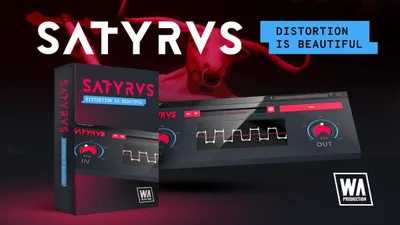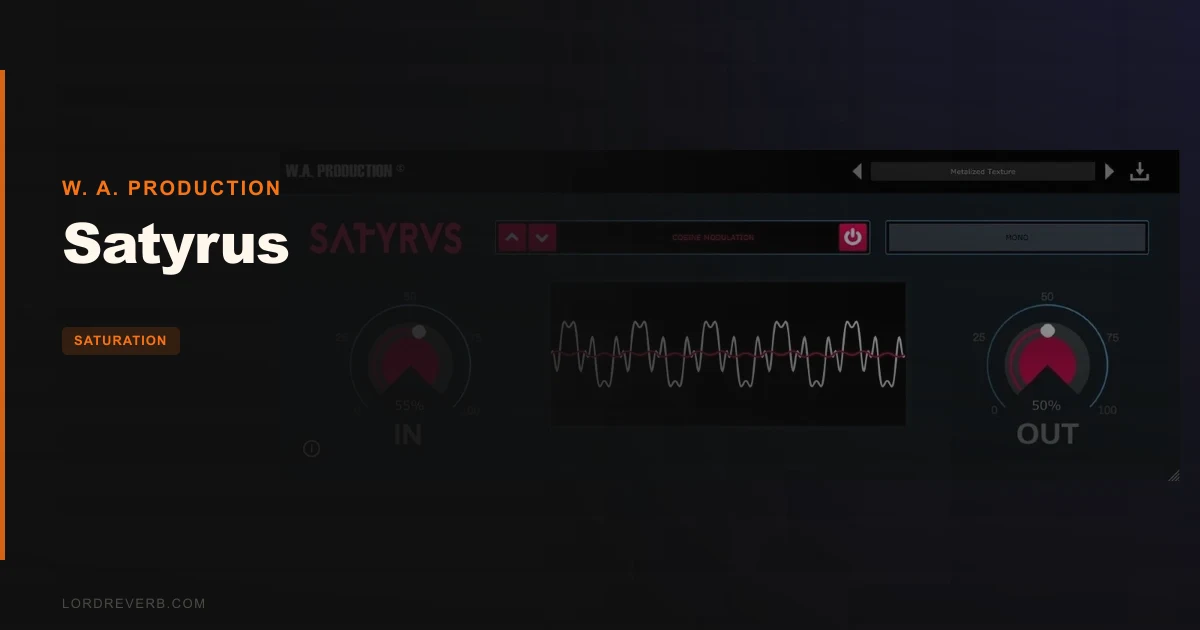
Satyrus by W. A. Production is a $15.96 saturation and distortion plugin offering 8 mathematically distinct algorithms inside a single-page UI, and for that price, it does more useful things to a signal chain than most producers expect. It's built for beatmakers, sound designers, and bedroom producers who want fast, colourful distortion without reading a manual. If you need mid/side processing, surgical frequency-band control, or Ableton rock-solid stability, it's the wrong tool. If you need 8 flavours of grit that won't tax your CPU and won't confuse you at 2am, it's worth a serious look.
First Impressions: One Screen, No Drama
Install takes under two minutes. Open it and you get one window: a large input/output level control, a module selector for the 8 distortion types, and a real-time waveform display showing exactly how the algorithm is reshaping your signal. No tabs. No hidden pages. No 40-page preset browser to scroll past before you can hear anything.
We love a UI that doesn't make us feel stupid, and this one qualifies. The visual feedback is genuinely clever. Watch the curve as you push the input and you can see the clipping shape change between algorithms, not just hear it. That's useful, especially if you're still building your ear for how different saturation types add harmonics.
The module names are a bit theatrical. "Satyric Crunch." "Circular Projection." They sound like a prog-rock concept album. But the sounds back them up well enough that we forgave the branding.
Getting It Into a Real Workflow
We opened a lo-fi hip-hop session: four layers of sampled Rhodes, a dusty boom-bap drum bus, a 808 sub, and a pad wash sitting too clean in the high-mids. The pad was the problem. Too polished. Too linear. We dropped Satyrus on the pad bus and landed on Logarithmic Colouration, which is billed as a hybrid of distortion and saturation, good for vocals, but it works equally well on long-release synth pads.
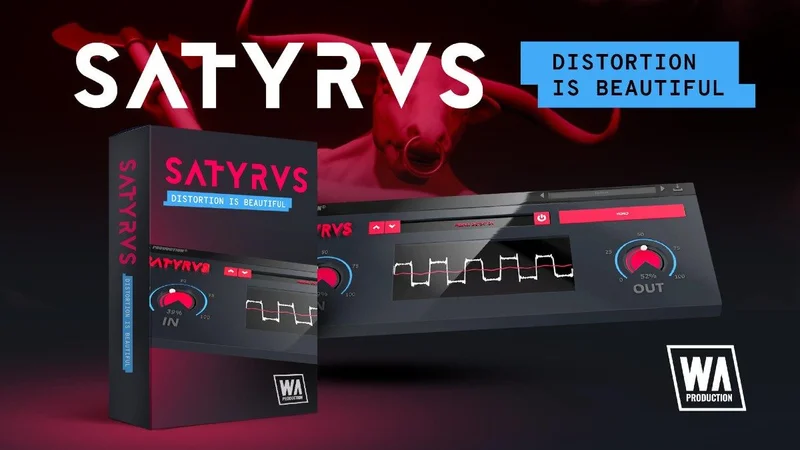
We pushed the input to around -6dBFS pre-Satyrus and dialled the drive until the waveform display showed visible soft clipping. The result: even-order harmonics appeared in the upper-mids around 2kHz–4kHz, giving the pad enough grit to sit against the drums without needing an EQ boost. That took 90 seconds. That's where this plugin earns its keep.
Parallel processing is where it shines brightest. We sent the drum bus to a dedicated Satyrus return at about 20% wet, running Satyric Crunch. The snare transient got crunchier without losing punch. That's a satisfying result for zero dollars of setup friction.
The workflow snag: there's no frequency-selective saturation. You can't tell Satyrus "only saturate above 200Hz." You're affecting the full signal. On a bass, that means saturating the sub alongside the mids, which can bloat the low end fast. You'll want a high-pass filter before Satyrus in your signal chain if you're running it on bass or low-frequency sources.
For Ableton users: save your project before you start experimenting. We hit one crash across three sessions. Annoying, not catastrophic. But it's been reported consistently enough that it warrants a heads-up.
What It's Genuinely Good At
The 8 algorithms aren't just marketing. They behave meaningfully differently from each other, and we tested all of them on the same Rhodes sample to compare.
Power Distortion is aggressive, level changes are dramatic at even modest input. Pull it back to taste or use it on a send at low mix percentage. Hyperbolic Overdrive works best for attack-heavy material: we ran a snare hit through it and the crack sharpened noticeably at the transient without the tail getting harsh. Circular Projection is brutal on pads and synth bass, it adds dense harmonic content in the low-mids that thickens sustain and release phases. We pulled it back to about 30% wet on a sub pad and it was brilliant.
CPU draw is light. In a session running 34 tracks with Massive X, Serum, and four instances of FabFilter Pro-Q 3, adding three Satyrus instances didn't move the CPU meter in Logic Pro. That's genuinely useful. Free plugins often cost you CPU. This doesn't.
The real-time visual display is also underrated as a gain staging tool. Watching the waveform reshape lets you gain stage by sight as well as ear, which speeds up the process considerably for producers still developing their instincts for saturation intensity.
The Rough Edges
The limitations are real and worth naming clearly.
No mid/side processing. If you want to saturate only the mid channel to add presence without widening the stereo field, you can't do it inside Satyrus. You'd need a separate M/S utility in your signal chain. At $15.96 it's forgivable. But at a higher price, it wouldn't be.
No frequency-selective saturation. FabFilter Saturn 2 lets you draw saturation bands across the spectrum. Satyrus saturates everything. That's a real constraint on complex material.
The online activation requirement is frustrating for studio setups without a permanent internet connection. No offline option is documented. If your studio machine is air-gapped, check with W. A. Production support before buying.
And the Ableton crashes. Reported by multiple users. Not every session, not every user. But enough to flag it as a real stability concern rather than a one-off. The plugin has a 4.5/5 rating across 420 reviews on Plugin Boutique, which suggests most people are fine. But Ableton users should save compulsively.
Who This Is Really For
- ✅ Buy if you're a beatmaker or sound designer who wants a fast, visual, low-CPU distortion plugin for synths, drums, and samples at a low price.
- ✅ Buy if you do most of your saturation work in parallel, Satyrus on a send is its natural habitat.
- ✅ Buy if you're building your first plugin collection and need something that teaches you to hear different saturation types through real-time visual feedback.
- ❌ Skip if you need frequency-band saturation or mid/side control, look at FabFilter Saturn 2 or Technocolor instead.
- ❌ Skip if your primary DAW is Ableton and stability is non-negotiable for live or recording sessions.
- ❌ Skip if you need offline activation, the internet connection requirement is a hard blocker for air-gapped setups.
Score Breakdown
| Category | Score | Notes |
|---|---|---|
| Sound Quality | 3.5/5 | 8 distinct algorithms with real character; limited without band control |
| Value for Money | 4.5/5 | $15.96 for 8 usable distortion types is a fair deal, especially on sale |
| Ease of Use | 4.5/5 | Single-page UI with real-time visual feedback; minimal learning curve |
| Features | 3.0/5 | No mid/side, no multiband, no preset library depth; does the basics well |
| CPU Efficiency | 4.5/5 | Multiple instances across a dense session with no measurable CPU impact |
| Overall | 3.5/5 | A solid budget distortion toolkit with real limitations that matter at higher price points |
Alternatives to Consider
FabFilter Saturn 2: The serious upgrade. Full multiband saturation with independent drive, feedback, and dynamics per band. Mid/side capable. If you're hitting Satyrus's limits regularly, see our FabFilter Saturn 2 breakdown before deciding. You get what you pay for, and Saturn 2 earns every dollar.
Karanyi Sounds Technocolor (check manufacturer site for pricing): A close competitor with a different character. Worth comparing if you work in cinematic or lo-fi spaces. We've reviewed it directly: Technocolor Review.
Softube Saturation Knob (free): One mode, one knob, zero cost. It does less than Satyrus in every direction but it's a reliable free starting point. If your budget is genuinely zero, start there and upgrade to Satyrus when you've maxed out its single character.
Satyrus is a $15.96 plugin that sounds like a $15.96 plugin in the best possible sense: no pretension, no bloat, eight flavours of useful grit, and a UI that gets out of your way. If you're an Ableton user, save before you load it. If you need multiband or M/S saturation, it's the wrong tool. But if you're building a starting plugin collection or need a light, fast distortion on your sends, it earns its place in the chain. We'd buy it at full price and not regret it. We'd grab it on sale without hesitating for a second.
Frequently Asked Questions
Does Satyrus work on Apple Silicon Macs?
W. A. Production flags Apple Silicon compatibility as something to check before purchasing, and the Plugin Boutique listing links to a dedicated M1/ARM compatibility page on the W. A. Production support site. Check that page directly before buying if you're running an Apple Silicon Mac. Native ARM support varies by version, so confirm your specific macOS version is covered.
Can Satyrus be used without an internet connection after activation?
No. Satyrus requires an internet connection to authorise and run the plugin, it's not just for initial activation. This is a hard limitation for producers who work on air-gapped studio machines or in locations without a reliable connection. Contact W. A. Production support before purchasing if this is a concern for your setup.
Which of the 8 distortion modes is best for vocals?
Logarithmic Colouration is the one built for vocals, it sits between saturation and distortion and adds upper-harmonic presence without the harshness of Power Distortion or Circular Projection. Keep your input gain conservative (aim for the waveform display showing mild soft-clipping) and blend to taste with the output level. For heavier effect on vocals, Satyric Crunch adds textural grit while retaining more of the vocal's fundamental character than the more aggressive algorithms.
Is there a free trial for Satyrus?
Yes. A free trial is available via Plugin Boutique, which lets you test the plugin before committing to the $15.96 purchase. W. A. A. Production has also offered Satyrus at steep promotional discounts in the past, so it's worth checking current deals on the Plugin Boutique product page before paying full price.