The ToneKnob Saturator review short answer: the single-knob claim holds up, but only if you already know what you need it for. Audified's pitch is that one knob handles everything, turn it up, dial in the warmth, move on. For a narrow slice of the workflow, that's true. For everyone else, the plugin's limits show up fast. At $29, it's a specific tool for a specific job, and knowing which side of that line you're on before you buy is the whole game.
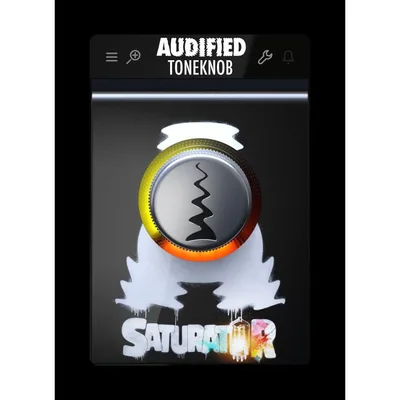
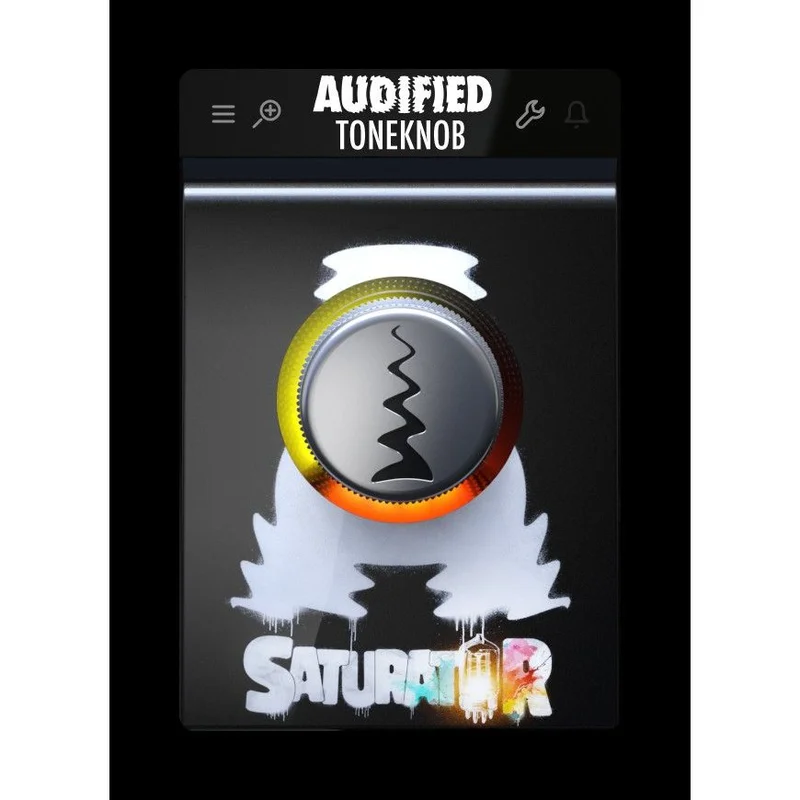
This is a tube saturation plugin built from harmonic circuits borrowed from Audified's 1A Equalizer and U73B Compressor. It lives at the simple end of the signal chain: one knob, no output control, no sidechain, no display. The target audience is producers who want to stop staring at a screen and start listening. If that's you, keep reading. If you need surgical control, we'll tell you that too.
The Claim: One Knob, All the Saturation You Need
Audified's core promise is that a single knob gives you everything from subtle harmonic warmth to wilder distortion effects. The idea is that parameter hunting kills creativity, and that the best saturation decisions happen when you're listening rather than reading numbers.
Beyond the workflow pitch, they make specific claims about what saturation does to specific sounds. Bass guitar gains definition and cuts through the mix. Bass connects with the kick drum. Drums pick up space, clarity, and punch. The snare starts cutting. The overheads get brilliance and air. That's a confident list. Let's see what actually holds.
What Holds Up: The One-Knob Philosophy Has Real Merit
The knob-centric design isn't just a gimmick. Owners consistently report that it shifts how they work: you stop adjusting and start listening. That's actually a meaningful change in workflow, especially on sessions where you've been staring at the same EQ curve for 45 minutes.
What you're adding is harmonic content drawn from the same tube character that lives in Audified's hardware-modeled EQ and compressor lineage. The low end gets a little bit of edge. Not aggressive, more like the bass starts to have texture instead of just weight. That texture is what helps it sit next to a kick drum without fighting it.
The snare application is one of the more satisfying uses. Even a small amount of the ToneKnob's saturation starts to push the upper harmonics forward. The snare doesn't get louder exactly, it gets more present. That's the difference between level and character, and this plugin leans into character.
Overhead saturation is where things get a little more delicate. A small amount adds what owners describe as brilliance and space. Go too far and the top end gets brittle. But that range exists on the knob, and it's achievable by ear, which is kind of the whole point of the design.
The saturation engine itself is rooted in 25 years of Audified's development work. That pedigree matters. This isn't a plugin someone put together in a weekend. The harmonic character it adds is the direct result of modeling real tube circuitry from their own existing products. You're getting a simplified interface to something that has depth under the hood.
The range from subtle to wild is real, though "wild" is relative here. At lower settings, you're talking about the kind of saturation you'd barely notice in isolation but would absolutely miss if you bypassed it. That's not a criticism, that's exactly what subtle saturation is supposed to do. Owners who pushed it into heavier territory found it workable, but the consensus leans toward its strength being in the lower half of the knob.
What Doesn't Hold Up: The Limits Are Real and Annoying
No output level control. That's the one that stings.
Saturation adds volume. It just does. When you turn a saturation plugin up, the output gets louder, and louder always sounds better in the moment. Without an output level knob or autogain compensation, the output gets louder when saturation is engaged, which can make the effect sound better in the moment than it actually is. That means every A/B test is compromised. You don't actually know if you love the saturation or if you just love that it's 2dB hotter.
This isn't a minor workflow complaint. It's a fundamental mix engineering problem. If you're putting this on a kick drum and pushing the knob, you need to pull your channel fader down afterward to compensate. That's an extra step that breaks the whole promise of a simple one-knob workflow.
Frustrated? You should be. The ToneKnob Saturator doesn't, and Audified hasn't addressed it.
Limited customization is also a real issue, but it's a more philosophical one. If you want to sculpt exactly how your saturation clips, the knee, the drive type, the mix level, this plugin says no. That's by design, not by accident. But the design has a cost: producers who work precisely, who automate their saturation level independently of the drive amount, who need to A/B a +2dB drive against a +4dB drive with matched output levels, they're not the audience. And the plugin doesn't pretend they are, which is honest, but worth saying clearly.
The format situation on Windows is also worth flagging. VST2 users are out. If your older DAW setup relies on VST2 exclusively, this plugin isn't compatible. On Mac, 32-bit workflows are gone, 64-bit only. Most producers running current setups won't hit either of those walls, but if you're on an older rig, check your format support before you buy.
Who It's For: By Producer Type
The Beginner Producer
This is a clever starting point for saturation. One knob means there's nothing to misconfigure. You put it on a bass, turn it up until it sounds right, and you're done. No reading about knee points or harmonic series. Just sound.
The risk is that you'll hit the output level problem immediately and not know what to do about it. But at $29, the learning cost is low, and the conceptual lesson, saturation adds character and helps things cut through, is real and worth learning this way.
Verdict for beginners: buy it, but read up on gain staging first.
The Working Producer Who Mixes Their Own Material
You're the target audience. You've got a bass that isn't sitting right. You've got a snare that's too polite. You've got a session open and you want to solve the problem in 30 seconds, not 30 minutes. Drop ToneKnob Saturator on the channel, turn the knob until the problem goes away, comp the fader, move on.
The missing output control is annoying, but you know enough to manage it. And the harmonic character it adds is genuinely useful, not flashy, just solid.
Verdict for working producers: worth it at $29. Add it to the toolkit.
The Mixing Engineer Working on Client Stems
Here's where it gets harder. You need documentation, repeatability, and precision. You need to be able to tell a client "I pushed the saturation 40% and pulled the trim 2dB to compensate." You can't do that here. The single knob gives you no readout that maps to anything predictable, and without output control, every setting change is paired with a level change you have to manage manually.
That's not a workflow. That's a workaround.
Verdict for mixing engineers: skip it. Get a saturation plugin with an output trim and a mix knob.
The Sound Designer
You're looking for saturation that does something unexpected, something you can push into extreme territory and see what breaks. The ToneKnob Saturator isn't that tool. Owners report it's best for subtle work. The character is warm (meaning: the harmonic distortion sits below 1kHz and feels rounded rather than sharp) rather than aggressive.
If you want to mangle something, this won't mangle. It'll add texture and stop.
Verdict for sound designers: pass. This is a mixing tool, not a design weapon.
Bass and Drums: Where This Plugin Lives
Audified is specific about the use cases, and that specificity is worth taking seriously. The developer isn't claiming this works on everything, they're pointing at bass guitar, kick drum interaction, snare presence, and overhead air. That's a drum bus and a bass bus. That's two inserts in your session.
On bass, the idea is that saturation creates harmonic content in the upper frequencies of the bass signal. Your bass might have its fundamental at 60Hz, but small speakers and earbuds can't reproduce 60Hz. Add harmonics at 120Hz, 240Hz, and 480Hz, and the bass becomes audible on systems that would otherwise miss it entirely. That's the real technical reason saturation "helps bass cut through." The ToneKnob does that. Not perfectly calibrated, not with control, but it does it.
On kick drum, the connection point with the bass is about shared harmonic content. When both instruments share frequencies in the low-mid range, they lock together rhythmically and spectrally. You'll notice the kick and bass stop fighting each other and start sounding like they belong in the same room.
On snare, turn the knob until the snare sits a little higher in the track without volume automation. The snare should start to sit a little higher in the track without volume automation. If it doesn't, you're at the wrong level or the snare needs EQ first. This plugin works best when the fundamental problem isn't already extreme.
The Verdict
The ToneKnob Saturator is a underrated workflow tool and an overrated fix-it plugin. If you know what you're buying, a single-knob tube saturation with a specific harmonic character built for bass and drums, it delivers that at $29 without any real disappointment.
If you need output control, automation precision, or anything beyond subtle harmonic enhancement, this isn't your plugin. That's not a flaw in the product as much as a clear statement about what it is. What's actually frustrating is that one additional knob would make it genuinely brilliant. Without it, there's a persistent workflow tax every time you use it.
Buy it if you're a producer who mixes by ear and wants to stop overthinking saturation. Skip it if you need repeatability, precise control, or a tool that supports 32-bit workflows or VST2 format. The harmonic character is real and the concept is clever. Just wish the output level existed.
Specs & Technical Details
| Developer | Audified |
| Price | $29 |
| Plugin Format | VST3 / AU / AAX (Mac); VST3 / AAX (Windows) |
| OS Support | macOS 10.11–12 Monterey (Intel & M1) / Windows 7–11 |
| Activation | N/A |
| CPU Usage | N/A |
| Trial Available | N/A |
| Version Reviewed | N/A |
Score Breakdown
| Category | Score | Notes |
|---|---|---|
| Sound Quality | 4.0/5 | Tube harmonic character is genuine and useful on bass and drums |
| Value for Money | 3.5/5 | Fair at this price, but the missing output control costs real usability |
| Ease of Use | 4.5/5 | One knob, no manual required, the design does what it promises |
| Features | 2.5/5 | Deliberately minimal, which works until you need something it doesn't have |
| CPU Efficiency | N/A | No data available |
| Overall | 3.5/5 | A focused, honest tool, brilliant in one lane, frustrating outside it |
Frequently Asked Questions
What is the ToneKnob Saturator best used for?
It's built for bass and drums. The harmonic tube saturation helps bass cut through a mix by adding upper harmonics, and it adds presence and clarity to snare and kick drum signals. Subtle applications are where it works best, don't expect it to do heavy distortion duties convincingly.
Does the ToneKnob Saturator work on Apple Silicon Macs?
Yes. It supports M1 Apple Silicon natively as well as Intel Macs, running macOS 10.11 through macOS 12 Monterey. Note that it's 64-bit only on Mac, so older 32-bit setups are not supported.
Is there a free trial for the ToneKnob Saturator?
Why doesn't the ToneKnob Saturator have an output level control?
That's a design choice Audified made to keep the plugin at a single-knob interface. Owners report it lacks autogain or output level control, which limits usability; saturation inherently adds volume, and without a trim knob, you'll need to compensate manually. You'll need to compensate manually with your channel fader or a trim plugin after it in the chain.
What plugin formats does the ToneKnob Saturator support on Windows?
On Windows, it supports VST3 and AAX formats in both 32-bit and 64-bit versions. VST2 is not supported. If your DAW relies on VST2, check compatibility before purchasing.