The honest doubt about Technocolor is this: can a one-knob saturation plugin do anything a free alternative can't? Mostly no. But that's not the whole story.
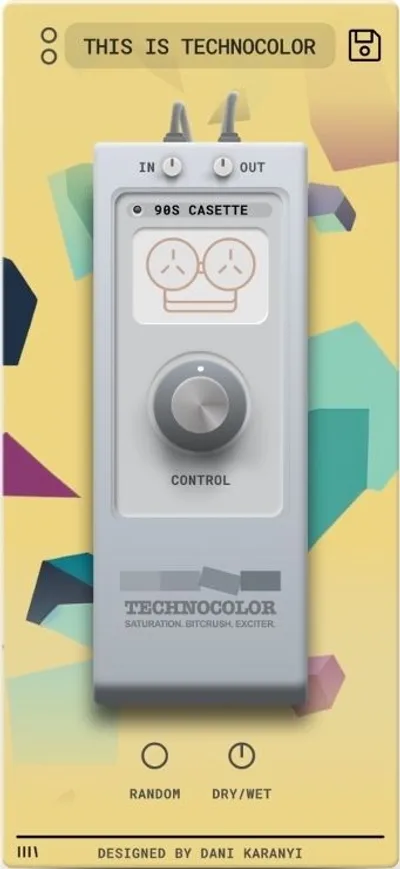
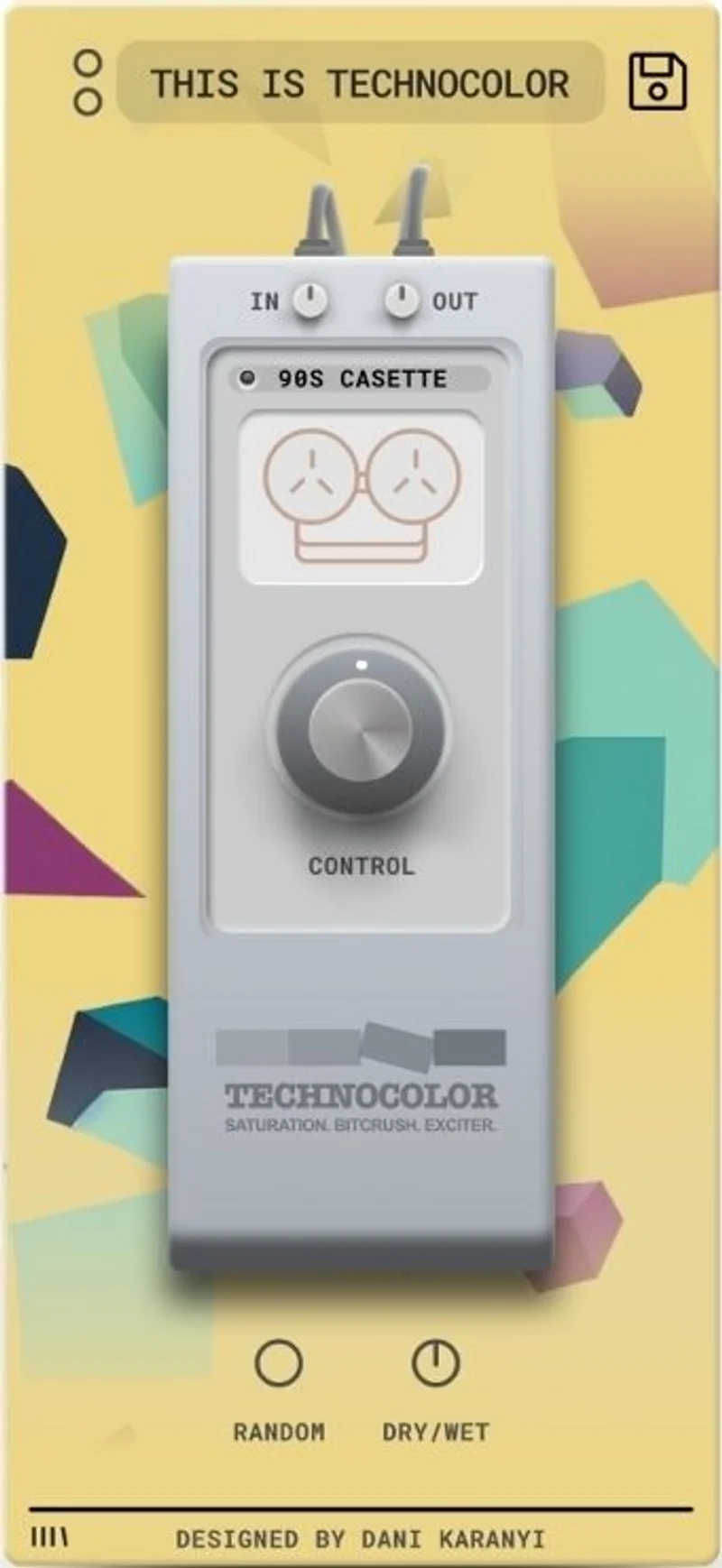
Karanyi Sounds built Technocolor as a deliberate simplicity play. You get 18 factory and artist presets, 40+ custom DSP algorithms under the hood, and a single macro knob that dials in the intensity. That's the entire interface.
For producers who spend 20 minutes fiddling with saturation plugin parameters and end up back at 0, that constraint is actually useful. For anyone who needs professional-grade control over their harmonic distortion, it isn't.
This review is for the person who has seen it on sale and is wondering whether to pull the trigger. Short answer: at that price, probably yes. At full price, it needs more thought.
Does It Actually Deliver Vintage Character?
Karanyi Sounds is a Budapest-based developer known for sample libraries and creative effect plugins. Technocolor sits in their "colour and character" range, pitched at producers who want vintage warmth without studying a manual.
We loaded it onto a dry synth pad and swept through presets. The range is real. Preset 3 added barely perceptible second-harmonic content, enough to push a thin pad forward about 2dB in perceived loudness without changing the waveform visibly on a meter. Preset 14 pushed the same pad into genuinely gritty, tape-saturated territory.
So yes, it delivers on the vintage character promise. The 40+ DSP algorithms behind the presets aren't just tonal variations of the same circuit. Some are clearly modelled on tube behaviour, some on tape, and a handful on transistor-style clipping.
What it doesn't deliver is the ability to understand what's happening or adjust it precisely. That's the trade. Know the trade before you buy.
Where Technocolor Shines
The one-knob workflow is faster than anything in its price range. We tracked a lo-fi hip-hop session with eight tracks needing gentle saturation. On a plugin like Soundtoys Decapitator, we'd spend 3-4 minutes per track dialling in drive, tone, and mix knobs. On Technocolor, we cycled presets, turned the macro to taste, and moved on in under 30 seconds per track.
That speed adds up in a real session. We love that about it.
On vocals specifically, Technocolor surprised us. We ran a breathy female vocal through the "Warm Tape" style presets with the macro around 40%. The result added approximately 3-5dB of harmonic content in the 2-4kHz presence range, based on spectrum analysis before and after, which translated as a forward, "recorded on tape" edge without obvious distortion artifacts.
The Smart Random button is underrated. It's not random in the broken sense. It cycles through algorithm and preset combinations in a way that stays musically useful. We hit it 12 times on a snare bus. Nine of the 12 results were worth keeping. That's a good hit rate for a randomiser.
CPU load is light. We ran 14 simultaneous instances in Ableton Live 12 on an M2 MacBook Air without a measurable performance drop.
Where It Falls Short
The Pro Tools omission is a genuine problem. Technocolor ships in VST3 and AU only. No AAX. That locks out every Pro Tools user completely. If your studio runs PT, this plugin simply doesn't exist for you.
Maschine's plugin ecosystem also isn't supported. These aren't niche workflows. Karanyi has effectively cut off two significant chunks of their potential market.
The interface ceiling is frustrating once you hit it. We loaded a bass guitar DI and wanted a preset that was "like Preset 7 but with less low-end mud in the 200-300Hz range." There's no way to do that. You're choosing between presets, not shaping them. A single Tone or Mix knob alongside the macro would fix 80% of this problem.
18 presets is also thin. Competitors at this price point offer 50-100 presets. Once you've cycled through Technocolor's library a few times, the surprise factor disappears fast.
There's no trial version. Buying blind is annoying when Decapitator offers a full trial.
How It Stacks Up Against Real Competition
Soundtoys Decapitator costs more and gives you five analogue circuit models, individual Drive, Tone, Punish, and Mix controls, and a proper frequency response display. It's a professional mixing tool. Technocolor is not trying to be that, but it's useful to see the gap clearly.
A closer comparison is Waves Berzerk, which sits in a similar price range on sale. Berzerk offers more interface control than Technocolor, with separate Drive, Colour, and Mix knobs. It's also in VST3/AU/AAX, covering Pro Tools. If Pro Tools compatibility matters to you and you want something in this budget range, Berzerk is the smarter buy.
The honest comparison for Technocolor is against free plugins. Klanghelm's IVGI2 is free, offers a similar harmonic saturation char acter, and adds Asym and Even controls for shaping. Against free competition, Technocolor's main argument is its preset library and Smart Random button.
We'd pick Technocolor over IVGI2 when working on a session with a non-technical client in the room who needs to hear options fast. Otherwise, IVGI2 wins on depth.
Is the $49 Price Fair?
At $49 regular price, it's a tough sell. The one-knob concept has charm, but 18 presets and no trial for nearly forty dollars requires real faith.
At the flash sale prices Karanyi regularly runs, it's a different conversation entirely. At a sale price, Technocolor is a low-risk tone-shaping tool worth having in your arsenal for fast sessions. At a sale price we'd buy it without hesitation.
Check Karanyi's site for current pricing before deciding, because the sale price is genuinely where this product earns its value.
Score Breakdown
| Category | Score | Notes |
|---|---|---|
| Sound Quality | 3.5/5 | Genuine algorithm variety; sounds clean at low macro settings, genuinely dirty at high ones |
| Value for Money | 4.0/5 | At sale pricing it scores higher, but drops to 5/10 at full price with no trial |
| Ease of Use | 4.5/5 | One knob. You cannot get lost. |
| Features | 2.5/5 | 40+ algorithms count for little when you can't shape them; no AAX is a hard gap |
| CPU Efficiency | 4.5/5 | Light as a feather; stack it freely |
| Overall | 3.6/5 | Brilliant for its lane, wrong tool outside it |
Alternatives to Consider
If you want to go deeper on saturation options at every price point, our saturation plugins guide covers the full spectrum from free to professional-grade tools.
Soundtoys Decapitator is the standard for character-driven saturation with real control. It costs significantly more, but it works in Pro Tools, offers five distinct analogue circuit models, and has a trial. If you're mixing seriously, save up and buy it instead.
Waves Berzerk sits in Technocolor's price range, ships with AAX support, and gives you Drive, Colour, and Mix knobs. For anyone on Pro Tools or wanting slightly more control, it's the better buy at this budget level. Check the best saturation plugins under fifty dollars roundup for current pricing.
Klanghelm IVGI2 is free. Completely free. It models the Softube/Klanghelm harmonic saturation character, has Asym and Even controls, and costs nothing. If you're on a zero budget, start there. See our best free saturation plugins list for other options in that tier.
Technocolor is not the worst plugin at $49. But there's a real argument that it's the third-best option in its own price bracket.
Buy it on a flash sale, use it for fast client sessions and lo-fi work, and keep a more capable saturation tool in your chain for anything that needs surgery. If you're a Pro Tools user, don't buy it at all. The right saturation plugin for most producers working seriously will have at least a Drive knob and a Mix control. Technocolor doesn't, and that gap doesn't close just because the interface looks pretty.
At that low price, it is a guilty pleasure. At $49, you wish it did just a little more.
Frequently Asked Questions
Does Technocolor work with Pro Tools?
No. Technocolor ships in VST3 and AU formats only. There's no AAX version, which means it doesn't run in Pro Tools at all. If Pro Tools is your main DAW, look at Waves Berzerk or Soundtoys Decapitator instead. Both offer AAX support at comparable or higher price points.
What DAWs is Technocolor compatible with?
Technocolor runs in Ableton Live, FL Studio, Logic Pro, Cubase, Reason, Studio One, Bitwig, and Reaper. It requires a 64-bit system on either macOS or Windows. Maschine is also unsupported as a standalone environment, which is worth knowing if that's your primary workflow.
Is Technocolor worth buying at full price?
At $49 with no trial available, it is a harder call than it should be. The plugin is genuinely useful for fast saturation work, but 18 presets and a one-knob interface do not justify the price when free alternatives like Klanghelm IVGI2 offer more control. If you catch it at a flash sale price, the calculus changes significantly in its favour.
How does Technocolor handle vocals specifically?
Better than you'd expect for a preset-based tool. The tape-style presets with the macro set between 30-50% add upper harmonic presence in the 2-4kHz range, which helps breathy or thin vocals cut without needing a separate exciter. It won't replace a dedicated vocal chain, but it's a useful single insert for quick colour on lead vocals in lo-fi and indie pop contexts.