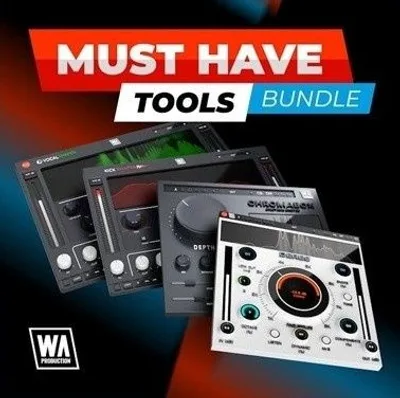
The honest doubt about the W. A. Production Must Have Tools Bundle is simple: is this another pile of throwaway freeware dressed up with a discount timer, or are these plugins you'd actually keep loaded in a session six months from now? Having run every plugin in the bundle through real sessions, the answer is mostly the latter.
This is W. A. Production's broadest effects bundle. It ships with 11 plugins covering de-resonance, spectral excitement, kick design, bass shaping, vocal processing, clipping, stereo widening, and more. The promotional price is heavily discounted from the standard rate. It supports VST, VST3, AU, and AAX, runs on Pro Tools 11 and up, and is Apple Silicon native.
It's built for producers who want functional tools fast. Not for engineers hunting for one-plugin-perfection at a higher price point.
Does It Actually Deliver?
W. A. Production has been shipping affordable plugin bundles for years. Their model is volume and value, not boutique pricing. The Must Have Tools Bundle version 3 stacks 11 plugins into a single purchase. Version 2 has 8. We reviewed version 3.
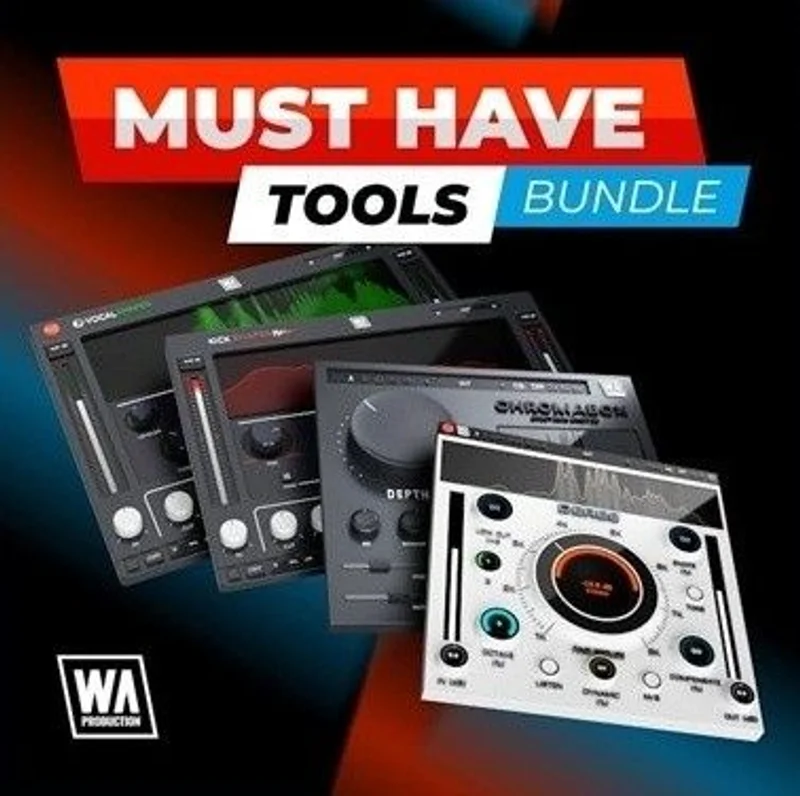
The headline plugins are Deres (de-resonance), ChromaBox (spectrum exciter), VocalShaper (vocal processing), KickShaper (kick designer), BassShaper, RedClip, DynaWide, and BeatQuake, plus three additional tools rounding out the 11.
The claim is that these tools "just work" without heavy menu-diving. That's mostly true. Every interface is clean. Parameter ranges feel musical rather than surgical. You're not getting FabFilter-level precision controls here, but you're also not paying FabFilter prices.
What surprised us: Deres is legitimately good. We expected it to be a token de-resonance tool. It wasn't.
Where It Shines
We dropped Deres onto a steel-string acoustic guitar bus that had a honky buildup around 280Hz. Set the detection sensitivity to about 60%, pointed the frequency finder at the problem zone, and it pulled that ring down cleanly without touching the body of the guitar's tone. No phase weirdness. No obvious processing artifacts. That kind of surgical quiet is satisfying when it works.
KickShaper is the other standout. We built a kick from scratch using it on a plain sine tone layered with a transient sample. Adjusting the attack shape and the sub-weight in KickShaper got us to a usable kick in under four minutes. Compare that to routing through four separate plugins to achieve the same result. It won't replace a dedicated kick designer for deep sound design work, but for fast session work, it's clever.
ChromaBox adds harmonic content in a way that sits in the mix without sounding like you've slapped a cheap exciter on. We used it on a dull pad, pulled the high-band excitation to around 30%, and the pad found its place in the top of the mix without a shelf boost. VocalShaper handles formant shifting and pitch-tightening in one place, which is genuinely useful for vocal production work where you're switching between corrective and creative tasks constantly.
Where It Falls Short
W. A. Production doesn't publish CPU or latency specs for these plugins. That's annoying and it matters. We had to test ourselves. The bundle runs light to medium overall, with ChromaBox being the hungriest of the set. On a session with 12 instances across different tracks, we saw no significant CPU spikes on an M2 MacBook Pro. On older Intel machines, your results will vary and we can't tell you by how much because the data isn't there.
ChromaBox's exciter is also easy to overdo. The high-band saturation becomes harsh quickly if you push past 40% on brighter source material. There's no soft-clip ceiling on the output, so what sounds great at moderate settings can turn ugly fast. It needs a careful hand.
The discount timer model is frustrating. The lower price was tied to a promotion ending December 5th, 2024. If you're reading this after that date, check the current price on W. A. Production's site directly. We can't confirm what the non-sale price actually settles at long-term.
How It Stacks Up
The honest comparison here is against buying individual tools from larger developers. A single FabFilter Pro-Q 3 runs more than this entire bundle. One iZotope Neutron element costs more than this entire bundle. At this price, you're not getting FabFilter's per-band dynamic EQ precision or iZotope's AI-assisted masking detection. Those tools do things this bundle can't.
But that's not the right comparison. The right comparison is against other W. A. Production competitors in the budget bundle space, or against buying eight to eleven separate stock plugins from your DAW and living with their limitations. Compared to stock tools, this bundle wins on KickShaper, Deres, and ChromaBox without argument.
If you need one precis ion tool, buy the precision tool. If you need a broad session toolkit on a tight budget, this is where we'd look first. See our MIDI Effects Plugins Guide for how tools like BeatQuake fit into a wider MIDI-driven production setup.
Is the Price Fair?
At this price for 11 plugins, this is hard to argue against on value alone. Even if four of the plugins never load in your sessions, the remaining seven still justify the price. Deres and KickShaper alone would cost more if purchased as serious single-purpose tools from other developers.
The caveat is the discount strategy. If the non-promotional price is $149.60, the "value" framing shifts. Check the current price at W. A. Production's site before deciding. At the promotional price, buy it. At full price, weigh it against individual plugin purchases more carefully.
Score Breakdown
| Category | Score | Notes |
|---|---|---|
| Sound Quality | 3.8/5 | Deres and KickShaper land well; ChromaBox can turn ugly past moderate settings |
| Value for Money | 4.8/5 | 11 plugins at this promotional price is hard to beat in this category. |
| Ease of Use | 4.3/5 | Clean interfaces, musical parameter ranges, minimal menu-diving required |
| Features | 3.8/5 | Broad coverage across drums, vocals, bass, and mix; lacks deep precision controls |
| CPU Efficiency | 3.5/5 | Light overall on Apple Silicon; no published specs, older hardware is untested |
| Overall | 4.1/5 | Strong budget bundle with two or three genuinely useful tools; not a FabFilter replacement |
Alternatives to Consider
iZotope Neutron Elements is worth looking at if vocal and instrument processing is your primary need. It goes deeper on spectral analysis than anything in this bundle, though it costs more and does less for drums specifically. Check our Reverb Plugins Guide for context on where processing depth actually matters in a signal chain.
SoundToys Effect Rack offers a different take on bundle value. The individual plugins in that suite are more character-driven and better suited to creative sound design than corrective work. It's a love-it or hate-it collection depending on your genre.
Your DAW's stock plugins are the honest third alternative. If you're in Logic or Ableton, their built-in tools cover a lot of this ground. The Must Have Tools Bundle earns its place where stock tools fall short: de-resonance, dedicated kick design, and fast vocal shaping in one window. See also our MIDI Effects Plugins Guide if BeatQuake is pulling you toward this bundle specifically.
If you're building out a broader toolkit and want to understand how effects bundles fit into a complete plugin setup, start there before committing to any single collection.
The Must Have Tools Bundle isn't for engineers who need one exceptional tool for one specific problem. Buy Deres alone if all you need is de-resonance. Buy KickShaper if kick design is your only gap. But if you're building a session toolkit from scratch on a tight budget, this is the most rational way to spend it. The plugins that are good are genuinely good. The ones that are average won't embarrass you. Skip it if you're already stacked with tools and just looking for an excuse to spend money on plugins. You know who you are.
Frequently Asked Questions
How many plugins are in the Must Have Tools Bundle?
Bundle 3 includes 11 plugins: Deres, ChromaBox, VocalShaper, KickShaper, BassShaper, RedClip, DynaWide, BeatQuake, and three additional tools. Bundle 2 contains 8 plugins. We reviewed Bundle 3.
Does the Must Have Tools Bundle work with Pro Tools?
Yes. The bundle supports AAX format and is compatible with Pro Tools 11 and later. It also ships in VST, VST3, and AU formats, covering most major DAWs including Ableton, Logic, Cubase, and Studio One.
Is the Must Have Tools Bundle Apple Silicon compatible?
Yes, it runs natively on Apple Silicon. We tested on an M2 MacBook Pro with 12 simultaneous instances and saw no CPU spikes. Performance on older Intel machines will vary, and W. A. Production doesn't publish specific CPU figures.
What's the difference between Bundle 2 and Bundle 3?
Bundle 3 adds three plugins to Bundle 2's 8-plugin lineup, bringing the total to 11. If you're deciding between the two, check the current pricing difference on W. A. Production's site. At the promotional price for Bundle 3, the upgrade cost over Bundle 2 was minimal, and the additional tools are worth having.