We dropped Portal across a granular pad we’d been building for a cinematic cue, cranked the grain size to around 40ms, pushed the feedback into self-oscillation territory, and the whole project suddenly had a pulse it didn’t have before. That moment sold us on the Output FX Bundle faster than any feature list could.
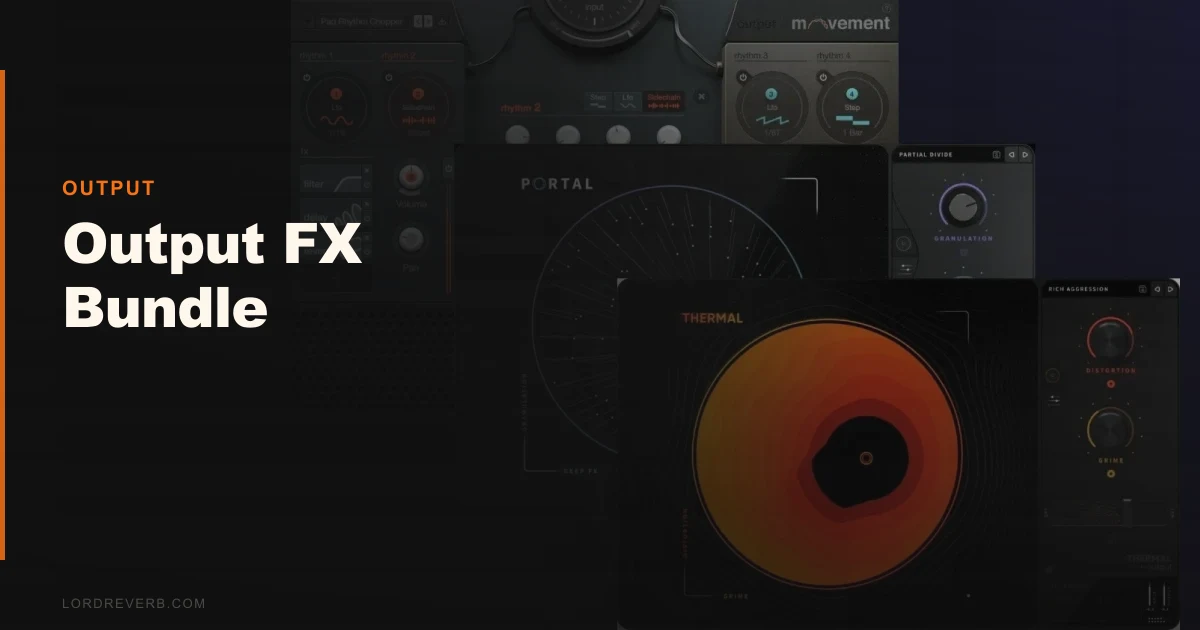
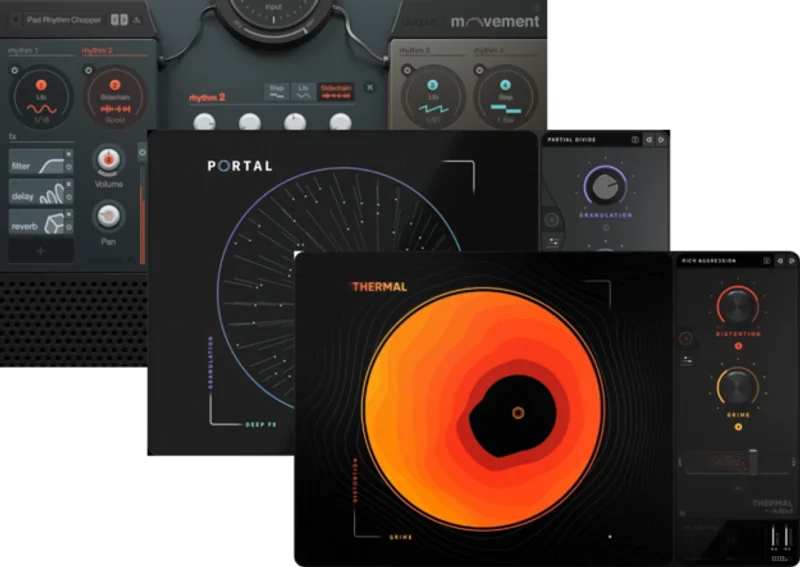
The Output FX Bundle brings together three plugins: Portal (granular effect processor), Thermal (multiband distortion), and Movement (rhythm-based modulation engine). At full price it is $399. Until July 15th, 2026, it is on sale. For producers working in electronic, cinematic, or experimental spaces, it’s one of the more focused creative FX collections available right now.
Three Plugins, One Clear Purpose
This bundle isn’t trying to replace your mixing chain. It doesn’t have a compressor. It doesn’t have an EQ. It won’t fix your low end. That’s not what it’s for.
Portal granulates your signal in real time, scattering and rebuilding it into something that sounds alive. Thermal stacks five distortion modules in series or parallel with independent multiband control on each. Movement takes a single audio signal and runs it through rhythm-based LFOs, envelope followers, and sidechain triggers that can modulate up to 38 separate parameters simultaneously.
Together, they’re built for transformation and texture. If you need corrective tools, look elsewhere. If you already have those sorted and want something that makes sounds do things you didn’t expect, this is it.
Living With the Output FX Bundle
Setup took about 20 minutes for the core three plugins. No complaints there. The problem came when we tried to load the expansion packs.
Output includes five expansion packs with over 500 presets total. Finding them after installation was frustrating. The preset browser in each plugin didn’t auto-populate the new content. We had to manually locate the expansion folders, check Output’s support docs (which are sparse on this), and in one case redirect Portal to a library path it had lost track of after a system update.
Once everything was pointing at the right directories, the preset browser became genuinely useful. Movement’s presets especially range from subtle rhythmic pumping to full-on sidechain-style ducking patterns, all adjustable without touching a DAW-level sidechain setup.
Day-to-day, all three plugins run in our standard sessions without drama. One at a time. Running all three simultaneously on separate tracks pushed CPU usage noticeably higher on an Apple M2 Max. Not unworkable, but worth bouncing to audio once your sound design decisions are locked.
We love the macro controls in Movement. One knob can reshape the feel of an entire modulation pattern. That’s the kind of workflow speed that matters when you’re in a creative session and don’t want to stop to tweak 12 individual parameters.
The Trade-Offs You Need to Know About
The bundle’s coherence is its greatest strength and its biggest limitation.
All three plugins serve the same master: creative transformation of sound in time. That focus means they’re exceptional at what they do. Portal’s granular engine doesn’t just smear signals, it restructures them. We ran a mono drum loop through it, adjusted position scatter to about 65%, and got something that sounded closer to a textural bed than a rhythm track. Brilliant for scoring. Not useful if you need your drums to stay drums.
Thermal is the most immediately accessible of the three. Five distortion modules in series gives you everything from subtle saturation to full surgical destruction. The multiband control per stage is genuinely clever design. You can keep your low end clean while shredding 2kHz and above. That’s useful for electronic producers who want aggression without losing sub weight.
The trade-off with Thermal is that its distortion character leans modern and digital. It’s not trying to sound like a tape machine or a valve amp. If you want that kind of warmth, meaning second-order harmonics sitting around 60-120Hz, you’ll need something else in your chain.
Movement is the one that takes the most time to understand. Seventy-six modulatable parameters sounds like an absurd number. It kind of is. The learning curve here is real. But once you’ve spent a few sessions with it, the ability to modulate filter cutoff, reverb send, pan position, and drive simultaneously from a single rhythmic source is something you’ll find yourself reaching for constantly.
Against the Field
Soundtoys 5 Bundle is the obvious comparison. It covers more ground: delays, distortion, saturation, pitch, rhythm. It also has a higher full price. Soundtoys 5 Bundle review The Soundtoys collection wins if you want variety and vintage character. Output wins if you want depth and modern texture design.
iZotope Stutter Edit 2 covers some of Movement’s territory for rhythm-based effects. iZotope Stutter Edit 2 review It’s more immediate for li ve performance chopping. Movement is more versatile for production use.
For granular specifically, Emergence Audio Emergence is a free alternative to Portal with a different workflow. Portal wins on integration with the other two bundle plugins and on preset depth. best granular plugins for producers
If you’re primarily a mixing engineer looking for character processing, the best saturation plugins list will serve you better than this bundle.
The Real Verdict
During the sale, this bundle is worth it for producers working in electronic, cinematic, or experimental music. Each plugin holds its own. The expansion packs add real value once you get them installed correctly.
Skip it if you’re still building your core mixing toolkit. These plugins won’t help you get a better low end. They won’t fix gain staging. They’re not designed for that.
Skip it also if you primarily work in live bands or acoustic recording. Portal and Movement will feel like solutions looking for a problem in that context.
Buy it if you’ve got your signal chain sorted and want three creative tools that push your sounds somewhere new.
Score Breakdown
| Category | Score | Notes |
|---|---|---|
| Sound Quality | 4.3/5 | Portal and Movement are genuinely impressive; Thermal's character leans digital |
| Value for Money | 4.0/5 | The sale price makes the per-plugin cost reasonable; the full price is harder to justify |
| Ease of Use | 3.5/5 | Expansion pack installation needs better documentation; plugin UIs are mostly intuitive |
| Features | 4.5/5 | Movement's 76 modulatable parameters and Thermal's per-stage multiband control stand out |
| CPU Efficiency | 3.3/5 | Running all three simultaneously gets heavy; bounce to audio once decisions are locked |
| Overall | 4.1/5 | Strong, coherent creative FX bundle for producers who know what they're buying |
Alternatives to Consider
If the Output FX Bundle doesn’t fit your workflow, here are three worth looking at.
Soundtoys 5 Bundle covers more categories and has deeper vintage character. If you work across more genres or want tape and valve emulation alongside rhythm effects, check the Soundtoys 5 Bundle review. It’s pricier but broader.
iZotope Stutter Edit 2 is the better choice if rhythmic gating and live performance chopping are your primary use case. We’d send you to our iZotope Stutter Edit 2 review before recommending Movement as a standalone purchase for that one job.
FabFilter Creative Bundle (including Timeless, Saturn, and Volcano) is worth comparing if you want creative processing with FabFilter’s characteristic clarity and interface design. See our FabFilter Creative Bundle review for the full breakdown.
The Output bundle wins on Movement’s modulation depth. Nothing else at this price point gets close to 76 modulatable parameters in a rhythm-based engine.
If your sessions regularly have sounds that need to go somewhere unexpected, the Output FX Bundle will get them there. Buy it during the sale. Buy it during the sale and you will not regret it.
Frequently Asked Questions
Does the Output FX Bundle work in Ableton Live?
Yes. All three plugins (Portal, Thermal, and Movement) support VST and AU formats, both of which are compatible with Ableton Live on Mac and Windows. Movement's modulation engine works independently of Ableton's own LFO and envelope devices, so you're not duplicating functionality.
Can you buy Portal, Thermal, and Movement separately?
Yes, Output sells each plugin individually. At the bundle's sale price, buying all three separately would cost significantly more. If you only need one, buying it individually makes sense. If you want two or more, the bundle wins on price.
How difficult is the Output Hub installation process?
The core plugin installation through Output Hub is straightforward and takes around 15-20 minutes. The friction comes with loading the included expansion packs, which sometimes require manual folder redirection in each plugin's browser. Output's support documentation covers this, but it's not as clear as it should be. Budget an extra 20-30 minutes for expansion setup.
Is the Output FX Bundle useful for mixing, or is it only for sound design?
It's primarily a sound design and creative processing toolkit. Thermal can sit in a mixing chain as a saturation or distortion tool, and Movement works for subtle rhythmic sidechaining effects on buses. But neither Portal nor Movement was built for corrective processing. If you need EQ, compression, and dynamics tools, you'll need a separate plugin collection for that.