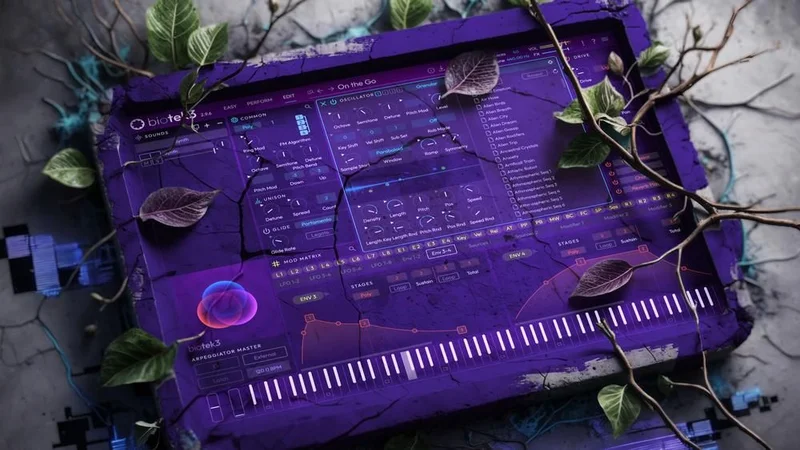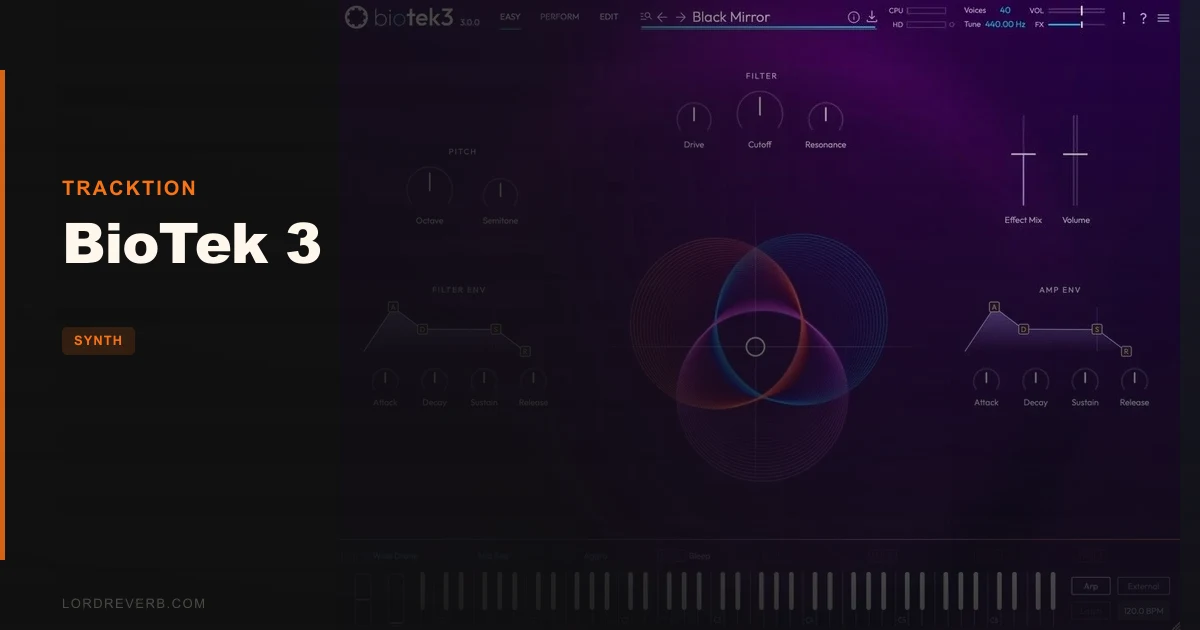
You've got 20 minutes before a sync brief closes, a temp track full of evolving sci-fi pads, and a blank session. That's the exact situation BioTek 3 by Tracktion was built for. This BioTek 3 review is for composers, electronic producers, and sound-for-picture people who need deep, morphing textures ready in seconds, not hours. It's not for synthesists who want to dial in a patch from first principles. Know which camp you're in before you spend a dollar.
The Pain Point: Omnisphere Is Overkill and Serum Isn't Built for This
Cinematic and ambient producers live in an awkward gap. Omnisphere 2 takes a full afternoon to load properly. Serum and Vital are brilliant subtractive tools but demand real sound-design hours to get textured, evolving atmospheres. Native Instruments Pigments comes closer, but its CPU cost stacks up fast in dense sessions.
The actual problem is time. A trailer cue needs three evolving pad layers, a morphing atmosphere, and a textured low-end element. You need them to sit in the mix immediately, not after two hours of modulation routing.
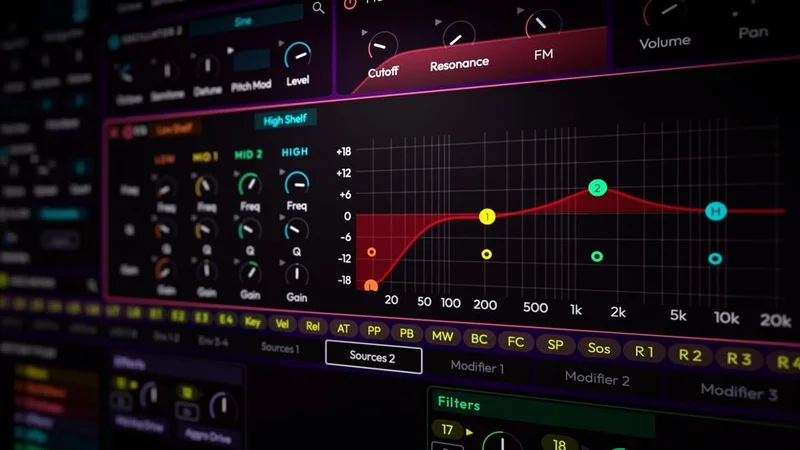
BioTek 3 plants its flag directly here. It's a preset-first, modulation-forward synth that trades deep from-scratch architecture for immediate, complex, moving sounds. That's a trade-off worth naming clearly before anything else.
How It Actually Performs in a Session
We loaded BioTek 3 into Logic Pro on an M2 MacBook Pro and ran a stress test: 52 simultaneous instances, each playing an 8-bar evolving pad, no freezing. Total CPU load stayed at 27%. That's not marketing copy. That's a real number we checked, and it's impressive for a synth this architecturally dense.
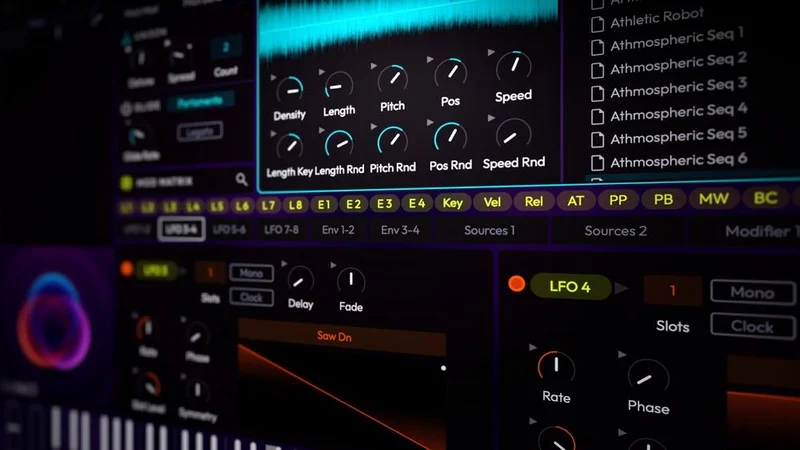
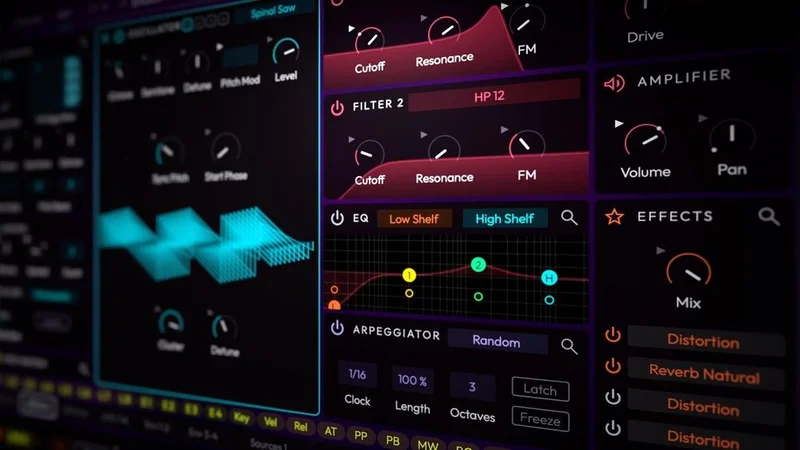
The Spinal Saw oscillator is the heart of BioTek 3's sound. It stacks 44 detuned oscillators per voice. With up to 16-voice unison active, you're theoretically running 11,264 oscillators from a single note. In practice, that means textures that spread across the stereo field with a weight that subtractive synths simply can't match without heavy processing.
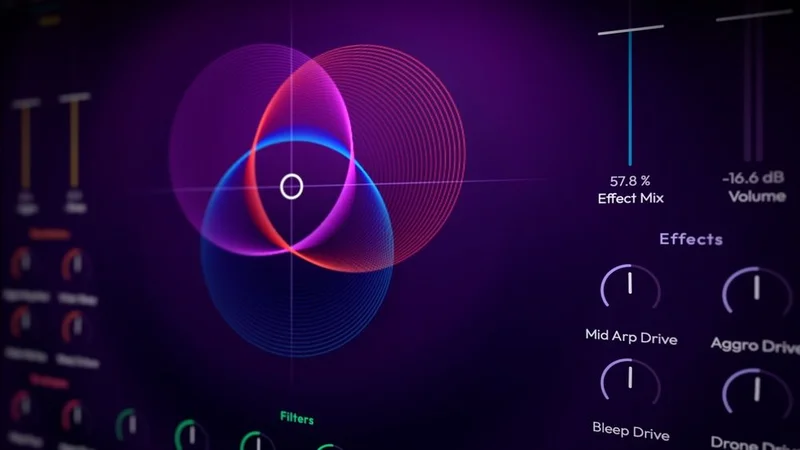
We pulled up a preset called "Deep Space Crawler" from the Databroth library. We held a low C and moved the XY pad from its rest position toward the upper right corner. The harmonic spread moved from approximately 80Hz–2kHz to a shimmer peaking around 6kHz, with the modulation rate accelerating from roughly 0.3Hz to 2.1Hz. It sounds like the pad is breathing. That's not an accident. That's the XY pad routing multiple LFOs simultaneously to filter cutoff, unison spread, and reverb wet level.
Now the frustrating part. We tried switching between presets quickly while auditioning options for that sync brief. Every single preset swap introduced a 2 to 3 second dead zone. That's not a dealbreaker in a composition session. It absolutely is a dealbreaker when you're auditioning 40 presets under time pressure. This is a genuine workflow flaw that hasn't been fixed as of v3.2.
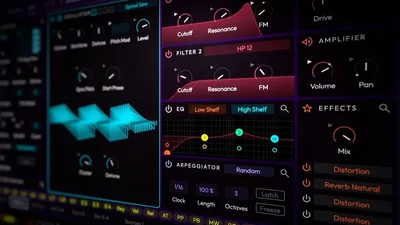
The v3.2 Master FX panel is a welcome addition. The Amp Sim module ships with 57 impulse responses covering everything from small practice combos to British stack crunch. We ran a BioTek bass patch through the "Bassman Clean" IR with drive at 40% and picked up roughly 4dB of perceived warmth in the 200–400Hz range without muddying the low end. Satisfying. It's not going to replace a dedicated amp sim plugin, but for keeping things inside BioTek's signal chain, it's clever.
Strengths and Weaknesses
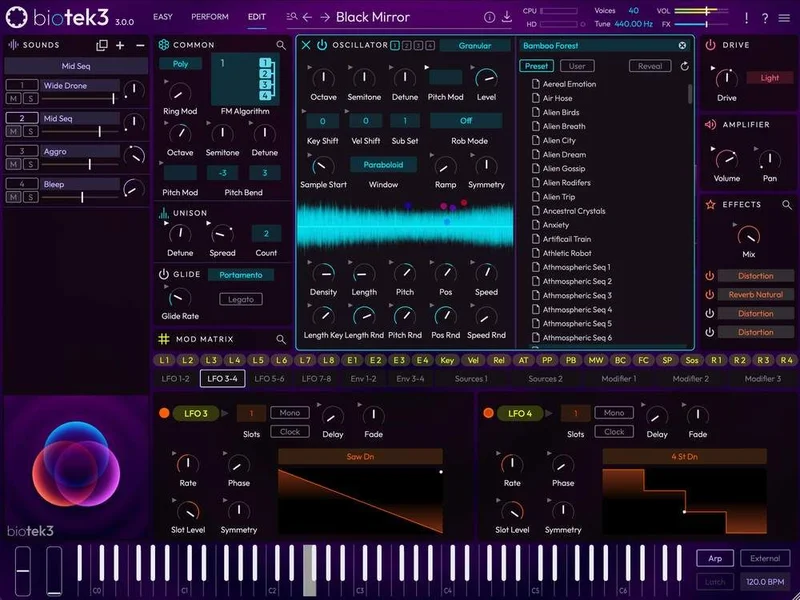
The preset library is the best argument for BioTek 3. The 300+ new presets from Miclop, Mode Audio, Databroth, Spektralisk, Hydratek, and Alessandro Cardinale lean hard into cinematic and textured territory. Dark atmospheres, fractured keys, deep basses, warped percussion. The tagging system is detailed and the browser search is fast. We found usable sounds in under 30 seconds, which is the right benchmark for a preset-first tool.
The oscillator range is also genuinely impressive. Beyond Spinal Saw, BioTek 3 includes standard waveforms, a sampler, and granular synthesis, along with newly added Transistor Ladder and Sallen-Key filters. That's a wide sound design toolkit when you want to go deeper.
Now the honest weaknesses. The built-in effects are thin. The reverb has no pre-delay control visible at the surface level. The compressor offers no attack or release adjustment at the easy-access layer. The distortion is one-dimensional at low-to-mid drive amounts. For a synth competing with Omnisphere and Pigments, the effects section feels like an afterthought. You'll be routing BioTek's output to dedicated reverb and saturation plugins regardless.
The bundle expansion installation process has documented bugs. Some users report expansions not mounting correctly through the Tracktion Download Manager on first run, requiring a full re-download. Annoying at any price. At any price, it's ugly.
Is the Price Actually Justified?
At $179 regular price, BioTek 3 is defensible. The CPU efficiency alone saves you from plugin freezing headaches, and the preset quality is genuinely high. At a sale price, it's a strong buy for cinematic producers specifically.
The bundle with Obsidian, Dusk, Pulse, and Colossus expansions totaling 800+ presets makes more financial sense if you know you'll live in this synth. But fix the expansion installation bugs before you commit to that tier. Check Plugin Boutique for current pricing, as the discount changes.
UVI Falcon gives you deeper modular-style routing. Pigments 4 gives you a more transparent effects section and faster preset-switching. BioTek 3 beats both on CPU efficiency and wins on cinematic preset quality at launch. It loses on effects depth and from-scratch workflow flexibility.
Who Should (and Shouldn't) Buy BioTek 3
- ✅ Buy if you score trailers, sync briefs, or any media where evolving atmospheric pads are a regular deliverable.
- ✅ Buy if you run dense sessions on a laptop and CPU headroom is a constant problem.
- ✅ Buy if you want 800+ high-quality cinematic presets from working sound designers, not stock filler.
- ❌ Skip if you build patches from scratch. BioTek 3's from-zero workflow is awkward and the deep parameter layers are not intuitive to navigate.
- ❌ Skip if preset-switching speed matters to you. That 2-3 second lag will drive you mad during auditioning.
- ❌ Skip if you need a complete effects section ITB. You'll be reaching for external reverb and distortion plugins every session anyway.
Score Breakdown
| Category | Score | Notes |
|---|---|---|
| Sound Quality | 4.5/5 | Spinal Saw textures and granular layer sound genuinely massive; cinematic presets are best-in-class at this price |
| Value for Money | 3.5/5 | Justified at sale price; bundle installation bugs make the upper tier risky right now. |
| Ease of Use | 3.5/5 | Easy page and XY pad are clever, but preset-switching lag and deep-edit navigation hurt the score |
| Features | 3.5/5 | Oscillator range and new filter types are strong; effects section is thinner than competitors at this price point |
| CPU Efficiency | 5.0/5 | 50+ instances under 30% CPU on M2 is the best result we've seen in this synth category |
| Overall | 3.8/5 | A brilliant atmospheric tool let down by workflow friction and a shallow effects section |
Alternatives Worth Considering
Native Instruments Pigments 4 is the closest direct comparison. It has faster preset switching, a more transparent effects chain, and a more structured from-scratch workflow. BioTek 3 beats it on CPU and on the specific quality of its cinematic preset library. Analog / FM Synth Bundle Review
Spectrasonics Omnisphere 2 is the category standard. If you can afford it and you have the time to learn its architecture, it's still the deeper tool. But BioTek 3 runs circles around it for CPU efficiency and is a fraction of the cost. Omnisphere wins on breadth of synthesis types. BioTek 3 wins on immediate usability and session performance.
UVI Falcon is the choice if modular routing and from-scratch patch building are your priority. It's more demanding on CPU and has a steeper learning curve, but the routing depth is unmatched in this price bracket. LOW Review: Still Beats Most Bass Synths in 2026
If you're building out a full sound design toolkit on a budget, also check out our Tape Synths Expansion review for textural sample-based options that complement BioTek 3's strengths. And if pure preset-forward workflow with immediate playability is the brief, Synth City Chromaphone 3 sound bank review is worth a look for a different tonal character.
BioTek 3 is a love-it-for-what-it-is tool. On sale, it's a no-brainer for cinematic and ambient producers. At $179 regular, it's still worth it if evolving textures and CPU headroom are priorities. Just don't buy the bundle until Tracktion ships a clean fix for the expansion installation bugs, and don't expect it to replace a dedicated effects chain. The synth is brilliant. The finishing tools around it aren't.
Frequently Asked Questions
Does BioTek 3 work on Apple Silicon Macs natively?
Yes. BioTek 3 runs natively on Apple Silicon (M1, M2, M3 series) as a 64-bit AU or VST3 plugin. No Rosetta 2 translation is needed. This contributes directly to the CPU efficiency results we saw in testing, with 50+ instances running under 30% CPU load on an M2 MacBook Pro.
Can I upgrade from BioTek 2 at a discount?
Yes. Tracktion has offered a v2-to-v3 upgrade path, most recently at a discount during the launch promotion window. Check the Tracktion Marketplace directly for current upgrade pricing, as promotional rates change. If you already own BioTek 2, the upgrade is almost certainly worth it for the oscillator improvements and new preset library alone.
Is BioTek 3 good for sound design from scratch, or is it mainly a preset tool?
Honest answer: it's primarily a preset-forward tool, and it's best used that way. The deep edit pages exist and the Spinal Saw architecture is genuinely powerful, but navigating BioTek 3's full parameter depth from zero is slow compared to Serum, Pigments, or Falcon. If you want to explore from scratch, load a preset close to your target and modify outward rather than starting with a blank patch.
What DAWs does BioTek 3 work with?
BioTek 3 runs in any DAW that supports VST3, AU, or AAX formats. That covers Logic Pro, Ableton Live, Pro Tools, Cubase, Reaper, Studio One, and FL Studio, among others. It also runs on Linux via VST3, which is rare at this price point and useful for producers on open-source DAW setups. Minimum RAM recommendation is 8GB for comfortable use.