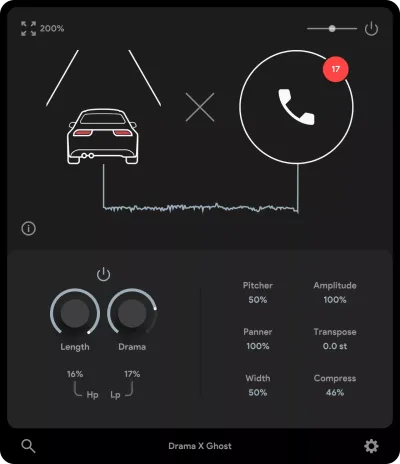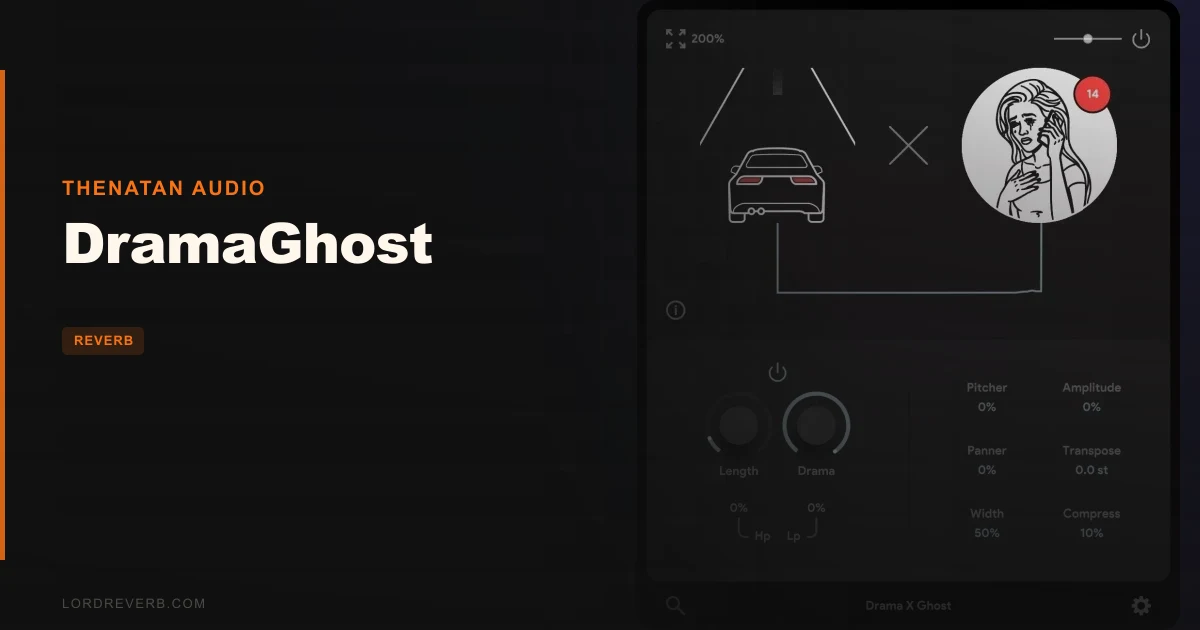
You've got a dry recording, a half-finished intro, and no idea how to make it feel like it exists in a space. Layering reverbs isn't working. Throwing a pad underneath is too predictable. What you actually want is something that grabs the audio you already have and turns it into atmosphere. That's the exact problem DramaGhost by Thenatan Audio is built for. At $10, it captures a few seconds of your incoming signal, loops it back at you, and lets a single knob decide how far into the strange and shimmery you want to go. It's aimed squarely at sound designers, ambient producers, and anyone who makes cinematic music and needs depth fast.
Quick verdict: DramaGhost is a satisfying, oddly clever little tool that earns its place in a sound design session. The concept is focused, the execution is simple, and the results on harmonic sources can be brilliant. It's not a Swiss Army knife. It won't replace your main reverb. But for intros, outros, drone beds, and glitchy cinematic textures, it punches well above the friction involved in loading it. Score: 3.5/5. At $10, it's a low-risk experiment worth making.
The Specific Frustration This Was Built to Fix
Ambient texture is one of the most time-consuming things to build properly. You want a pad-like drift underneath your melody, or an eerie ghost of a vocal lingering in the background, and instead you spend 40 minutes routing sends, stacking reverbs, and automating a freeze button that still doesn't feel right.
The frustrating part is that the source material you need is already in your session. It's sitting in the dry recording. You just don't have a quick way to pull it out and turn it into something atmospheric without a whole production detour.
DramaGhost is the shortcut. It listens to whatever's coming in, captures a short window of that audio, and loops it back as layered, shimmery texture. The effect ranges from a subtle depth-adding shimmer to a full surreal soundscape, depending on how far you push the DRAMA knob. It skips the routing. It skips the stack.
How It Actually Performs
The workflow is about as stripped down as a plugin can get. Drop DramaGhost on a channel, let audio pass through, and turn the DRAMA knob. That's it. The plugin is capturing the last few seconds of input signal in real time, then looping that captured material back underneath the live signal.
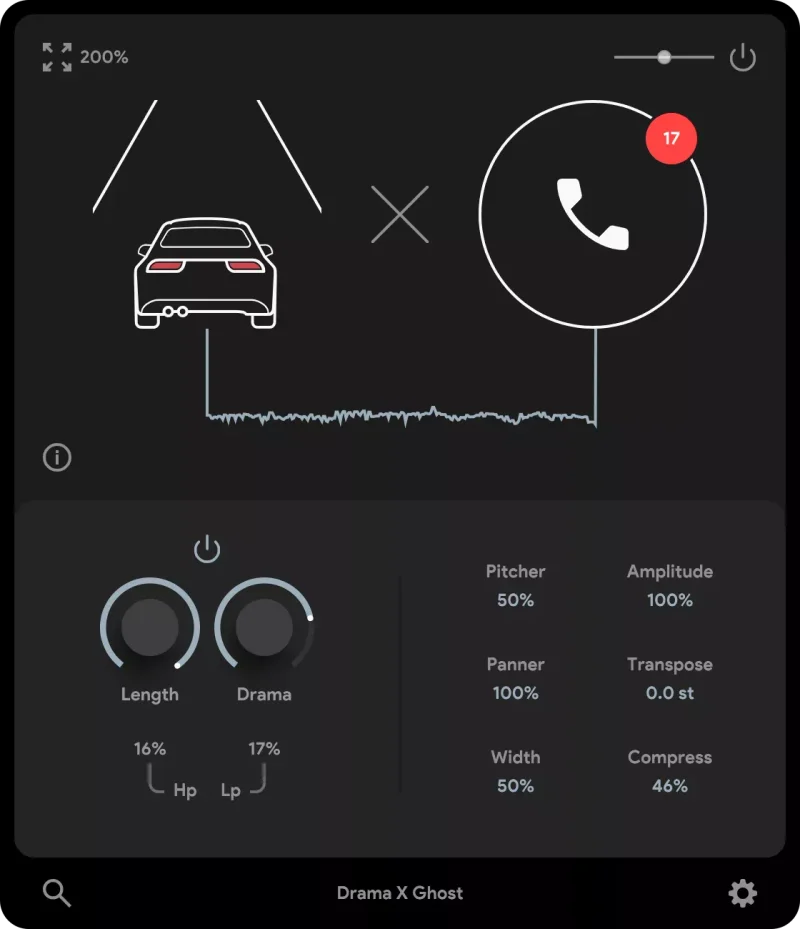
Push the knob gently and you get a widened, pad-like depth behind your source. It's warm in the way that a chorus-fed shimmer reverb is warm: the top end softens and the sound starts to feel larger than the room it came from. Push further and you're into drone territory. Voices become ghost choirs. Guitar chords dissolve into grainy, rich texture that barely remembers being a guitar.
Owners describe the results as cinematic and glitchy in the best possible sense, and that tracks with what the plugin is doing under the hood. This is audio capture and loop playback, not convolution. It responds to what you feed it. So your output is shaped by your input.
That last point matters. On a harmonic source like a guitar chord, a vocal phrase, or a sustained melody note, DramaGhost has material to work with. The loops stack coherently and the texture feels intentional. On a transient-heavy source like a raw drum loop, the results are less predictable. On drums, the results are interesting but less predictable than on harmonic sources. It won't ruin your session. It won't sound bad. But harmonic content is where this plugin lives.
Strengths and Weaknesses
The strongest thing about DramaGhost is the focus. One knob. One idea. No menu diving, no confusing modulation matrix, no preset browser that needs an afternoon to explore. You dial in the result you want or you don't. There's something satisfying about a plugin that trusts you to move one control and hear the difference immediately.
The native Apple Silicon support is a smart call. A lot of boutique plugins in this price range skip that build and force you through Rosetta. Thenatan didn't do that here.
The weaknesses are real, though. No AAX means Pro Tools users can stop reading. That's annoying, and it's a hard limit with no workaround short of loading a separate DAW just to use this one tool.
The undocumented CPU usage is a legitimate concern. You're running a live capture-and-loop process, and there's no published figure for what that costs at different buffer sizes or sample rates. If you're working on an older machine, you're loading it blind.
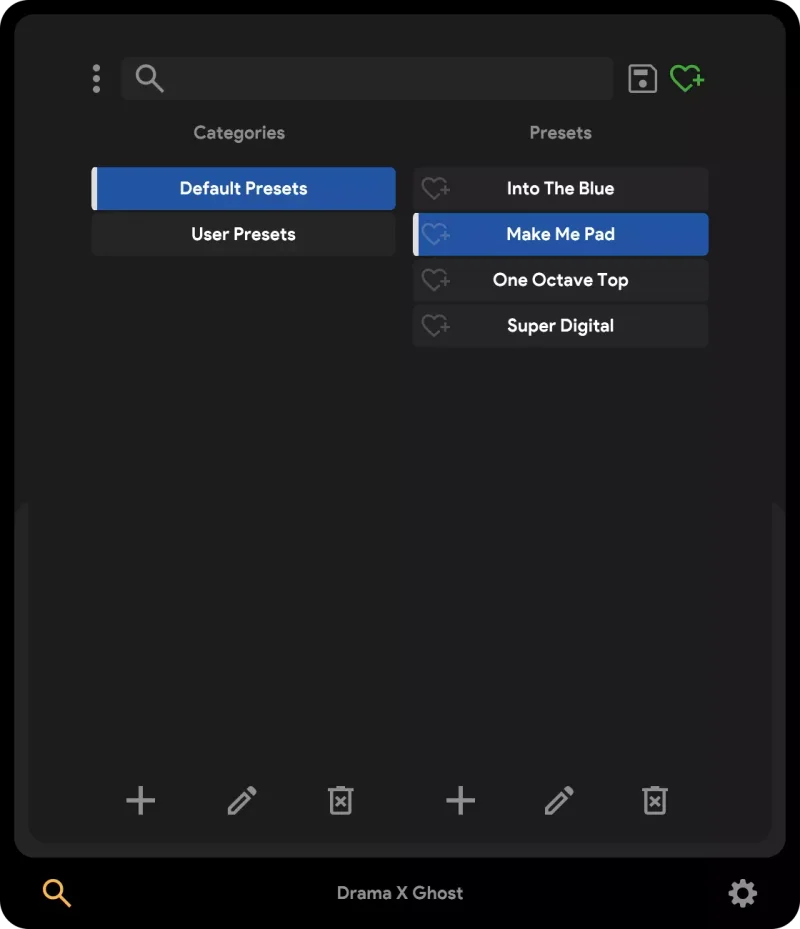
And the fact that preset information isn't published means you don't know what you're getting until you're inside it.
Value for the Price
At $10, the honest answer is: yes, it's worth it, with a narrow asterisk. This is a tool with a specific use case, and if that use case describes your workflow, you'll love it. If it doesn't, even $10 feels like a wasted click.
Sound designers working on intros, outros, film beds, or experimental drone pieces will get genuine value here. The results owners describe, cinematic glitchy textures, surreal soundscapes, atmospheric pad layers, are exactly what this kind of production needs and usually takes much longer to build manually.
For producers who mostly make club music or need precise, transparent spatial processing? This isn't the tool. The price is low enough that the risk is minimal, but be clear on what you're buying before you do.
Who Should (and Shouldn't) Buy This
- ✅ Buy if you produce ambient, cinematic, or experimental music and want fast atmospheric texture from your existing recordings.
- ✅ Buy if you do sound design work and need a low-friction way to generate drones, ghost layers, and surreal soundscapes for intros and outros.
- ✅ Buy if you're on a modern Mac with Apple Silicon and want a lightweight, focused tool that doesn't fight your system.
- ❌ Skip if you're a Pro Tools user. No AAX, full stop.
- ❌ Skip if you mostly work with drums, percussion, or other transient-heavy material. The plugin works best with harmonic sources, and you'll spend more time fighting it than using it.
- ❌ Skip if you need a versatile spatial processor that handles mix bus duties or standard reverb tasks. This is a texture and atmosphere tool, not a workhorse reverb.
Specs & Technical Details
| Developer | Thenatan Audio |
| Price | $10 |
| Plugin Format | VST3 / AU (no AAX) |
| OS Support | Mac (native Apple Silicon) / Windows |
| Activation | N/A |
| CPU Usage | N/A |
| Trial Available | N/A |
| Version Reviewed | N/A |
Score Breakdown
| Category | Score | Notes |
|---|---|---|
| Sound Quality | 4.0/5 | Shimmery, grainy, pad-like textures that genuinely work on harmonic sources |
| Value for Money | 4.0/5 | Low price removes most of the risk; focused tools at this price point are underrated |
| Ease of Use | 4.5/5 | One knob, zero menu-diving. As simple as it gets. |
| Features | 2.5/5 | Intentionally minimal; a single DRAMA knob controls the effect |
| CPU Efficiency | N/A | Real-time capture and loop processing specifications not documented |
| Overall | 3.5/5 | A clever, focused texture tool that does exactly one thing and does it well |
DramaGhost is one of those plugins that earns its keep in a specific corner of your session. Pull it up on a sustained guitar chord at the top of your track. Push the DRAMA knob past the midpoint and let it run for a few seconds. What comes back isn't a reverb tail and it isn't a pad. It's something stranger and more interesting, and that's the whole point.
It won't fix a weak arrangement. It won't replace a proper reverb on a vocal. And if you're deep in a Pro Tools session, it doesn't exist for you. But for sound designers and ambient producers who want atmospheric depth without a 20 minute routing detour, this is a clever, underrated buy at $10. That's the call.
Frequently Asked Questions
Does DramaGhost work as a standard reverb plugin?
No, and you shouldn't treat it like one. DramaGhost captures incoming audio and loops it back to create layered, atmospheric texture. It's a sound design and depth tool, not a transparent spatial processor. If you need a clean room or hall reverb for vocals or mix bus work, you'll want a different plugin for that job.
What types of sounds work best with DramaGhost?
Harmonic sources are where it shines. Guitars, vocals, sustained melody lines, and pads give the plugin coherent material to capture and loop, which produces those shimmery, pad-like soundscapes. Drums and transient-heavy material are less predictable. The developer tested it on drums and got dramatic results, but owners use it most for cinematic and ambient applications.
Is DramaGhost compatible with Pro Tools?
No. DramaGhost is available in VST3 and AU formats only. There's no AAX version, which means it won't run inside Pro Tools. If Pro Tools is your primary DAW, this plugin isn't a fit for your setup at the moment.