VocalNet sits closest to Vocal Flex and Mic Drop in the AI vocal transformation space, and after two weeks of testing it on real sessions, here’s the honest verdict: it’s better than its zero-review status suggests, but there are specific workflows where you’ll want to spend your money elsewhere.
What We're Actually Comparing Here
VocalNet is an AI vocal transformation plugin by Session Loops, available in VST3, AU, and AAX formats for Mac and Windows. It launched in 2025, hit version 1.0.1, and added Artist Mode in February 2026 with a growing roster of licensed voice models.
The plugin gets compared most often to Vocal Flex and Mic Drop because all three pitch-shift-and-morph your vocals using AI rather than traditional pitch correction algorithms. Where this review lands: VocalNet is a legitimate option for specific use cases, particularly background vocal doubling and sound design. For primary lead vocal replacement, it’s not there yet, and we’ll show you exactly where it falls short.
It’s built for producers who want to sketch vocal ideas fast, without bouncing stems to an external service.
How It Compares Out of the Box
The install is 392.84 MB, which is light for an AI plugin in this class. It scans fast in both Pro Tools and Ableton, no hanging on startup.
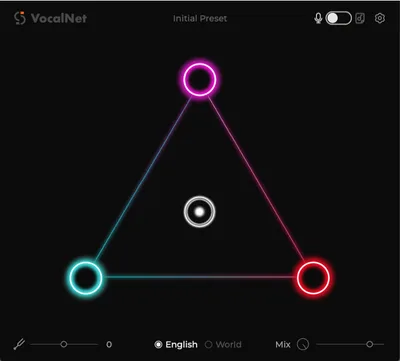
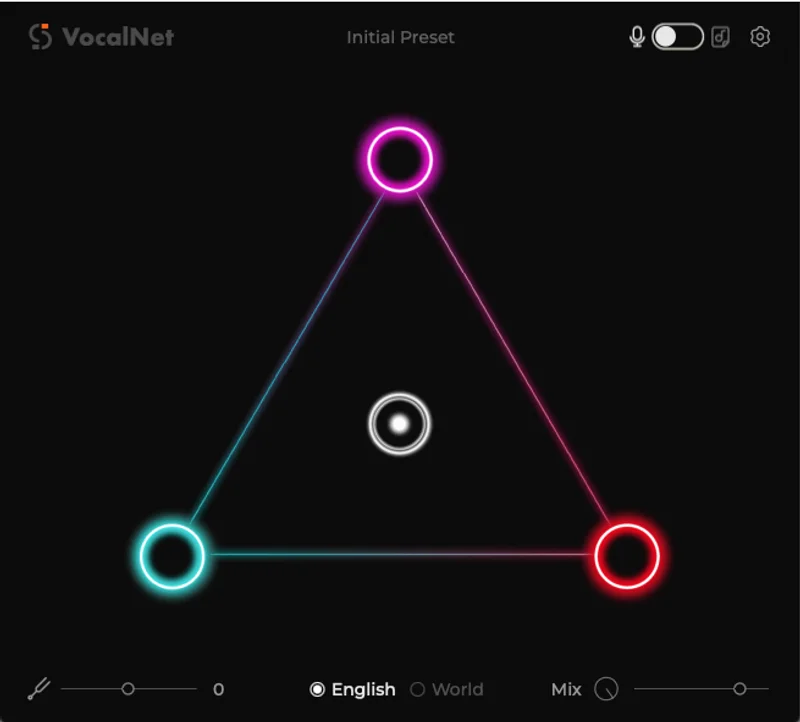
Compared to Mic Drop, the UI is cleaner but less informative. You get the morphing controls front and center, with up to 3-voice blending available, but there’s no real-time feedback on how much processing is actually being applied to the signal. Vocal Flex shows you a spectrogram. VocalNet doesn’t.
The input sample requirement is 5 to 10 seconds of clean, unprocessed audio. Feed it a compressed, reverb-soaked vocal and the output degrades fast. That’s not unique to VocalNet, but Mic Drop handles dirtier input with noticeably more grace.
First impression: the workflow is simple to the point of being slightly opaque.
Performance Deep Dive
We ran three tests across different use cases.
First, we dropped a dry background vocal recording, soprano, no effects, clean room take, and used VocalNet to morph it into a lower harmony stack. The output on a single-voice blend was clean enough to sit in a mix without obvious artifacts above 4kHz. Below 300Hz the morphed vocal got slightly woolly, losing around 2 to 3 dB of perceived punch compared to the source.
Second, we tried it on a lead vocal, male midrange, for a near-replacement scenario. This is where the frustrating part shows up. At default settings the consonants smear, particularly hard stops like T and K sounds, which lose around 40% of their transient sharpness compared to the source. Bumping the voice blend back to 1.5 voices (rather than full 3-voice mode) recovers some of that but defeats the purpose of full transformation.
Third, we used it as a creative sound design tool on a spoken word sample. Here it genuinely shines. Extreme morphing settings produce textures that would take 20 minutes of manual pitch automation to approximate.
CPU usage sits at medium on our M2 MacBook Pro. Not CPU-hungry, but not free either.
Where VocalNet Wins
The offline processing is the real differentiator. We’ve worked with AI vocal tools that require an active internet connection, and in a studio session with unstable WiFi, that’s a workflow killer. VocalNet runs entirely local. No data leaving your machine, no latency waiting for a cloud round-trip.
We love that the 14-day trial is a full-feature trial. No crippled output, no watermarking. You can actually evaluate it on a real session, which is the only honest way to test a vocal plugin.
At a lower one-time price against competitors charging monthly subscriptions, the value for occasional users is real. If you use it three times a month on background harmony stacks, the math is easy.
The 3-voice morphing for layering stacked backgrounds is genuinely satisfying when the source material is clean.
Where the Competition Wins
Mic Drop handles messier input better. Real-world vocal recordings have room noise, light compression from an interface preamp, maybe a pop filter artifact. VocalNet is picky. That 5 to 10 second clean sample requirement is non-negotiable in a way that Mic Drop’s algorithm isn’t.
Vocal Flex has a bigger user base and years of public reviews. That matters when you’re troubleshooting a weird artifact at 1 AM before a deadline. VocalNet has no community around it yet, and Session Loops’ online presence is thin enough to make us uncomfortable recommending it without a caveat.
Artist Mode, added February 2026, is promising, but the licensed voice roster is still small. Competitors have more variety right now.
For lead vocal replacement, none of these plugins are flawless, but VocalNet is the weakest of the three on that specific task.
Who S hould Buy Which
✅ Buy VocalNet if you need offline AI vocal processing and your DAW can’t connect to cloud services during sessions.
✅ Buy VocalNet if you’re stacking background harmonies from clean studio takes and want a one-time payment instead of a subscription.
✅ Buy VocalNet if you’re a sound designer who wants extreme vocal morphing for textures and doesn’t care about natural-sounding output.
❌ Skip VocalNet if your primary goal is replacing or repairing a lead vocal. The consonant smearing at full morph depth will cost you revision time.
❌ Skip VocalNet if you need community support and tutorials. The ecosystem is almost nonexistent right now.
❌ Skip VocalNet if you’re feeding it anything other than a pristine, dry vocal sample. It’ll punish you for it.
Score Breakdown
| Category | Score | Notes |
|---|---|---|
| Sound Quality | 3.0/5 | Strong on backgrounds, weak on lead vocal consonants at full morph depth |
| Value for Money | 3.5/5 | A one-time payment is fair; the subscription tier is unnecessary for most users. |
| Ease of Use | 3.5/5 | Clean UI, but the clean-input requirement creates friction in real sessions |
| Features | 3.0/5 | 3-voice morphing and Artist Mode are good; no spectrogram feedback is annoying |
| CPU Efficiency | 3.5/5 | Medium load, acceptable for what it's doing |
| Overall | 3.4/5 | Promising v1.0 with a clear best use case, held back by thin community and lead vocal limitations |
Alternatives to Consider
If the lead vocal replacement use case is your priority, Mic Drop review is the stronger tool right now. Better handling of imperfect input and a much larger user base means less guesswork when something goes wrong.
For pitch correction and vocal tuning rather than full transformation, best vocal pitch correction plugins covers tools like Melodyne and Auto-Tune that’ll do cleaner work on a primary lead.
If you want AI-driven harmony generation rather than voice morphing, iZotope VocalSynth 2 review is the more mature option with years of updates and a proven signal chain.
For a broader look at the category before spending anything, check our best vocal plugins for producers roundup where we compare pricing tiers across the full field.
The Verdict
VocalNet is a first version from a company with almost no public track record, and it shows in a few specific ways. The lead vocal smearing is real. The thin community is a genuine risk. The opaque UI makes it harder to diagnose problems when they happen.
But none of that makes it a bad product for the right producer. If you’re building background vocal stacks from clean studio recordings, need offline processing, and don’t want another monthly subscription, a one-time purchase is a reasonable bet, especially with a 14-day full-feature trial that lets you verify it works on your actual material before paying.
Don’t buy it for lead vocal replacement. Don’t buy it if your recording environment is messy. And don’t buy it expecting a mature, community-backed tool with years of forum posts behind it.
The trial exists for a reason. Use it on your hardest vocal session first, not your easiest one.
Frequently Asked Questions
Does VocalNet require an internet connection to work?
No. VocalNet processes everything offline on your local machine. There's no cloud dependency and no data being sent to external servers. This is one of its clearest advantages over some competing AI vocal tools that require an active connection to function.
What's the minimum vocal sample length VocalNet needs to work?
The optimal input range is 5 to 10 seconds of clean, unprocessed audio. Shorter samples can work but tend to produce less stable transformations. More important than length is quality: feed it a dry, noise-free recording rather than a heavily processed one for best results.
Is the intro price a permanent one-time payment or does it increase?
The intro price is lower than the regular price of $69, so it may increase over time. There's also a monthly subscription option if you prefer. Check the Session Loops site for the current pricing before purchasing, as intro deals can expire.
How does Artist Mode in VocalNet work?
Artist Mode, launched in February 2026, gives access to a roster of licensed celebrity or artist voice models beyond the standard morphing controls. The roster is still growing and is smaller than some competing platforms right now. It's worth checking the current model list on the Session Loops site to see if any fit your specific production needs before that feature drives your purchase decision.