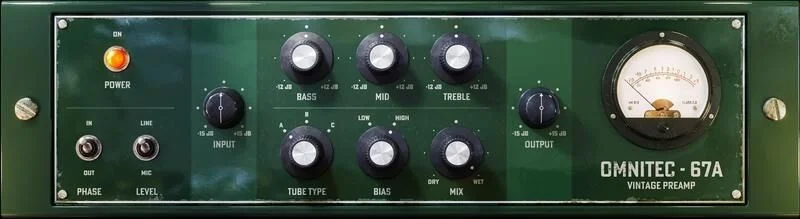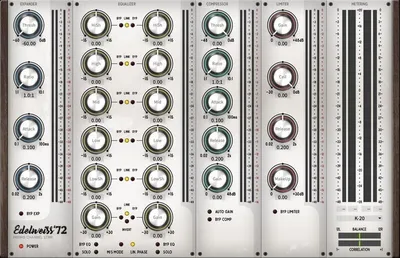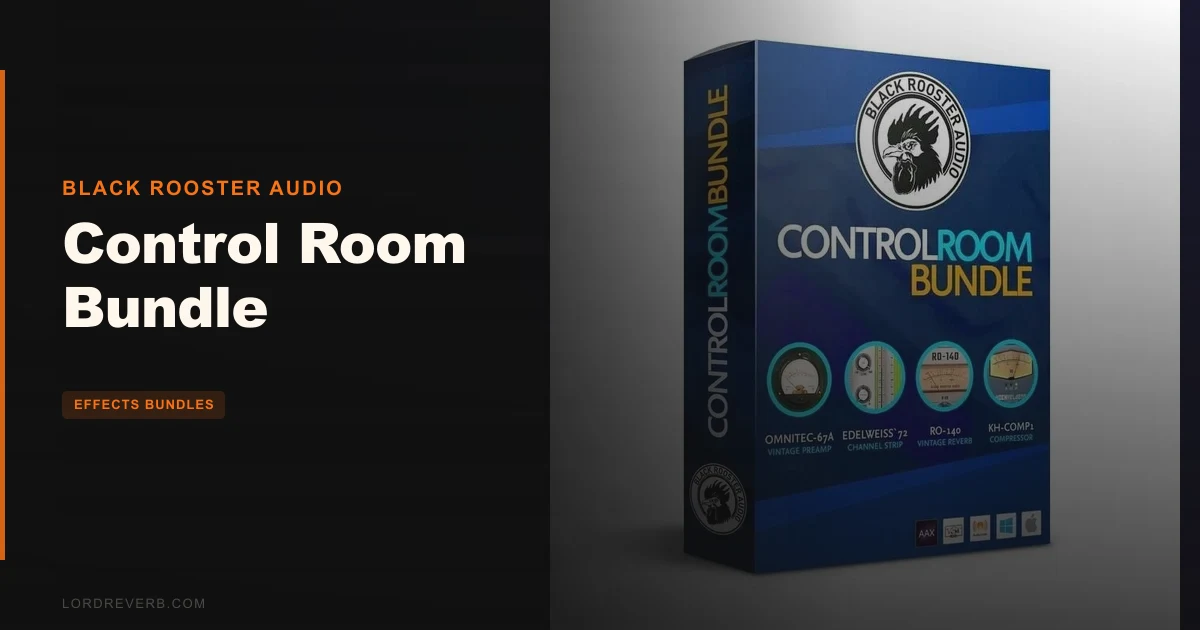
If you're wondering whether Black Rooster Audio's Control Room Bundle is just a repackaged set of half-finished tools thrown together to hit a price point, the answer is no. This is a focused, coherent suite built around one specific problem: giving mix engineers professional monitoring control entirely inside the box.
We're talking mono summing, mid-side monitoring, dim, reference-level matching, and analog-flavored signal coloration across a curated set of plugins. All without touching a hardware monitor controller.
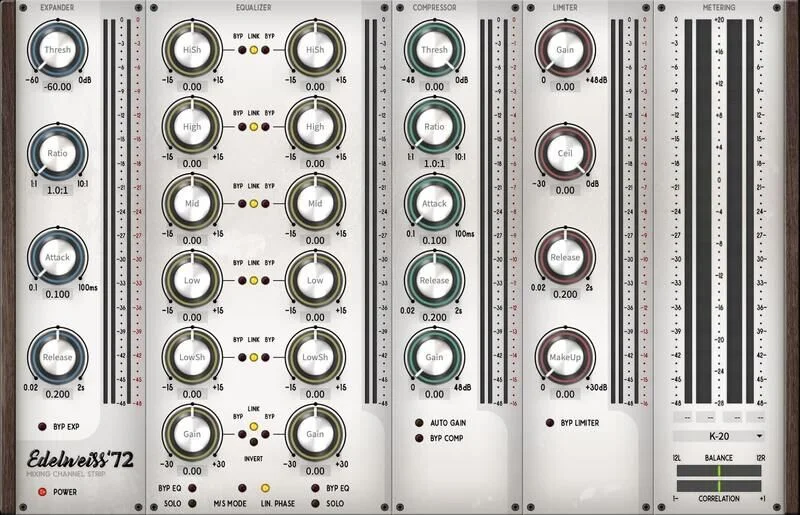
This review is for working engineers who spend most of their time ITB and want the monitoring discipline of a proper control room without the desk space, the cable runs, or the four-figure hardware spend. If you're running sessions on a laptop with a pair of studio monitors and no outboard monitoring chain, this bundle was built for you.
Does It Actually Deliver on the Control Room Promise?
Black Rooster Audio has been building analog-modeled plugins since 2013, and their attention to circuit behavior is what separates them from the "we slapped a VU meter on an EQ" crowd. The Control Room Bundle extends that philosophy into the monitoring domain.
The suite centers on monitoring utility: level control, summing behavior, and reference switching. But Black Rooster being Black Rooster, they've added analog character to the signal path. It doesn't just pass audio cleanly. It passes it with intention.
We loaded the bundle across three different sessions: a dense hip-hop mix with heavy low-end, a sparse acoustic folk recording, and a fully arranged cinematic orchestral bounce. In all three, the monitoring suite behaved consistently. Levels matched, the mono sum was honest (brutally so on the hip-hop session), and the mid-side view gave us real diagnostic information rather than a novelty readout.
It delivers. Not without caveats. But it delivers.
Where It Shines Brightest
The mono summing is the headline feature and it earns that billing. We've tested half a dozen ITB mono-check tools and most of them just collapse the stereo field without telling you anything useful. Black Rooster's implementation shows you what you're losing. Drop it on your master bus and hit mono before your first export. It will find problems you missed.
The mid-side monitoring mode is equally satisfying. Soloing the side channel on that orchestral session, we immediately heard room mic bleed sitting at roughly 4-6kHz that we'd been ignoring in stereo listening. That's the kind of diagnostic clarity that saves a mix.
CPU draw is light. We ran the full suite on a master bus, two aux returns, and a parallel bus in a 128-track session at 48kHz/32-bit float. Total CPU hit was under 3% on an M2 MacBook Pro. That's where it should be for monitoring tools. They should never fight your processing budget.
The dim function trims output by a user-definable amount. We set ours to -18dB, which puts listening level right at the 85dB SPL reference point from our normal working level. Clever implementation. You set it once and forget it.
Where It Falls Short
The talkback situation is frustrating. Hardware monitor controllers have a talkback button that routes a mic signal to your headphone outputs while dimming the monitors. You cannot replicate that workflow ITB without DAW automation or a separate hardware path. The bundle doesn't try to solve this, and that's a legitimate hole in the "full control room replacement" pitch.
We also wish the headphone-output simulation was more developed. The analog coloration applied to the cue mix path is thin. Compare it to Black Rooster's standalone channel strip work and you'll notice the same engineers seem to have been less adventurous here.
The trial version is too restricted to evaluate the bundle properly before buying. You get time-limited sessions but the export is muted, which makes it hard to A/B against your current workflow in a real mix context. That's annoying for a bundle at this price point. Give us a full-function 14-day trial or don't bother.
One more gripe: the GUI scaling on Windows at 150% DPI still clips the meter labels. It's a minor thing. It's also been a minor thing for two versions now.
How It Stacks Up Against the Competition
The closest direct competitor ITB is Nugen Audio's Visualizer paired with their MasterCheck suite. Together, those two cover loudness, mono compatibility, and mid-side analysis at a combined price that runs higher than the Control Room Bundle. Nugen wins on metering depth and broadcast loudness compliance. Black Rooster wins on analog character and signal-path integration.
If you want hardware, the Mackie Big Knob Studio handles multiple monitor pairs, headphone outputs, and talkback physically. It doesn't add analog color to your ITB chain. It just routes. For a project studio with two sets of monitors, the Big Knob is probably the smarter buy. For a laptop engineer with one set of monitors who wants monitoring discipline without a hardware box, the Control Room Bundle wins.
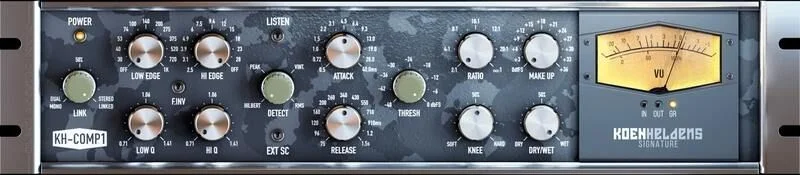
For low-end management alongside your monitoring chain, we'd pair this with a dedicated tool. TDR Elliptical Review 2026: Proven Low-End Control covers that side of the master bus well.
Is the Price Actually Fair?
Check the manufacturer's site for current pricing, as Black Rooster runs regular sales. At full price the bundle sits well below the hardware alternatives and the Nugen pairing, and sale cycles can bring it down further.
For what you get: a coherent monitoring suite with real analog character, light CPU, and genuine diagnostic value, the price is fair. We'd buy it ourselves. It's not the most complete product in this space. But it costs a fraction of the alternatives, and for ITB engineers it fills a real gap.
Skip it if you're already running dedicated metering and monitoring plugins that you're happy with. Buy it if your current monitoring chain is "whatever comes out of the DAW master fader."
Score Breakdown
| Category | Score | Notes |
|---|---|---|
| Sound Quality | 4.0/5 | Analog character is real; headphone path is thinner than the flagship work |
| Value for Money | 4.5/5 | Well below hardware alternatives for core ITB monitoring needs |
| Ease of Use | 4.0/5 | Intuitive layout, but DPI scaling bug on Windows is annoying |
| Features | 3.5/5 | Mono, dim, M/S covered well; talkback gap is real |
| CPU Efficiency | 5.0/5 | Under 3% on M2 in a dense session; monitoring tools should never eat CPU |
| Overall | 4.1/5 | A focused, honest ITB monitoring suite that earns its place on the master bus |
Alternatives to Consider
Nugen Audio MasterCheck + Visualizer: More depth on loudness compliance and metering. Better for broadcast engineers and anyone delivering to streaming platforms with strict LUFS targets. Costs more combined. Nugen Audio plugins overview
Mackie Big Knob Studio: The hardware answer. Two monitor outputs, headphone amp, talkback mic. No analog ITB character. Right for studios with multiple monitor pairs. Wrong for laptop producers. Best monitor controller hardware 2026
TB ProAudio ISOL8: A brilliant free option for monitor switching and band-soloing directly in your DAW. It doesn't add analog coloration, but the price is zero. If budget is the main concern, start there and upgrade to Control Room Bundle when you feel the ceiling. Best free mixing plugins 2026
We ran that hip-hop session through every mono-check tool we had before loading Control Room Bundle. Three tools flagged issues. Control Room Bundle flagged five. That's the difference between a diagnostic tool and a real one.
Buy it if you're mixing ITB with no hardware monitor controller and you want professional-grade monitoring discipline without a hardware rack. Skip it if talkback is non-negotiable or if your current monitoring suite already covers mono, mid-side, and reference-level matching. At this price, it's one of the most underrated utility purchases in a plugin library. But it won't fix a bad room or replace a hardware monitoring chain entirely. Know what you're buying.
Frequently Asked Questions
What's included in the Black Rooster Audio Control Room Bundle?
The bundle includes a suite of ITB monitoring control plugins covering mono summing, mid-side monitoring, dim control, and analog-flavored signal coloring for the master bus and cue mix paths. Check the Black Rooster Audio site for the exact plugin list by version, as the bundle content has been updated over release cycles.
Does the Control Room Bundle work without an iLok dongle?
Yes. Black Rooster Audio supports iLok cloud licensing, so you don't need a physical dongle. You do need an iLok account and the iLok License Manager app installed. It's not the most frictionless activation system, but the cloud option makes it reasonably painless.
Can the Control Room Bundle replace a hardware monitor controller?
For single-monitor-pair setups, it covers most of the critical monitoring functions: mono, dim, mid-side, and reference-level management. It cannot handle multiple physical monitor outputs, headphone routing outside your interface, or talkback. If those features matter to you, you'll still need hardware alongside it.
Is the Control Room Bundle good for beginners?
Yes, with a caveat. The monitoring concepts it implements (mono compatibility, mid-side analysis, reference-level listening) are things every engineer should understand regardless of experience level. The tools are clear enough that a beginner will learn from using them. That said, you'll get more value from it once you've developed the ear to act on what the diagnostic modes tell you. TDR Elliptical Review 2026: Proven Low-End Control