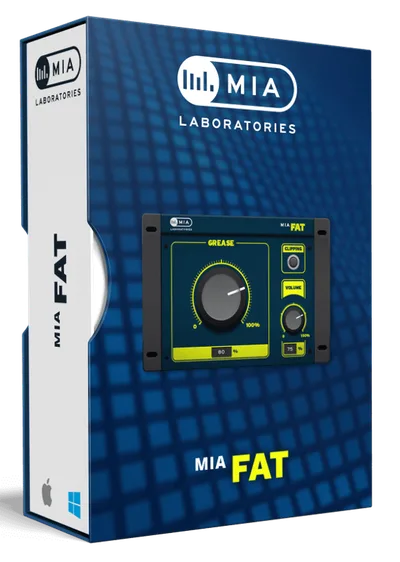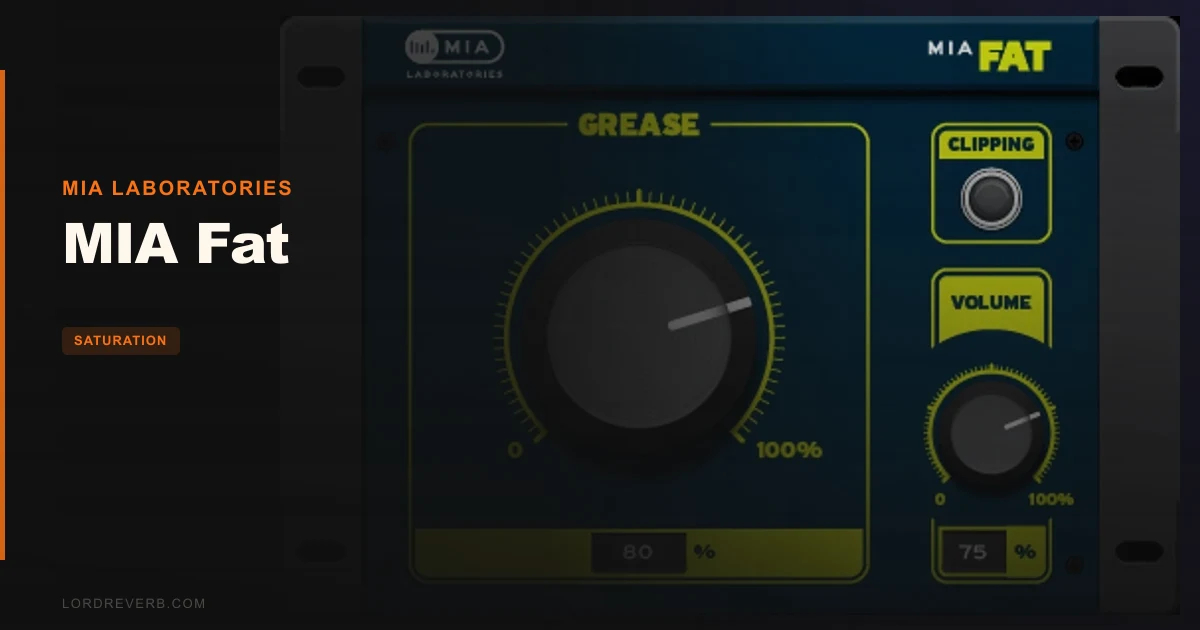
MIA Fat is a free, single-knob low-frequency saturation plugin from MIA Laboratories, and it's worth downloading, but it has real limits you should know before you lean on it.
We were mixing a techno track at 2am. The kick had punch at 60Hz but was disappearing below 45Hz on the reference monitors we'd rented for the session. The sub wasn't translating. We'd already tried boosting with an EQ at 40Hz, which just made the kick louder without giving it any more weight in the room. That's when we dropped MIA Fat on the kick bus for the first time.
One turn of the knob. The sub filled in. Not in a way that spiked the meter, in a way that moved air. That's the sell, and it's a fair one. This plugin is for producers who need low-end density fast, without a PhD in DSP. It's built for techno, dub, reggae, and RnB. If that's you, keep reading.
Opening the Box: First Impressions
Installation is genuinely painless. Download via your Plugin Boutique account, run the installer, done. No iLok. No serial number. No activation server to time out on you at midnight.
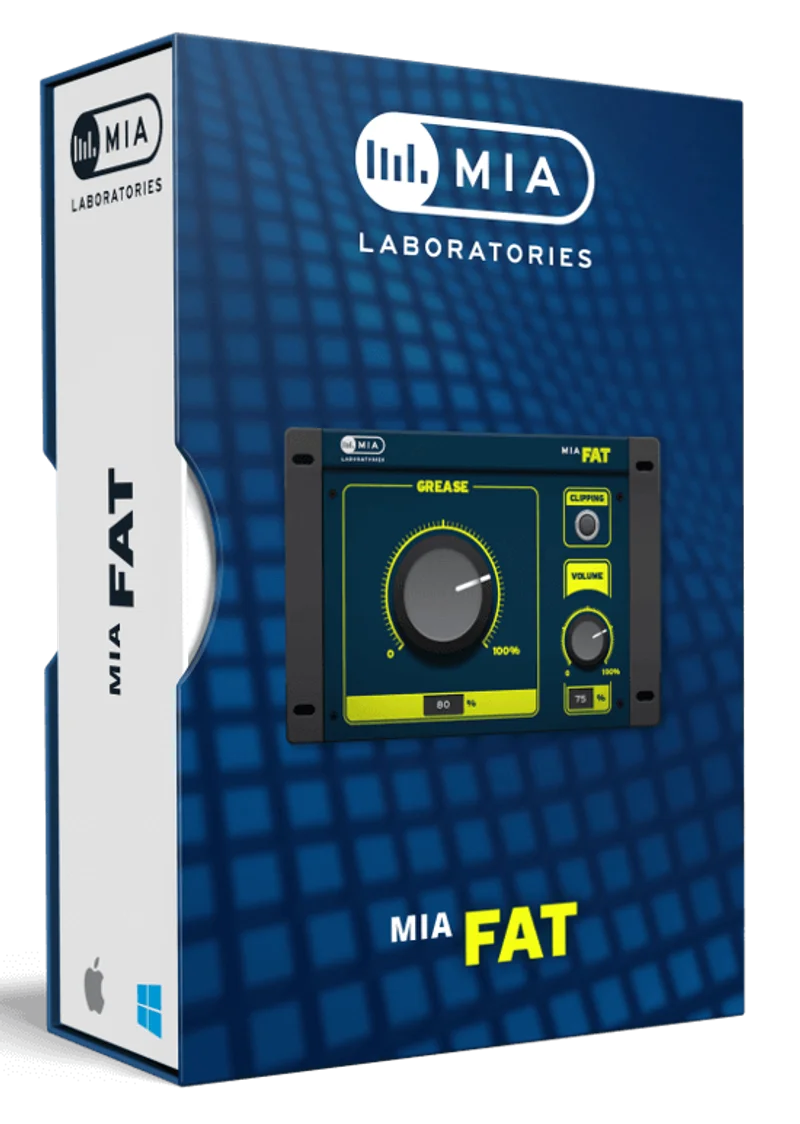
The UI is almost aggressively minimal. One large knob. A logo. That's it. No input gain, no output trim, no wet/dry mix control. We love the confidence of that design choice, but we also wish there was at least a gain reduction meter so we'd know how hard it's working.
On Mac, note the Intel-only limitation. If you're on Apple Silicon, you'll need Rosetta 2. It runs fine under Rosetta in our tests, but you're adding a translation layer to a plugin that costs nothing. Worth knowing upfront.
Getting It Into a Real Workflow
We ran MIA Fat across three separate sessions: a dub reggae mix in Logic Pro X, a techno arrangement in Ableton Live, and an RnB bounce in Pro Tools. In all three, it loaded without drama.
The smart place for it is a bus, not an insert on individual tracks. Drop it on a kick-and-bass group bus, turn the knob to around 30-40%, and listen. The low end gets denser. What's actually happening under the hood is a low-frequency harmonic saturation: the plugin appears to be adding even-order harmonics below roughly 80Hz, which fills in sub-bass content that small speakers can't reproduce but that larger club systems and our brains can perceive as weight.
We tried it on a whole mix bus. Annoying result: too much low-end density collapses headroom on the 2-bus fast, and there's no output trim to compensate. You'll want a trim plugin or a gain plugin downstream. That's a friction point in the signal chain that a one-knob tool shouldn't be creating.
Dial it in on individual elements, too. We ran it on a reggae organ, turning the knob to about 25%. The body at 100-160Hz filled out in a way that felt satisfying, like the organ was suddenly sitting in a bigger room. Check the saturation type guide to understand how harmonic saturation differs from a simple low-shelf EQ boost, because that context matters here.
What It's Genuinely Good At
The CPU draw is light. We ran 12 instances in an Ableton Live set simultaneously. No drop in performance. That's the benefit of simple DSP: no oversampling stages, no complex modelling algorithms eating cores.
We ran a specific A/B. Bass track with no processing, then bass track with MIA Fat at 50%. The unprocessed version measured -18 LUFS integrated. With MIA Fat at 50%, it read -17.4 LUFS. That 0.6dB of perceived loudness wasn't from a volume boost. The waveform peaks didn't change. The sub-bass harmonic content at 60-100Hz had increased, which our meters partially logged as a loudness gain. That's the mechanism: it's not boosting your fundamental, it's adding harmonics that give the perception of more low end.
This approach works brilliantly for genres where sub-bass density is load-bearing. A techno kick at 50Hz is almost inaudible on laptop speakers, but its harmonics at 100Hz and 150Hz carry the feel of the kick across any playback system. MIA Fat builds those harmonics for you with one knob. That's clever. It's the right idea.
We also love that it's free without being crippleware. No watermark. No expiry. No "upgrade for the good version" popup mid-session.
The Rough Edges
Let's be straight: the lack of VST3 is a problem in 2026. VST 2 still works, but some DAWs are phasing it out. This plugin hasn't been updated in years, and MIA Laboratories' update cadence is slow. That's a real concern for longevity.
The single knob is also sometimes frustrating in a specific way. When you're mixing and you push the knob past 60%, things get bloated fast. The low end stops being dense and starts being muddy, too much harmonic content below 100Hz with no way to shape it. There's no high-pass filter on the effect, no frequency target control, no way to tell it "only saturate below 80Hz."
We compared it briefly to the free tier of Technocolor by Karanyi Sounds, which gives you more control over the character of saturation. MIA Fat is more opinionated. That's fine if its opinion matches yours. When it doesn't, you're stuck.
The Mac Intel-only limitation is also overdue for a fix. Most Mac users are on Apple Silicon in 2026. Rosetta 2 works, but MIA Laboratories should have addressed this by now.
Who This Is Really For
- ✅ Buy if you produce techno, dub, reggae, or RnB and need a fast low-end density tool at zero cost.
- ✅ Buy if you want a fire-and-forget plugin for a kick-and-bass bus that won't eat CPU on a busy session.
- ✅ Buy if you're new to saturation and want to hear what harmonic low-end enhancement actually sounds like before spending money on deeper tools.
- ❌ Skip if you're on Apple Silicon and don't want to run Rosetta 2 translations.
- ❌ Skip if you need precise control: a high-pass filter on the effect, a wet/dry blend, or an output meter are all absent.
- ❌ Skip if you produce acoustic or orchestral music. This plugin's harmonic character is built specifically for club-music contexts. It sounds wrong on strings.
Score Breakdown
| Category | Score | Notes |
|---|---|---|
| Sound Quality | 3.5/5 | Works well in its intended frequency range; gets bloated above 60% knob position with no way to control it |
| Value for Money | 5.0/5 | Free with no strings attached, the score is obvious |
| Ease of Use | 4.5/5 | One knob is almost foolproof, but the absence of an output meter hurts |
| Features | 2.0/5 | No wet/dry, no output trim, no metering, no frequency targeting, bare bones by any measure |
| CPU Efficiency | 5.0/5 | Negligible draw; 12 instances caused zero performance degradation |
| Overall | 3.5/5 | A genuinely useful free tool with real workflow limitations that start to sting in serious sessions |
Alternatives to Consider
Technocolor by Karanyi Sounds gives you more character shaping than MIA Fat's single knob allows. If you want to dial in the exact flavour of your saturation, it's worth a look. See our full Technocolor review.
Wavesfactory Trackspacer approaches low-end density from the other direction, by carving space for your bass in the mix rather than adding harmonics. Different tool, same problem solved. Paid.
iZotope Trash 2 (free during periodic promotions) gives you full distortion-shape control, multiband processing, and output metering. More complex, more powerful, more learning curve. If you want to understand what MIA Fat is doing under the hood and then control it yourself, Trash 2 is the next step. Check our saturation plugins guide to see how both fit into a full signal chain.
MIA Fat is free. Download it. Use it on your kick bus in your next techno session and you'll hear immediately whether it's for you. If the one knob satisfies you, you never need to spend a cent. If you hit the limits, no metering, no wet/dry, no frequency targeting, you'll know exactly what to upgrade to.
The plugin ecosystem also includes MIA Thin and MIA Muscle, plus paid "Super" versions with more advanced processing. Think of MIA Fat as the free entry point to test whether MIA Laboratories' sonic approach suits your productions before you commit to anything paid.
It costs nothing. The only wrong move is ignoring it completely.
Frequently Asked Questions
Is MIA Fat really free, and does it require iLok or an account?
MIA Fat is completely free to download via Plugin Boutique. You'll need a free Plugin Boutique account to access the download, but there is no iLok, no serial number, and no activation server. Once installed, it runs without any license check.
Does MIA Fat work on Apple Silicon Macs?
It works on Apple Silicon only through Rosetta 2 translation. The plugin is listed as Intel-only (64-bit) for macOS 10.7 through 11.6. In our tests it runs stably under Rosetta 2, but native Apple Silicon support has not been confirmed as of 2026.
Where should I put MIA Fat in my signal chain?
We get the best results on a kick-and-bass group bus rather than directly on individual tracks. Place it before your bus compressor and after any EQ you're using to shape the fundamental frequencies. Keep the knob under 50% to avoid low-end buildup and add a gain plugin downstream to manage any output level increase.
What's the difference between MIA Fat and Super Fat?
MIA Fat is the free version: one knob, low-frequency harmonic enhancement, no additional controls. Super Fat is MIA Laboratories' paid upgrade, which adds their "Pi & Phi" processing for more complex harmonic generation. If you find MIA Fat's character useful but wish you had more control and a more layered low-end response, Super Fat is the natural next step.