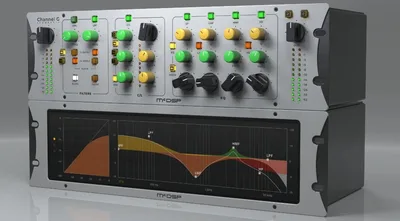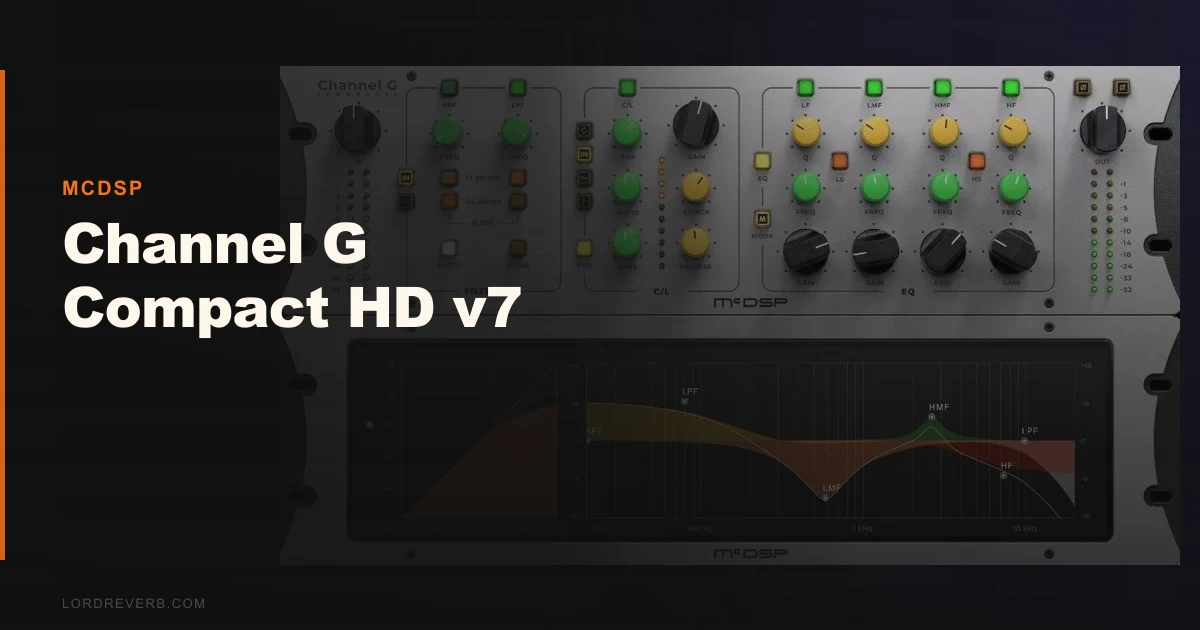
The honest question about Channel G Compact HD v7 is whether “Compact” means compromised. It doesn’t. McDSP kept the core Channel G signal path intact and cut the DSP footprint, not the sound.
That said, this isn’t a plug-and-play tool for everyone. It’s built for Pro Tools-heavy workflows, AAX DSP plugin workflows specifically, and Avid surface users. If that’s your room, it belongs on every session. If you’re running Ableton or FL Studio, read the format section before you buy.
McDSP positions this as the resource-efficient sibling to full Channel G. At $149 on sale, the pitch is: same console character, lower DSP bill. We spent time with it across a mix session to find out if that holds.
Does the Compact Version Actually Hold Up Against Full Channel G?
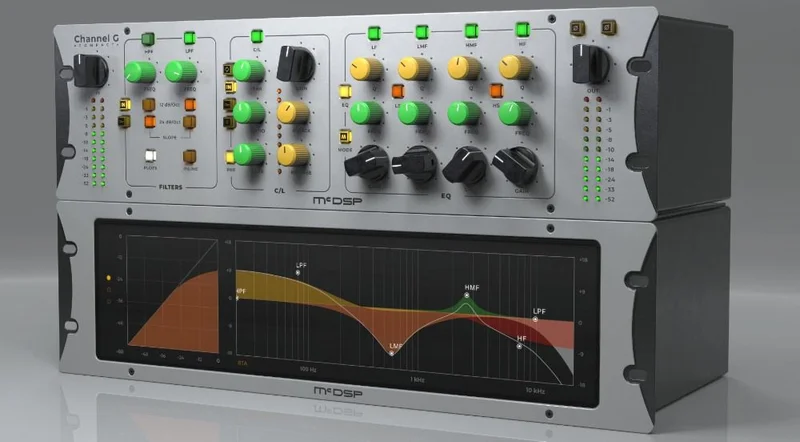
Channel G Compact HD v7 is a channel strip plugin modeling six large-format analog mixing consoles. McDSP built it to run in AAX Native, AAX DSP, AU, and VST3 formats across Mac OS 10.13 through 12.x and Windows 10.
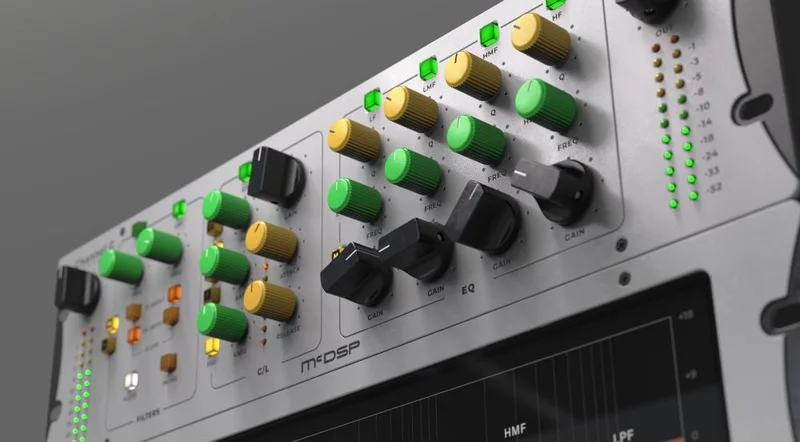
The compression section runs in either feed-forward or feedback mode, routes pre or post the EQ, and gives you 11 pre-programmed knee curves. You’re not drawing curves manually. You pick a character and dial in the threshold.
Two calibration modes separate music and post-production behavior. That’s not marketing copy. The frequency response and transient handling actually shift between modes. We confirmed the difference when moving between a vocal bus and a dialogue track.
The claim that this delivers the same Channel G sound in a smaller footprint is mostly true. Where it starts to get complicated, we’ll get into below.
Where Channel G Compact HD v7 Shines
The knee curves are underrated. We loaded a drum bus with the plugin and cycled through all 11 options at a fixed -3dB gain reduction. The difference between curve 3 and curve 8 was audible and immediate. Curve 3 grabs fast and holds. Curve 8 breathes. We landed on curve 6 at a ratio of 4:1 with attack at 8ms and release at 120ms, and the bus sat without pumping. That took under two minutes.
The console modeling is the other genuine strength. We ran the same vocal take through all six console characters. Two of them were obviously useful for pop and R&B: tighter low end, slightly forward upper mids around 3-4kHz. Two leaned into a darker, wider stereo image that worked better on room mics. That’s meaningful tonal range inside one plugin.
Avid surface integration is brilliant if you’re in that world. We mapped the plugin to an S4 surface and every parameter followed without any MIDI learn setup. That’s the kind of workflow detail that saves fifteen minutes per session.
Where It Falls Short
The VST2 discontinuation in v7.0 is a real issue if you haven’t fully committed to VST3. We tried loading a v6 session in a VST3-only state and lost every instance. McDSP was upfront about this in their changelog, but it’s a frustrating project migration for anyone with deep archives.
The iLok requirement is still annoying. iLok2 or iLok3 required, two activations per authorization. In 2026, that feels like a workflow tax that most competitors have moved past. If you lose your dongle before a session, you’re done.
The bigger problem is transparency around CPU usage. McDSP says Compact is more efficient than full Channel G. We believe them. But there are zero published numbers. No instance counts, no DAW benchmark comparisons, no CPU percentage figures anywhere in the product documentation. We’d love to tell you it runs 40 instances on a 2023 Mac Studio without breaking a sweat. We can’t. CPU benchmarks for channel strip plugins
How It Stacks Up Against the Real Competition
The honest comparison is against Waves SSL E-Channel and FabFilter Pro-Q 3 with a dynamics plugin stacked underneath.
Waves SSL E-Channel costs less, ships in every format including VST2, and runs on a wider OS range. If you want console character without the Avid ecosystem dependency, Waves wins on accessibility. The SSL sound is also slightly more universally recognized. We’ve had clients ask for “that SSL thing” and Channel G Compact gets you close, but not there.
FabFilter Pro-Q 3 plus Pro-C 2 costs more as a bundle but gives you more precise control at every stage. It’s a different tool. If you want to sculpt, FabFilter w ins. If you want to feel a console under your hands and not think too hard about Q values, Channel G Compact wins.
Waves SSL E-Channel review
Is $149 a Fair Price for What You're Getting?
At the sale price, yes. At the regular price, it is harder to justify without an HDX rig or an Avid surface to maximize it.
The 1,500+ presets have real value. We pulled up a preset labeled “Pop Vocal Glue” during a session as a joke and left it on with only the threshold adjusted. It worked. That’s not always how preset banks go.
If you’re outside the Pro Tools world, $149 still buys you capable console modeling. But you’d get more versatility elsewhere.
Score Breakdown
| Category | Score | Notes |
|---|---|---|
| Sound Quality | 4.3/5 | Six console models with genuine tonal differences; compression curves are satisfying |
| Value for Money | 3.8/5 | Strong at the sale price; harder sell at full price outside the Pro Tools ecosystem |
| Ease of Use | 4.0/5 | Preset library is genuinely useful; calibration mode switch is intuitive |
| Features | 4.0/5 | 11 knee curves, 6 console models, pre/post EQ routing covers serious ground |
| CPU Efficiency | 3.5/5 | Claims efficiency gains over full Channel G but zero published metrics to confirm |
| Overall | 4.1/5 | Excellent tool for Avid-centric studios; narrower value outside that ecosystem |
Alternatives Worth Considering
If Channel G Compact HD v7 isn’t the right fit, here are three tools worth your time.
Waves SSL E-Channel. Broader format support including VST2, lower price point, and that SSL character is still the industry reference. Waves SSL E-Channel review
FabFilter Pro-Q 3 + Pro-C 2. More surgical control, better metering, no iLok. If you want to build a signal chain from scratch rather than reach for a console sound, this combination wins. FabFilter Pro-C 2 review
Universal Audio Neve 1073 Preamp and EQ Collection. If the console modeling is what’s drawing you to Channel G Compact, UA’s Neve emulations are a direct comparison point. Higher CPU cost, but the character is harder to argue with. Universal Audio channel strip plugins
The defining line on Channel G Compact HD v7: if you’re running Pro Tools with an Avid surface, this is a no-brainer at $149. The compression curves alone are worth the price, and the console character is real.
If your room runs on Ableton, Logic, or anything without an Avid surface in the chain, the iLok tax and the VST2 dropout will irritate you more than the sound impresses you. In that case, the alternatives above will serve you better.
Buy it in a Pro Tools room. Skip it everywhere else.
Frequently Asked Questions
Does Channel G Compact HD v7 work in Ableton Live?
It works in Ableton Live 11 and later via VST3. If you're running an older Ableton version that relies on VST2, v7 won't load because McDSP dropped VST2 support entirely in this update. Make sure your DAW version supports VST3 before purchasing.
What's the difference between Channel G Compact and full Channel G?
The Compact version uses fewer DSP resources on HDX hardware, which matters if you're running a large session on Pro Tools HDX and need to preserve DSP headroom. McDSP says the audio processing is the same Channel G signal path. The trade-off is that Compact has fewer additional routing and expansion options than the full version.
Do I need a physical iLok dongle to run Channel G Compact HD v7?
Yes. v7 requires an iLok2 or iLok3 hardware dongle for activation. iLok Cloud is not listed as a supported activation method. You get two activations per license, so you can cover two machines, but you'll need the physical dongle present to run the plugin.
Is Channel G Compact HD v7 compatible with Apple Silicon Macs?
Yes, McDSP lists Apple Silicon optimization as a v7 feature. The plugin runs natively on M-series Macs without Rosetta translation. Mac OS support spans 10.13 through 12.x, and the current Intel Mac range is also fully supported.