EFEKTOR GrandMaster Review: Three Marshall Distortion Pedal Emulations, One Simple Plugin
We were tracking rhythm guitars for a post-punk demo, the kind of track that needs a midrange shove and some garage grit without sounding like a modern high-gain plugin. We’d been A/Bing three hardware-style pedal emulations and nothing was sitting right. Then we dropped EFEKTOR GrandMaster on the DI track and switched to the ShredMaster model. One gain adjustment later, the guitar locked into the mix. That moment is the best and worst thing we can say about this plugin: it works fast, but it doesn’t go much deeper than that.
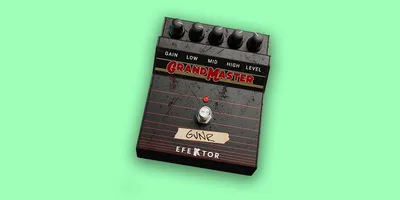
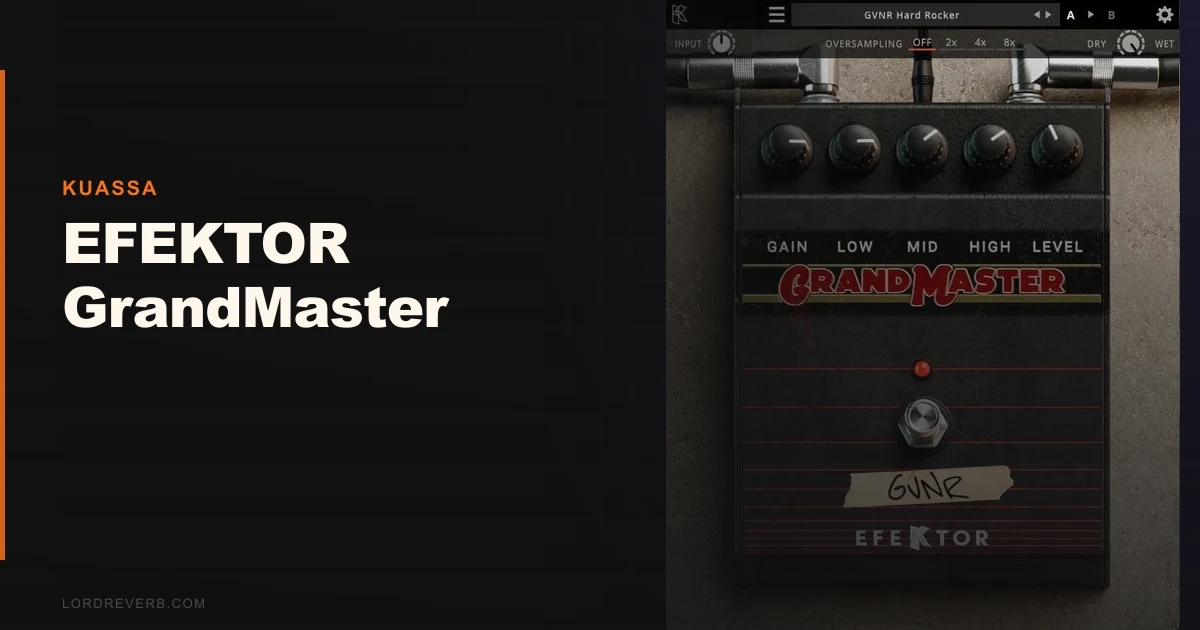
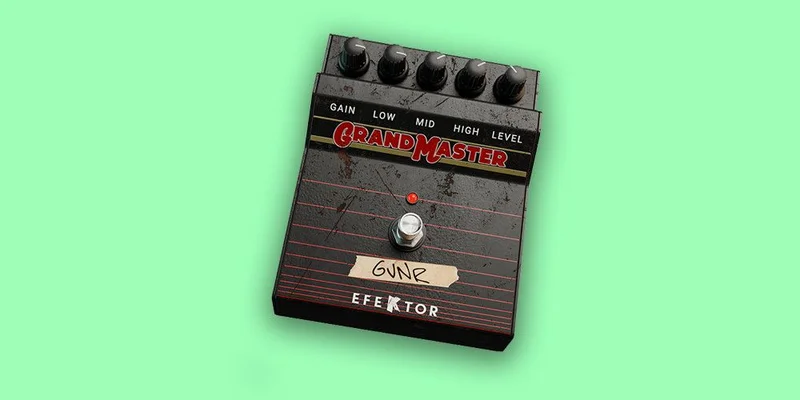
EFEKTOR GrandMaster is Kuassa’s three-in-one Marshall distortion pedal emulation. It covers the Guv’nor, Drivemaster, and ShredMaster circuits for $39. It’s built for guitarists tracking direct and producers who want period-correct British overdrive without buying an amp sim suite.
First Impressions: Small UI, Obvious Controls
The installer is clean. No iLok, no challenge-response drama. Kuassa uses a straightforward machine-based activation, and it cleared in under two minutes on both our Mac M2 and Windows 11 machines. Apple Silicon compatibility is native, not Rosetta.
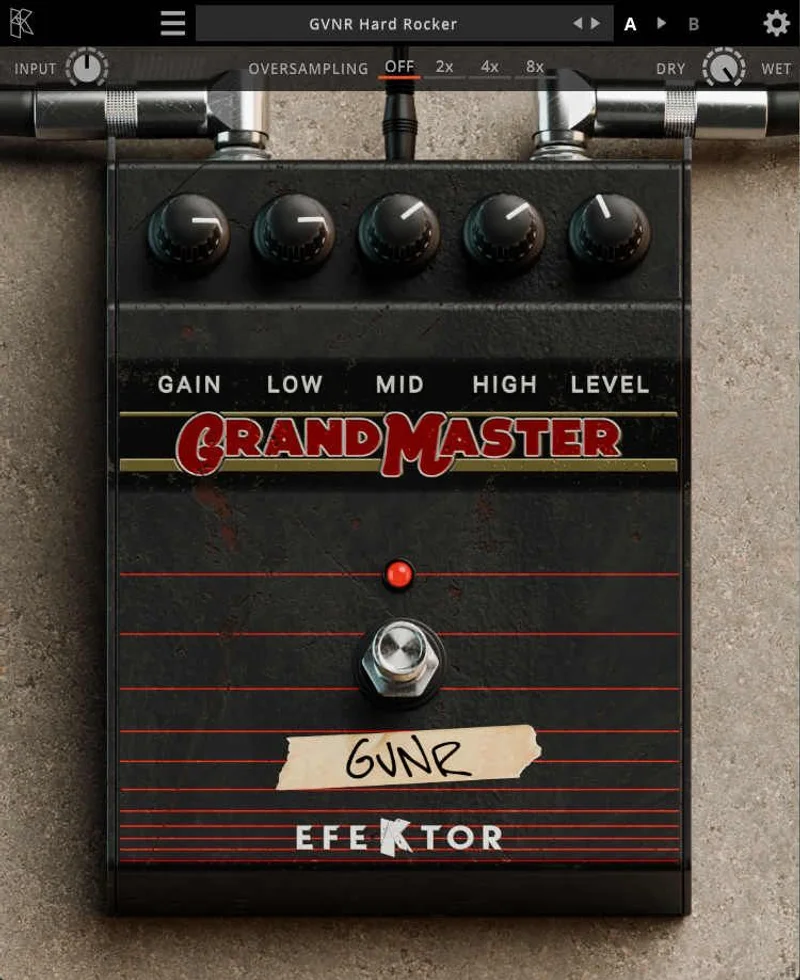
The UI is minimal. You get a pedal selector, then the standard five controls: Gain, Bass, Middle, Treble, and Volume. There’s also a Dry/Wet knob, which we didn’t expect and immediately loved. The interface is honest about what this plugin is: a three-circuit pedal emulator, nothing more, nothing less. No hidden pages, no deep menus. It’s almost aggressively simple.
Getting It Into a Real Workflow
We ran GrandMaster in three different contexts over two weeks: inserted on a direct guitar track in Logic Pro, as a send effect for parallel saturation on a synth bass, and inside the Amplifikation 360 environment as a pedal block before the amp stage.
The standalone use case has an obvious friction point. Without a cab IR or amp sim following it in the signal chain, the plugin outputs a raw pedal signal. That’s correct behavior, but it catches first-time users off guard. You’ll want to follow it with a cab or amp block. Plan for that in your signal chain.
Inside Amplifikation 360, the experience is different. GrandMaster loads as a module and slots naturally into the pre-amp pedal position. It felt designed for this context. Switching between the three pedal circuits took seconds, and the gain staging into the amp model was intuitive. We dialed in the Guv’nor setting at about 60% gain feeding a clean amp model and got a convincing JTM-era crunch with no additional tweaking.
The Dry/Wet control is the underrated feature here. We ran it at 40% wet on a synth bass bus, and it added 300-600Hz grit without swamping the fundamental. That’s a legitimately useful production move.
What It's Genuinely Good At
The three pedal circuits each have a distinct character, and Kuassa has done the work to differentiate them rather than just applying a different EQ curve to the same saturation engine.
The Guv’nor model is the most musical of the three. We pushed it hard into a clean amp, boosted the Middle control to about 70%, and got a singing, compressed lead tone that sat 2-3dB above the rhythm guitars without needing an extra boost plugin. Satisfying.
The ShredMaster model has a scooped low-mid character that’s brilliant for tight, articulate riffing. We tracked a palm-muted eight-bar riff with the Gain at 75% and the Treble pulled back to 40%. The attack stayed clear. The distortion didn’t turn to mush on fast picking. That’s the 8x oversampling doing its job.
The Drivemaster is the lightest of the three. At lower Gain settings it produces a bluesy crunch around 2nd and 3rd order harmonics. It works well on clean boost duties or for adding edge to acoustic-style DI recordings.
CPU load is light. All three circuits hovered under 2% on our i9 test session. You can stack multiples without worrying about your buffer.
The Rough Edges
No MIDI learn. Annoying. For a plugin that would benefit from real-time gain automation during a live performance or a recording pass, the absence of MIDI assignment is a frustrating oversight in 2026.
The preset library is thin. There are a handful of factory presets per circuit, but nothing that demonstrates genre-specific applications or the Dry/Wet blending technique we found so useful. For producers who want a starting point before they dial in, that’s a miss.
The Bass control can get muddy quickly. We found anything above 60% on the Bass knob at high Gain settings produced a low-end cluster aroun
d 150-200Hz that needed an EQ cut after the plugin to clean up. It’s manageable, but it means you’re adding a step.
The UI doesn’t scale well at 150% or above. On our 4K monitor, the controls felt cramped and the labels were harder to read than they should be for a commercial plugin.
Who This Is Really For
- ✅ Buy if you're already using Kuassa Amplifikation 360 and want a matching pedal module for your Marshall-style rig
- ✅ Buy if you need quick British overdrive on guitar DI tracks and don't want to open a full amp sim suite
- ✅ Buy if you're after a parallel saturation tool for bass or synths and the Dry/Wet control appeals to you
- ❌ Skip if you need MIDI-controllable distortion for live performance or automation-heavy sessions
- ❌ Skip if you want a complete amp-in-a-box solution; this is a pedal only
- ❌ Skip if you're expecting a deep preset library to shortcut your workflow
Score Breakdown
| Category | Score | Notes |
|---|---|---|
| Sound Quality | 4.0/5 | Three genuinely differentiated circuits; 8x oversampling keeps it clean |
| Value for Money | 4.0/5 | At $39 it is hard to argue, though the intro price was a more exciting deal. |
| Ease of Use | 3.5/5 | Controls are obvious; standalone use requires extra signal chain planning |
| Features | 3.0/5 | No MIDI learn, thin preset library, no cab simulation included |
| CPU Efficiency | 4.5/5 | Under 2% per instance; stack as many as you need |
| Overall | 3.8/5 | Solid pedal emulator let down by missing workflow features |
Alternatives to Consider
If GrandMaster’s limitations bother you, here are three routes worth knowing about.
Neural DSP Parallax review covers a different philosophy: full amp and pedal integration with MIDI learn baked in throughout. It costs more, but you get a complete signal chain.
Best Marshall amp plugins includes options that pair pedal emulation with matching cab IRs, which solves the standalone use gap GrandMaster leaves open.
For a straight pedal-plugin comparison, best distortion plugins for guitar covers the field at every price point, including free options that compete with GrandMaster’s core feature set.
Kuassa Amplifikation 360 review is worth reading before you buy GrandMaster standalone. If you’re going to buy into the Amplifikation ecosystem anyway, the bundle pricing changes the value calculation.
The Verdict
We’d buy GrandMaster at $39. We’d think harder at $39.
It does exactly what it says: three Marshall-derived distortion circuits in a lightweight, low-CPU plugin that sounds good and causes zero installation headaches. The ShredMaster circuit alone is worth having for tight, articulate high-gain work. The Dry/Wet knob adds a production use case that isn’t obvious from the marketing.
But if you need MIDI learn, a cab sim, or more than a handful of presets, you’ll hit the ceiling fast. This is a pedal plugin, not a guitar production solution.
Buy it during the intro window. Pair it with a cab IR plugin. Don’t expect it to do more than it is.
Frequently Asked Questions
Does EFEKTOR GrandMaster work without an amp sim?
It works as a standalone insert, but it outputs a raw pedal signal without any cab or amp coloration. Most guitarists will want to follow it with a cabinet IR loader or amp simulator to get a finished tone. Inside Kuassa's Amplifikation 360, this is handled by the amp and cab modules that sit after it in the signal chain.
What pedals does EFEKTOR GrandMaster emulate?
It emulates three Marshall-brand distortion pedals: the Guv'nor, the Drivemaster, and the ShredMaster. Each circuit has a distinct gain character and EQ voicing. The Guv'nor is mid-forward and musical, the Drivemaster is the lightest of the three, and the ShredMaster has a scooped quality suited to tight, high-gain playing.
Is EFEKTOR GrandMaster compatible with Apple Silicon Macs?
Yes. It runs natively on M1 and M2 Macs without Rosetta translation. We tested it on an M2 machine and saw no compatibility issues across Logic Pro and Reaper.
Is EFEKTOR GrandMaster included in any Kuassa bundle?
Yes. It's included in the Complete Amplifikation 360 Bundle. If you're considering the full Amplifikation 360 ecosystem, check whether the bundle price makes more sense than buying GrandMaster standalone.