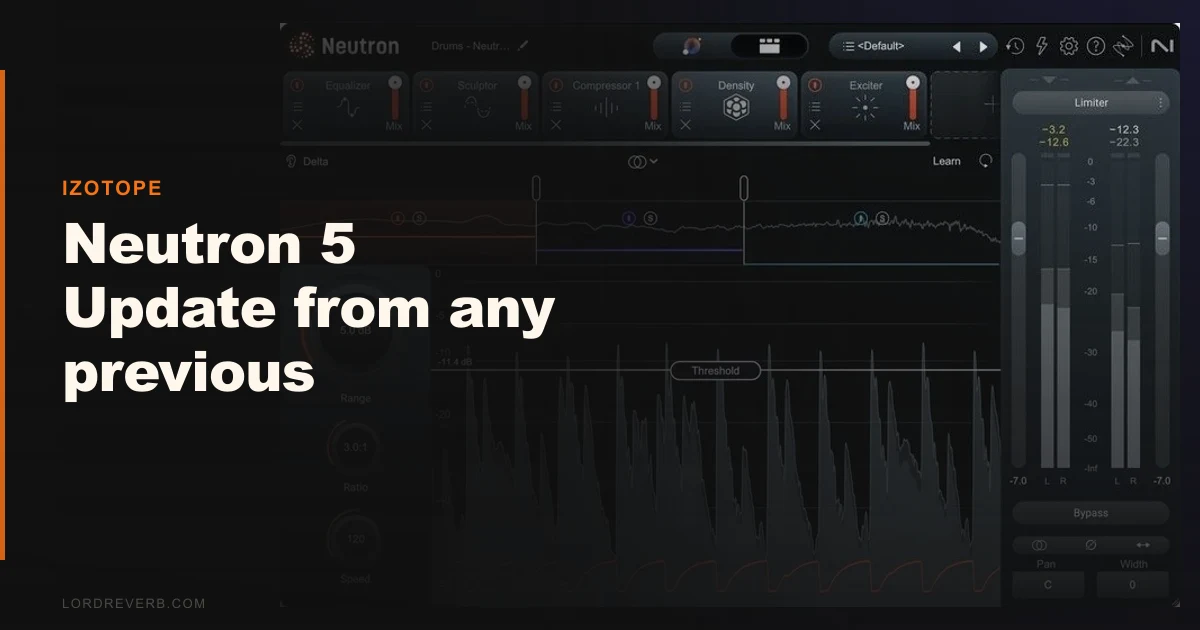
If you’re deciding between staying on Neutron 4 and upgrading to Neutron 5, or you’re comparing Neutron 5 against FabFilter’s channel strip approach, this review lands here: the upgrade is worth it for mix engineers and producers who live in the Mix Assistant workflow, and it’s skippable for anyone who uses Neutron purely as a manual EQ and compressor stack.
Neutron 5 costs more to buy new, while the loyalty upgrade from any previous version, including Neutron 3 or the older Neutron 2, is $199. That price gap between new and upgrade is narrow enough to matter. If you’re sitting on an older iZotope license, the math works in your favour.
The three new modules, the refined AI, and the Delta solo buttons are the story here. We’ll tell you what each one actually does in practice.
How Neutron 5 Compares to Neutron 4 and Its Closest Rivals
Neutron’s main competition has never really been a single plugin. It’s the workflow: FabFilter Pro-Q 3 plus Pro-C 2 plus Pro-MB, running as separate instances, giving you manual control and lighter CPU per instance.
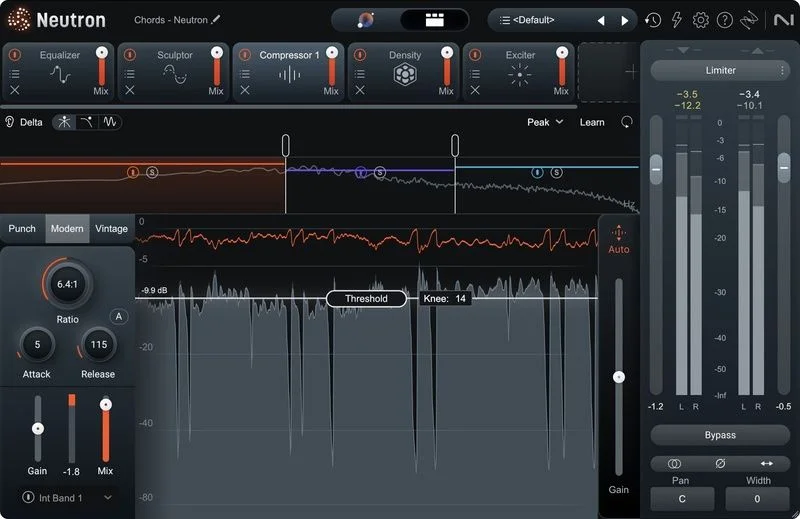
Neutron 5 counters that with integration. Everything talks to each other. The Mix Assistant reads your full session in roughly 6 seconds on an M2 Mac, then sets starting EQ, dynamics, and now transient shaping across your tracks simultaneously.
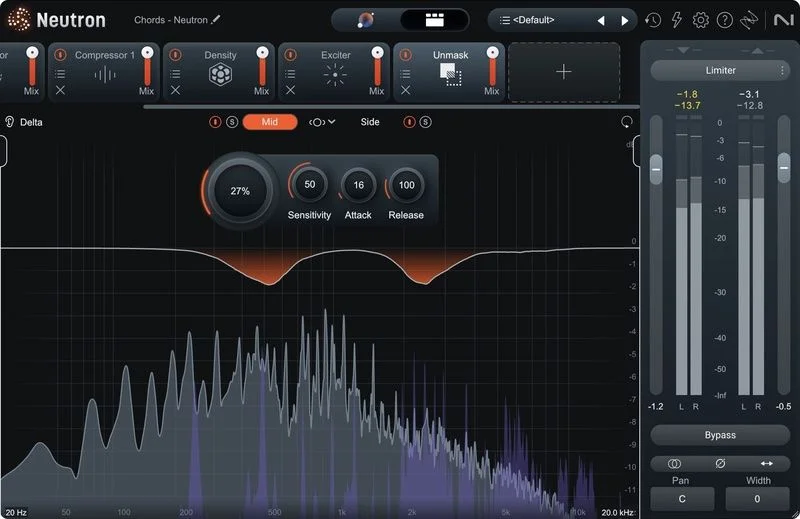
Compared to Neutron 4, the jump is less about sound quality and more about speed. The Assistant View UI is cleaner. The module list is longer. And the new Channel Modes, covering Stereo, Mid-Side, and Transient/Sustain processing, are available across multiple modules now, not just the EQ.
That’s a genuine workflow expansion. Not a cosmetic refresh.
Performance Deep Dive: New Modules Under the Hood
We ran Neutron 5 on a 32-track session: drums, bass, four synths, two guitars, and vocals. Here’s what we found across the three new modules.
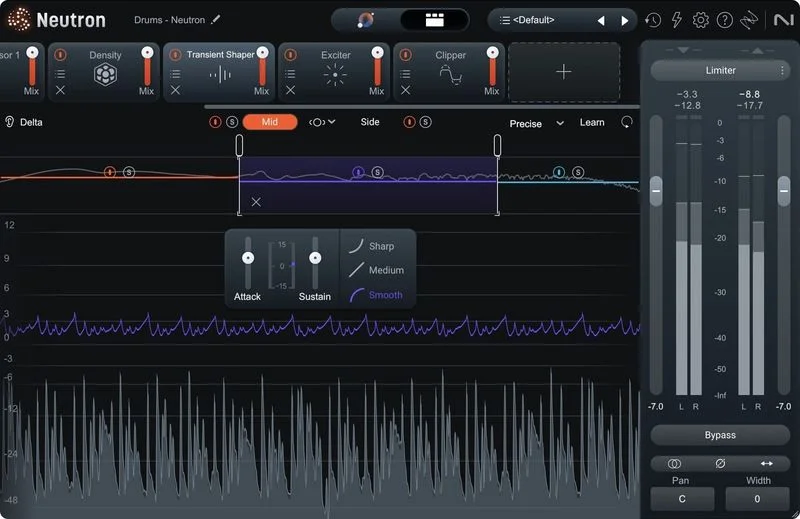
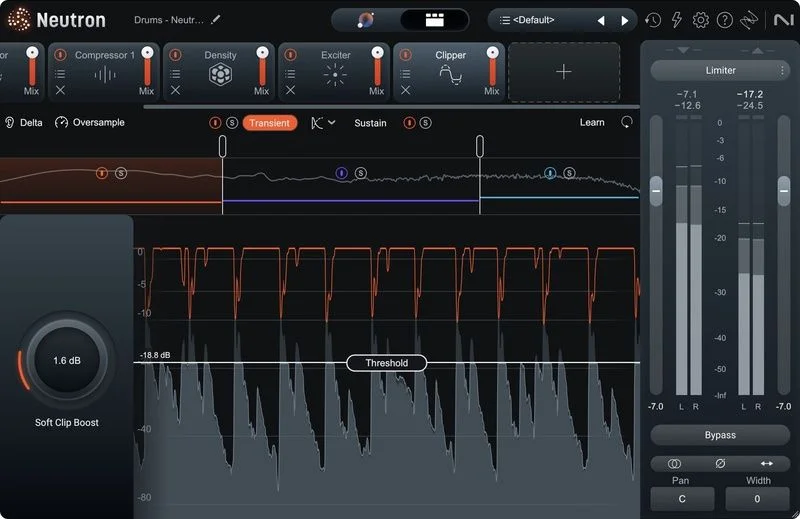
The Clipper is satisfying to use. We pushed a snare bus through it with the threshold set to clip just the top 3dB of transient energy. The attack sharpened without the waveform turning square. It behaved more like a soft-knee limiter with harmonic character than a brute-force clipper. Set it wrong and it’ll distort. Set it right and the snare sits forward without fighting the kick.
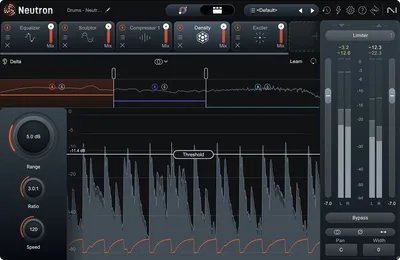
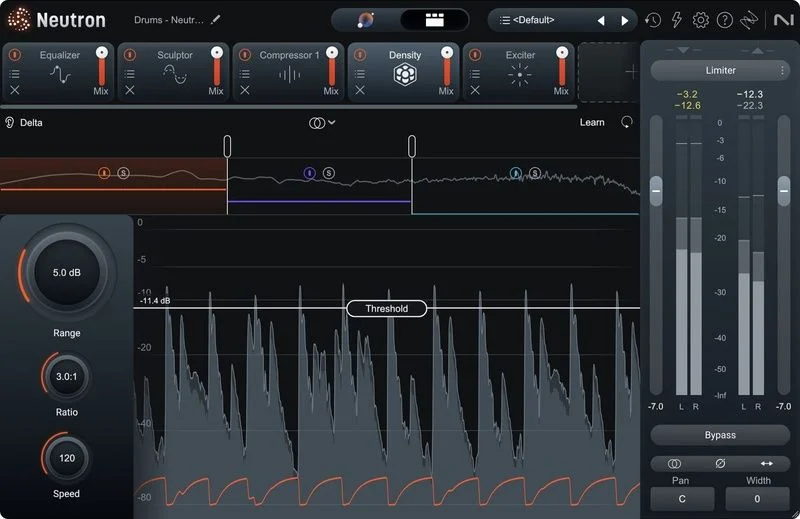
The Density module handles saturation and transient control in one place. We used it on a 808 bass to add odd-order harmonic content between 200Hz and 600Hz, filling out the sub on smaller speakers. The before/after Delta solo button was genuinely useful here. We held the Delta button, heard the exact harmonic content being added, and adjusted drive until the addition sounded musical rather than fizzy.
The Phase module is the most surgical addition. We placed it on a DI guitar track recorded simultaneously with a mic. Phase coherence improved measurably in null tests. Flamming in the low-mids at 180Hz to 350Hz reduced by what sounded like several dB of comb filtering. We’d have used a standalone phase alignment tool before. Now we don’t need one.
CPU usage with all modules active: heavy. On a 2021 M1 MacBook Pro at 128 samples buffer, a single Neutron 5 instance with five modules active sits around 4-6% CPU per instance. Stack eight instances and you’re watching the meter.
Where Neutron 5 Wins
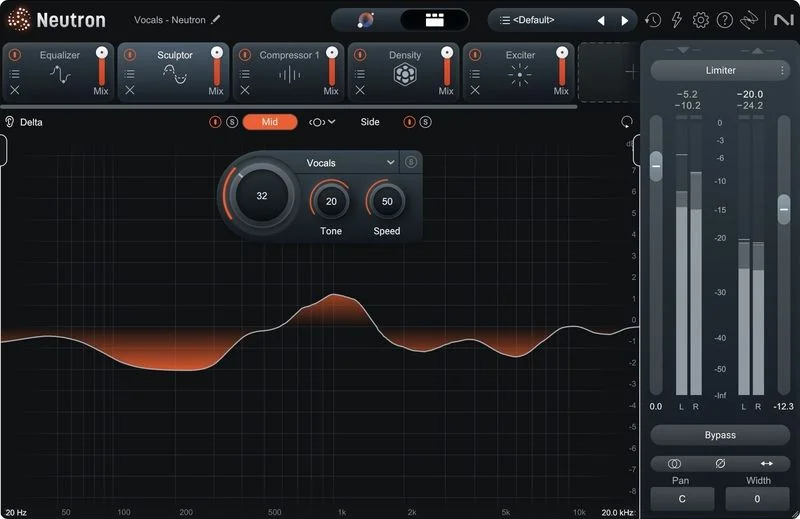
The Delta solo feature is the smartest quality-of-life addition iZotope has shipped in years. It’s on every single module. Hold the button and you hear only what that module is contributing. This turns gain-staging decisions from guesswork into confirmation.
We’ve wanted this on every channel strip plugin we’ve ever used. It’s that useful.
The Mix Assistant speed improvement is real. Six seconds to analyse a full session and generate starting points across every track feels fast enough to trust as part of your actual session flow, not just a novelty you try once.
Mid-Side processing across the EQ, Compressor, and Transient Shaper simultaneously, without routing a parallel MS decoder, is a genuine time save for mix engineers working on dense electronic or hip-hop productions where stereo width decisions are constant.
Where the Competition Wins
FabFilter’s individual plugins still beat Neutron 5 module-for-module on CPU efficiency. Pro-Q 3 alone uses a fraction of what a full Neutron 5 instance costs you.
If you already have a compressor you love, like the Slate Virtual Mix Rack or UAD 1176, the Density module doesn’t replace it. It adds options. That’s fine. But it’s not a reason alone to upgrade.
Neutron 5 also doesn’t move the needle for mastering engineers. The Mix Assistant is built for multitrack sessions. If your workflow is stereo bus processing, iZotope Ozone 11 review is the better spend from the same developer.
The refreshed colour palette is nice. It’s not a reason to buy anything.
Who Should Actually Upgrade
- ✅
Buy if you own any previous version of Neutron and use the Mix Assistant regularly. The speed and Delta solo buttons alone justify $199.
- ✅ Buy if you're mixing hip-hop or electronic music and want MS processing and phase alignment without adding separate plugins to your signal chain.
- ✅ Buy if you're a songwriter or producer who doesn't have a dedicated phase alignment tool. The Phase module alone replaces something you'd otherwise buy separately.
- ❌ Skip if you use Neutron only as a manual EQ and never touch the Mix Assistant. You're paying for features you won't open.
- ❌ Skip if CPU efficiency is a hard constraint. Stack FabFilter individual plugins instead and keep more headroom.
- ❌ Skip if your work is primarily mastering. Ozone 11 is the right tool. This isn't it.
Score Breakdown
| Category | Score | Notes |
|---|---|---|
| Sound Quality | 4.3/5 | Clipper and Phase module add real character; EQ and compressor sound clean but not unique |
| Value for Money | 4.0/5 | $199 upgrade pricing is hard to argue with for existing owners |
| Ease of Use | 4.5/5 | Delta solo and the updated Mix Assistant make decisions faster than any previous version |
| Features | 4.3/5 | 11 components, three new modules, Channel Modes across multiple processors, genuinely deep |
| CPU Efficiency | 3.0/5 | Heavier than single-function alternatives at the same buffer settings |
| Overall | 4.2/5 | A real upgrade for multitrack mixing workflows; less compelling for specialists |
Alternatives Worth Knowing
If Neutron 5 isn’t the right call, these four are worth a look.
FabFilter Pro-Q 3 review is our go-to recommendation for producers who want CPU-efficient EQ without AI assistance. You’ll need separate dynamics processing, but the CPU savings are meaningful.
iZotope Ozone 11 review is the smarter iZotope purchase if your work is mastering-focused. The AI assistant there is built for stereo bus decisions, not multitrack sessions.
Slate Digital Virtual Mix Rack review is worth considering if you want modular channel strip processing with vintage character. The subscription model is annoying, but the component quality is high.
Mastering The Mix CARBON Q is the pick if your problem is the balance between vocals, bass, drums and music. It’s narrower than Neutron because it leaves compression and saturation to you. Read our CARBON Q review.
The Verdict
If you’re sitting on Neutron 3 or 4 and you mix multitrack sessions, pay the $199 and upgrade. The Delta solo buttons will change how quickly you make decisions. The Phase module will replace a plugin you’d buy anyway. The Mix Assistant in 6 seconds is fast enough to use on every session.
If you bought Neutron hoping the AI would mix your records and you’re frustrated it hasn’t, Neutron 5 won’t fix that feeling. The tool still requires you to make the final calls. It just gets you to those calls faster.
Not for mastering engineers. Not for producers who hate touching plugin UIs. Brilliant for everyone else already in the iZotope workflow.
Frequently Asked Questions
Can I upgrade to Neutron 5 from Neutron 2 or Neutron 3?
Yes. iZotope's upgrade pricing applies from any previous version of Neutron, including Neutron 2 and Neutron 3. The loyalty upgrade price is $199 as of the 2024 release. Check the iZotope site for current pricing, as introductory discounts have applied at launch and may return during sales periods.
What's the difference between Neutron 5 and Neutron 5 Elements?
Neutron 5 Elements includes a stripped-down version of the plugin with fewer modules and no access to the full Mix Assistant feature set. It's a reasonable starting point if you've never used Neutron, but existing Neutron owners should upgrade to the full version. The module count and AI capabilities in Elements don't match what you likely already own.
Is Neutron 5 CPU-heavy compared to Neutron 4?
We found Neutron 5 slightly heavier than Neutron 4 with all modules active, which is expected given three additional processing modules. On an M2 Mac, a five-module instance at 128 samples runs at roughly 4-6% CPU per instance. If you're on an older Intel machine, test on the free trial before committing. CPU use scales with which modules you activate, so running two or three modules per instance is manageable on most current hardware.
Does the Delta solo button work on all modules in Neutron 5?
Yes. The Delta solo button is available on every processing module in Neutron 5. It isolates the audio contribution of that specific module so you hear exactly what it's adding or subtracting from your signal. This is new to Neutron 5 and is genuinely one of the most useful monitoring features we've seen on a channel strip plugin in recent years.