We had a kick drum sitting in a tech-house session that had no business living below 80Hz. The sample was tight, punchy in the transient, but there was nothing underneath. Layering another sample made the transient muddy. Pitching down made it sound like a wet envelope. We dropped Waves Submarine on the channel at 1:30 AM on a Tuesday, dragged the Min slider to 35Hz, and the room filled out in about 45 seconds. That’s the honest case for this plugin.
Submarine is Waves’ sub-bass generator. It uses their Organic ReSynthesis engine to analyze the pitch, formant, carrier, and envelope of your source signal, then synthesizes new frequencies one and two octaves below it. It’s $29.99. It’s built for individual tracks, not mixes, and it shows.
First Impressions
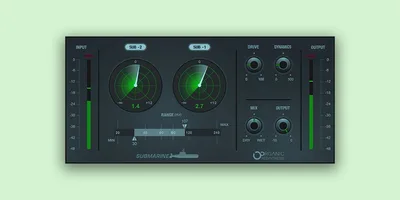
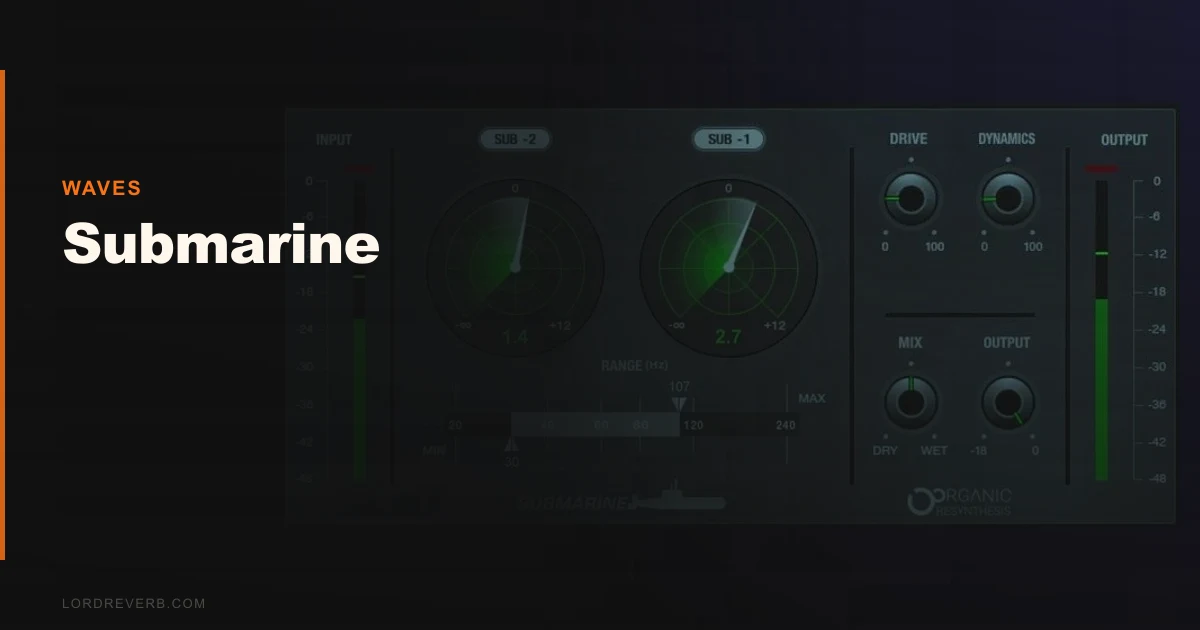
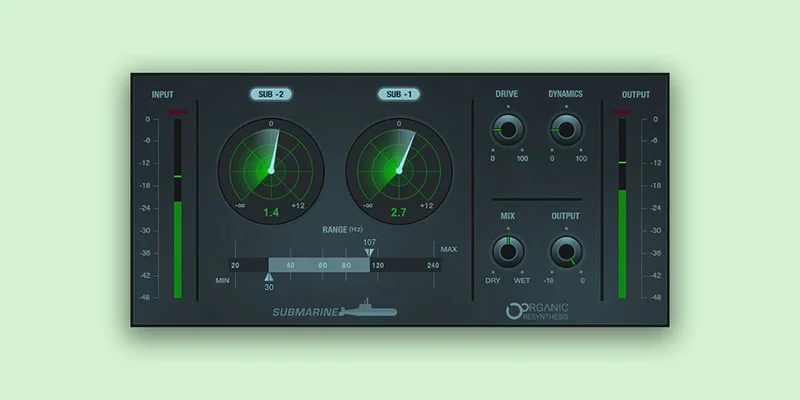
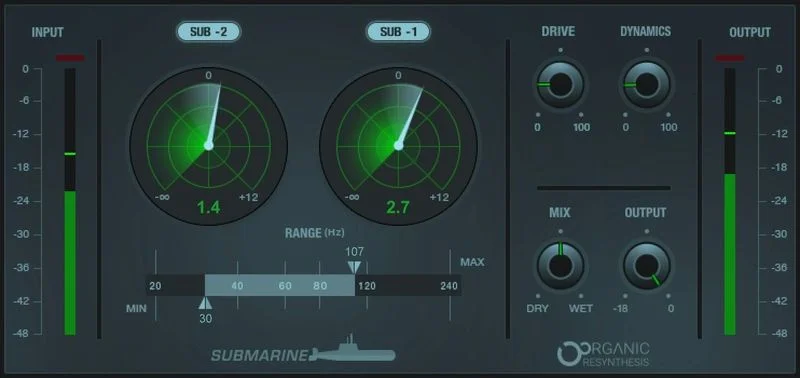
The interface is small and direct. You get two frequency bands: Sub 1 (one octave down) and Sub 2 (two octaves down). Each has a level fader. There’s a Drive knob for harmonic saturation, a Min/Max frequency range covering 20Hz to 240Hz, and a simple output meter.
It installed quickly through Waves Central with no drama. Activation is online via Waves’ standard licensing system. We opened it on a cold boot in Logic Pro and there was zero configuration needed. Clean. No tutorial required.
What you notice first is the lack of a dry/wet knob on the main view. The sub content is additive only. You’re blending it with your fader in the DAW. Annoying? A little. A deal-breaker? Not really, but it signals the workflow decisions this plugin makes for you.
Getting It Into a Real Workflow
Submarine works best inserted directly on a mono kick or bass track, not on a bus, and not on a stereo mix buss. We tried it on a full drum bus during testing and the results were unpredictable. The plugin’s pitch detection got confused by multiple simultaneous transients and generated sub frequencies that wandered.
On a solo kick track, it’s a different story. We set Min to 40Hz and Max to 120Hz, brought Sub 1 up to around -6dB, and left Sub 2 at -12dB as support. The plugin analyzed the kick’s fundamental, which sat at around 90Hz, and synthesized content at 45Hz (Sub 1) and 22.5Hz (Sub 2). We confirmed this with a spectrum analyzer. The relationship between the original and the added content felt correct.
One friction point: stacking multiple instances in a session pulls CPU noticeably. Four instances of Submarine across four tracks pushed CPU usage in our test session to roughly 12% on an M2 MacBook Pro, compared to around 3-4% for a similar number of instances of a basic pitch-based sub generator. Not catastrophic, but worth planning around if you run dense sessions.
The Drive knob adds odd-harmonic saturation to the generated sub content. This is smart design. On small speakers and earbuds, pure sub frequencies below 40Hz are inaudible. The Drive knob introduces harmonics at 2x and 3x the sub frequency, which means the low end translates on phones and laptop speakers. We pushed Drive to about 40% on our test kick and confirmed audible low-end presence through MacBook speakers where the undriven sub had been completely invisible.
What It's Genuinely Good At
The Organic ReSynthesis approach genuinely separates Submarine from basic pitch-shifting. We ran the same kick through a standard pitch-shifter set one octave down and compared. The pitch-shifted version smeared the transient and added artifacts above 200Hz that cluttered the mix. Submarine kept the transient clean. The sub content it generated started after the attack and tracked the natural envelope of the kick’s body. That’s the right behaviour.
On bass synths, particularly simple monophonic patches with stable pitch, Submarine works brilliantly. We ran a Moog-style sawtooth through it, brought Sub 1 up carefully, and the low end extended without the formant character of the original synth changing. A pitch-shifter would have darkened the whole sound. Submarine adds below without disturbing above.
The 20-240Hz Min/Max range gives useful surgical control. You can high-pass the generated sub content at 30Hz to protect headroom and keep the sub from competing with your sidechain. That’s a move we made on every track in our session.
For dance music producers working with enhancer plugins for low-end, this belongs in your toolkit at this price.
The Rough Edges
We wish there was more envelope control. The plugin reads the source envelope and synthesizes accordingly, but you can’t reshape that curve. If you want the sub to sustain longer than the original kick’s body, you can’t do it inside Submarine. You’d need to add a compressor or transient shaper downstream, which adds chain complexity.
The frequency analysis can struggle on bass guitars with complex playing styles. Fast chromatic runs or string buzz confused the pitch detection in our testing, which produced sub content that shifted erratically. On sustained notes it was fine. On busy fingerstyle bass, it was frustrating.
There’s also no built-in A/B comparison or bypass with a level-matched reference. You hit the power button in Waves Central or your DAW bypass. That’s it. For a plugin where the effect is entirely additive, a proper gain-matched bypass would make evaluation much cleaner.
CPU usage stacking multiple instances is a real concern. This isn’t a light plugin. Plan your instance count.
Who This Is Really For
- ✅ Buy if you produce dance, electronic, or hip-hop and regularly deal with kick drums or bass synths that lack sub-frequency weight.
- ✅ Buy if you want sub generation that doesn't smear transients or add pitch-shift artifacts to your source.
- ✅ Buy if you work on individual mono or stereo tracks and want a fast, point-and-shoot solution at $29.99.
- ❌ Skip if you need deep envelope shaping control over the generated sub content.
- ❌ Skip if you're planning to run it on bus or mix processing. It's not built for that and it shows.
- ❌ Skip if you're running a dense session with 10+ instances. Your CPU will have opinions.
Score Breakdown
| Category | Score | Notes |
|---|---|---|
| Sound Quality | 4.0/5 | Organic ReSynthesis produces clean, artifact-free sub content on stable-pitch sources |
| Value for Money | 4.0/5 | $29.99 is a fair price for what it does well on individual tracks |
| Ease of Use | 4.0/5 | Interface is minimal and fast; lack of visible dry/wet is a minor friction point |
| Features | 3.0/5 | Min/Max and Drive are smart; envelope customization is thin compared to alternatives |
| CPU Efficiency | 3.0/5 | Medium load per instance; stacking 4+ instances in a session becomes a real cost |
| Overall | 3.8/5 | Excellent at one specific thing; limited outside that lane |
Alternatives Worth Considering
BABY Audio SubCulture is the most direct competitor. It offers more envelope and tone shaping for the generated sub content and includes a built-in gate, which makes it more flexible on complex material. The current price is shown in the buy box on this page. If you need more control over how the sub behaves over time, SubCulture is worth comparing. We'd put it through the same kick drum test before deciding.
Waves RBass is the older sibling from within the Waves catalogue. It generates presence-frequency harmonics to simulate bass on small speakers rather than extending true sub content downward. Different tool, different job. If you need small-speaker translation more than actual sub extension, RBass fits better. If you want both, you'd layer them.
For broader low-end sculpting that goes beyond additive sub generation, MWaveShaperMB's multiband waveshaping can reshape low-frequency content with more surgical intent. It's a different approach but covers scenarios where Submarine runs out of road.
If you're building out your enhancer plugin chain and want something that handles harmonic content across the full spectrum rather than just the sub band, InShaper addresses that gap. They're not interchangeable, but they're complementary.
For Waves-specific workflow comparisons, KHORDS Cloud Waves review gives you a sense of where the brand lands on value versus depth of features more broadly.
Submarine does one thing well: it adds believable sub-bass content to individual kick and bass tracks without wrecking what's already there. With a free trial, the risk of finding out if it works for your session is low. The caveat is real, though. If you produce complex, arrangement-heavy music with busy bass movement, you'll hit its pitch-detection limits inside an hour. This is a dance producer's tool, not a general-purpose solution.
The honest close: we've left it on more kick channels than we expected to. That's the actual endorsement.
Frequently Asked Questions
Can Waves Submarine be used on a full mix or master bus?
We wouldn't. Submarine's pitch detection works reliably on single-pitch or single-instrument sources. On a full mix with multiple simultaneous bass frequencies, the analysis gets confused and the generated sub content becomes unpredictable. Keep it on individual tracks, specifically mono kick, bass synth, or bass guitar channels with relatively stable pitch.
How does Submarine differ from just pitching a signal down an octave?
Pitch-shifting moves the entire signal down, including transients and formants, which smears the attack and adds artifacts. Submarine analyzes the pitch and envelope of the source separately, then synthesizes new sub content that follows the original's envelope without touching the source signal above its Min frequency. The kick's transient crack stays clean. Only the body gets extended downward.
Does the Drive knob help with translation on small speakers?
Yes, and this is one of the smarter design decisions in the plugin. Pure sub frequencies below 40Hz are inaudible on phone speakers and earbuds. Drive introduces harmonic content at multiples of the sub frequency, which those speakers can actually reproduce. We confirmed audible low-end presence on MacBook speakers at around 40% Drive where the undriven sub had been completely inaudible. Don't skip it if small-speaker translation matters to your release.
What's the CPU impact of running multiple Submarine instances?
Medium and cumulative. Single instance load is manageable, around 3% on an M2 MacBook Pro in our testing. Four instances pushed that to roughly 12%, which is meaningful in a dense session. If you're tracking 8 to 10 drum layers and want Submarine on several of them simultaneously, monitor your CPU and consider bouncing processed tracks to audio once you're happy with the sub content.