
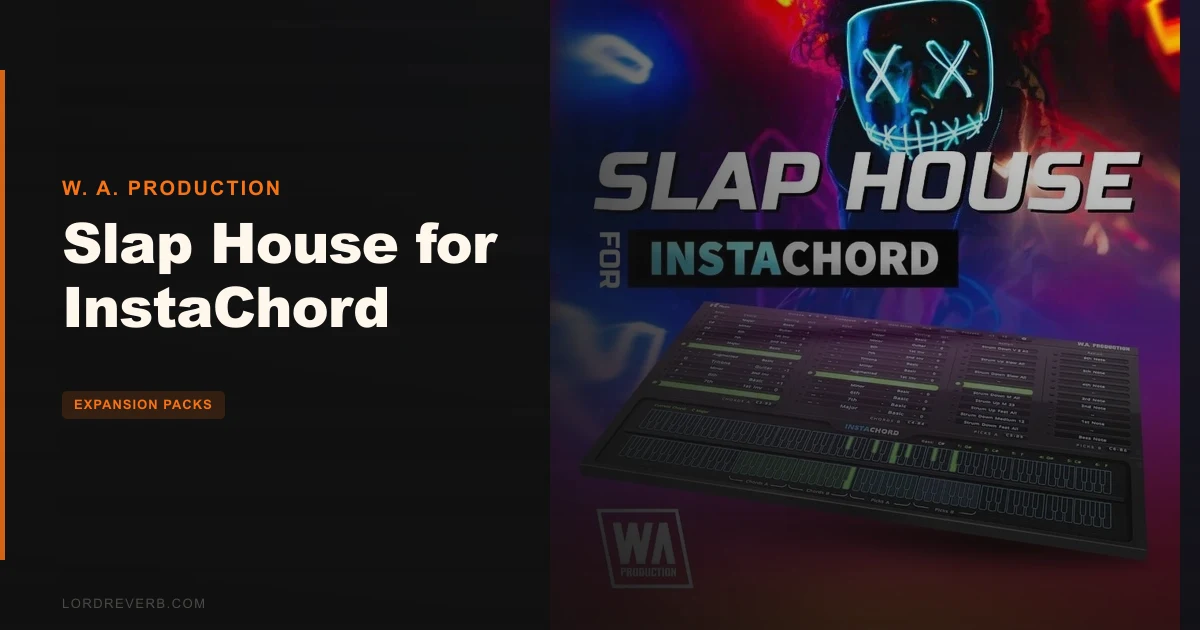
Slap House for InstaChord is a 50-preset expansion pack built specifically for the Slap House genre, designed to work inside W. A. Production's InstaChord plugin and give you a full library of chord progressions ready to shape into tracks. At $19.90, it targets producers who've already committed to InstaChord and want to shortcut the most time-consuming part of Slap House production: building those rolling, hypnotic chord stacks that drive the genre. If Imanbek, Dynoro, and Tiesto are on your reference playlist, this pack was made with your workflow in mind.
But here's the thing. You cannot run a single one of these presets without owning InstaChord. That dependency shapes every opinion we have about this product. If you've got InstaChord in your signal chain already, this is a smart and affordable add-on. If you don't, the total cost is a different conversation.
This review breaks down exactly who gets value from this pack, where it earns its place in a session, and where it'll leave you annoyed.
The Genre This Pack Was Built For
Slap House sits at the intersection of deep house groove and bass-heavy melodic pop. The chord progressions in this genre aren't just harmonic scaffolding. They carry the emotional weight of the whole record.
Think about those long, sustained voicings that drift underneath a club kick at 128 BPM. The chords move slowly, usually in minor or minor-modal keys, with enough space between changes for the sub-bass to breathe. Building those voicings by hand, finding the right inversions and tensions that feel cinematic without getting muddy, takes real time. That's the exact problem this preset pack solves.
W. A. Production frames chord progressions as the fundamental ingredient in Slap House. They're not wrong. The difference between a track that feels expensive and one that sounds flat is often a single chord voicing, an unexpected added ninth, or a delayed resolution.
All 50 presets in this pack are genre-specific. They're not house presets relabelled, and they're not generic pad chords stretched to fit a brief. Owners describe them as genuinely useful for getting a session moving quickly, which is exactly what a preset pack should do.
Where It Belongs
This pack belongs in a Slap House session. That's not a vague answer. The presets are built around the specific harmonic character of the genre: slow-moving minor progressions, lush extended chord voicings, and the kind of melancholy brightness that pushes a track into streaming-friendly club territory.
Beyond straight Slap House, the pack has a home in adjacent styles. Deep melodic house, tech-house with emotional leads, or any pop production where the chord bed needs to feel larger than a simple three-note stack. The presets give you a harmonic starting point, and InstaChord's transpose buttons let you shift that starting point to any key your track needs. That flexibility is clever design, not an accident.
The pack also works well when you're routing InstaChord into a guitar VST synth. Owners specifically mention strummed chords as a highlight here. Load a preset, trigger InstaChord, and push the MIDI into a guitar plugin. You get strummed chord textures that would take hours to program manually from scratch.
If you're writing Slap House demos fast, working to a brief, or just trying to get the harmonic foundation of a track sorted before your creative energy runs out, this pack earns its keep.
Where It Doesn't
If you produce techno, drum and bass, or anything where chords aren't the centrepiece, skip this. The presets are genre-narrow by design. That specificity is a strength in the right hands and a waste of money in the wrong ones.
It's also not for producers who are new to both InstaChord and Slap House simultaneously. The InstaChord interface has a learning curve. Owners report finding it daunting at first. Add in a new genre's production logic and you're stacking two unfamiliar systems on top of each other. That's a frustrating place to be when you just want to hear something playing.
And if you're on the fence about InstaChord itself, don't use this preset pack as the reason to buy it. Evaluate InstaChord on its own merits first. This pack is an add-on, not an argument for the base plugin.
How To Use It Well
Open a fresh session, load InstaChord on an instrument track, and browse the 50 presets before you've written a single note. Find a chord voicing that matches the emotional direction you want. That's the fastest way in.
Once you've picked a preset, use the transpose buttons to match the key of your track, or to find the key that makes the chord feel right against your kick and bass. Don't treat the preset as final. Think of it as the harmonic rough cut.
If you're feeding InstaChord into a guitar VST synth, try slow strummed patterns with a moderate attack on the guitar plugin. Owners say this combination works well, and it's one of the more satisfying uses of the system. Push the MIDI velocity on the strum trigger and you get a fuller, more physical texture than a straight synth pad.
When a chord progression feels close but not quite right, check the voicing. InstaChord generates complex, extended chords. Sometimes all you need to do is change the register you're triggering, or layer the same progression in a second instance an octave up, to unlock the sound you were hearing in your head.
Keep the presets royalty-free in mind. If you're building tracks for sync, library, or release, you don't need to clear anything on the chord side. That's one less thing to worry about.
The Setup Friction You Need to Know About
This is the section where we're honest about what owners have flagged.
Setup is not seamless. The tutorial videos that come with InstaChord reference icons and interface elements that simply do not exist in the actual plugin GUI. That's annoying, and it's a real problem for new users trying to follow along step by step. You'll hit a moment where the video says "click here" and there's nothing there to click.
The video player for Slap House tutorial content crashes. Owners have reported this directly. It's not a dealbreaker if you're already comfortable with InstaChord, but if you were counting on the tutorial to get oriented, that's a frustrating experience.
InstaChord tutorials require Serum for full demonstration of capabilities. That's a separate purchase. The preset pack doesn't need Serum to function, but the learning content around it assumes you have it, which muddies the picture for anyone trying to understand what they actually own.
Customer service from W. A. Production does get praised. Owners specifically mention support for legacy computers, which is a real positive. If you hit a technical snag, the team engages with it.
Who Gets Value From This Pack
Let's be specific about the three producers this pack is built for.
The Working Slap House Producer
You've got InstaChord already, you produce in this genre regularly, and $19.90 is a reasonable cost for 50 usable starting points. You're not buying a sound. You're buying time. Load a preset, transpose it, build around it. That's a workflow improvement.
Buy it.
The Producer Exploring Slap House for the First Time
You've heard Imanbek records and want to understand how those chord stacks work. InstaChord with this preset pack gives you working examples to study and reverse-engineer. The learning curve on the interface is real, and the tutorials have issues, but the presets themselves are genre-accurate references.
Buy it, but expect a frustrating first hour.
The Hobbyist or Bedroom Producer on a Tight Budget
If you don't own InstaChord yet and you're counting the total cost of entry, make that calculation before anything else. The preset pack alone is $19.90. Add InstaChord on top. If that total fits your budget and Slap House is genuinely the genre you want to work in, it's a reasonable investment. If you're not sure about the genre yet, wait.
Wait and decide on InstaChord first.
The Verdict
Slap House for InstaChord does exactly what it says. Fifty chord presets, built for one genre, inside one specific plugin, all royalty-free. The value is real if InstaChord is already part of your setup. The tutorial friction is a genuine irritant, and the dependency on a separate purchase is a wall that some producers will hit before they hear a single chord.
At $19.90, this pack is a smart buy for anyone already in the InstaChord ecosystem who produces Slap House with any regularity. It's the wrong purchase for anyone hoping it will explain the genre to them from zero, or for anyone still undecided on InstaChord itself.
The presets are there. The genre fit is tight. The setup process needs work. For the right producer, it's a satisfying addition to the toolkit.
Specs & Technical Details
| Developer | W. A. Production |
| Price | $19.90 |
| Plugin Format | VST / VST3 / AAX / AU |
| OS Support | Mac / Windows |
| Activation | N/A |
| CPU Usage | N/A |
| Trial Available | N/A |
| Version Reviewed | N/A |
| Compatible DAWs | FL Studio 12, Cubase 9.5+, Studio One 3, Ableton Live 9+, Pro Tools 11, Logic Pro X on macOS |
| Preset Count | 50 |
| Royalty-Free | Yes |
| Requires | W. A. Production InstaChord (sold separately) |
Score Breakdown
| Category | Score | Notes |
|---|---|---|
| Sound Quality | 4.0/5 | Genre-accurate voicings that reflect real Slap House harmonic character |
| Value for Money | 4.0/5 | Low price point, but only pays off if you already own InstaChord |
| Ease of Use | 3.5/5 | InstaChord interface is daunting; tutorial icons don't match the actual GUI |
| Features | 4.0/5 | 50 presets, transpose buttons, royalty-free use, guitar VST compatibility |
| CPU Efficiency | N/A | Not verifiable from available information |
| Overall | 4.1/5 | Targeted, affordable, and genuinely useful for the right producer |
Related reviews: KorgStator · Patterns BEAM Expansion vs 75 Rival Motion Packs
Frequently Asked Questions
Do I need to own InstaChord to use Slap House for InstaChord?
Yes. These are presets for W. A. Production's InstaChord plugin, and they will not load or function without it. You'll need to purchase InstaChord separately before any of the 50 presets become accessible. Factor that cost into your decision before buying the expansion.
Are the presets in this pack royalty-free for commercial use?
Yes. W. A. Production states that all presets in the pack are 100% royalty-free. You can use them in released tracks, sync placements, and commercial projects without clearing any additional rights on the chord content itself.
Which DAWs support InstaChord and therefore this preset pack?
InstaChord is compatible with FL Studio 12, Cubase 9.5+, Studio One 3, Ableton Live 9+, Pro Tools 11, and Logic Pro X on macOS. It supports VST, VST3, AAX, and AU formats, so most modern production setups will be covered.
Can I use these presets with instruments other than synths?
Yes. Owners specifically report good results routing InstaChord into guitar VST synths to create strummed chord textures. The preset pack works wherever InstaChord sends its MIDI output, so your instrument choice is flexible.
Is Slap House for InstaChord good for producers who are new to the genre?
It can be useful as a reference library, since the 50 presets reflect real Slap House harmonic character. That said, the InstaChord interface has a learning curve, and tutorial issues make self-teaching harder than it should be. Expect some initial frustration before things click.
Do the tutorial videos cover how to use this preset pack in detail?
There are tutorial videos associated with InstaChord and its content, but owners report that icons referenced in those videos don't appear in the actual plugin GUI. The video player for Slap House tutorial content has also been reported to crash. The tutorials exist, but their reliability is inconsistent based on user reports.