Finisher FLUXX is UJAM’s most unhinged multi-effect plugin yet, and we mean that as a qualified compliment.
We had it loaded on a Juno-style pad, something nice and safe, a steady C major chord that wasn’t doing much. One click on Mode 17 and the thing started breathing. Not in a subtle way. The attack swelled, a pitch shimmer came in around the midrange, and somewhere underneath there was a low-frequency pulse we hadn’t programmed. It sounded expensive and slightly broken in exactly the right way.
That was the moment we understood what FLUXX is for. It’s not a precision tool. It’s a creative accelerator built for keyboard, synth, and piano sounds, and it earns its place in a session when you need something to happen fast.
What FLUXX Actually Does (and What It Can't)
FLUXX is the third plugin in UJAM’s Finisher series, following Finisher VOODOO and Finisher NEO. Where VOODOO leans into organic, distorted guitar textures, FLUXX is designed specifically around keyboard and synth material.
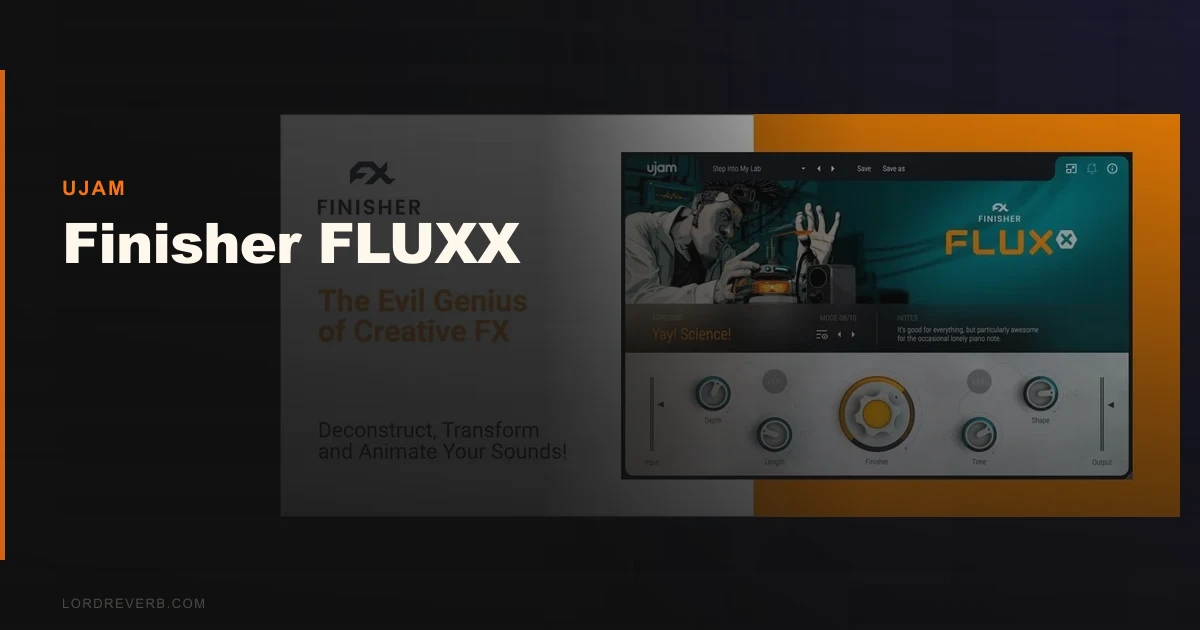
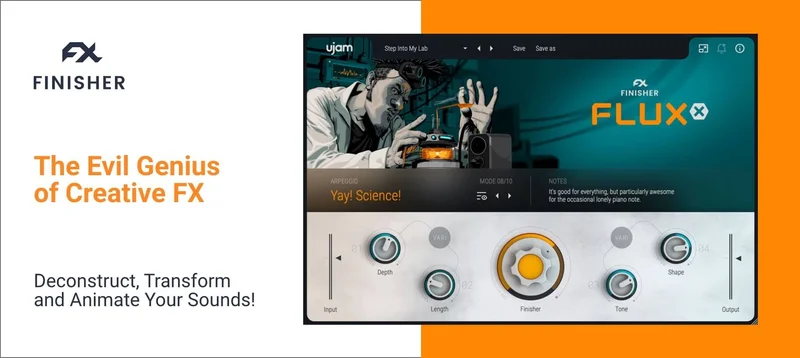
You get 50 multi-effect modes and over 120 presets. Each mode chains multiple processors together: pitch effects, modulation, filtering, reverb, delay, distortion, and more. You control everything through one main Finisher knob and four macro controls. That’s the entire interface.
What it’s not: a mixer’s tool. You can’t solo the reverb tail. You can’t adjust the attack on the tremolo inside a mode. There’s no signal routing, no effect order control, no mid/side option. If you want surgical control, FLUXX is the wrong room. It’s built for sound designers and producers who want inspiration, not transparency.
Living With FLUXX in a Real Session
Setup is fast. Drop it on an insert, pick a mode, turn the Finisher knob, done. The interface is clean enough that you can have it operational in under 30 seconds.
We used it across three different sessions: one on a Moog-style bass, one on an electric piano bus, and one on a synthesizer pad layer. The electric piano bus was where it earned its keep. Mode 29 added a slow chorus and a subtle harmonic wash that pushed the sound further back in the mix without losing presence. We barely touched the macros.
The Moog bass was trickier. Some modes collapsed the low end in ways that took the punch out of the transient. We ended up using a high-pass filter on the return to clean that up, which worked, but it’s the kind of workaround you shouldn’t need on a dedicated finishing tool.
One annoying quirk: preset browsing has no search function. You’re clicking through 120+ options in order. In a session where you’re chasing a specific vibe, that friction adds up. We wish UJAM had built a tag system into the browser. They haven’t.
CPU usage is medium. One instance on a Mac M2 running Logic Pro hit around 4-6% per core depending on the mode. Stack three instances and you’ll feel it. It’s not CPU-hungry enough to be a dealbreaker, but it’s not light either.
The Trade-Offs Worth Knowing About
The single-knob approach is FLUXX’s biggest strength and its ceiling at the same time.
We love how fast it moves. For producers who spend more time finishing tracks than sculpting sounds from first principles, that speed is genuinely satisfying. You don’t lose 20 minutes building a modulation chain. You turn a knob and something interesting happens.
But that simplicity means you can’t grow with the plugin. Once you’ve cycled through the 50 modes and found your eight or ten favourites, the toolbox is fixed. There’s no way to build a custom mode or reconfigure the effect order. At full price, that limitation stings a little. On sale, it doesn’t matter.
The other trade-off is specificity. FLUXX sounds brilliant on synths and keys. On drums or vocals, the results are inconsistent. That’s not a flaw exactly, it’s just a narrow brief. Know what you’re buying it for.
Against the Field
Soundtoys Effect Rack is the obvious comparison. It costs significantly more, gives you full control over individual effects, and lets you build custom chains. It wins for producers who want precision and depth. FLUXX wins on speed and simplicity, and it’s a fraction of the price.
Native Instruments’ Replika XT and RC 24 are single-effect tools that do one thing at high quality. FLUXX does many things at medium precis ion. Different jobs.
FabFilter’s bundle is in another category entirely, built for engineers, not for throwing at a pad and seeing what sticks.
If you’re an existing UJAM user, check the UJAM loyalty upgrade pricing before buying anything at full price. The cross-grade deals are real and worth using.
The Real Verdict
At $59, FLUXX is a no-brainer for any producer working with synths or keyboards. Buy it. You’ll use it.
At full price, we’d hesitate. Not because it’s bad, but because the ceiling is low. You’ll hit the edges of what it can do within a few sessions. The value equation only works if you’re buying it alongside VOODOO and NEO as a bundle, where the combined price covers more creative ground.
Skip it if you need control. Buy it if you need speed.
Score Breakdown
| Category | Score | Notes |
|---|---|---|
| Sound Quality | 3.8/5 | Sounds great on synths and keys; inconsistent elsewhere |
| Value for Money | 4.5/5 | At sale price it's a steal; harder to justify at full price. |
| Ease of Use | 4.5/5 | Single-knob workflow is as fast as it gets |
| Features | 3.0/5 | 50 modes is solid, but no routing or custom mode building |
| CPU Efficiency | 3.3/5 | Medium load; stacking instances adds up quickly |
| Overall | 3.8/5 | Strong creative tool with a clear ceiling and a narrow sweet spot |

Alternatives to Consider
If you want more control than FLUXX gives you, Soundtoys Effect Rack review is where to look. It’s the more expensive choice, but you can build anything inside it.
If drums are your primary focus, UJAM SLAP review is a smarter buy from the same developer. SLAP is purpose-built for drum processing in a way that FLUXX isn’t.
For producers wanting a broader creative FX toolbox, best multi-effect plugins 2026 covers the full field including options from iZotope and Native Instruments.
FLUXX’s own siblings are worth a look too. If you produce more guitar-adjacent content, Finisher VOODOO covers organic and distorted textures that FLUXX doesn’t touch.
FLUXX costs less than a studio session coffee order. That’s not a reason to buy bad software, but it is a reason to forgive a low ceiling. The thing genuinely works on synths and keys, it moves fast, and on the right sound it’s the best 30 seconds you’ll spend in a session. Just don’t buy it hoping it’ll turn into something more than it is.
Frequently Asked Questions
Is Finisher FLUXX good for beginners?
It's one of the more beginner-friendly creative FX plugins available. There's no signal chain to build and no technical knowledge required. Load it, pick a mode, turn the Finisher knob, and something interesting happens. The limitation for beginners is that you can't learn from it the way you'd learn from a more transparent tool.
How does Finisher FLUXX compare to Finisher VOODOO and NEO?
VOODOO is built around organic, distorted textures that sit well on guitars and bass. NEO leans toward cleaner, more polished modern sounds. FLUXX is the experimental one: weird pitch effects, unpredictable modulation, and character-heavy processing aimed at keyboards and synths. They're complementary, not overlapping. The bundle is worth it if you produce across genres.
Can you automate Finisher FLUXX in your DAW?
Yes. The main Finisher knob and all four macro controls are automatable in VST, AU, and AAX formats. Automating the Finisher knob through a section is one of the most effective ways to use it, building from dry to fully processed over a chorus or breakdown. The mode selector is not automatable, so plan your mode choice before you record automation.
Is the current sale price permanent or limited time?
UJAM runs frequent promotions, and FLUXX has appeared at deep discounts multiple times. We can't guarantee the sale price will hold, but UJAM regularly cycles its Finisher plugins through sales. Check the manufacturer's site for current pricing before assuming any figure you've seen is still live.