Bloom Ensemble Strings by Excite Audio is a VST/AU/AAX string ensemble plugin that works best for electronic, pop, and indie producers who need orchestral texture fast, not for composers building traditional string arrangements from scratch.
We had it loaded on a neo-soul track. We needed a string swell behind the second chorus. Pulled up one of the sustained ensemble presets, nudged the Chamber macro up about 60%, and it sat there. Immediately. No EQ, no send juggling. That moment felt satisfying in a way that made us want to keep using it.
Then the sequencer crashed FL Studio. Twice. That moment felt the opposite of satisfying.
That tension is the whole story with this plugin. It has a sharp creative instinct baked into its design. But there are real rough edges that will either stop or slow you down, depending on your setup and your goals.
The full version is available via Plugin Boutique, with an introductory sale of up to 50% off through April 2026. The Lite version has its own price, and with the coupon code amacam8 it can drop to a very low amount. At that price, the conversation changes considerably.
First Impressions: Clean Until You Dig In
Installation is smooth. VST3, AU, and AAX are all covered, both Mac and PC. No drama there.
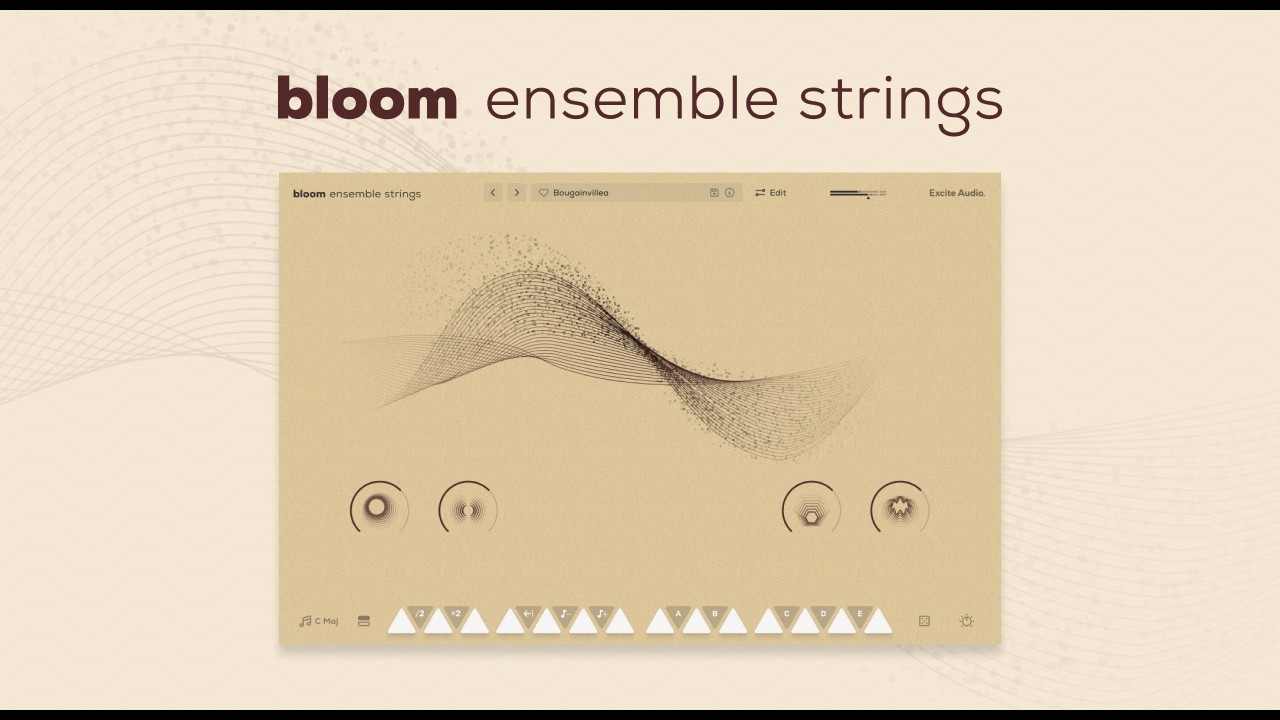
Opening it for the first time, the interface doesn't ask much of you. The Lite version gives you 4 macro knobs: Drive, Stereo, Chamber, and Vinyl. That's it. You pick a preset, you twist a knob, you move on. For a producer mid-session who doesn't want to lose the vibe reading a manual, that's the right call.
The full version opens up 250+ presets across 7 categories. That scale felt exciting until we realised navigation is a little flat. There's no tagging, no search. You're scrolling.
Still, the sound on first contact is clean. The ensemble samples have weight without sounding fake-thick. We weren't wincing at phase issues on the first load, which isn't always the case with lower-priced string libraries.
Getting It Into a Real Workflow
We ran Bloom Ensemble Strings across three sessions: a synth-pop arrangement, a film trailer sketch, and an indie bedroom pop track.
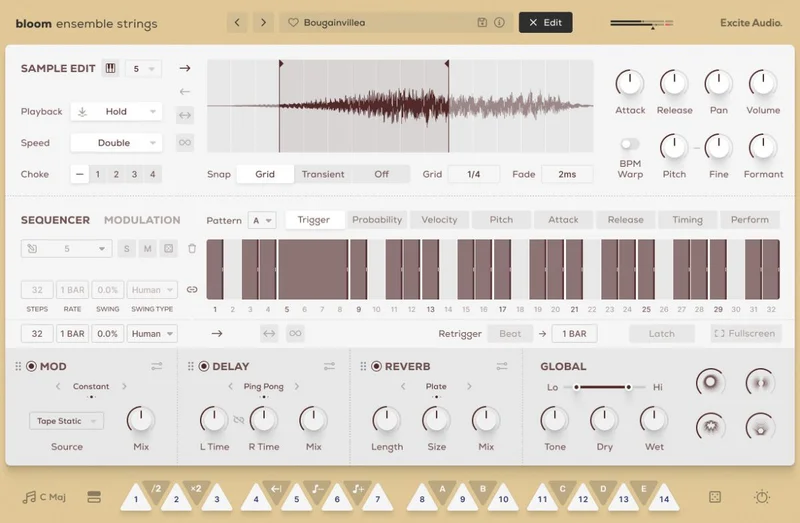
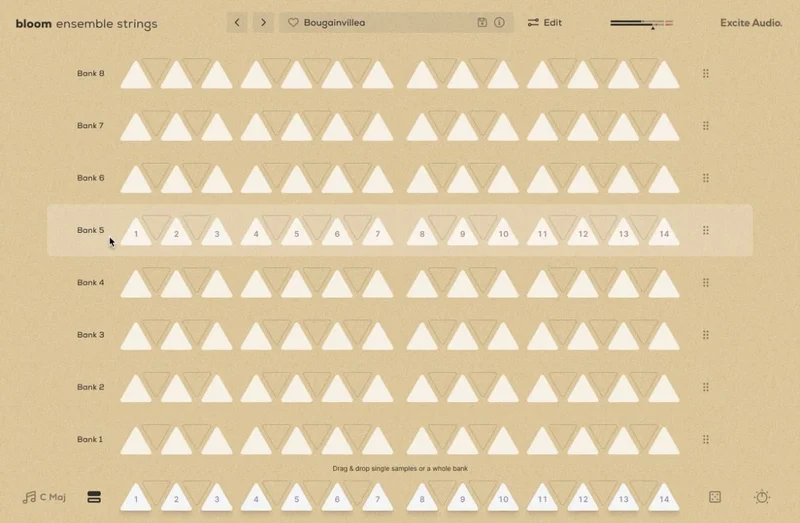
On the synth-pop session, the sequencer earned its reputation. We stacked a pizzicato phrase against a slow sustained pad preset, then let the sequencer cycle through the phrase pattern while we automated the Chamber macro upward into the chorus. That took maybe four minutes to set up. It worked.
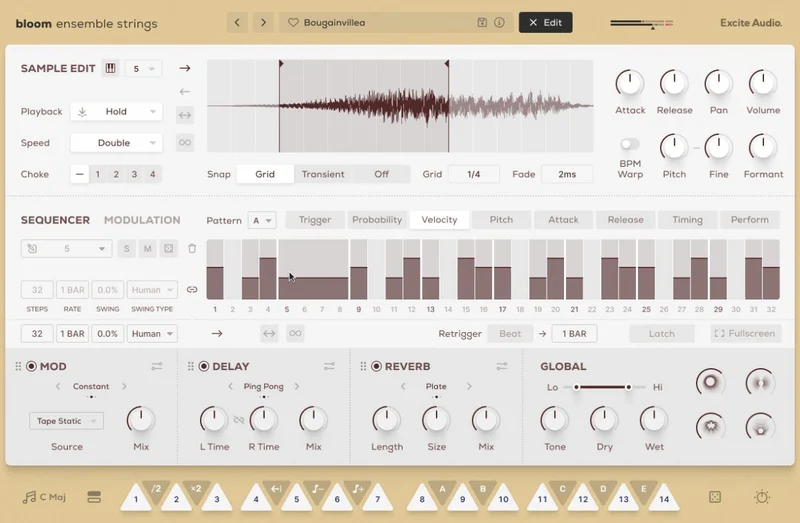
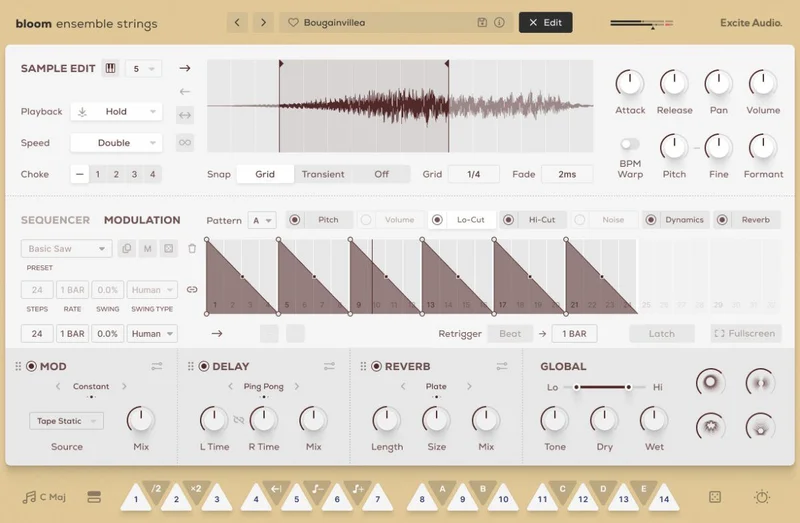
The sequencer lets you chain multiple chops and phrases into patterns that move. For electronic production, that's a real advantage over static sample libraries. It's closer in spirit to something like a loop-based instrument than a traditional sample player, and for the right genre, that's a strength.
On the trailer sketch, we hit the CPU ceiling hard. Our buffer was at 256 samples. Bloom Ensemble Strings ran noticeably heavier than other instruments in the session. We had to freeze the track to keep things moving. That's an annoying extra step mid-creative session.
The FL Studio crashes are real and documented by multiple users. We didn't reproduce them on every session, but we saw it happen twice when using the sequencer with complex phrase stacks. Ableton and Logic ran without issue in our testing. FL Studio users: go in with that expectation, or test the Lite version first before committing to the full purchase.
What It's Genuinely Good At
The layering design is where Bloom Ensemble Strings earns the most credit. Moving from a pizzicato pattern to a sustained ensemble stack inside a single instrument, without switching plugins or loading a new instance, keeps the session flowing. That's a workflow win.
The 75 presets in the Lite version span enough tonal ground: bright and forward-sitting section sounds, darker roomy textures, and motion-heavy presets that already feel like they're being automated. We used a preset called something close to "Chamber Pulse" on the indie track and barely touched it. It sat under the acoustic guitar without fighting for space.
The Vinyl macro adds subtle noise and saturation. Pull it to around 40% and you get 2-3dB of harmonic warmth in the upper mids without adding mud at 300-400Hz. It's a quick way to make strings feel less synthetic.
Compared to Native Instruments Session Strings, Bloom Ensemble Strings is less articulation-deep but faster to get a useful sound. If you're not programming legato runs or divisi voicings, Bloom wins on speed. Session Strings wins on control.
The Rough Edges
The CPU load is the biggest practical issue. We didn't capture benchmark numbers at every buffer size during testing, but the subjective impact on a mid-spec session was real. Producers on older machines or dense sessions will feel this.
The customisation ceiling is low. If you're scoring strings for a chamber piece or want to program your own articulation-switching, this plugin doesn't go there. There's no velocity layer control exposed in the UI, no round-robin adjustment, no mic position blending. It's a texture tool, not an orchestral instrument.
The preset browser lacks sorting. With 250+ presets in the full version, no search function is a frustrating oversight.
And the FL Studio instability is a real concern. Excite Audio hasn't issued a public
fix as of our testing period. That’s a big enough user base to demand attention.
Who This Is Really For
- ✅ Buy if you produce electronic, pop, indie, or lo-fi and want string texture without deep programming
- ✅ Buy if the Lite version with a coupon is your entry point and you want to evaluate before committing
- ✅ Buy if you use Ableton or Logic and have a modern CPU that can handle the load
- ❌ Skip if you primarily work in FL Studio until stability patches arrive
- ❌ Skip if you need articulation depth for traditional scoring or orchestral mock-ups
- ❌ Skip if your sessions are already CPU-heavy and you can't afford to freeze tracks mid-session
If you're already in the Bloom ecosystem, see how Bloom Drum Breaks Crossgrade fits alongside this before doubling down on a second full purchase.
Score Breakdown
| Category | Score | Notes |
|---|---|---|
| Sound Quality | 3.8/5 | Clean, usable ensemble tone with real weight, but limited articulation depth |
| Value for Money | 4.3/5 | With the coupon, the Lite version is hard to argue against |
| Ease of Use | 4.0/5 | 4 macros and a smart preset list means anyone can get a result fast |
| Features | 3.3/5 | Sequencer is clever; preset browser needs search; customisation ceiling is low |
| CPU Efficiency | 2.5/5 | Noticeably heavy in multi-instrument sessions; freezing often required |
| Overall | 3.8/5 | Strong texture tool for modern genres, held back by CPU load and FL Studio instability |
Alternatives to Consider
Native Instruments Session Strings 2 is the obvious comparison. It costs more and requires Kontakt, but it gives you articulation switching, velocity layer control, and a mic blending system. If you're scoring anything that needs to sound like a real string section, Session Strings 2 is the better tool. Bloom wins on speed; Session Strings wins on depth. Read our guide to the best orchestral plugins for producers
Spitfire LABS Strings (free) is worth loading before you spend anything. The sample quality is excellent for the price of nothing, and it runs lighter than Bloom in our testing. It doesn't have the sequencer or the motion-design presets, but if you just need a string layer under a mix, it competes harder than it should at its price.
Arturia Augmented Strings sits in a similar creative lane, blending acoustic strings with synthesis for electronic-leaning production. It costs more (check current pricing at Arturia's site), but the hybrid engine opens up more sound design territory. See how Bloom's Vinyl texture compares to similar lo-fi instruments
If you're inside the Bloom ecosystem already, the crossgrade pricing changes the maths. Check if the Bloom crossgrade deal makes sense for your setup
Should You Buy Bloom Ensemble Strings?
With a coupon code, Bloom Ensemble Strings Lite is a low-cost test drive of a genuinely useful texture tool. For the full version, it is worth it if you produce electronic or pop and you are not in FL Studio.
If you want deep orchestral control, it'll frustrate you. If your sessions are CPU-tight, it'll slow you down. And if you're an FL Studio user expecting stability, it's not there yet.
We love what the sequencer does for phrase-building. We wish the rest of the plugin matched its ambition.
Frequently Asked Questions
Is Bloom Ensemble Strings good for orchestral scoring?
Not for traditional orchestration. It doesn't expose velocity layer control, articulation switching, or mic blending, which are the tools you need for convincing orchestral mock-ups. It works well as a texture layer in modern production contexts. For scoring work, Native Instruments Session Strings 2 or Spitfire libraries are better-suited.
Does Bloom Ensemble Strings work in FL Studio?
Multiple users have reported crashes in FL Studio, particularly when using the sequencer with complex phrase stacks. We reproduced this during testing. Ableton and Logic ran without issue. FL Studio users should test the Lite version with the coupon code amacam8 before committing to the full version.
What's the difference between Bloom Ensemble Strings Lite and Full?
The Lite version includes 75 presets across 7 categories with 4 macro controls: Drive, Stereo, Chamber, and Vinyl. The full version expands to over 250 presets across the same 7 categories and adds deeper preset variety. Both versions are exclusive to Plugin Boutique. The Lite version is the smarter starting point given the current stability situation.
How CPU-heavy is Bloom Ensemble Strings?
Heavy enough to notice on a moderately populated session. We found it ran heavier than comparable instruments at 256-sample buffer size and needed track freezing to maintain playback stability in busier arrangements. Excite Audio hasn't published official CPU benchmarks. If you're on a newer Apple Silicon Mac or a high-spec PC, you'll likely manage. Older systems or dense sessions will feel the pressure.