
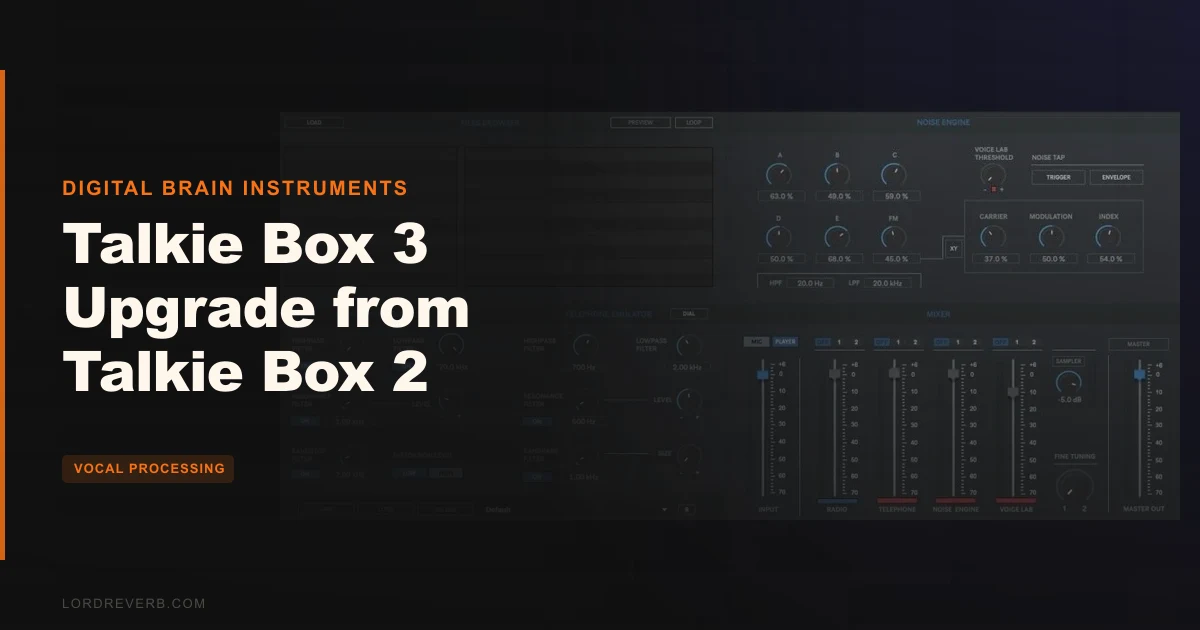
If you're on Talkie Box 2 and wondering whether the jump to Talkie Box 3 makes sense, the honest answer is: probably yes, if you work in audio post and comm-radio effects are a regular part of your deliverables, not a once-a-year novelty. The upgrade at $34.50 includes a Noise Engine with up to 6 discrete noise signals, an XY Pad for FM parameters, and multitrack recording on separate tracks, alongside output routing to DAW or audio editor. That said, if you're a casual user who fired up Talkie Box 2 twice last year, this is a harder sell.
This is standalone software from Digital Brain Instruments. It processes voice in real time and exports walkie-talkie, radio, and telephone effects with multitrack recording, a noise engine, a sampler, and a master rack with VST/AU plugin slots. The price is $34.50 as an upgrade path from version 2.
What follows is a breakdown by user type, because whether this is a smart buy depends almost entirely on how you work and what you're making.
What You Are Upgrading To
Talkie Box 3 isn't just a reskin. The jump from version 2 brings a Noise Engine with up to 6 discrete noise signals and an XY Pad for FM generator parameters, HPF, and LPF. That's a meaningfully different level of noise-design control compared to pulling static presets.
The Voice Lab adds interference sounds through convolution using 6 noise sound signals. The Master Rack runs your output through 4 VST/AU plugin slots, a 3-band parametric EQ, and LPF/HPF plus sample rate and bit-depth distortion. That last feature is satisfying in the right hands: dial the bit depth down and the signal gets nasty in a very usable, controllable way.
Multitrack recording is the other headline addition. Input source, all engine outputs, and master output record to separate tracks simultaneously, up to 192kHz/32-bit. For post-production work with revision cycles, that's not a luxury. It's how you stay organised.
The Walkie Talkie section covers distortion, HPF, LPF, bandstop, and resonance filters. The Radio section adds resonance and bandpass to tighten the frequency bandwidth. Fine-Tuning AFC emulates automatic frequency control to lock the virtual resonant circuit to incoming signal frequency, which is a clever detail that helps the effect feel physically real rather than processed.
Who Qualifies
The software runs on Mac OS X 10.11.6 or later and Windows 8 or later, with Apple M1 requiring OS 11 or later. Native M1 support is included, which matters if you're running a modern MacBook Pro. 4GB RAM is the recommended floor on both platforms.
It supports WAV, AIFF, and MP3 files, real-time microphone input, and routing to a DAW or audio editor. MIDI control via MIDI device is also supported.
The Value Case
At $34.50, this upgrade is priced for working professionals, not hobbyists. And honestly, the feature set reflects that.
The multitrack recording alone changes the workflow. You finish a session, you've got the dry signal, the radio engine output, the noise engine output, and the master on separate tracks. If a client calls for a revision, you're not rebuilding from scratch. You're pulling stems and adjusting. That's time, and time is money in post.
The 4 VST/AU slots in the Master Rack mean you can run your preferred compressor or EQ after the effect processing without leaving the app or bouncing through a DAW. That's a workflow simplification that actually sticks.
The Noise Engine XY Pad is where the sound design headroom lives. Six noise signals with real-time FM parameter control gives you room to build a background texture that feels like it belongs to a specific radio environment rather than a generic hiss. Sound designers working on games or film will love that granularity.
The Telephone dial sounds generator and Morse code tone generator are niche additions, but if you need them, you really need them, and not having to fake them in a DAW saves real time.
Who Should Skip It
If you're a beginner who bought Talkie Box 2 out of curiosity and ended up using the basic radio preset twice on a podcast intro, skip it. The depth here is real and so is the learning curve.
If you're a mixing engineer who occasionally needs a quick telephone effect for a vocal sample, there are simpler tools. The Master Rack's VST/AU slots are brilliant for post, but they're overkill if you just want to narrow a frequency band and add some grit to a single track in a mix session.
If your system is Windows 7 or Mac OS X 10.10, this won't run. Hard stop.
No independent user reviews are available to verify the developer's claims. That's not a reason to avoid it, but it is a reason to be realistic about what you're committing to.
Who It's Built For, by Type
The Audio Post-Production Professional
You're editing dialogue for a thriller series. Character calls in on a compromised walkie-talkie. You need the effect to loop, vary, and sit under a performance without sounding like a preset everyone's heard. The Noise Engine's 6 signals and XY Pad let you build that texture from components, not a dropdown menu. The multitrack output means your session is revisable. Buy it.
The Game Audio Sound Designer
You're designing comm chatter for an open-world game. Characters use different radio tech depending on faction. The Noise Engine handles layered background signal design, and the Fine-Tuning AFC means your resonant circuit tracks the incoming audio frequency in a way that feels physical and consistent. The sampler's 6 pre-loaded radio sounds plus custom sound loading covers spot effects without leaving the app. Buy it, and budget time to explore the XY Pad properly.
The Working Music Producer
You want a telephone effect on a vocal sample in your track. Load the processed output into your DAW via the routing options, run the walkie-talkie section with the bandpass tightened and distortion pushed, and you've got your sound. But this is a lot of software for one use case. If that's all you need, you might be buying a toolkit when you need a screwdriver. Wait and check whether a simpler option fits better.
The Hobbyist or Casual User
You make YouTube videos and want your on-screen character to sound like they're on a two-way radio. This can do it. But it's more than you need and potentially more than you'll understand without investing time. The presets manager will get you somewhere fast, but the depth sits under that surface and it rewards people who go there. Skip it unless you're serious about the craft.
The Verdict
Talkie Box 3 Upgrade is a solid, feature-dense tool for audio post-production voice effects. The Noise Engine with XY Pad control, the multitrack recording up to 192kHz/32-bit, and the Master Rack's plugin slots make this a genuinely useful post-production tool, not a novelty. At $34.50, it earns its place in a professional audio post or game audio workflow.
If your work involves comm-radio SFX more than occasionally, this is worth the upgrade. If it doesn't, it isn't.
Specs & Technical Details
| Developer | Digital Brain Instruments |
| Price | $34.50 |
| Plugin Format | Standalone (routes to DAW or audio editor; Master Rack hosts VST/AU plugins) |
| OS Support | Mac OS X 10.11.6 or later; Windows 8 or later; Apple M1 requires OS 11 or later |
| Activation | N/A |
| CPU Usage | N/A |
| Trial Available | N/A |
| Version Reviewed | Talkie Box 3 |
Score Breakdown
| Category | Score | Notes |
|---|---|---|
| Sound Quality | 4.0/5 | Fine-Tuning AFC and multi-filter architecture produce physically convincing comm-radio textures |
| Value for Money | 3.0/5 | Competitive for post-production professionals; hard to justify for casual users |
| Ease of Use | 3.5/5 | Presets manager lowers the entry point; Noise Engine XY Pad rewards time invested |
| Features | 4.0/5 | Multitrack recording, VST/AU Master Rack slots, Morse and telephone generators cover real use cases |
| CPU Efficiency | N/A/5 | No CPU data available from current notes |
| Overall | 3.5/5 | Strong tool for audio post and game audio; overkill for everyone else |
If you work in audio post or game audio and comm-radio SFX show up in your projects regularly, Talkie Box 3 Upgrade is worth the ask. The multitrack recording and Noise Engine make this a solid tool for professionals. For anyone else, hold the upgrade until your work demands it.
Frequently Asked Questions
The Master Rack now includes 4 VST/AU plugin slots, a 3-band parametric EQ, and sample rate and bit-depth distortion. Multitrack recording that captures all engine outputs simultaneously is also new, recording up to 192kHz/32-bit.
Does Talkie Box 3 run natively on Apple Silicon Macs?
Yes. Digital Brain Instruments built in native Apple M1 support. M1 Macs require OS 11 or later. Intel Macs need OS X 10.11.6 or later.
Can I use Talkie Box 3 as a plugin inside my DAW?
Talkie Box 3 is standalone software. It supports input and output routing to a DAW or audio editor, so you can feed audio in and capture processed output within your DAW session. The Master Rack inside the app hosts VST/AU plugins, but the app itself is not a plugin.
What file formats does Talkie Box 3 support?
The software processes WAV, AIFF, and MP3 files. It also supports real-time microphone input, a built-in audio player, and MIDI control via a connected MIDI device. The sampler supports loading custom sounds with pitch shifting alongside its 6 pre-recorded radio sounds.