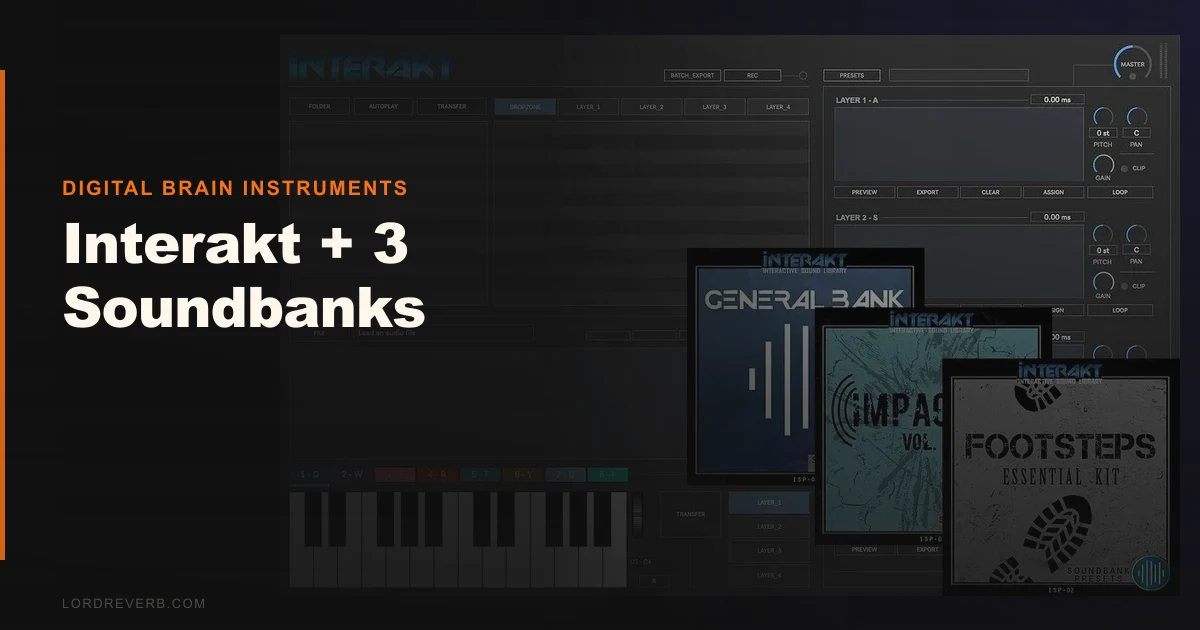
We were halfway through building a footstep system for a short-film sound pass when Interakt actually earned its keep. Three different surface recordings, a subtle low-end thud layered underneath, all sitting in the dropzone at once. Drag, adjust, export. Done in under four minutes. That’s the pitch for Interakt + 3 Soundbanks by Digital Brain Instruments: a 64-bit multi-sampler built specifically for multimedia and game audio work, priced at $125 with three dedicated soundbanks included. It’s not Kontakt. It’s not trying to be. Whether that’s a strength or a dealbreaker depends entirely on what you’re building.
First Impressions: Clean but Clearly Niche
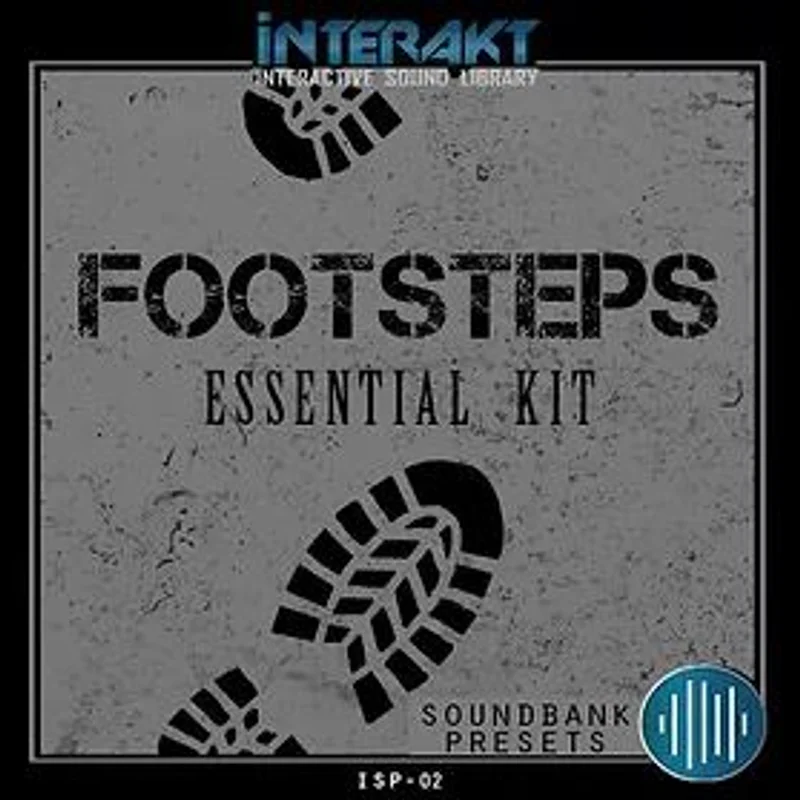
Installation is painless. Download, authorise, load. The UI opens without drama, which we appreciated. It’s clean in a functional sense, though the visual design hasn’t aged well. Think early 2010s plugin aesthetics: flat, grey, workmanlike. Nothing about the interface is confusing, but nothing is satisfying either. The three included soundbanks, Footsteps, Impacter, and Soundbank 1, load quickly. Soundbank 1 spans 35-plus categories covering everything from impacts to tones to ambiences. Our first instinct was to browse. That took about 20 minutes and confirmed this is a tool with a clear, specific purpose.
Getting It Into a Real Workflow
Interakt runs as a VST3, AU, or AAX plugin, so it drops into any major DAW without friction. We tested it in Logic Pro and Pro Tools. Loading was smooth on both. CPU usage stayed low across both sessions, which matters when you’re running SFX layers alongside a full score.
The drag-and-drop system is where it clicks. You pull audio files directly into the dropzone, up to 8 regions per patch. Stack them, offset the pitch, adjust the levels independently. For SFX layering, that workflow is genuinely fast.
Here’s where we hit our first snag. Eight regions sounds like enough until you’re building something like a layered impact that needs separate body, attack, tail, and release components across multiple pitch zones. We ran out of slots on our third attempt at a complex patch. It’s annoying. Not a dealbreaker for simple multimedia work, but frustrating if you push the format.
Batch export handles up to 12 audio files per render. That’s a real time-saver for game audio pipelines where you’re delivering multiple variations of the same SFX.
What It's Genuinely Good At
The layering workflow is where Interakt earns its price. We pulled three separate footstep recordings from the included Footsteps bank, added a low-frequency body hit from Impacter, and balanced them inside the plugin without touching our DAW mixer. That took under three minutes. Exporting all four variations as separate bounce-ready files took another 90 seconds. That’s a legitimate workflow win.
The included soundbanks are better than we expected. Impacter covers hard hits, metallic strikes, and percussive transients with enough variation to be genuinely useful. Soundbank 1’s 35-plus categories are broad enough that you’ll find something workable for most multimedia briefs.
Compare that to Native Instruments Kontakt, which is a deeper instrument but requires significantly more setup time for SFX work. Interakt costs less than half that and gets you from idea to exported file faster for this specific use case. Best Sampler Plugins for Game Audio
M1 support is solid. No Rosetta translation layer needed. CPU usage is light. We saw no performance issues running six instances simultaneously in Logic Pro on an M2 MacBook Pro.
The Rough Edges
The 8-region cap is the real ceiling here. We kept bumping into it. Complex sound design, think layered UI sounds with multiple pitch variations, required workarounds that ate back the time the fast export had saved.
The UI is ugly. We’ll say it plainly. The interface looks like it was designed for Windows Vista and never revisited. That’s not just aesthetic criticism. Outdated UI usually means less intuitive parameter routing, and that’s true here. Modulation options are thin. There’s no envelope depth that a serious sound designer would call flexible. You get basic amplitude shaping and not much else.
For the software alone, the value is conditional. At $125 with the three banks, it’s more defensible. But the feature set doesn’t scale beyond its narrow lane. If you try to use it as a general-purpose instrument sampler, you’ll hate it within a week.
Who This Is Really For
- ✅ Buy if you work in game audio and need a fast SFX layering tool with batch export.
- ✅ Buy if you're scor
ing short films or apps and want a lightweight plugin with usable source material already included.
- ✅ Buy if you're on a budget and want an accessible entry point into interactive audio design without Kontakt's learning curve.
- ❌ Skip if you need deep modulation routing or complex multi-zone instrument patches.
- ❌ Skip if you're building traditional sampled instruments for music production. Wrong tool entirely.
- ❌ Skip if you expect a UI that keeps pace with modern plugin standards. It won't.
Score Breakdown
| Category | Score | Notes |
|---|---|---|
| Sound Quality | 3.5/5 | Included soundbanks are broader and cleaner than expected for the price |
| Value for Money | 3.5/5 | $125 with three banks is fair; the software-only option requires more justification. |
| Ease of Use | 4.0/5 | Drag-and-drop workflow is the fastest in this price range for SFX layering |
| Features | 2.5/5 | 8-region cap and shallow modulation limit ceiling for advanced work |
| CPU Efficiency | 4.5/5 | Light footprint, M1 native, runs six instances without sweat |
| Overall | 3.8/5 | Brilliant in its lane, frustrating outside it |
Alternatives to Consider
Native Instruments Kontakt: More powerful in almost every dimension. Better modulation, deeper scripting, thousands of third-party libraries. Overkill for pure SFX work, but the right call if you’re building instrument patches or need a studio-grade sampler for music production. Native Instruments Kontakt Review
Output ARCADE (subscription-based): Strong for loop-based sound design and modern production textures. Less suited to game audio pipelines than Interakt, but the UI is far more enjoyable to work in and the content library is constantly updated. The current price is shown in the buy box on this page.
TX16Wx Software Sampler (free / paid tier): A legitimate free alternative for basic multi-sampling needs. Deeper than Interakt in some areas, but the interface has a steep learning curve. Worth trying before you buy. Best Free Sampler Plugins
If game audio and multimedia SFX work is your core use case, Interakt is the most direct path between raw audio and a batch-exported deliverable at this price point. If you need anything beyond that, look at the alternatives above first.
Interakt + 3 Soundbanks is a clever tool that knows exactly what it is. At $125, it’s a legitimate buy for the specific workflow it serves. The moment we stacked those footstep layers, balanced them independently, and batch-exported 12 variations in under five minutes, the value clicked. That moment won’t happen for everyone. If your work lives outside game audio and multimedia, this plugin will frustrate you inside a week, and the money you saved over Kontakt won’t feel like a bargain anymore.
Frequently Asked Questions
Can Interakt be used for music production and instrument sampling?
Technically yes, but we'd steer you away from it. The 8-region cap per file and shallow modulation options make it poorly suited for building traditional instrument patches. It's built for SFX layering and game audio pipelines. For music production sampling, look at Kontakt or TX16Wx instead. Best Sampler Plugins for Music Production
Is Interakt compatible with Apple Silicon Macs?
Yes. Interakt runs natively on M1 and M2 Macs without Rosetta. We tested it on an M2 MacBook Pro running Logic Pro and saw no performance issues, even with multiple instances loaded simultaneously. System requirements ask for Mac OS X 10.11.6 or higher.
What's included in the three soundbanks?
You get Footsteps, which covers surface-specific walking sounds; Impacter, which handles percussive hits, metallic strikes, and hard transients; and Soundbank 1, which spans 35-plus categories including ambiences, tones, and processed effects. The quality is solid for multimedia work, though not at the level of premium dedicated SFX libraries.
How does the batch export feature work in practice?
Interakt exports up to 12 audio files per render operation. You set your variations, trigger the batch export, and it outputs the files directly without requiring separate bounces in your DAW. For game audio work where you're delivering multiple SFX variations per asset, this saves meaningful time compared to manual DAW bouncing.