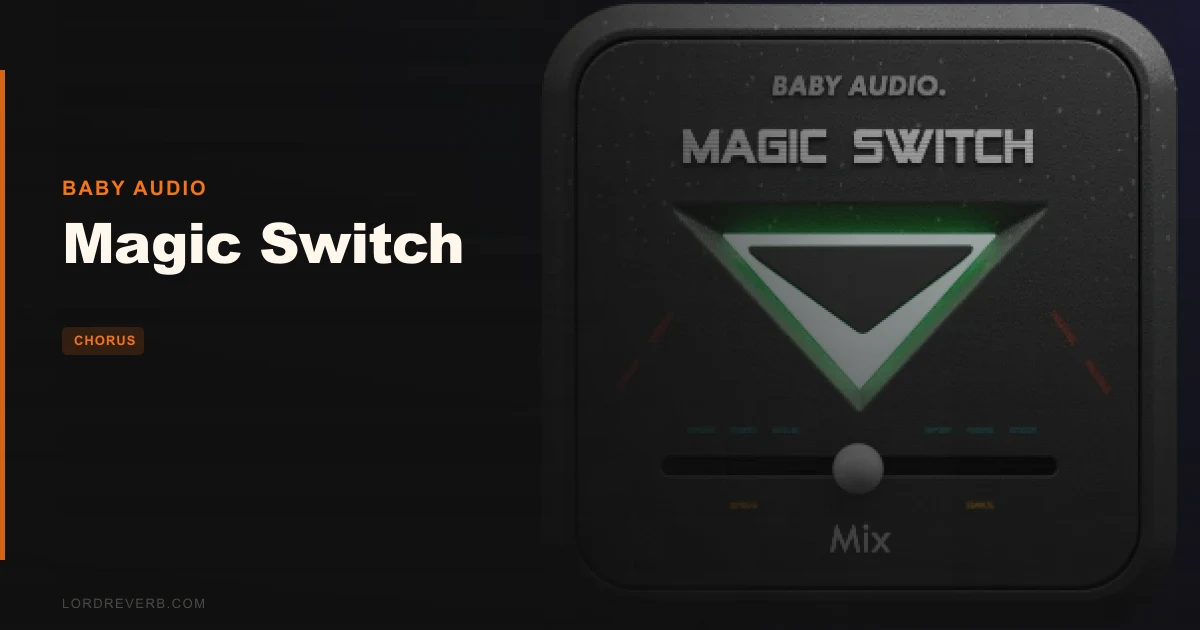
Magic Switch lands closest to Valhalla Chorus in the “sounds good immediately” camp, but where ValhallaChorus gives you 18 modes and a full modulation matrix, Magic Switch gives you a button. That’s the whole comparison. That’s the whole plugin. And honestly? For free, it earns its keep more often than you’d expect.
This is Baby Audio’s standalone release of the “Magic” button from their Super VHS-era lo-fi suite. It’s built for producers who want to slap an 80s-style chorus on something and move on. Not for engineers dialing in exact rates and depths. Not for people who need a mix knob.
If you’re chasing control, skip it. If you’re chasing speed, read on.
How It Compares Out of the Box
The obvious comparisons are ValhallaChorus, TAL-Chorus-LX, and Baby Audio’s own Spaced Out. Against all three, Magic Switch is the most hands-off thing in the room.
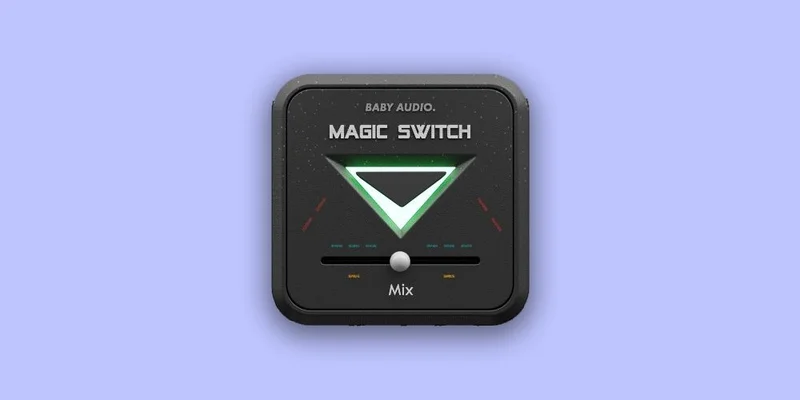
TAL-Chorus-LX is also free, and it models the Roland Juno chorus with two mode switches. That gives you at least a binary tonal decision. Magic Switch gives you none. One state: off. One state: on.
We threw it on a Juno-style pad patch in Ableton alongside TAL. TAL is brighter, more clinical in its Juno accuracy. Magic Switch sits darker, with an analogue-modelled low-pass filter shaping the wet signal into something mellower. Think less “pristine chorus rack” and more “that synth in an 80s film score you can’t quite name.”
It’s not trying to emulate one specific piece of hardware. Baby Audio built their own chorus algorithm from the ground up, aimed at modern clean sources that need a more dramatic push into texture.
Performance Deep Dive
Magic Switch runs light. We tested it across 16 simultaneous instances in Logic Pro on an M1 MacBook Pro and the CPU meter didn’t flinch. No number to cite because Baby Audio don’t publish a spec, but in practice it’s about as hungry as a utility plugin.
The effect itself combines a chorus algorithm with a series of gentle analogue-modelled low-pass filters on the wet signal. The result cuts the harsh top-end shimmer you get from some choruses above 8kHz and pushes the character into a darker, wider space.
Reviewers consistently report the detuning sits at what sounds like a fixed rate and depth. We can’t dial it in. We can’t dial it out. That’s by design.
We ran it on a clean DI electric guitar in Pro Tools. The spread was immediate, sitting wider than the dry signal by what felt like a pan of roughly 30-40% either side, with a subtle wobble that didn’t feel fast enough to sound like Leslie and wasn’t slow enough to feel like auto-pitch drift. It just sat. Satisfying, until you want it to do anything different.
The chorus plugin guide covers modulation rates in depth, and Magic Switch doesn’t play in that world. No LFO rate. No modulation depth. No mix control.
Where It Wins
The speed is real. We installed it, activated it over a quick internet handshake, and had it on a track in under two minutes. That’s not a boast. That’s the point.
On synth pads, it works brilliantly. The low-pass filter shaping the wet signal gives the chorus a warmth, meaning a reduction in high-frequency content above roughly 7-8kHz, that stops it feeling clinical. The detuning is wide enough to create genuine stereo interest without phasing problems underneath.
We love it on lo-fi beats, especially on Rhodes-style electric piano samples that need width without presence. Drop it on a thin mono pluck and it immediately sounds like it belongs on a Chromatics record.
It’s free. Completely free. That changes the scoring calculus on every weakness.
Where the Competition Wins
Every paying chorus plugin wins on control. Full stop.
If you’re trying to dial in a specific rate to match a tempo-synced groove, Magic Switch can’t help you. If you need a dry/wet balance to sit the chorus underneath a lead rather than swamp it, you’re adding a utility plugin after it to compensate. Annoying.
The Tape Double Track handles that blend problem better with actual mix controls, and Sinevibes Blend offers modulation depth adjustment that Magic Switch simply doesn’t have.
There’s also the one-trick limitation. A full session using Magic Switch on multiple tracks starts to develop a house sound that isn’t always your sound. The effect is fixed. When every wide pad has the same chorus character, your mix cohesion can drift toward monotony.
Who Should Buy Which
-
✅ Buy if you want a free, instant 80s chorus for pads, synths, and lo-fi sources with no setup time
-
✅ Buy if you’re building a starter plugin folder and need quality without spending anything
-
✅ Buy if you use it as a creative starting point before committing to a paid chorus for serious work
-
❌ Skip if you need modulation rate or depth control for anything tempo-specific
-
❌ Skip if you’re mixing for clients who need precise, reproducible wet/dry decisions
-
❌ Skip if you’ve already got ValhallaChorus or a comparable chorus with full parameter access
Specs & Technical Details
| Developer | Baby Audio |
| Price | Free |
| Plugin Format | AU / VST / VST3 / AAX |
| OS Support | Mac (OS X 10.7+, 64-bit) / Windows (7+, 32 & 64-bit) |
| Activation | Internet connection required for authorisation |
| CPU Usage | Light |
| Trial Available | N/A (free plugin) |
| Version Reviewed | N/A |
Score Breakdown
| Category | Score | Notes |
|---|---|---|
| Sound Quality | 4.0/5 | Warm, dark chorus character that works immediately on synths and pads |
| Value for Money | 5.0/5 | It's free. Hard to argue with that on any level |
| Ease of Use | 4.5/5 | One button. Installs fast. Internet auth is the only friction |
| Features | 2.0/5 | No rate, depth, or mix control is a real limitation once the novelty fades |
| CPU Efficiency | 4.5/5 | 16 instances in Logic on M1 with no measurable impact |
| Overall | 3.5/5 | A genuinely useful free tool held back by deliberate feature removal |
Alternatives to Consider
If Magic Switch’s single-state design is frustrating you, these are the three we’d reach for next.
TAL-Chorus-LX is also free and models the Roland Juno chorus with two selectable modes. It’s brighter and more accurate to a specific vintage source. Different flavour, similar price: nothing.
Valhalla Chorus gives you 18 algorithms, tempo sync, and full modulation control. It’s the plugin Magic Switch wishes it could grow into. Our Sinevibes Blend review compares it against Valhalla directly.
Baby Audio Spaced Out is from the same developer and gives you a broader set of spatial effects with more movement. Read our full Spaced Out review to see how far Baby Audio goes when they do add controls. Also worth checking is the Rob Papen MasterMagic review if you want width from a completely different angle.
The Verdict
Magic Switch is the plugin equivalent of a one-button espresso machine. It makes one thing. It makes it well. You’ll love it until you want a double shot.
The deliberate removal of controls isn’t laziness. Baby Audio built it that way on purpose, pulling the “Magic” button from Super VHS and making it standalone. The philosophy is sound: decision fatigue in a session is real, and sometimes you need an effect that just works.
But removing rate, depth, and mix controls isn’t clever minimalism when those three knobs are the difference between a chorus sitting in a mix versus swamping it. That’s where the frustration lives.
It’s free. We’d download it right now with zero hesitation. We’d also tell you that the moment your sessions get more complex, you’ll be back looking for something with a mix knob. When that moment comes, the chorus plugins guide has the next step mapped out.
Download it. Use it on your pads. Just don’t expect it to be your only chorus.
Frequently Asked Questions
Is Magic Switch really free, or is there a catch?
It's genuinely free. You download it from Baby Audio's site or Plugin Boutique, activate it with an internet connection once, and you're done. No subscription, no "free tier" with locked features. The activation step is the only friction, and it's a one-time thing.
Can I control the wet/dry mix on Magic Switch?
No, and that's the most common frustration reviewers raise. There's no mix control built into the plugin. If you need a blend between dry and wet, you'll have to handle it at the channel or send level in your DAW. Running it on a return bus with the send level controlling the blend is the workaround most producers settle on.
Does Magic Switch work on Apple Silicon Macs natively?
Yes. Baby Audio built in native M1 and M2 Apple Silicon compatibility from the start. It runs as a native AU or VST3 plugin on Apple Silicon without Rosetta translation, which keeps it running light even at higher instance counts.
What's the difference between Magic Switch and the Magic feature in Super VHS?
They're the same effect. Baby Audio extracted the "Magic" button from their Super VHS lo-fi multi-fx plugin and released it as a standalone free plugin. If you already own Super VHS, you have this effect. Magic Switch exists for producers who want just this one feature without buying the full plugin.