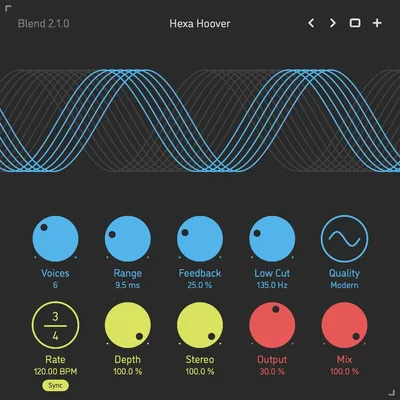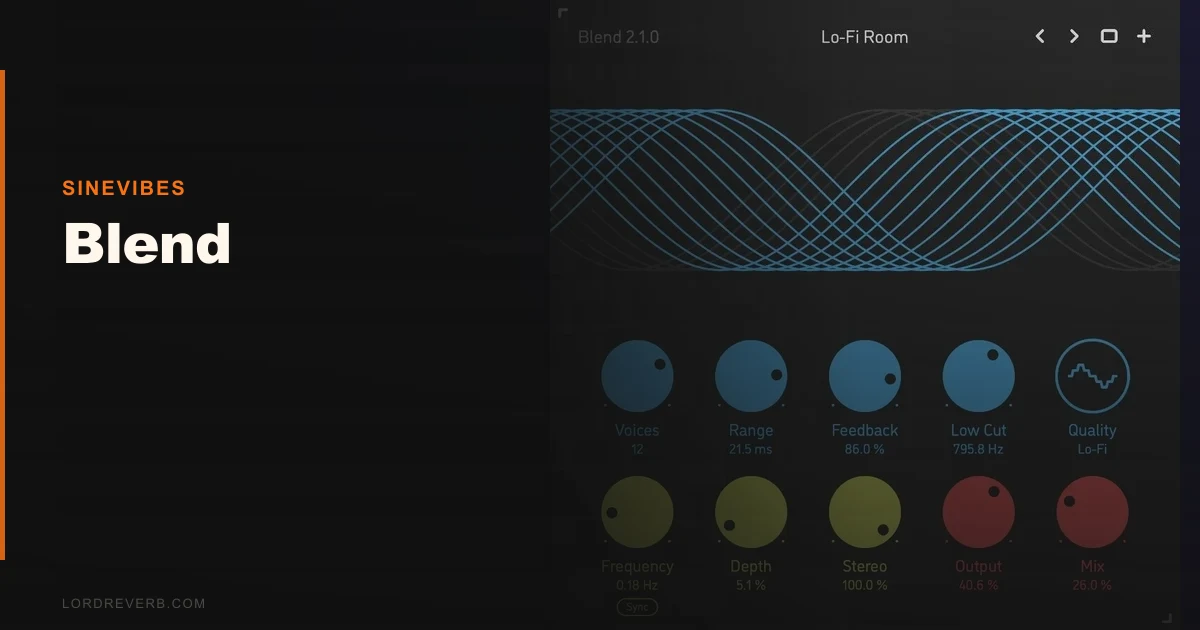
Blend by Sinevibes gets compared to Arturia Chorus JUN-6 and ValhallaChorus constantly, and after two weeks of running it across synth pads, acoustic guitars, and a Rhodes bus, we’d say it sits in a different category entirely. Those two are great chorus units. Blend is a multi-voice modulation engine that happens to do chorus as its first trick.
It’s built for producers who find standard chorus plugins creatively limiting. The premise is simple and clever: stack up to 16 separate chorus voices, give each one its own modulation generator, and shape the result into something that can range from a barely-there shimmer to a slow-motion ensemble that sounds like a string section got very confused.
This review goes into the detail that other coverage skips: voice count vs. CPU behaviour, where the modulation system actually breaks down, and whether the price makes sense against what you’re already paying for.
How It Compares Out of the Box
Load Blend next to ValhallaChorus and the first thing you notice is the routing philosophy. ValhallaChorus gives you one primary modulation source you dial in quickly. Blend gives you a grid of independent layers. That means more setup time, full stop.
Against the Arturia Chorus JUN-6, Blend doesn’t have that hardware-emulation warmth. The JUN-6 sounds like a Roland Juno. Blend sounds like a modulation system.
That’s not a criticism. It’s a use-case separator. If you want to drop a specific vintage character on a lead synth in 30 seconds, the JUN-6 wins before Blend even loads its preset browser. If you want to build a texture that doesn’t exist yet, Blend is where you start.
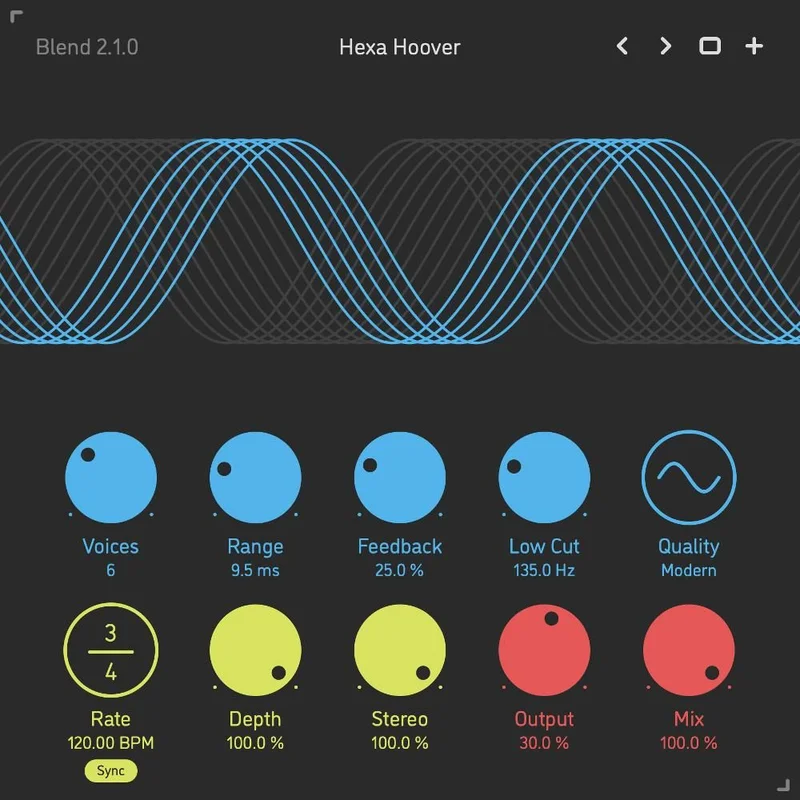
First-impression GUI is clean. Spare, even. Each voice layer sits in a horizontal strip with rate, depth, delay time, and pan controls. It looks manageable until you start stacking 10+ layers and realise there’s no visual summary of the aggregate modulation shape.
Performance Deep Dive
We ran Blend on a MacBook Pro M2 with a 64-sample buffer. At 4 voices, CPU draw was negligible, sitting under 2% in our DAW’s performance meter. At 16 voices, it climbed to roughly 8-9%. That’s acceptable for a complex modulation engine and lighter than we expected.
The modulation generators are per-voice sine, triangle, or random shapes, with rate ranges that go slow enough to produce tape-wow flutter you’d normally only get from dedicated wow-and-flutter plugins. We set three voices to random modulation at rates between 0.05Hz and 0.12Hz, layered those over four sine-modulated voices at 0.3Hz, and got a shimmer texture that sat underneath a lead pad without once fighting the fundamental.
The flanger territory opens up when you push delay time below 5ms on several voices simultaneously. We got a convincing through-zero flanger by setting half the voices to positive depth and half to negative, with timing offset between them. That’s not in any preset. You find it by experimenting.
Reverb-adjacent washing is real too. Push delay time above 25ms on 8+ voices with slow random modulation and you get a diffuse spread that blurs pitch in a way SpaceBlender handles differently through actual algorithmic reverb. Blend’s version has more pitch motion and less decay. Different tool.
Where It Wins
The voice-independence is Blend’s actual advantage. Every other chorus plugin we’ve tested treats modulation as a single shared parameter with some stereo spread options bolted on. Blend breaks that assumption.
We ran a 12-voice instance on a static string pad. Six voices at subtle sine modulation, three at slow random, three at medium triangle with opposing pan assignments. The result was an organic movement that no single-source chorus delivers. It sounds alive without sounding like chorus.
The breadth of effects from one plugin is also satisfying in a practical way. We removed three separate plugins from one signal chain by covering ensemble, vibrato, and tape flutter with Blend instances. That’s a real session benefit.
Best chorus plugins of 2026 ranked Blend in the top tier for creative flexibility. We agree on that specific point.
Where the Competition Wins
Speed. ValhallaChorus has you sounding great in under a minute. Blend can eat 20 minutes before you’ve landed on something you love, especially early in your learning curve.
The JUN-6 has character Blend can’t touch. It’s not about voice count. Arturia modelled specific analog behaviour in specific hardware circuits. You hear it immediately on a Juno-style pad. Blend is neutral by design.
We also found the preset library thinner than we’d like. There are enough presets to orient yourself, but not enough to understand the full range of what the engine can do. A library of 60 presets demonstrating every effect type the manual claims it can cover would fix this.
And there’s no wet/dry macro on the main panel. For chorus automation workflows where you’re riding the effect into a chorus section, that’s annoying. You’re going automating two separate parameters when one knob should do it.
Who Should Buy Which
- ✅ Buy Blend if you're a sound designer who builds textures from scratch and wants per-voice modulation control that no standard chorus offers.
- ✅ Buy Blend if you're already running ValhallaChorus for quick work and want a second plugin for deeper, custom modulation builds.
- ✅ Buy Blend if you want to cover chorus, vibrato, ensemble, tape wow, and flanger from a single plugin slot.
- ❌ Skip Blend if you need a vintage hardware emulation character. The JUN-6 or TAL-Chorus-LX will serve you better and faster.
- ❌ Skip Blend if your sessions are already CPU-heavy. At 16 voices, 8-9% per instance adds up quickly on multiple tracks.
- ❌ Skip Blend if you want fast creative results with minimal setup. This plugin rewards patience. If you hate menus, you'll hate this.
Score Breakdown
| Category | Score | Notes |
|---|---|---|
| Sound Quality | 4.0/5 | Genuinely impressive at high voice counts; thinner than expected at 2-4 voices |
| Value for Money | 3.5/5 | Strong if you're replacing 3 plugins; weaker if you only need standard chorus |
| Ease of Use | 3.0/5 | Clean GUI but the per-voice grid takes real time to learn and dial in |
| Features | 4.5/5 | 16 independent voices with dedicated modulation generators is genuinely rare |
| CPU Efficiency | 4.0/5 | Lighter than its complexity suggests; multi-instance stacking is still watchable |
| Overall | 4.1/5 | A specialist tool that rewards the right producer and frustrates everyone else |
Alternatives to Consider
ValhallaChorus. Faster, warmer, and brilliant for quick results. Fewer voices, less complexity. Read our ValhallaChorus review for a full breakdown of its modulation modes.
Arturia Chorus JUN-6. The best hardware-emulation chorus we’ve tested for that specific Roland Juno character. Not a competition to Blend on features, but a genuine competitor on tone. Worth owning both if budget allows.
TAL-Chorus-LX (free). If you need a no-cost chorus that sounds clean and sits in the mix without fighting anything, this is the honest recommendation before spending money on anything more complex.
Blend is not the chorus plugin for everyone. It’s the one for producers who’ve hit the ceiling of every standard chorus they’ve tried and need something that behaves differently at a mechanical level.
The no-wet/dry-macro issue is a real daily annoyance. We wish Sinevibes would fix it in the next update. The thin sound at low voice counts means you’re committing to running 6+ layers to hear Blend at its best, and that means CPU awareness on dense sessions.
But when you stack 12 voices with independent modulation and find a texture that doesn’t exist anywhere in your preset library? That’s the moment this plugin earns its place. It’s not a quick-fix chorus. It’s a modulation construction kit that happens to be shaped like one.
The current price is shown in the buy box on this page. If you’re a synth-heavy producer who builds sounds from the foundation up, this is worth your time. If you just want chorus on a guitar track, save the money and open your DAW’s stock plugin.
Frequently Asked Questions
How many voices does Sinevibes Blend actually support?
Blend supports up to 16 separate chorus voices, each with its own dedicated modulation generator. Each voice has independent rate, depth, delay time, and pan controls. You don't have to use all 16 at once, but the CPU load scales with voice count, so dial it to what your session needs.
What effect types can you get out of Blend beyond chorus?
With the right voice configuration you can get ensemble, vibrato, tape wow, flanger, and a reverb-adjacent diffuse wash. Flanger territory opens up when you push delay time below 5ms on multiple voices. The tape wow effect comes from slow random modulation generators running at rates as low as 0.05Hz.
Does Blend work on Windows and Linux, or is it Mac-only?
Sinevibes Blend runs on Mac, Windows, and Linux. It's available as AU, VST3, and AAX. Linux DAW users who want a capable chorus plugin in the box have fewer options than Mac and Windows producers, so this is a genuinely useful inclusion from Sinevibes.
How does Blend compare to ValhallaChorus for everyday mixing use?
ValhallaChorus is faster to dial in and delivers warm, immediately usable results with minimal setup. Blend is slower to configure but more flexible at a fundamental level. For quick mixing decisions, ValhallaChorus wins. For custom sound design where you're building textures nobody has heard before, Blend is the better starting point. We'd own both rather than choose one.