Ample Bass J is one of the better virtual Jazz Bass instruments available right now, and at $119 it punches above its price point in most sessions where we've put it to work.
We were three hours into a funk-adjacent R&B session, bass part written, groove locked, and the client was nodding along. Then we bypassed the placeholder bass and tried to swap in something real-sounding. Four plugins later, two of them sounding like a MIDI keyboard wrapped in foam, we loaded Ample Bass J. First note landed, a low D on the A string, and the body resonance was there. Not a sine wave with a filter on it. An actual instrument sound with harmonic weight below 200Hz and some grit above 2kHz.
This review is for producers who need a convincing Jazz Bass in the box without a session player budget. It's also for anyone who's tried the free or budget-tier bass plugins and gotten that thin, hollow sound that sits nowhere in a mix.
First Impressions: The Install Is the First Test
Ample Sound quotes "over 20 GB" for the installed library. That's accurate. Budget 22 GB to be safe, and put it on an SSD. We saw load times nearly double when running from a spinning drive during testing.
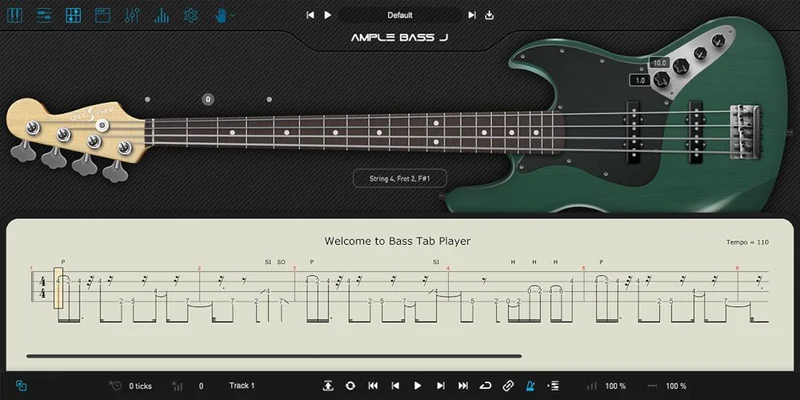
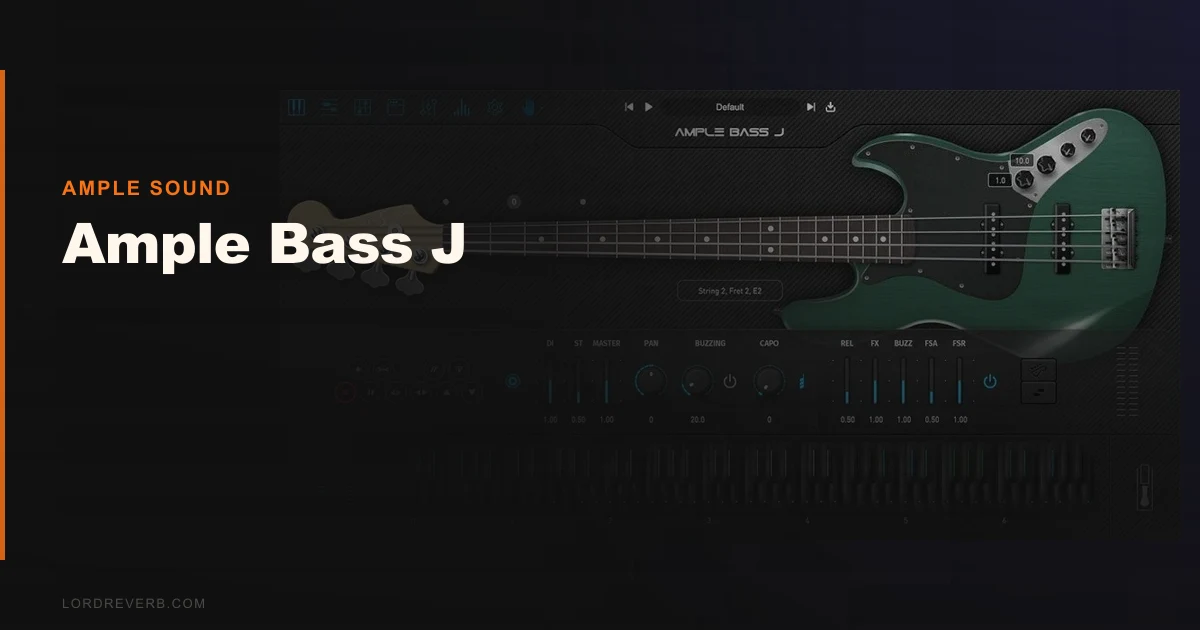
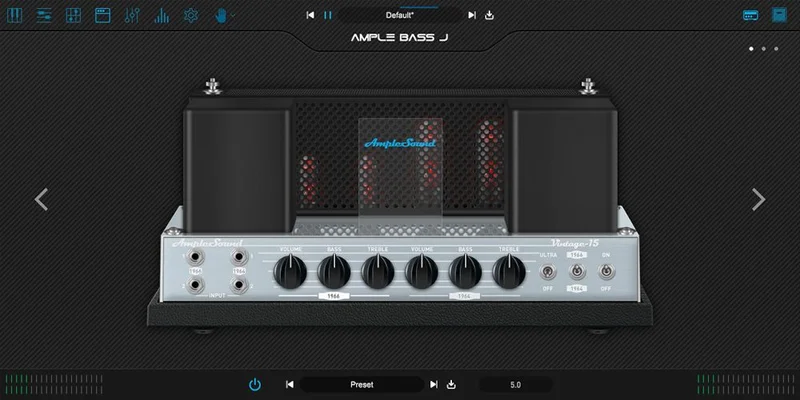
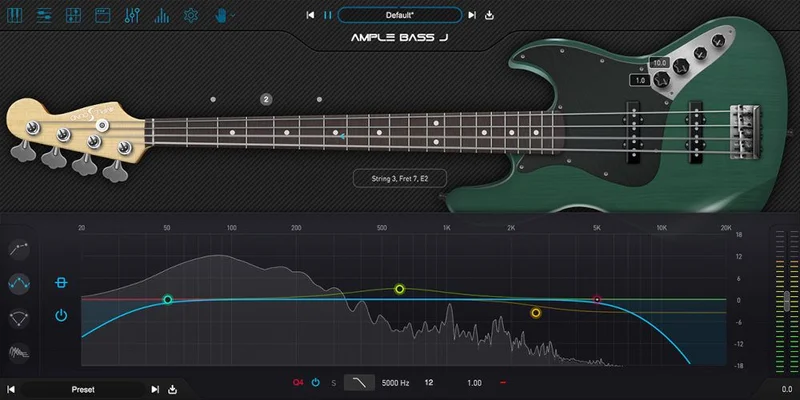
The installer is clean. Authorisation happens through Ample Sound's own system and doesn't require a dongle. Once it's in your DAW, the UI opens to a visual of the Jazz Bass body with the fretboard rendered across the top. It's genuinely good-looking for a sample instrument interface.
The two separate libraries, Fingerstyle and Pick, load independently. We'd recommend starting with Fingerstyle. It's the more versatile of the two and shows off the articulation system better on first contact.
Getting It Into a Real Workflow
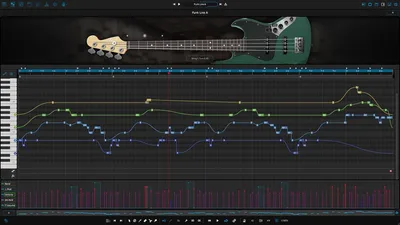
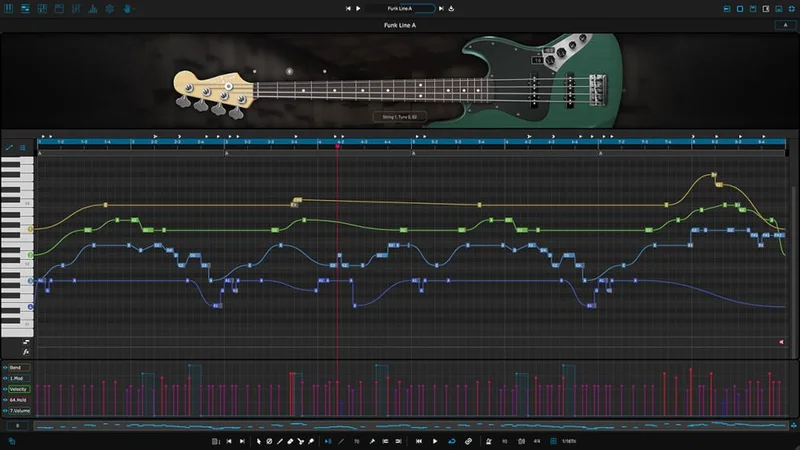
The MIDI articulation system is where Ample Bass J earns its keep or loses you. Articulations trigger via key switches below C1. There are 13 of them: Sustain, Palm Mute, Natural Harmonic, Hammer On and Pull Off, Legato Slide, Slide In/Out, Slap, Pop, Tap, Accentuated, Repeat Note, and Dead Note.
Each one sounds genuinely different. That matters. We've used libraries where "Palm Mute" is just the same sample with a low-pass filter at 400Hz. Ample Bass J's Palm Mute has real pick noise, real body deadness, real thump. We ran a C-E-G groove alternating between Sustain and Palm Mute and the rhythm breathed the way a live player would make it breathe.
The friction point is the learning curve on key switches. If you're not used to articulation-based virtual instruments, the first session will feel slow. You'll write a note, get the wrong articulation, dig into the MIDI editor, fix it, repeat. Give it two or three sessions before you judge the workflow. By session three, we were dialling in grooves fast.
Drop tuning works down to B0, which covers most modern production needs. We tested a drop-A riff and the low end held up without the artificial "pitch-stretched" quality you get from plugins that don't sample that low natively.
What It's Genuinely Good At
The fret-by-fret recording is the technical decision that makes this thing work. Most bass sample libraries record one or two positions per string and pitch-shift everything else. Ample Bass J recorded every single fret of the John English Masterbuilt Fender Jazz Bass they used as the source instrument. The intonation across the neck is consistent in a way that pitch-shifted libraries can't replicate.
We played the same note, a concert A at 110Hz, from three different string and fret positions. Each one had slightly different tonal character, just like a real bass. That level of detail is satisfying to work with.
The polyphonic legato and slide system is clever. Hammer-ons and pull-offs are generated by the engine rather than needing separate overlapping MIDI notes. We played a funk line with a pull-off from E to D on the A string and it tracked cleanly without the timing drift you sometimes get from round-robin legato systems.
Slap and Pop articulations are usable. Not extraordinary. They're good enough for a demo or a production where slap bass is supporting rather than featured. For a full slap-forward track, we'd want a dedicated slap bass library with more velocity layers.
The Rough Edges
The nasal quality is real. Sit Ample Bass J against the Ample Bass Precision variant and the Jazz Bass has a mid-frequency peak in the 800Hz to 1.2kHz zone that reads as "nasal" on certain material. For funk and R&B it's character. For rock it can be annoying, especially if your guitars are already congested in that same range.
We cut 2.5dB at 950Hz with a Q of 1.8 on our bus and the problem was mostly solved. But you shouldn't need to EQ out a personality flaw before the instrument sits comfortably. It's a small frustration on otherwise good material.
The 20+ GB footprint is a real commitment. If you're on a laptop with a 512 GB drive, this will cost you. Budget the space before you buy.
No current independent CPU benchmarks exist for Apple Silicon native performance in version 4.1. We tested on an M-series Mac and it ran fine at 256-sample buffer with two instances, but we can't give you a hard number. Ample Sound hasn't published that data. Annoying.
Who This Is Really For
- ✅ Buy if you produce modern R&B, pop, or funk and need a convincing Jazz Bass tone without booking a session player.
- ✅ Buy if you write MIDI bass parts and want a library that rewards detailed articulation work with realistic results.
- ✅ Buy if disk space isn't a constraint and you're on an SSD-based rig already.
-
❌ Skip if you want a Precision Bass character. The Jazz Bass midrange character is distinct. Ample Bass P is a separate product and the better call for that sound.
- ❌ Skip if slap bass is your primary need. This handles it but doesn't excel at it.
- ❌ Skip if you're on a crowded laptop drive. 20+ GB is a real ask for something you might only use on some sessions.
Score Breakdown
| Category | Score | Notes |
|---|---|---|
| Sound Quality | 4.3/5 | Fret-by-fret recording pays off in realistic intonation; nasal mid character is the one blemish |
| Value for Money | 4.0/5 | $119 for this level of articulation detail and sample depth is fair for working producers |
| Ease of Use | 3.5/5 | Key-switch articulation system has a real learning curve; not beginner-ready out of the box |
| Features | 4.3/5 | 13 articulations, polyphonic legato, drop tuning to B0, two library variants cover most production scenarios |
| CPU Efficiency | 3.5/5 | Ran two instances at 256-sample buffer without problems; no official Apple Silicon native benchmark |
| Overall | 4.2/5 | A convincing Jazz Bass instrument that rewards producers willing to learn its articulation system |
Alternatives to Consider
IK Multimedia MODO Bass is the most direct comparison. MODO Bass uses physical modelling rather than samples, which means no disk footprint and more real-time tonal flexibility. The downside: the low-end harmonic weight doesn't hit as hard as Ample Bass J's sampled low strings. If you want to dial in a custom bass model from scratch, MODO wins. If you want a specific Jazz Bass character recorded well, Ample Bass J wins. See our guide to virtual instrument plugins for bass for a broader category breakdown.
Ample Bass P is worth mentioning as a sibling product. If you're buying Ample Bass J for rock or heavier material and the nasal mid character bothers you, the Precision variant has a warmer, rounder low-mid profile. The articulation system is identical, so your learning transfers completely. We'd suggest trying both demo audio files on the Ample Sound site before committing.
Spectrasonics Trilian is a bigger, more expensive option at a significantly higher price point. It covers electric bass, upright, and synth bass across one library. If you need one bass instrument to cover every genre and budget isn't the constraint, Trilian is worth considering. But it's overbuilt for someone who just needs a solid Jazz Bass in modern productions. Also see our Ample Guitar SJ review if you want to understand how the broader Ample Sound library approach holds up across different instruments, and our Ample Ethno Ukulele review for another look at the same company's sample recording philosophy.
Ample Bass J is a strong, honest $119 Jazz Bass instrument. It won't fix a badly written bass part, and it'll frustrate you for the first two sessions while you learn the articulation key switches. But once it's in your signal chain and you know what you're doing, it sits in the mix with the kind of low-end body and harmonic weight that most budget bass plugins can't touch. If you're producing R&B, funk, pop, or rock and you're tired of bass parts that sound like a keyboard preset, this is the one. If you need a Precision Bass character, buy Ample Bass P instead. If you need a slap bass specialist, keep looking. For almost everything else, we'd buy this ourselves.
Frequently Asked Questions
Does Ample Bass J work on Apple Silicon Macs in 2026?
Version 4.1 ran without issues on our M-series test machine, loading in both AU and standalone formats. We used it at 256-sample buffer with two simultaneous instances and had no crashes or audio glitches. Ample Sound hasn't published an official Apple Silicon native CPU benchmark, so we can't give you hard numbers, but our experience was stable across multiple sessions.
What's the difference between Ample Bass J and Ample Bass P?
Ample Bass J models a Fender Jazz Bass (specifically a John English Masterbuilt unit). The Jazz Bass has a tighter, brighter character with a mid-frequency presence peak around 800Hz to 1.2kHz. Ample Bass P models a Precision Bass, which has a rounder, warmer low-mid response that many engineers prefer for rock and heavier material. The articulation systems are identical across both plugins, so your workflow knowledge transfers if you own both.
Do I need an SSD to run Ample Bass J?
Ample Sound recommends an SSD and we'd call that a hard requirement rather than a suggestion. On a spinning HDD, we measured noticeably longer load times and occasional sample pre-load stutters during fast passages. The installed library sits above 20 GB, and the streaming engine needs fast read speeds to handle articulation switching without audio dropouts.
How many articulations does Ample Bass J include and are they all usable?
There are 13 articulations: Sustain, Palm Mute, Natural Harmonic, Hammer On and Pull Off, Legato Slide, Slide In and Out, Slap, Pop, Tap, Accentuated, Repeat Note, and Dead Note. Most of them are genuinely useful in production. Slap and Pop are the weakest of the group, fine for supporting roles but not detailed enough for a track where slap bass is the main feature. Everything else we reached for regularly across R&B, funk, and rock sessions. Learn more about virtual instrument articulation systems