The Moment It Clicked (and the Moment It Didn't)
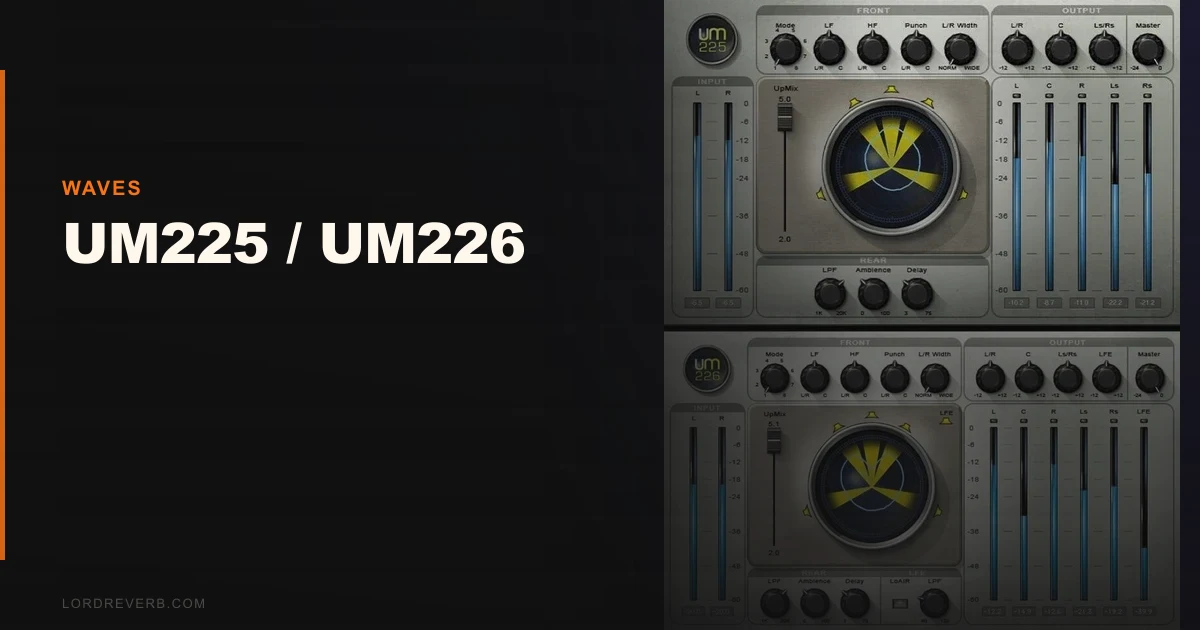
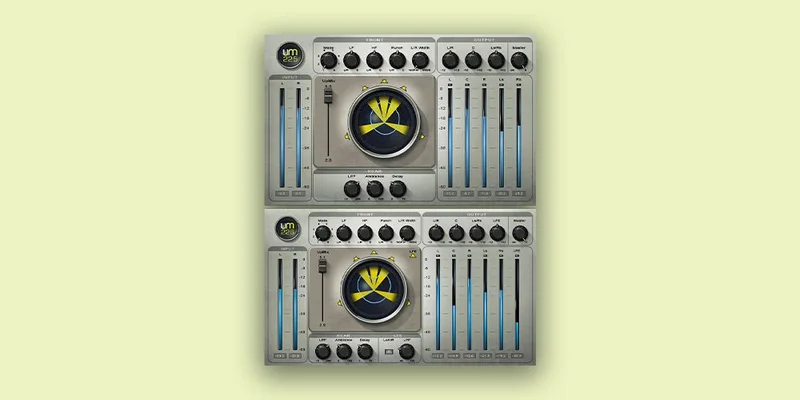
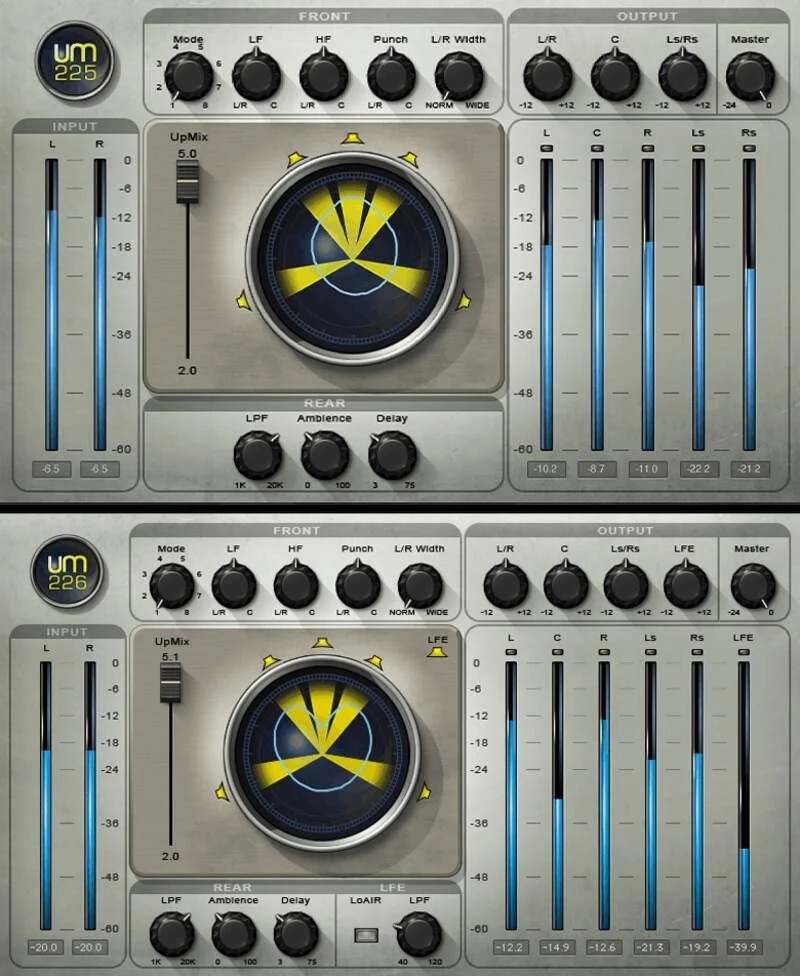
The Waves UM225 and UM226 are stereo-to-surround upmixing plugins. UM225 converts stereo to 5.0. UM226 adds a dedicated LFE channel for 5.1. They’re built for post-production editors, broadcast engineers, sound designers working with archive stereo material, and keyboardists who need a quick surround output from a stereo instrument patch.
We pulled up a stereo film score cue, a dense orchestral piece with wide room reverb already baked in, and inserted UM226 on the master bus. Within about four minutes we had something that technically filled five speakers. That’s the promise delivered.
Then we put on headphones and listened to the rear channels in solo. That’s where it got uncomfortable. More on that shortly.
This bundle is on Waves’ roster at sale prices that hover around $29.99. At that number, it’s worth understanding exactly what you’re buying.
What It Is (and What It's Not)
The UM225 and UM226 don’t create surround information that wasn’t there. They extract, estimate, and spatially distribute what exists in a stereo file. The center channel comes from correlated material. Rears are built from ambience and difference signals. The LFE in UM226 uses a 4th-order low-frequency filter plus a LoAir-style octave-lower harmonic process to beef up what’s already in the low end.
That’s a reasonable approach for broadcast archiving, documentary work, or quickly making a keyboard layer fill a 5.1 stem. It’s not a legitimate path to a primary surround mix. Nobody doing serious spatial audio from scratch should be reaching for this. If you’re working in Atmos or building a stem mix from individual tracks, look elsewhere.
It does what it says on the tin. The tin is just smaller than some people expect.
Living With It
Setup is the easy part. The plugin loads on a stereo bus, you select your mode, and it outputs to your DAW’s surround master. Waves handles the format routing through their usual V-series shell. VST3, AU, and AAX all install without fuss.
The eight upmixing modes are where you spend most of your time. We cycled through them on three different source types: a stereo pop mix, a documentary voiceover bed with ambient street noise, and an orchestral library piece. The Movie profile pushed more signal to the rears than Music mode did. The difference was audible. About 3-4 dB more rear presence with Movie selected, and the ambience tail stretched noticeably wider.
The rear channel delay control is where you dial in that sense of space. We settled on around 18ms for the orchestral source before it stopped sounding like a strange echo and started feeling like a room. Below 10ms it collapsed into a comb-filter-adjacent mess. Above 25ms it felt like an effect rather than a space.
One genuinely frustrating quirk: there’s no visual metering for individual output channels inside the plugin itself. You’re flying blind unless your DAW’s surround meter is open in a separate window. Annoying in 2026.
We also tested UM226’s LoAir-based LFE section on a post-production sound bed with low rumble and distant explosions. The octave-lower harmonic enrichment added weight that wasn’t embarrassing. It’s not the same as having a properly designed LFE stem. But for a broadcast deliverable built from stereo archive footage, it passes.
The Trade-Offs
Here’s the honest version of what you’re negotiating when you use these plugins.
The speed is real. Four minutes from stereo insert to passable 5.1 output is not nothing. For broadcast deadlines and archive conversions, that speed has dollar value.
The artificiality is also real. Solo the rear channels on any mix with transient content and you’ll hear the phase manipulation. On dense ambient material it’s masked well enough. On anything with rhythmic clarity, percussion, or spoken word, the rear channels sound processed. The word “processed” is doing work there. They sound like a plugin guessed at them. Because a plugin did.
CPU load is light. We ran four instances across a session without measurable impact on a mid-range CPU. That’s a genuine point in its favor.
The update history is where this ages badly. Competing upmixing approaches have moved toward machine learning and deep spatial estimation. The UM225 and UM226 are still running the same DSP logic they shipped with years ago. For a specific, defined task they still work. But they haven’t kept pace with the field.
Against the Field
Nugen Audio’s Halo Upmix is the direct professional competitor. It uses adaptive processing that produces more convincing rear channels on transient-heavy material. It costs more. A lot more. But if your budget allows it and upmixing is a regular part of your workflow, Halo Upmix wins on output quality.
iZotope’s RX suite includes spatial tools that overlap in use case, particularly for dialog restoration and archive conversion. surround mixing plugins overview covers a broader set of options if you’re building out a post-production toolkit.
For pure LFE management, the LoAir plugin that powers UM226’s bass section is availabl
e separately from Waves. If LFE enrichment is your only need, buy LoAir alone.
At $29.99, the UM225/UM226 bundle undercuts all of these. That’s its strongest argument.
The Real Verdict
We’d buy this for archive conversion work and nothing else. If you’re regularly delivering 5.1 mixes from stereo broadcast stems, it earns back its sale price within the first session.
We wouldn’t buy it as a primary surround tool. The rear channels aren’t honest spatial audio, they’re an approximation. Sophisticated listeners notice. Anyone checking your deliverable on a proper 5.1 playback system in a treated room will notice.
It’s not a skip. It’s a purchase with eyes open. Know what it does. Know what it can’t do. Then decide.
Score Breakdown
| Category | Score | Notes |
|---|---|---|
| Sound Quality | 3.0/5 | Convincing on ambient material, thin on transient content in the rears |
| Value for Money | 4.0/5 | The sale price is hard to argue with for what it does |
| Ease of Use | 3.5/5 | Fast to set up, but the missing per-channel metering is a real workflow gap |
| Features | 2.5/5 | Eight modes and a decent LFE section, but no meaningful evolution since original release |
| CPU Efficiency | 4.5/5 | Light enough to run multiple instances without concern |
| Overall | 3.2/5 | Specialist tool with a narrow use case it handles adequately, not brilliantly |
Alternatives to Consider
Nugen Audio Halo Upmix: The professional standard for stereo-to-surround conversion. Adaptive processing produces more convincing results on mixed material. Price is significantly higher. Worth it if upmixing is core to your workflow, not occasional. Nugen Audio Halo Upmix review
Waves LoAir (standalone): If all you need is LFE enrichment, LoAir does the bass work that UM226 depends on. Skip the upmix bundle and just buy the tool you actually need. Waves LoAir review
iZotope RX (Dialogue and Ambience tools): For post-production editors working with dialog stems and archive audio, RX's spatial processing overlaps with some UM225/UM226 use cases and gives you far more control. best plugins for post-production
If you're exploring the wider Waves catalog for value buys, our Waves L4 Ultramaximizer review 2026 covers one of their tools that's actually aged well.
And if surround work is just one part of a broader budget setup, the Deluxe Vocal Bundle vs Waves comparison is worth reading before you commit to any Waves purchase.
The UM225 and UM226 are tools with a specific job. They do that job. They don't do anything else. At sale price, buy them for broadcast archive conversion, back-catalog HDTV deliverables, or quick surround stems from stereo instrument patches. At full price, we'd hesitate. For anything resembling a primary surround mix on a serious project, look somewhere else. The rears will give you away.
Frequently Asked Questions
What's the difference between UM225 and UM226?
UM225 converts stereo audio to 5.0 surround, meaning five channels with no dedicated subwoofer output. UM226 adds a sixth channel, the LFE (.1) channel, for 5.1 surround. The LFE processing in UM226 uses a 4th-order low-frequency filter combined with octave-lower harmonic enrichment to add weight to the bass content. If your delivery spec requires a subwoofer channel, you need UM226. If it's 5.0 only, UM225 is sufficient.
Can UM225 or UM226 produce a broadcast-ready 5.1 mix?
Technically yes, in that the output meets the channel count spec. Qualitatively, the result depends entirely on your source material and how scrutinizing your delivery QC is. On ambient-heavy content, archive music, or documentary beds, it passes. On dialog-heavy content or anything with clear stereo imaging, the rear channels can sound processed on a calibrated 5.1 playback system. It's a broadcast-capable tool, not a broadcast-transparent one.
Does the Waves UM226 work in real time?
Yes. All processing is real time and the plugin inserts on a stereo bus in any compatible DAW. There's no rendering or offline analysis step required. This makes it practical for live broadcast applications as well as post-production. The SoundGrid version extends this to hardware-accelerated live use for larger installations.
Is the UM225/UM226 bundle worth buying at full price?
At sale pricing around $29.99, it's a reasonable low-risk tool for a specific use case. At the listed full price, the math gets harder. Nugen Audio Halo Upmix is available at a comparable price point and produces better results on a wider range of material. We'd only pay full price for the Waves bundle if you already have a Waves license ecosystem in place and need a quick upmix solution without adding a new vendor.