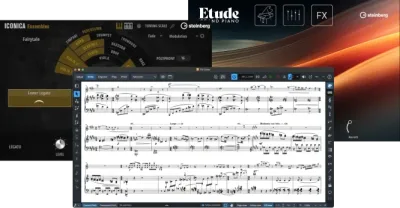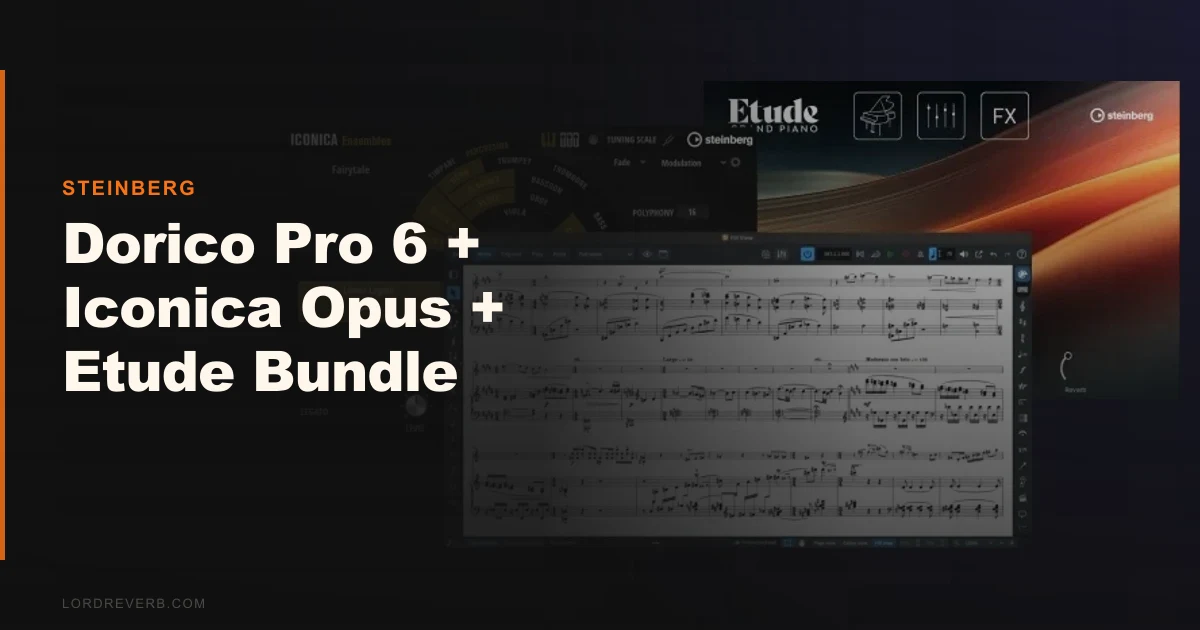
The Dorico Pro 6 + Iconica Opus + Etude bundle is Steinberg's most complete pitch to the serious notation-first film composer, and during the May 2026 promotional window it's the best price you'll see on any of these three products.
We loaded the full bundle into a scoring session for a 90-second documentary cue. Strings first. We called up a sustained ensemble patch in Iconica Opus, played a D minor chord, and waited. The room at Funkhaus Berlin is unmistakable. Wide, dimensional, real weight in the low strings. Then we automated a crescendo and hit a wall: the transition between dynamic layers clicked. Not a subtle artifact. An audible step. It didn't happen every time, and patching around it with CC11 smoothed things out, but it cost us twenty minutes we didn't want to spend.
That moment is a useful lens for the whole bundle. There's real quality here. There's also friction. Who you are as a composer determines whether the friction is acceptable.
What This Bundle Actually Is (and What It Isn't)
Dorico Pro 6 is a professional notation application. It's not a DAW. If you're looking for a sequencer-first workflow, this isn't it.
Iconica Opus is Steinberg's flagship orchestral sample library: strings, brass, woodwinds, percussion, harp, and ensembles recorded at Funkhaus Berlin with 76 musicians, including 50 string players. Over 190GB of content. 500+ articulations. It loads inside HALion Sonic and integrates directly with Dorico's expression maps.
Etude is a deeply sampled Yamaha grand piano. The full library is 18GB. Etude Elements (3GB) ships free with Dorico 6.1 updates. The full Etude is part of this bundle pricing.
What it's not: a Spitfire LABS replacement for quick mockups, a light-RAM option, or a tool for producers who think primarily in MIDI clips. This is a scoring suite for composers who read and write notation.
Living With the Bundle Day to Day
Setup is heavier than you'd expect. Iconica Opus installation runs over 190GB and HALion Sonic needs to index everything before Dorico's playback engine can see it reliably. Plan for a few hours on first install, not thirty minutes.
Once it's running, the integration between Dorico 6 and Iconica Opus is the strongest argument for the bundle. Dorico reads your notation and translates articulation markings directly into playback instructions. Write a trill, hear a trill. Write a spiccato marking, the string patch switches. We tested this across a short string quartet passage and it tracked accurately about 85% of the time. The remaining 15% needed manual expression map tweaks.
Dorico 6's new automatic proofreading feature caught three parallel fifths in that same quartet without us asking. Satisfying. The new cutaway score support is genuinely useful for condensed orchestral layouts, and cycle playback makes refining a single bar much faster than it was in version 5.
The Etude piano is where we stopped second-guessing the bundle. We recorded a slow, sparse piano passage, nothing clever, just a left-hand ostinato and a simple melody. The sustain pedal resonance was beautiful. The velocity layers responded naturally across the full dynamic range. No artificial sheen. No obvious sample joins. It sounded like a piano in a room.
RAM usage is the daily frustration. Loading strings, brass, and woodwind sections simultaneously pushed us past 32GB on a well-specced Mac Studio. Steinberg recommends loading individual section patches rather than full orchestra configurations, and they're right. But that's a workflow constraint you need to plan around.
The Trade-Offs You Need to Understand
The integration story is genuinely clever. No other orchestral library is this tightly wired into a notation app's expression maps by default. For a composer whose primary output is a printed score with a functional mockup, that's worth paying for.
The trade-off is that Iconica Opus has a tonal quality some composers describe as artificial. We heard it in the brass. The fortissimo trumpet has a brightness that sits slightly north of realistic. The strings are warmer and more convincing, but the brass and woodwinds occasionally sound processed in a way that more expensive libraries avoid. That's not a fatal flaw at this price point. At full price, it would need to compete harder.
The dynamic layer transitions we mentioned in the intro aren't universal, but they're not rare either. Fast, dramatic swells sometimes step instead of slide. CC11 control helps. A better PC or Mac with faster SSD access helps more.
Dorico 6 itself has 100+ new features since April 2025. The enhanced chord symbol editor and the new proofreading engine are the two we use most. The learning curve from Sibelius or Finale is real and steep. Budget a week of serious study, not a weekend.
Against the Field
Spitfire Symphony Orchestra (SSO) is the direct competitor for Iconica Opus. SSO wins on string warmth and dynamic realism. Iconica Opus wins on native Dorico integration and on value. If you work in Logic or Cubase outside of Dorico, SSO is probably the better call.
VSL (Vienna Symphonic Library) runs deeper on articulation depth and has better dynamic consistency. It's also more expensive and more demanding to program. VSL is the right answer for composers doing serious synchronisation work where every layer matters.
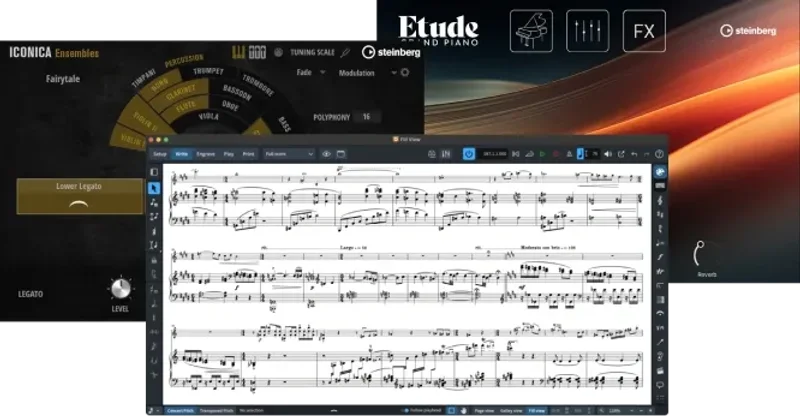
The Etude Crossgrade from Dorico 6 review is worth reading if you already own Dorico 6 and are deciding whether to add the piano library separately. The bundle pricing changes that calculation significantly.
For the notation side, Sibelius Ultimate and Final e 27 are the established alternatives. Neither integrates with a sample library this tightly out of the box.
The Real Verdict
Buy this bundle if you're a Dorico composer scoring for film, TV underscore, documentary, or game audio, and you want a single-vendor solution that works together by design. The May 2026 discount (30-50% off, Iconica by itself at 70% off) makes it a much easier decision than it would be at full price.
Skip it if you're a Cubase or Logic producer who stumbled into notation and just wants better-sounding mockups. The RAM overhead, the installation time, and the Dorico learning curve are too much for occasional orchestral use. Buy Spitfire LABS, load up the best free orchestral plugins, and spend the rest on a course.
The brass still sounds slightly artificial. We wish that weren't true at this price. But the Etude piano is brilliant, the Dorico integration is legitimately useful, and the Funkhaus Berlin strings are the best thing in the box.
Score Breakdown
| Category | Score | Notes |
|---|---|---|
| Sound Quality | 3.8/5 | Strings and piano are excellent; brass has an artificial sheen at high dynamics |
| Value for Money | 4.3/5 | At promotional pricing the bundle is hard to argue with; full price is tighter |
| Ease of Use | 3.3/5 | Dorico's notation integration is clever once learned; onboarding is genuinely demanding |
| Features | 4.3/5 | 500+ articulations, automatic proofreading, cutaway scores, cycle playback |
| CPU Efficiency | 2.8/5 | Full orchestra patches pushed past 32GB RAM in our tests; load sections individually |
| Overall | 4.1/5 | Strong if you're already a Dorico composer; a harder sell if you're not |
Alternatives to Consider
Spitfire Symphony Orchestra is the most direct competition for Iconica Opus. Warmer strings, more convincing dynamic transitions, and it works in any DAW. The downside: no native Dorico expression map integration. Check the best orchestral sample libraries for film scoring for a full head-to-head.
Vienna Symphonic Library (VSL Synchron Series) goes deeper on articulation variety and has tighter dynamic consistency across the range. It's more expensive and requires more programming time. Right for synchronisation and trailer work. Overkill for quick mockups.
Native Instruments Komplete bundles are worth considering if you want orchestral, piano, and production tools in one purchase, with DAW integration as the priority rather than notation. See Native Instruments Komplete review for more detail.
If you want to explore the Etude piano separately without committing to the full bundle, read our Etude Crossgrade from Dorico 6 review first. The crossgrade path makes sense under specific ownership conditions.
The bundle is worth it at promotional pricing if you score with notation. At full price, we'd buy Iconica Opus and Dorico Pro 6 separately, skip the Etude until you've lived with the library, and spend the difference on RAM.
Frequently Asked Questions
Does Iconica Opus work in DAWs other than Cubase and Dorico?
Yes. Iconica Opus loads as a VST3, AU, or AAX plugin inside HALion Sonic, which runs in any compatible DAW on macOS or Windows. The native expression map integration only works inside Dorico, but you can use the library in Logic, Pro Tools, or Cubase without issue. You lose the automatic articulation switching, so you'll need to program CC and keyswitch data manually.
How much RAM do I actually need to run Iconica Opus with a full orchestral template?
We hit the ceiling at 32GB loading strings, brass, and woodwinds simultaneously. Steinberg recommends loading individual section patches rather than full orchestra presets, which helps. For a comfortable full-orchestra mockup session without constant patch swapping, 64GB is the realistic target. 32GB works if you're disciplined about what's loaded at any given time.
Is the Etude piano library included free with Dorico 6.1, or do I need to buy it?
Etude Elements, the 3GB lite version, is included free with Dorico 6.1 updates. The full Etude library (18GB, with the complete velocity layer set and extended resonance sampling) requires a separate purchase. The bundle pricing reviewed here includes the full Etude, which is the version worth having if you write piano-focused material.
How does Dorico Pro 6's automatic proofreading actually work in practice?
Dorico 6 analyses your score in the background and flags notational errors: parallel fifths, parallel octaves, voice crossing, and range violations for standard orchestral instruments. It doesn't auto-correct anything. It highlights the flagged moments in the score so you can review and decide. In our testing it was accurate and non-intrusive. It caught errors we'd missed on a second read, which is annoying in the best possible way.