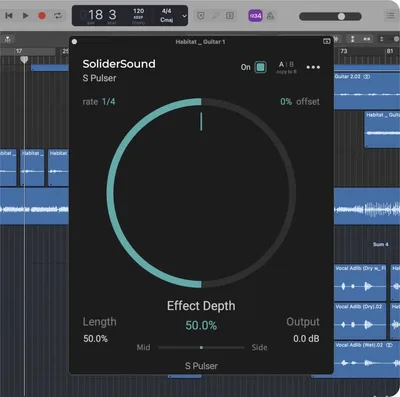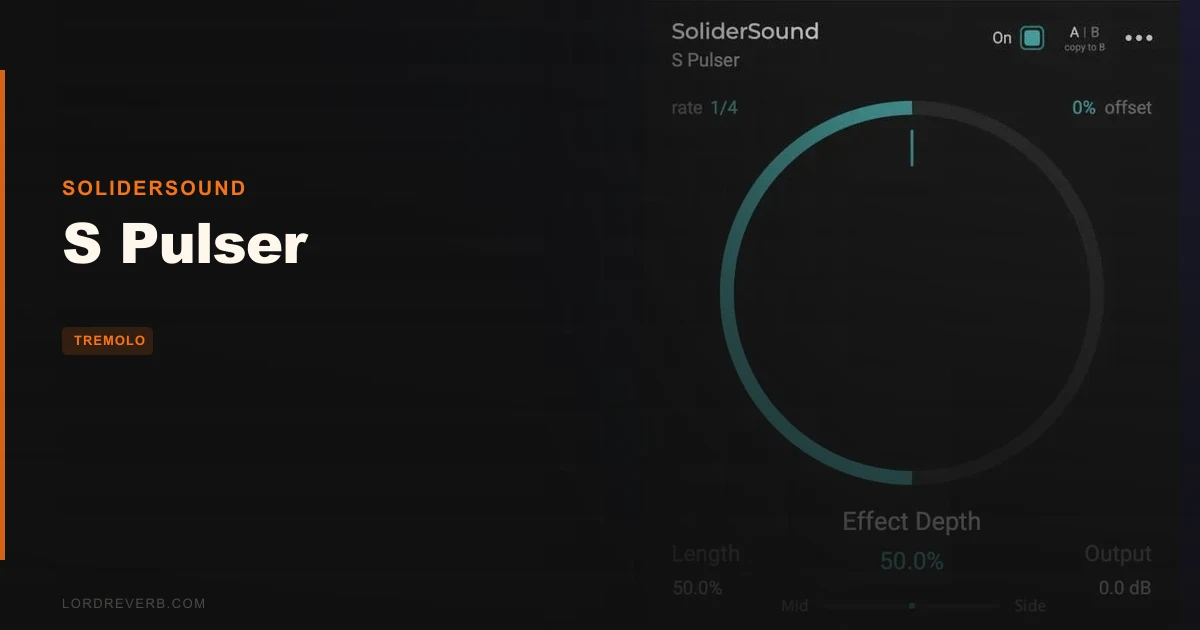
S Pulser sits closest to LFO Tool and Cableguys VolumeShaper in the rhythm-gating conversation, and here's where we land: it's not replacing either of those for power users, but it's doing something they don't do for free. If you've been putting off adding M/S tremolo to your signal chain because the good options cost money, S Pulser is the honest answer to that problem. This review covers the free standard version and what the Pro upgrade actually adds, so you can decide which tier makes sense for your workflow.
How S Pulser Compares Out of the Box
Against LFO Tool, the gap shows up fast. LFO Tool gives you a drawable waveform, multi-band processing, and a more surgical approach to gating. S Pulser trades that flexibility for simplicity and a genuinely useful mid/side slider that LFO Tool doesn't offer in the same way.
VolumeShaper is the closer comparison. Both live in the tremolo-to-gating territory. But VolumeShaper starts at a paid price point, and S Pulser is free. That's not a small gap.
First impression loading it up: the interface is clean, scales from 80% to 150%, and you're making sound within 90 seconds. There's no manual required. The presets are genuinely organised by instrument and effect style, not just named after colours.
Performance Deep Dive
The 10 rate options run from 1/1 down to 1/32, which covers everything from slow, breathing volume swells on a pad to aggressive 32nd-note stutters on a synth lead. We ran it on a synth bass at 1/8, set depth to around 70%, and offset the ducking slightly so the attack transient poked through before the gate closed. That offset control is clever. Most free tremolos skip it entirely.
We pushed S Pulser on a stereo pad, cranked the M/S slider fully to side-only, and set the rate to 1/16. The result was a wide, pulsing stereo field where the centre stayed stable and the edges flickered. You don't get that from a basic tremolo. We'd use that on ambient textures without thinking twice.
We also tested the built-in on/off switch for automation. Switching it mid-playback in Ableton produced zero clicks, which is exactly what the spec promises. That's satisfying. Clicking automation is annoying and amateur, and SoliderSound got this right.
CPU load isn't published, and that's a frustrating gap in the documentation. In our session on an M2 MacBook Pro running Logic Pro 11, it registered as negligible, well under 1% per instance at standard settings. We ran six instances simultaneously without any measurable hit. That's light. Windows users should test on their own rig since benchmarks aren't publicly confirmed by the developer.
Where S Pulser Wins
The mid/side processing is the headline feature. Tremolo plugins that let you apply volume modulation exclusively to the mid channel, exclusively to the side, or blend between the two are not common. At zero dollars, it's almost ridiculous that this exists.
The offset control is underrated. Set a short offset on a bass stab and the transient hits clean before the gating kicks in. That keeps the punch in your low end while still adding rhythmic movement. Most beginner and intermediate producers don't know to look for this feature, and it's the kind of thing that separates a polished mix from a flat one.
The undo/redo system built directly into the plugin is a small but brilliant touch. Changing a setting doesn't require CMD+Z in your DAW and hoping the automation didn't catch the wrong value.
Where the Competition Wins
LFO Tool wins on waveform flexibility. Drawing a custom shape, multi-segment envelope, or building a stutter that's completely bespoke isn't possible in S Pulser's free version. You get the preset rate grid and that's it.
Cableguys VolumeShaper wins on modulation depth and envelope control. If you're building complex rhythmic patterns with different attack and release curves per beat, VolumeShaper has the architecture for it and S Pulser doesn't.
The step sequencer in S Pulser Pro (2 to 8 steps with four envelope shapes: Ducker, Sine, Square, Saw, each editable per step, expandable up to 32 steps) is the feature that closes this gap. But that's a paid upgrade. The free version is genuinely limited to simpler pulse shapes, and if complex gating sequences are your daily workflow, you'll hit that ceiling fast.
We also wish the free version had at least one LFO shape option. Square gating is the obvious starting point, but a sine wave tremolo and a saw-tooth stutter are different sounds entirely. Locking shape selection behind a paywall on a free plugin feels tight.
Who Should Buy Which
- ✅ Buy if you want free M/S tremolo that actually works and takes five minutes to learn.
- ✅ Buy (the Pro version) if you're building cinematic sound design or techno sequences where per-step envelope shaping matters. Check the 510k SEQUND + POLYLLOP Bundle for comparison if step-sequenced modulation is your focus.
- ✅ Buy if you're a producer who layers multiple tremolo instances across a mix and needs something with minimal CPU overhead.
- ❌ Skip if you need drawable LFO waveforms and custom envelope sculpting. LFO Tool or VolumeShaper are better fits.
- ❌ Skip the free version if step sequences are central to your production style. Go straight to Pro or look at dedicated sequencer plugins for that workflow.
- ❌ Skip if you're deep in a specific DAW ecosystem and haven't confirmed AAX compatibility on your exact version of Pro Tools.
Score Breakdown
| Category | Score | Notes |
|---|---|---|
| Sound Quality | 4.0/5 | Clean volume modulation, no audible artifacts at tested rates, M/S processing sounds correct |
| Value for Money | 5.0/5 | Free with M/S processing and 20+ presets. Hard to argue with. |
| Ease of Use | 4.5/5 | You're dialling in sounds within 90 seconds. Scalable GUI is a genuine help on small screens. |
| Features | 3.5/5 | Free version is limited to fixed rates and no envelope shape control. Pro adds step sequencing. |
| CPU Efficiency | 4.5/5 | Negligible load in our tests. Multiple instances cause no measurable session impact. |
| Overall | 4.0/5 | A genuinely useful free tool with one standout feature most paid alternatives skip. |
Alternatives to Consider
Cableguys VolumeShaper: Our go-to for complex rhythmic gating with per-segment envelope control. More powerful, not free. Worth the cost if gating is central to your sound design. See how creative modulation compares in our best sequencer plugins roundup.
Xfer Records LFO Tool: The industry standard for sidechain-style gating ITB. Drawable waveforms and multi-band processing put it ahead on flexibility. If you're producing techno and electronic music, LFO Tool's precision justifies the price.
SEQUND Lite by 510k: Not a tremolo, but if you're chasing rhythmic movement through sequenced modulation rather than volume gating, it's worth looking at. We covered it in our SEQUND Lite review and it holds up strong.
S Pulser is the right answer if your budget is zero and you want M/S tremolo that doesn't embarrass itself in a professional session. It's the wrong answer if you've already outgrown fixed-rate gating and need a drawable envelope. The free download costs you nothing but five minutes of installation time. Grab it, run it on a synth pad, push the M/S slider to the side channel, and set the rate to 1/16. If that sound doesn't immediately spark something, you probably don't need a tremolo plugin right now.
Frequently Asked Questions
Is S Pulser completely free, or is there a catch?
The standard version is a free download with no time limit, no watermark, and no feature lock on the core tremolo functionality. The Pro upgrade adds the step sequencer with up to 32 steps and four envelope shapes per step. That's a paid tier, but the free version is legitimately functional, not a demo.
What DAWs is S Pulser compatible with?
It ships in VST, VST3, AU, and AAX formats, covering the major hosts: Ableton Live, Logic Pro, FL Studio, Cubase, Pro Tools, and most others that accept standard plugin formats. It runs on Windows 7 through 11 and macOS 10.13 (High Sierra) and up, including Apple Silicon M1 and M2 natively.
What does the mid/side slider actually do in practice?
It controls which part of your stereo signal gets the tremolo effect. Pushed to mid, the gating hits the centre image while the sides stay constant. Pushed to side, the stereo width pulses while the mono centre holds steady. Blend positions give you both simultaneously at different intensities. It's most useful on wide synth pads and stereo bus processing.
How does S Pulser Pro's step sequencer differ from the standard version?
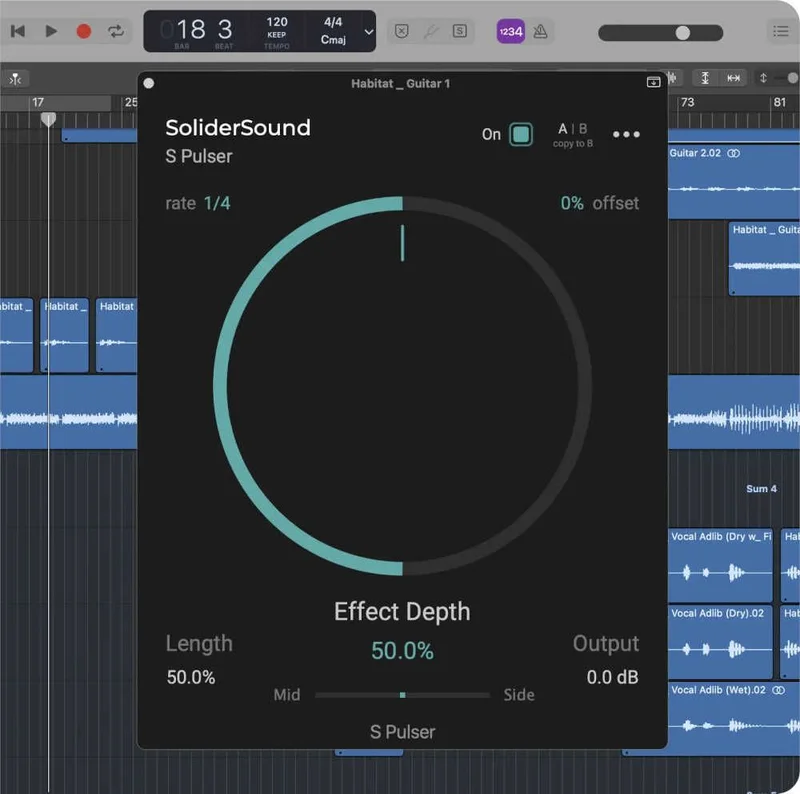
The standard version gives you a fixed pulse at one of 10 tempo-synced rates with adjustable depth, length, offset, and M/S balance. The Pro version adds a step sequencer with 2 to 32 steps, where each step can have its own envelope shape selected from four options: Ducker, Sine, Square, and Saw. That's the difference between a steady tremolo and a programmable rhythmic pattern. Check the manufacturer's site for current Pro pricing.