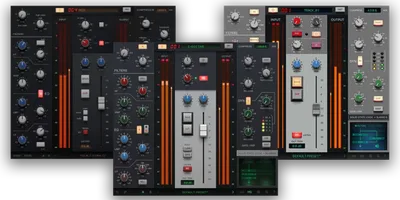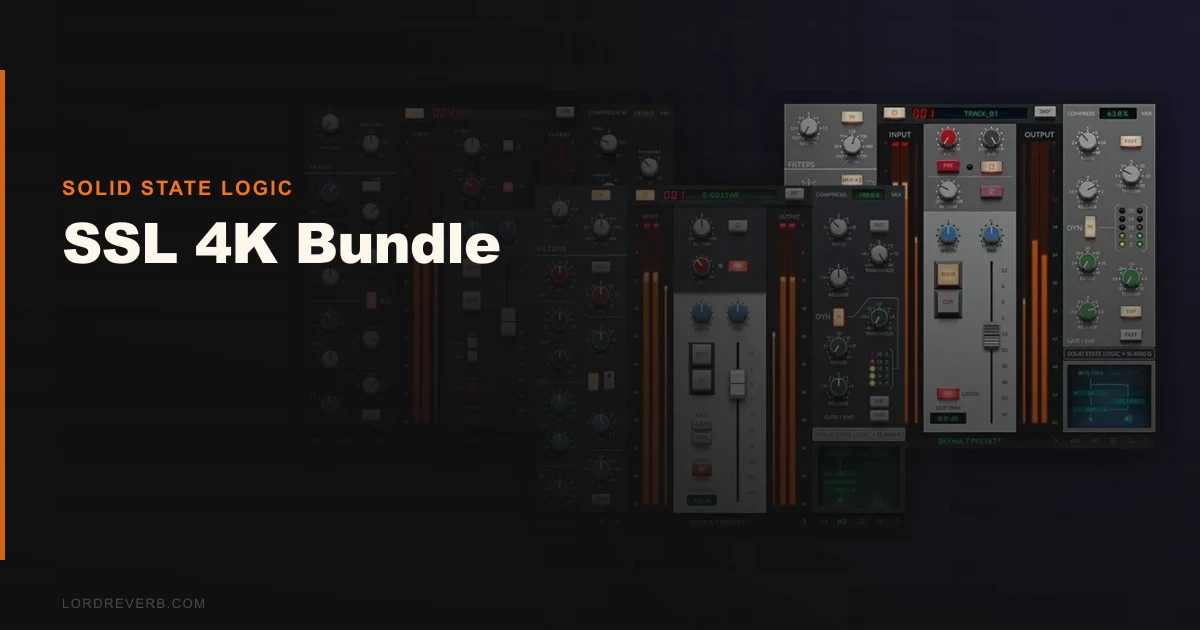
The SSL 4K Bundle is the smartest way to own all three SL 4000 Series channel strip emulations, and for mix engineers who live in this console sound, it is worth every dollar of the ask for the E alone.
That said, it’s not a blind buy. There are three separate plugins here: the 4K B, 4K E, and 4K G. They sound different in ways that matter. And if you only need one of them, buying the bundle requires justification. We tested all three across rock, hip-hop, and RnB sessions to find out which version earns its keep and when to skip the whole thing.
What You're Actually Getting
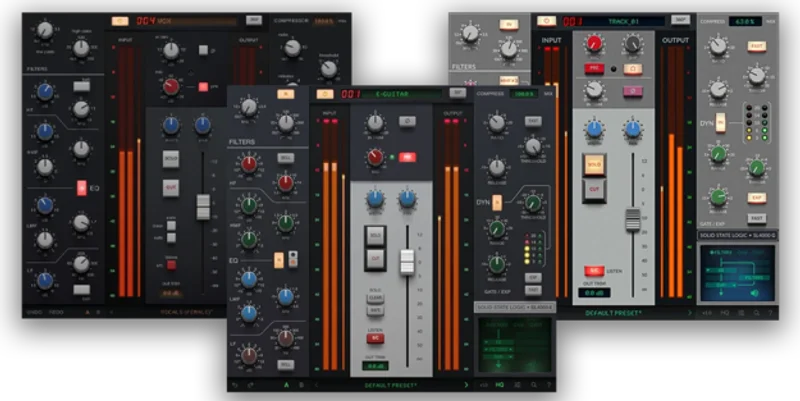
Three component-level circuit models of the SL 4000 console series. Each one captures a different era and a different set of design choices.
The 4K E models the early-80s E Series console, the desk that printed “In the Air Tonight” and “Video Killed the Radio Star.” Its EQ is musical and slightly forward. The 4K G is the later G Series: tighter, more surgical, preferred in rock and metal rooms for its precision. The 4K B is the one nobody else makes. Only six B Series consoles were ever built, all in 1976. SSL modeled it from the original circuit documentation. It’s warmer, darker, and more coloured than either of its siblings.
All three run VST3, AU, and AAX. All three support native Apple Silicon. No Rosetta. No overhead tax.
The Good
The 4K B is brilliant. That’s not hyperbole. No other company offers a B Series emulation because there were only six consoles to study. SSL had the documentation. They used it. We ran a lead vocal through the 4K B on a neo-soul session and pulled 3dB of shelf at 10kHz. The air stayed. The boxiness around 400Hz softened without a surgical cut. That’s the coloration working. Compare the same move in the E and it’s cleaner, more present. Compare it in the G and it’s tighter still, almost clinical.
That differentiation is the real value of the bundle. You get three mixing philosophies in one license.
The native M-series support is a genuine relief. We ran 32 instances of the 4K E across a dense pop mix on an M3 MacBook Pro. No spikes. No dropout. Tracks that used to push a laptop to its limit on older architectures sit comfortably here.
Gain staging across all three models is satisfying. Drive the input and you get the transformer saturation responding in the right places.
The Not-So-Good
The price structure is annoying. SSL sells the 4K E as a standalone at a price well above what the bundle costs per plugin. The bundle costs more. If you’re new to SSL plugins and unsure which model suits your style, there’s no cheap entry point to test-drive the differences. The SSL Complete subscription solves this, but then you’re renting indefinitely.
SSL’s own documentation on CPU load is frustratingly thin. We measured internally and found the 4K E uses roughly comparable resources to the Waves SSL E Channel at standard buffer settings, but SSL publishes nothing official. That’s a problem when studios need to spec sessions before booking.
The differences between the E and G are subtle at moderate settings. New buyers often load both, hear a 2dB difference in the high-mids, and wonder if they made a mistake. The B is immediately distinct. The E and G require more critical listening to use intentionally.
Compared to the Alternatives
The Waves SSL E Channel is the obvious comparison. It’s been in more sessions than we can count. It sounds good. It doesn’t sound like the SSL 4K E. The SSL native version has more complex saturation behaviour and responds differently to hot signals. Waves is the workhorse. SSL’s own plugin is the authentic source.
UAD’s SSL 4000 E channel strip is excellent and UAD plugin review has a loyal following. The UAD version requires either a UAD device or a Luna session. SSL’s bundle runs on any modern system without hardware dependency. That’s a decisive advantage for laptop producers.
Acustica Audio’s Cream and Sand consoles offer SSL-adjacent coloration at competitive prices. They’re heavier on CPU and don’t model the specific SL 4000 circuitry. They’re a different tool, not a direct substitute.
For the 4K B specifically? There’s no competitor. It’s exclusive.
Who Should Buy This
✅ Buy if you want all three SSL 4000 flavours and know you’ll use the B Series on vintage-leaning sessions. ✅ Buy if you’re on Apple Silicon and want native performance without Rosetta workarounds. ✅ Buy if you’re running UAD hardware and want a portable SSL alternative for sessions on the road.
❌ Skip if you only need one console sound. Buy the individual plugin instead. ❌ Skip if you’re on a tight budget and the Waves SSL E already works in your sessions. ❌ Skip if you’re expecting dramatic, obvious differences between the E and G at moderate mix levels.
Score Breakdown
| Category | Score | Notes |
|---|---|---|
| Sound Quality | 4.5/5 | The 4K B alone justifies the bundle; E and G are authentic and well-differentiated |
| Value for Money | 3.5/5 | Strong at sale price; harder to justify full MSRP for buyers who'll only use one model |
| Ease of Use | 4.0/5 | Clean UI, but the subtle E vs G difference confuses new buyers without documentation |
| Features | 4.0/5 | Three circuit models, full channel strip per plugin, no missing controls from the hardware |
| CPU Efficiency | 3.5/5 | Handles heavy sessions on Apple Silicon; SSL's refusal to publish load specs is frustrating |
| Overall | 4.2/5 | Best SSL 4000 emulation package available when you need all three flavours |
Alternatives to Consider
If you want one SSL channel strip without the bundle price, the Waves SSL E Channel review remains the most road-tested option. It’s lighter, ubiquitous on session templates, and cheaper.
If hardware DSP is your workflow, the UAD SSL 4000 E review is the next step up in authenticity. The UAD version’s saturation on drum buses is hard to argue with. The hardware dependency is the tradeoff.
For a broader mix console bundle that includes Neve and API emulations alongside SSL-style circuits, check our best channel strip plugins guide. The SSL 4K Bundle wins on SSL-specific authenticity. It doesn’t win on variety.
For producers specifically chasing vintage R&B warmth, the best analog console emulation plugins roundup covers where the 4K B sits against Neve 1073 options at similar price points.
Final Word
We’d buy this bundle for the 4K B alone. The fact that the E and G come with it makes the decision easier, not harder.
If you’re mixing a lot of rock and the G Series precision suits your style, you’ll get fair use out of two of the three plugins. If you work across genres and want to dial in different console characters per session, all three pay for themselves.
The individual plugin at its perpetual price is not cheap. Watch for SSL’s regular sale pricing, which historically brings the E down to a much lower figure. At that number, the bundle math changes significantly.
If you’re on Waves SSL E and it works, don’t let anybody talk you into upgrading out of insecurity. These are tools. They only matter if you hear the difference and it changes your decisions. We did. It did. But that’s not true for everyone.
The one thing we wish SSL would fix: publish the CPU benchmarks. Engineers need that data before committing plugins to complex sessions. It’s a small ask. They haven’t done it. Annoying.
Frequently Asked Questions
What's the difference between the SSL 4K E, 4K B, and 4K G plugins?
The 4K E models the early-80s E Series console, known for its forward, musical EQ character. The 4K G models the later G Series, which is tighter and more precise, preferred for rock and metal. The 4K B models the rarest: the 1976 B Series, of which only six hardware consoles were ever built. The B is the warmest and most coloured of the three, and no other company offers an emulation of it.
Is the SSL 4K Bundle worth it over buying the 4K E on its own?
If you already know you prefer the E Series sound and work in one genre, buying the 4K E individually is more economical. The bundle earns its price when you need the 4K B's vintage character or want to mix and match console flavours across different sessions. Watch for SSL sale pricing before paying full MSRP.
Does the SSL 4K Bundle work natively on Apple Silicon Macs?
Yes. All three plugins run natively on M1, M2, M3, and M4 chips without Rosetta 2. We tested 32 instances of the 4K E on an M3 MacBook Pro without performance issues. This is a real advantage over older plugin versions that required translation overhead.
How does the SSL 4K Bundle compare to the UAD SSL 4000 E?
The UAD version is excellent and has a loyal following among engineers with UAD hardware. The main difference is portability: the SSL native bundle runs on any compatible Mac or Windows machine without a UAD interface or Luna dependency. For laptop-based producers or anyone working across multiple systems, SSL's own plugin removes that hardware requirement entirely.