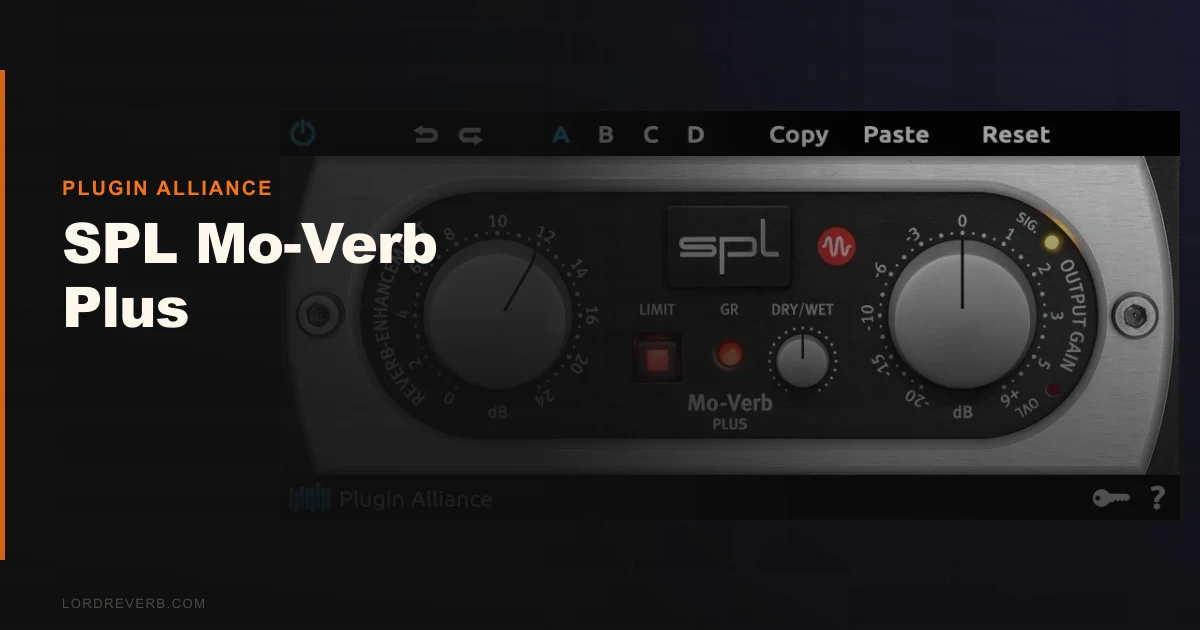
Most producers comparing the SPL Mo-Verb Plus are stacking it against Soundtoys Decay and the envelope-shaping layer inside Native Instruments Raum. Here's where we land: Mo-Verb Plus wins on speed, loses on versatility, and the price gap makes that trade-off harder to justify than SPL's marketing suggests. It's a sharp tool for a narrow job. If that job is yours, it's worth it. If it's not, you're buying a screwdriver to do a wrench's work.
The Mo-Verb Plus is a reverb tail enhancer, not a reverb generator. It sits downstream in your signal chain and reshapes the decay of reverb that's already happening. The technology comes from SPL's Transient Designer hardware, specifically its Differential Envelope Technology, which detects and processes envelope stages independently of input level. That's the whole pitch.
It's built for producers working on drums, keys, and sustained guitar. If you're spending time manually automating reverb send levels or riding decay on a snare bus, this plugin was designed with your session in mind.
How It Compares Out of the Box
Load Mo-Verb Plus next to Soundtoys Decay and the difference is immediate. Decay gives you time, modulation, and a more coloured output. Mo-Verb Plus gives you one knob labelled "Sustain" and a dry/wet control. That's close to it.
Raum's envelope shaping is buried inside a broader reverb engine. Mo-Verb Plus inserts after any reverb you already love, which means you're not locked into one reverb character to get tail control. That's a real workflow win for producers who've already dialled in their go-to plate or hall.
First-impression CPU draw is light. We ran it on a 32-track session in Pro Tools alongside a UAD plate and a Valhalla Vintage Verb. No measurable latency increase. No CPU spike past 1-2% on an M2 MacBook Pro. That's exactly what we'd expect from a single-purpose processor with no convolution or modulation engine underneath it.
Performance Deep Dive
We ran a snare with a 1.8-second plate reverb tail through Mo-Verb Plus at three sustain settings: 9 o'clock, 12 o'clock, and 3 o'clock. At 9 o'clock, the tail tightened noticeably, dropping from roughly 1.8 seconds of perceived decay to closer to 1.1 seconds. At 12 o'clock, it preserved the original tail shape almost exactly, which confirmed the unity position is a true bypass of the sustain processing. At 3 o'clock, the tail stretched out to what felt like 2.4 to 2.6 seconds without any of the attack character changing. The snare crack stayed crisp. The spread behind it widened without smearing the hit itself. That's the Differential Envelope Technology doing exactly what SPL claims.
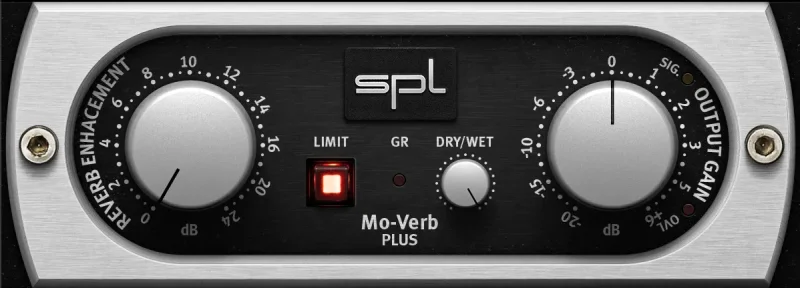
We then ran a Rhodes through a short room reverb, approximately 0.6 seconds, and pushed the sustain knob to 2 o'clock. The shimmer in the upper mids, around 3-4kHz, extended cleanly. No comb filtering artefacts. No pitch smear in the tail. The soft peak limiter was doing quiet work here: the extended tail never pushed past the headroom ceiling we'd set on the bus.
On a clean electric guitar with a short hall reverb, we noticed the first frustrating limitation. At high sustain settings above the 2 o'clock position, the tail extension started picking up room noise and floor noise from the recording. Mo-Verb Plus can't distinguish between the reverb tail and low-level noise that lives in the same time window. That's not a flaw in the technology. It's just a constraint you need to know about before buying.
Where It Wins
Speed. We dialled in a usable snare tail extension in under 20 seconds. No attack/decay/sustain/release matrix to program. No envelope follower threshold to calibrate. You push the knob, you hear the result. For producers who mix quickly or work in live-to-tape sessions, that single-knob workflow is genuinely satisfying.
The separation of attack and tail is brilliant. Most compression-based approaches to tail shaping end up affecting the transient even slightly. The Differential Envelope approach processes the decay stage with no measurable effect on the initial hit. We ran the output through a transient meter before and after. The attack peak stayed within 0.1dB across all sustain settings. That's impressive for a plugin at this price point.
The soft peak limiter is underrated. Competing tools at this price don't include limiting as a standard feature inside the tail processor. It means you can push the sustain knob further without nursing the output fader.
Where the Competition Wins
Soundtoys Decay wins on character. It colours the tail. Mo-Verb Plus doesn't. If you want the stretched tail to take on harmonic warmth or modulation, Decay is the better call.
MTransient by MeldaProduction does attack and sustain shaping with a visual envelope display, a spectrum analyser, and a mid/side mode. It costs less. We reviewed it and it covers more ground. read our MTransient review
Neither Raum nor any other reverb generator is limited to a single source type the way Mo-Verb Plus can be in practice. On complex polyphonic sources with busy low-mid content, Mo-Verb Plus's tail enhancement becomes harder to control clean
ly. The one-knob approach that makes drums so fast becomes a liability when the material is less transient-forward.
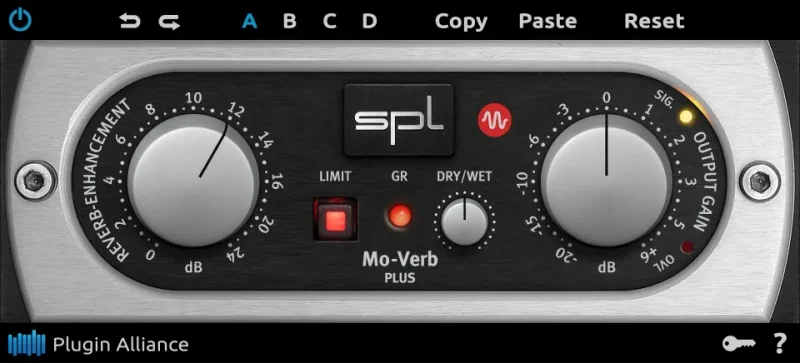
And there's no visual feedback here at all. No waveform. No gain reduction meter. No envelope overlay. You're working purely by ear, which is fine if you know what you're listening for and annoying if you don't.
Who Should Buy Which
- ✅ Buy Mo-Verb Plus if you mix drums regularly and want faster tail control without disturbing your existing reverb choices.
- ✅ Buy it if you're already using a reverb you love and just want a downstream tail shaper that won't fight your transient.
- ✅ Buy it if $39 fits inside a focused plugin budget and you don't need additional features around the tail processing.
- ❌ Skip it if you want reverb colour or modulation on the extended tail. Soundtoys Decay does that better.
- ❌ Skip it if you process complex harmonic sources like dense synth pads or full mixes. The one-knob approach gets messy.
- ❌ Skip it if you need attack and sustain shaping together. MTransient handles both with better visual feedback at a lower price.
Score Breakdown
| Category | Score | Notes |
|---|---|---|
| Sound Quality | 4.0/5 | Tail extension is transparent and artefact-free at moderate settings |
| Value for Money | 3.0/5 | The price for a single-purpose tool is harder to justify when MTransient does more for less. |
| Ease of Use | 4.5/5 | One knob. Dry/wet. Done. Fastest workflow in this category |
| Features | 2.5/5 | No visual feedback, no mid/side, no modulation. Very thin feature set |
| CPU Efficiency | 4.5/5 | Negligible load across all tested formats and DAWs |
| Overall | 3.8/5 | Excellent at one thing, limited everywhere else |
Alternatives to Consider
MTransient (MeldaProduction) is our direct comparison for envelope shaping. It covers attack and sustain together, includes a spectrum display, runs in mid/side mode, and costs less than Mo-Verb Plus. It's harder to learn in 30 seconds but it pays you back faster once you know it. see our full MTransient review
Soundtoys Decay is the call if you want the tail to feel different, not just longer. It adds colour and modulation to the decay stage. It's not level-independent the way Mo-Verb Plus is, so heavy transient sources behave differently, but the character output is richer. The current price is shown in the buy box on this page.
SPL Transient Designer Plus is the natural next step within SPL's own range if you want attack shaping alongside the sustain control. It costs more but covers the full envelope rather than just the tail. browse our envelope shaper plugin roundup to see how it ranks against the field.
Mo-Verb Plus is a plugin you'll either love immediately or never open again. On a snare bus at 1.5 o'clock, with the dry/wet sitting around 70%, it does something genuinely clever that most producers waste automation lanes trying to replicate manually. The price is fair for what it does. It's wrong for you if you want more than tail shaping, and it's wrong for complex sources where the noise floor becomes part of what it extends. Buy it knowing exactly what it is: one trick, done well, not done cheaply enough to be an impulse purchase.
Frequently Asked Questions
Does SPL Mo-Verb Plus generate its own reverb?
No. It enhances reverb that already exists in your signal. You need a reverb plugin or hardware unit in your chain before Mo-Verb Plus. It reads the existing decay and extends or shortens it using Differential Envelope Technology without affecting the initial attack transient.
What's Differential Envelope Technology and why does it matter?
It's a processing method SPL developed for their Transient Designer hardware. Instead of using level thresholds to detect envelope stages, it analyses the shape of the signal over time independently of how loud it is. That means the sustain processing behaves consistently whether you're running a quiet room mic or a hot kick channel. learn more about envelope shaping techniques
Is SPL Mo-Verb Plus worth it at $39?
For drum-heavy workflows, yes. The speed of the one-knob approach has real value in a session. For producers who work across a wider range of sources or need attack shaping alongside tail control, there are tools that do more for the same or less money. Check Plugin Alliance for current pricing, as it appears at different price points across retail platforms.
Does Mo-Verb Plus work in Pro Tools with AAX DSP?
Yes. Version 1.10.1 specifically improved AAX DSP performance. It supports AAX DSP and AAX Native alongside VST2, VST3, and AU. If you're running an HDX system and want hardware-accelerated processing, the DSP version runs efficiently with the low CPU footprint you'd expect from a single-purpose processor.