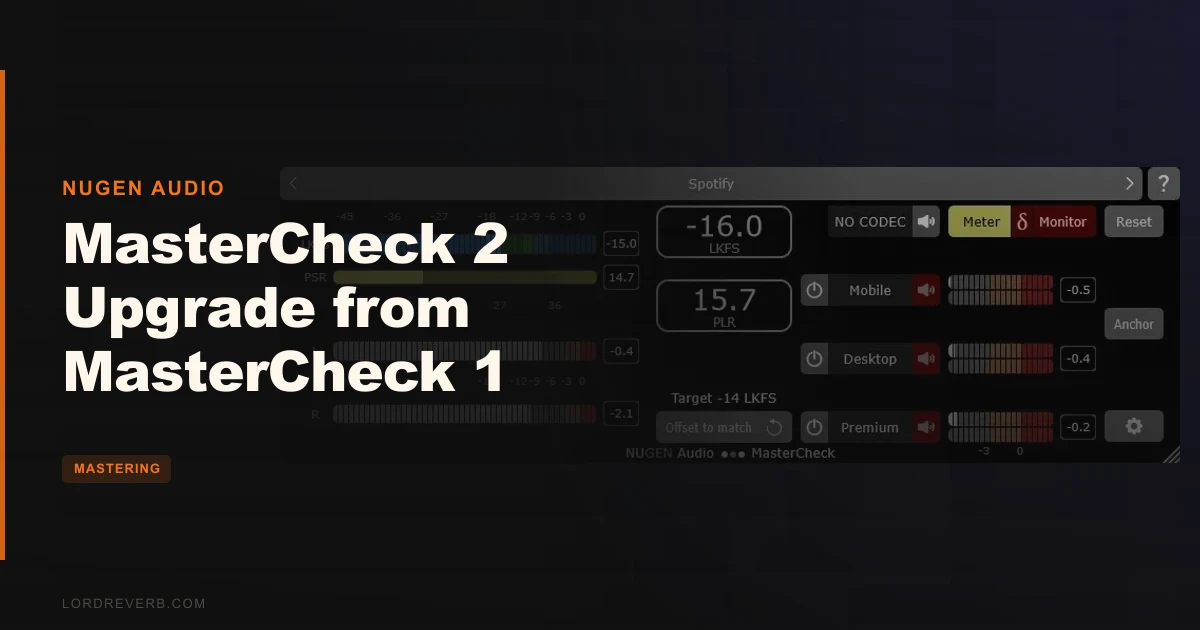
The $80 upgrade from MasterCheck 1 to MasterCheck 2 is worth it for any mastering engineer delivering to streaming platforms in 2026. It’s not a features explosion. It’s a surgical modernisation of a 12-year-old tool that was starting to show its age at the exact moment streaming compliance got complicated.
We had the realization mid-session. A client track was heading to Spotify, Apple Music, and a Dolby Atmos deliverable for Amazon Music. Three targets, one plugin on the master bus, and MasterCheck 1 sitting there unable to tell us anything meaningful about the Atmos bed. We flipped to MasterCheck 2, loaded the 7.1.4 channel configuration, pulled up the Spotify codec template, and heard what the listener would actually hear. That moment alone covered the upgrade cost.
MasterCheck 2 is built for mastering engineers, mixing engineers who want to catch loudness problems early, and anyone now touching immersive audio deliverables.
What This Plugin Actually Does (and What It Doesn't)
MasterCheck 2 is a mastering utility. Not a limiter, not an EQ, not a one-stop mastering suite. It monitors and auditions.
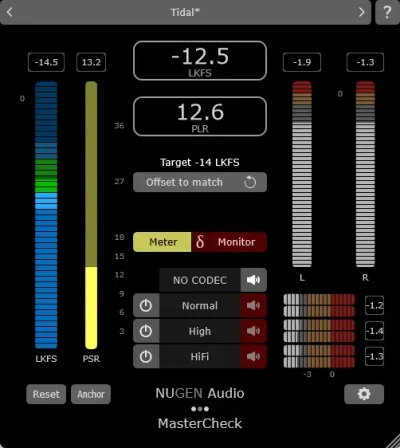
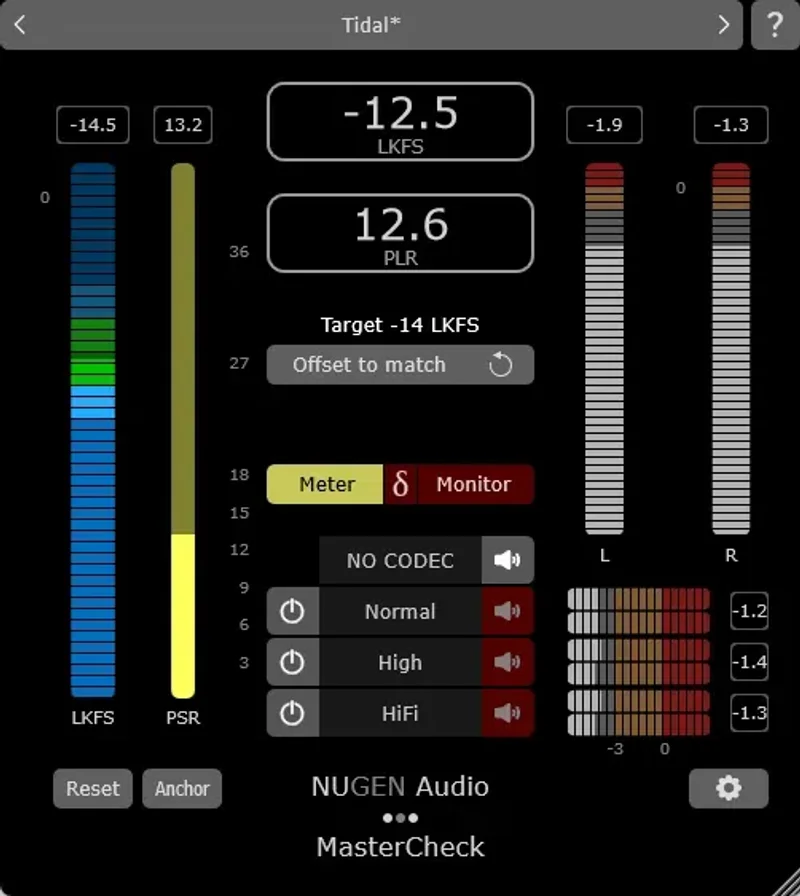
It shows you Integrated loudness, PLR, PSR, and True Peak measurements to industry standards. Then it goes further: switch into Codec mode and you hear your master encoded to MP3, AAC, Ogg, FLAC, or Opus, processed through the loudness normalisation logic of whichever platform you select. Spotify at -14 LUFS. Apple Music at -16 LUFS. YouTube at -14 LUFS. You hear the result before you bounce.
What it’s not: a fix. It shows you the problem. You solve it upstream.
If you’re mixing club records that never leave SoundCloud and you already have a loudness meter you trust, MasterCheck 2 probably isn’t where your money goes next. For everyone else delivering across multiple platforms, it’s hard to argue against.
Living With MasterCheck 2 Day to Day
Setup takes about four minutes. Install, authorise, drop on your master bus. The new resizable interface is the first thing you notice. Portrait mode fits cleanly into a narrow plugin strip. Landscape mode spreads out when you want to read all the numbers at once. We kept it in landscape on a second monitor and portrait when working inside a cramped mastering session window. Both work.
The codec auditioning is where sessions get interesting. We ran a vocal-heavy pop master through the AAC encoder set to Apple Music’s normalisation target. The high-mid harshness we’d already caught and fixed at 3.8kHz survived. But a transient smear in the low end appeared that we hadn’t heard at all in the unencoded file. We pulled back the limiter ceiling by 0.3dB. The smear cleaned up. That’s MasterCheck 2 doing exactly what it’s supposed to do.
The 7.1.4 channel support for Dolby Atmos beds is new and it works. We ran a client’s Atmos session through it during a stems delivery session. Monitoring at that channel count in a single plugin without routing nightmares was satisfying.
One quirk: longtime MasterCheck 1 users will notice the ground-up code rewrite means some workflow muscle memory needs rebuilding. The logic is the same. The path to it shifted. Allow a session or two to re-groove.
The Honest Trade-Offs
The $80 upgrade price is clever pricing by NUGEN. It’s low enough that existing MasterCheck 1 owners can justify it without a client budget attached. But it does invite a fair question: what exactly changed?
The interface is rebuilt. The surround support jumped from stereo to 7.1.4. The codec templates cover a streaming landscape that barely existed when MasterCheck 1 shipped in 2014. Platforms like Qobuz, Bandcamp, and Pandora now have dedicated presets. The underlying measurement engine got rewritten from scratch.
What didn’t change much: the core measurement philosophy. If you came from MasterCheck Pro (the 2017 version), you’ll find MasterCheck 2 familiar in approach. The frustrating part is there’s still no integrated reference track A/B feature. You’re still exporting a reference and checking it externally if you want direct comparisons.
The 15-day free demo removes the risk entirely. Run your real sessions through it. If the codec auditioning saves you one mastering revision, the upgrade pays for itself.
Against the Field
The honest comparison here is NUGEN’s own ISL 2 for broadcast mastering. ISL 2 handles True Peak limiting with broadcast compliance baked in. MasterCheck 2 doesn’t limit anything. They solve different problems. If you’re delivering to TV or podcast networks, you want ISL 2 on the chain too, not instead.
iZotope Insight 2 goes deeper on metering and spectral analysis but doesn’t audition codecs. Waves Loudness Meter is lighter and cheaper but covers far fewer streaming targets.
MasterCheck 2 wins specifically on codec auditioning breadth and immersive audio support. Nothing in this price bracket does both.
The Real Verdict
If you own MasterCheck 1, pay the $80. Don’t overthink it.
The surround support alone is worth it for anyone getting Atmos delivery requests, which by 2026 is a lot of us. The codec auditioning update covers streaming platforms that simply didn’t exist when you bought the original. This isn’t NUGEN milking their user base. It’s a 12-year upgrade that waited until the feature set was genuinely different enough to justify the ask.
Skip it if you’re still mixing demos for fun and loudness compliance has never been a client conversation. It’s the wrong tool for that table.
Score Breakdown
| Category | Score | Notes |
|---|---|---|
| Sound Quality | 4.5/5 | Codec auditioning is accurate and catches real-world encoding artifacts before the bounce |
| Value for Money | 4.5/5 | The upgrade price from a 12-year-old tool covering Dolby Atmos and modern streaming platforms is fair |
| Ease of Use | 3.5/5 | Existing MasterCheck 1 users need a session or two to rebuild workflow muscle memory after the code rewrite |
| Features | 4.0/5 | Codec templates, 7.1.4 support, and resizable UI cover the 2026 mastering workflow well; no reference track A/B is the missing piece |
| CPU Efficiency | 4.5/5 | Light on resources, sits on the master bus without noticeable load |
| Overall | 4.2/5 | The right upgrade at the right price for working mastering engineers in the streaming era |
Alternatives to Consider
If MasterCheck 2 isn’t the right fit, here’s where we’d look instead.
NUGEN ISL 2st for streaming-specific limiting handles True Peak compliance with platform-aware limiting built in. It’s a different function but sits in the same compliance conversation.
Our full mastering plugins guide covers the broader toolkit picture if you’re building a chain from scratch rather than upgrading a single utility.
For mastering EQ that complements a loudness-monitoring setup like MasterCheck 2, the Kiive Audio M5133 is worth a look. And if you want to see how a full suite handles the end-to-end mastering problem, our mastering suite plugin roundup gives you the landscape.
iZotope Insight 2 wins on spectral analysis depth. Waves Loudness Meter wins on price. Neither auditions codecs with MasterCheck 2’s breadth.
The moment a client asks how their master will sound on Spotify versus Apple Music before you’ve bounced it, MasterCheck 2 is the only answer in the room.
Frequently Asked Questions
Is the MasterCheck 2 upgrade worth it if I already have MasterCheck Pro?
MasterCheck Pro (2017) covered the basics but predates the current streaming platform complexity and has no immersive audio support. MasterCheck 2 brings 7.1.4 channel support for Dolby Atmos beds, updated codec templates for platforms like Qobuz and Bandcamp, and a rebuilt interface. If you're delivering Atmos or regularly working across more than two or three streaming targets, the upgrade earns its keep quickly. If you're only delivering stereo to one or two platforms and already have a loudness workflow you trust, it's a softer call.
What streaming platforms does MasterCheck 2 simulate?
MasterCheck 2 includes codec templates and loudness normalisation presets for Spotify, Apple Music, Tidal, YouTube, SoundCloud, Bandcamp, Qobuz, and Pandora, plus additional platforms using the Codec mode and Offset to match function. Each preset simulates the loudness normalisation target and codec encoding of that specific platform so you hear what the listener hears before you bounce. This is the core workflow reason to own it.
Can MasterCheck 2 be used during mixing, or is it just for mastering?
NUGEN built it primarily as a mastering tool, but it belongs on a mix bus too. Integrated loudness, PLR, PSR, and True Peak readings during the mix session tell you whether your mix is already too hot or over-compressed before it reaches the mastering chain. It's also a useful client demonstration tool: showing a client what over-limiting does to their track under Spotify's normalisation tends to end the "make it louder" conversation immediately.
Does MasterCheck 2 work with Dolby Atmos sessions?
Yes. The 7.1.4 channel support covers Dolby Atmos bed monitoring, which is the main immersive audio addition over MasterCheck 1. It won't replace a dedicated Atmos monitoring setup, but it lets you run loudness and compliance checks on an Atmos bed without separate routing workarounds. For mastering engineers just starting to handle Atmos deliverables, this alone makes the upgrade relevant in 2026.