
It was 2am, a sync brief due at 9, and we had a 16-bar piano sketch that was technically correct and emotionally empty.
We’d tried three other libraries. All fine. All forgettable. Then we loaded Noire Felt, dropped the octave on the left hand, and pulled the Particles density up to around 40%. Something shifted. The room breathed. The track had a feeling it didn’t have 90 seconds earlier.
That’s what Noire does that the specs don’t fully explain.
This is Native Instruments Noire built on Nils Frahm’s personal Yamaha CFX grand piano, recorded at Funkhaus Berlin’s Saal 3 with vintage microphones and preamps. It’s for film composers, ambient producers, singer-songwriter collaborators, and anyone who’s ever loaded a piano library and felt nothing.
First Impressions: 16GB of Berlin on Your Drive
Installation is through Native Access. Download sits at 16GB. On a decent connection, it’s maybe 20 minutes.
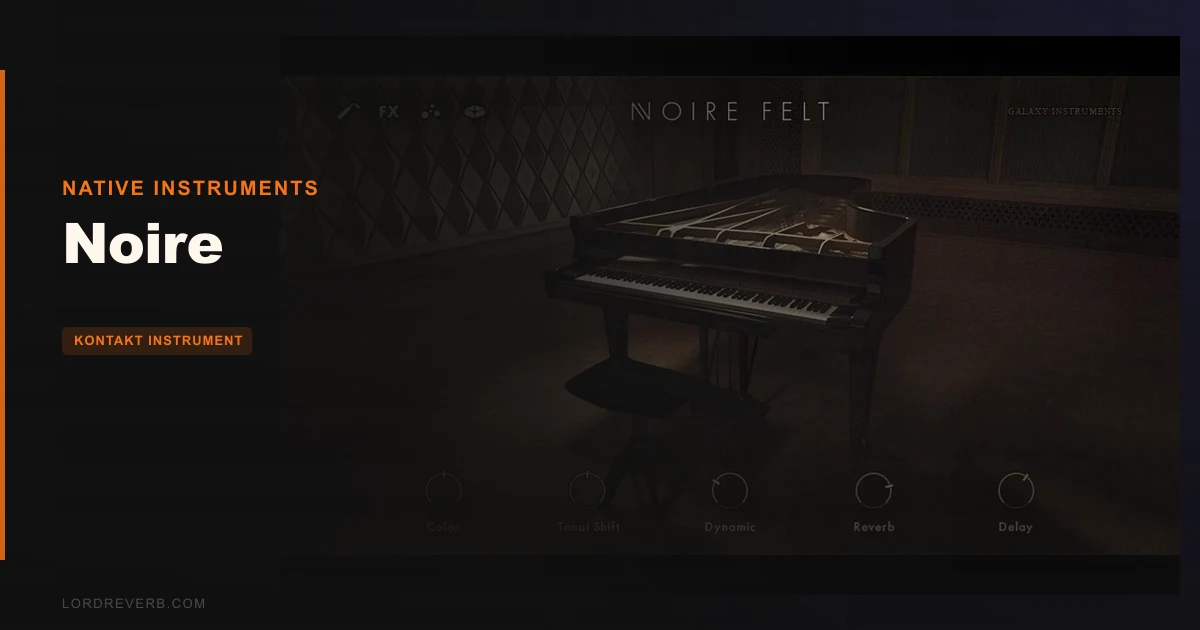
When it loads, you get two instruments: Noire Pure and Noire Felt. Pure is the full CFX grand. Felt is the same piano with felt strips placed between the hammers and strings, which physically softens the attack and reduces sustain.
The UI is clean. Almost minimal. A central keyboard range selector, the Particles Engine panel below, and a combined reverb and delay section to the right.
Our first instinct was to ignore the Particles Engine entirely and just play. That was the right instinct. Spend 10 minutes with the raw sound first. It earns it.
Getting It Into a Real Workflow
Noire loads inside Kontakt as a standard instrument. VST3, AU, and AAX are all covered. We ran it in Logic Pro and Pro Tools with zero setup friction.
The workflow split we kept returning to: use Noire Pure for anything that needs to sit upfront and cut, and Noire Felt for anything sitting under vocals, strings, or pads. The felt version sits in the mix without fighting for space. It’s narrower in the high mids, which means less EQ work on your end.
The reverb engine is built-in and better than it has any right to be for a library plugin. We ran it in parallel with an external plate for a few sessions, then stopped. The internal verb does the job.
The friction point is the Particles Engine. It’s not hard, but it’s not obvious. You’re adjusting algorithm type, density, octave spacing, and sound source independently. We wasted a session making it too busy before we understood the density parameter properly. Start at 20% density. Work up.
One honest frustration: there’s no way to assign a MIDI controller to the Particles density from inside the instrument without going into Kontakt’s MIDI Learn system. Annoying when you want to perform the effect in real time.
What Noire Is Genuinely Good At
The raw piano sound is the argument. We A/B’d Noire Pure against two other well-regarded Yamaha-based libraries on identical MIDI, same reverb chain. Noire had more body in the 200-400Hz range and more air above 10kHz without sounding hyped. Those aren’t EQ choices we made. That’s the microphone chain at Funkhaus doing its job.
Felt is the star, though. We tracked a cue for a documentary trailer and sent it to the director without identifying the instrument. He came back asking what piano it was. That’s the test.
The Particles Engine, once dialed in, is something no competing library does at this price. It triggers additional samples from a secondary sound source based on what you’re playing. Slow it down, set the octave spacing wide, and you get a gentle harmonic cloud that feels composed, not random.
We used it under a string arrangement at a density of 25%, algorithm set to Harmonic, and it added movement without a single extra MIDI note drawn in.
Satisfying. Genuinely satisfying to find something that works like this.
The Rough Edges
The microphone blending options are the honest weakness. Libraries like Spitfire’s piano libraries give you close, room, and outrigger mics to blend independently. Noire gives you a single stereo image. It’s a good image, but you can’t push it closer or pull it further back without external processing.
For most uses, you won’t care. For film scoring where you need the piano to match a specific room picture, you might.
The documentation is sparse. The Particles Engine is sophisticated enough to deserve a proper manual section. It doesn’t have one.
And it requires full Kontakt, not the free Kontakt Player. If you don’t own Kontakt, add that to the budget.
Who This Is Really For
✅ Buy if you score to picture and need a piano that creates atmosphere without heavy post-processing.
✅ Buy if you produce ambient, lo-fi, or neo-classical music and want the felt sound without building a parallel compression chain to fake it.
✅ Buy if you already own Kontakt and want a library you’ll still be loading in five years.
❌ Skip if you need deep microphone mixing control. Noire won’t compete with multi-mic libraries here.
❌ Skip if you want a traditional, hard-hitting grand piano for jazz, pop, or classical solo work. There are better tools for that role.
❌ Skip if you don’t own full Kontakt and aren’t planning to buy it. The free Player won’t run Noire.
Score Breakdown
| Category | Score | Notes |
|---|---|---|
| Sound Quality | 5.0/5 | Funkhaus recording chain on a CFX is hard to beat at any price |
| Value for Money | 4.5/5 | The sound quality is a clever buy, but full Kontakt is a hidden cost |
| Ease of Use | 4.0/5 | Piano layers are immediate; Particles Engine needs more documentation |
| Features | 4.0/5 | Particles Engine is brilliant but mic options are thin |
| CPU Efficiency | 4.5/5 | Runs light at base; Particles adds ~10-15% overhead at high density settings |
| Overall | 4.5/5 | One of the best creative piano libraries in Kontakt, full stop |
Alternatives to Consider
If the lack of mic blending bothers you, Spitfire Audio’s LABS Felt Piano is free and worth loading first to confirm the felt sound is what you need before spending anything.
For a completely different take on prepared and processed piano sounds inside Kontakt, Loot Audio Palm Mute Piano is a worthwhile comparison. It’s a narrower instrument but does things Noire doesn’t touch.
If you need a traditional grand that competes on detail and mic positioning, check Garritan CFX or Steinway from Modartt’s Pianoteq lineup. Pianoteq is modelled rather than sampled and brings a completely different workflow, but the mic placement flexibility is in another league.
Noire isn’t trying to be any of those. It knows what it is.
Our Verdict
We’ve loaded this library on four different sessions since first testing it. It stayed in two of them all the way to the final bounce. That’s the actual measure.
With 16GB of Nils Frahm’s CFX and a Particles Engine that genuinely changes how you write for piano, Noire is a buy The caveat is real: if you don’t own Kontakt and need deep mic control, look elsewhere first.
But if you write music that needs to feel like something? Load Noire Felt. Sit with it for 10 minutes. You’ll know by then.
Related reviews: Electric Ruby Deluxe Nails Hollow Body Tone in 2026 · Honest Temple Drums Review
Frequently Asked Questions
Does Noire work with the free Kontakt Player?
No. Noire requires the full version of Kontakt. The free Kontakt Player will load the interface but lock out after 15 minutes in demo mode. If you don't own Kontakt yet, factor that cost into your budget before purchasing Noire.
What's the difference between Noire Pure and Noire Felt?
Noire Pure is the Yamaha CFX recorded clean: full attack, full sustain, full dynamic range. Noire Felt has physical felt strips between the hammers and strings during recording, which shortens the attack, reduces high-frequency content above roughly 6kHz, and creates a softer, more intimate sound. They're two genuinely different instruments, not just EQ variations of the same recording.
Is the Particles Engine just a randomised effect or can you control it precisely?
It's more controlled than it sounds at first. You can set the algorithm type (which determines how sample triggers relate to played notes), density (how frequently triggers fire), octave spacing, and the sound source independently. At low density settings with a fixed algorithm, it's predictable enough to use in professional sync work. The randomness is adjustable, not baked in.
How does Noire compare to Spitfire's piano libraries for film scoring?
Noire wins on feel and the Particles Engine. Spitfire libraries generally win on microphone flexibility, giving you close, room, and outrigger blend options that Noire doesn't offer. For underscore work where the piano needs to match a specific acoustic space, Spitfire's mic blending is useful. For creating atmospheric piano textures quickly with less post-processing, Noire is the faster route to a finished sound.