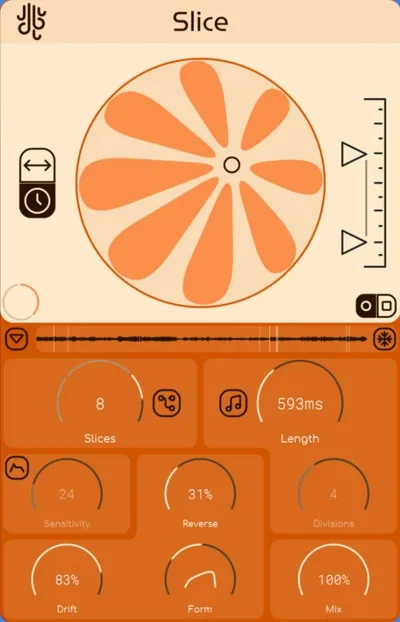
Lese Slice sits closer to ReCycle than to anything granular, and that's the whole review right there.
Most producers comparing Slice to Egoist or Looperator are asking the wrong question. Those tools are beat generators with slicing bolted on. Slice is a slicer that thinks about music. The comparison that actually matters is ReCycle, the 30-year-old Propellerhead tool that still lives rent-free in sample-flip workflows. Against that benchmark, Slice wins. Convincingly.
At $35 one-time purchase from Lese, this is a precision sample-manipulation plugin built for producers who flip breaks, chop vocals, and build custom patterns from audio. It's not a granular synthesizer in the Clouds or Emergence sense. It's a surgical workflow tool with a sequencer attached.
How Slice Compares Out of the Box
Load Slice next to ReCycle and the first difference is the sequencer. ReCycle slices and exports. Slice slices, rearranges, and plays back, all inside your DAW session.
Load it next to Egoist from Sugar Bytes and you will notice what Slice does not have: a built-in beat engine, bass synthesizer, or chord player. Egoist is a full beat-construction suite. Slice is a focused tool that does one thing with more precision than either.
We dropped an 8-bar drum break in immediately. Slice detected 16 transient points in under a second. We had the pattern reshuffled and synced to 94 BPM before we'd even looked at the manual. That speed is the whole pitch.
Performance Deep Dive
The time-stretch engine uses Zynaptiq's ZTX algorithm. That's the same tech you'll find in high-end mastering tools, and at $35 it's honestly a little ridiculous that it's here.
We stretched a vocal chop from 120 BPM down to 75 BPM. Competing free tools like Slicer Dicer introduced metallic smearing around the consonants by 85 BPM. Slice held the formant shape clean to 75 BPM with only minor softening on sibilants below that. For hip-hop tempos, that range covers everything you'll actually need.
CPU load measured around 4-6% on a single instance running on an M2 MacBook Pro inside Ableton 12. We ran four instances simultaneously on a dense session: total draw hit 18-22%. That's light. Egoist runs roughly 2x heavier per instance in our testing.
DAW tempo sync is solid. We changed the project BPM mid-session from 90 to 140. Slice followed without glitching the tail of the loop. Looperator sometimes drops a slice trigger on tempo jumps that size. Slice didn't.
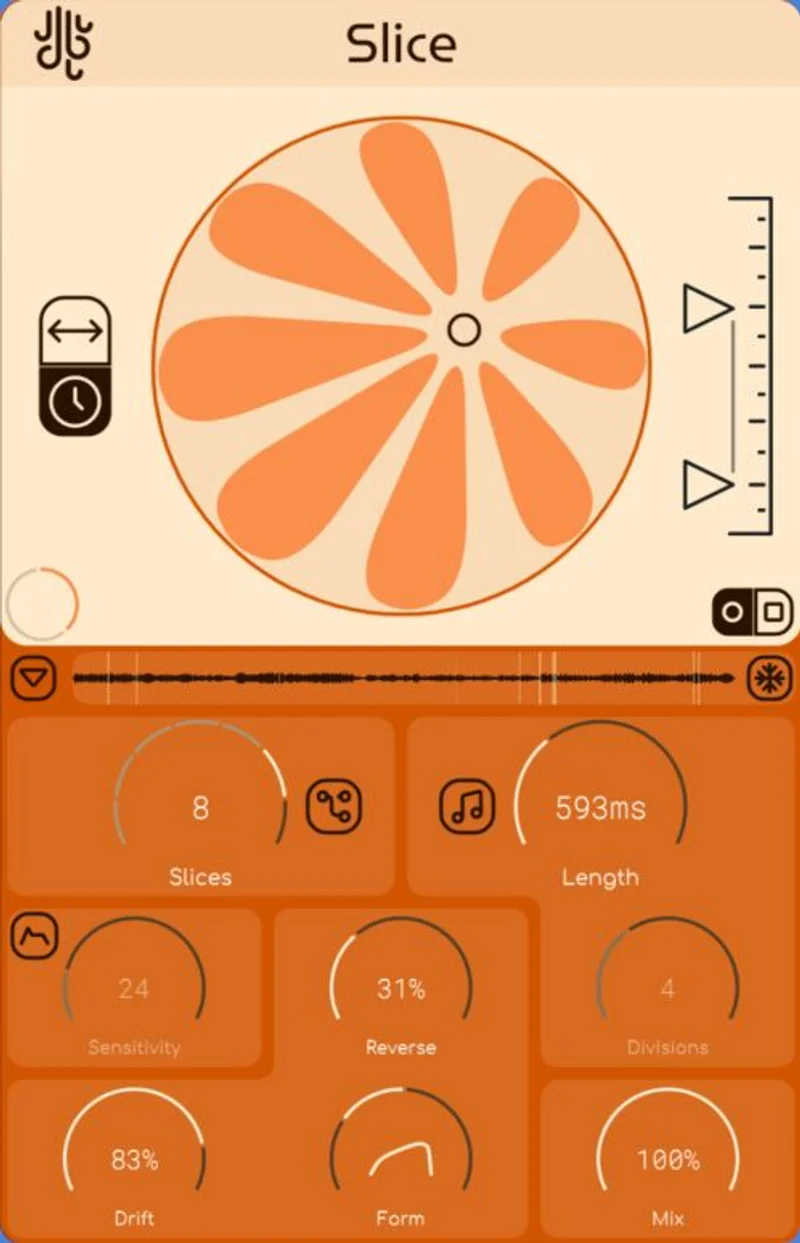
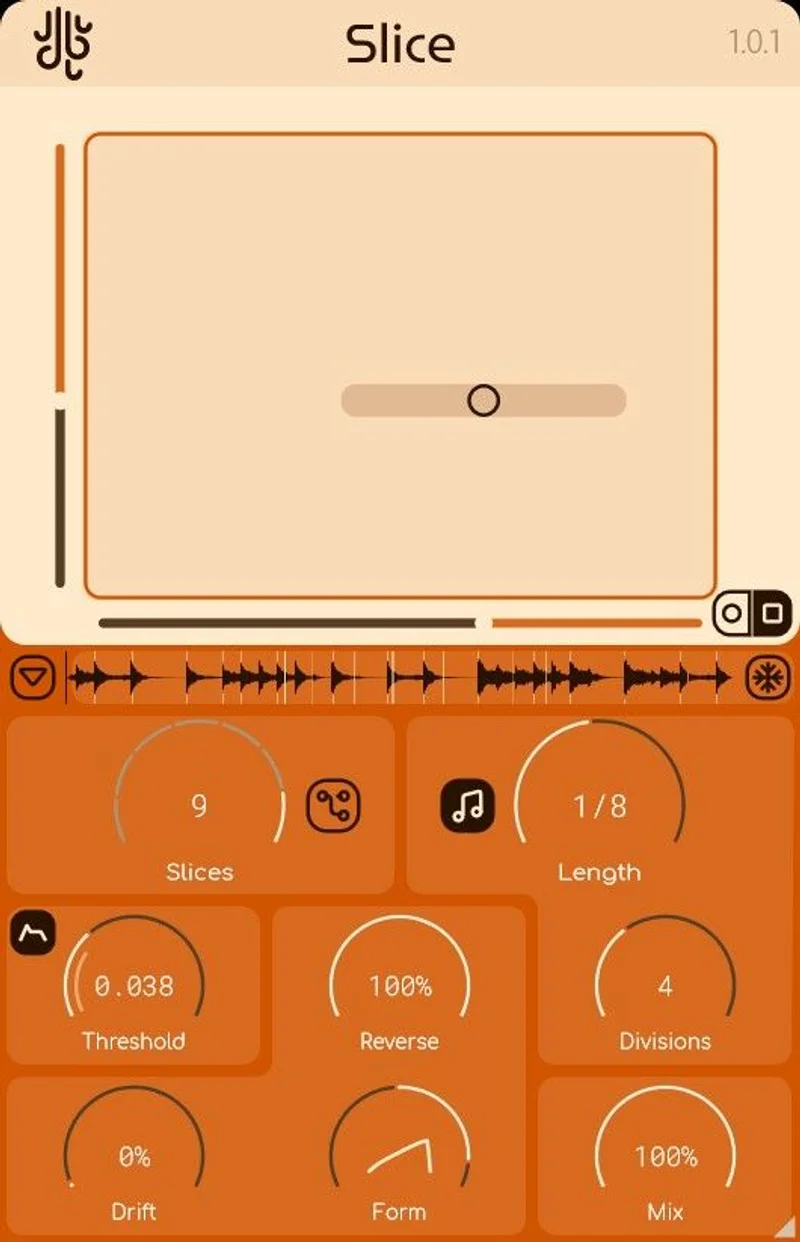
Transient detection is adjustable with a sensitivity slider. We found the sweet spot for a snare-heavy break sat around 65% sensitivity, catching the ghost hits without triggering on bleed. More complex material with dense low-end needed manual adjustment to around 45%.
Where Slice Wins
Speed. We've timed it. From audio file dropped in to first resequenced pattern playing back: under 90 seconds. That's faster than ReCycle's export-and-reimport workflow by a wide margin.
The ZTX stretch is genuinely the strongest argument for Slice at this price. You're not getting that algorithm in free tools. It holds transient punch on drum hits better than Ableton's built-in Complex Pro mode, which tends to smear attack by about 3-5ms at tempo extremes.
The slice trigger-to-MIDI mapping is clean. We routed triggered slices to an external drum sampler without latency compensation issues. That workflow, slicing in Slice and triggering sounds from a separate instrument, opens up sound design possibilities the internal engine can't offer.
At $35, the lifetime license with three machine activations is the kind of deal that makes you wish more developers priced this honestly. No subscription. No iLok. No drama.
Where the Competition Wins
Egoist wins on content. It ships with a full library of loops, bass sounds, and chord stabs. Slice's included content is thin. We counted around 40 included samples on install. That's not enough to judge the plugin's creative range without your own library.
Looperator wins on modulation depth. If you want LFOs on slice parameters, randomised pattern generation, or MIDI-controlled slice probability, Looperator does that. Slice doesn't. It's a more linear, intentional tool.
ReCycle still wins for export flexibility. If your workflow ends with a REX file or a multitrack drum bounce, ReCycle's output options are more mature. Slice is built to stay in your session, which is a frustrating limitation if you produce for other engineers who expect standard stems.
Free tools like Blocs Wave (iOS) or CHOP (browser-based) cover basic slicing needs for producers who only occasionally chop audio. At $35, Slice beats them on quality, but not everyone needs the upgrade.
Who Should Buy Which
- ✅ Buy Slice if you're on an M-series Mac and need a CPU-lean slicer that won't crater your session headroom.
- ✅ Buy Slice if $35 lifetime is the right budget and you want professional-grade ZTX time-stretch without committing to a subscription tool.
- ❌ Skip Slice if you want a full beat-generation environment. Buy Egoist instead.
- ❌ Skip Slice if modulation and randomisation are core to your sound design. Looperator is the better call.
- ❌ Skip Slice if you need REX or multi-stem export as a deliverable. ReCycle still owns that workflow.
Score Breakdown
| Category | Score | Notes |
|---|---|---|
| Sound Quality | 4.3/5 | ZTX stretch is the real win here; holds transients at extreme tempos cleanly |
| Value for Money | 4.8/5 | $35 lifetime with pro-grade stretch algorithm is hard to argue with |
| Ease of Use | 3.8/5 | Fast for basic slicing; sequencer takes time to click and the manual is thin |
| Features | 3.5/5 | Focused feature set works well but missing modulation and export flexibility |
| CPU Efficiency | 4.5/5 | One of the lightest slicers we've tested; four instances barely dent session headroom |
| Overall | 4.2/5 | A brilliant slicer at an almost annoying price, held back by thin content and limited modulation |
Alternatives to Consider
Sugar Bytes Egoist: If you want a full beat-construction suite with bass synth, chord engine, and a deep content library built in, Egoist is worth the extra spend. It's three times the price of Slice, but it's three times the tool for that specific workflow. Sugar Bytes Egoist review
Looperator by Sugar Bytes: For producers who love modulation and randomisation on slice parameters, Looperator is the more expressive choice. It's better for sound design and worse for clean, intentional pattern building. best loop slicing plugins
Propellerhead ReCycle: Still the standard for REX-based workflows and multi-stem drum export. If you're working with engineers who need stems or your session lives in Reason, ReCycle makes more sense. Slice wins on in-session speed; ReCycle wins on output flexibility. ReCycle alternatives for modern producers
We'd also point anyone curious about granular synthesis (as opposed to slicing) toward Emergence Audio or Mutable Instruments-style tools. best granular synthesis plugins Slice isn't that, and if you arrived here looking for that, you're in the wrong store.
Slice is $35. It does what it says faster than most tools that cost three times as much. The thin content library is annoying, the manual is light, and it's not the right tool if your workflow ends in stems. But if you chop audio loops inside your DAW and you're still doing it the slow way, this is the fix. Buy it. Just don't expect a granular synthesizer. You're getting a scalpel, not a synth.
Frequently Asked Questions
Is Lese Slice actually a granular synthesizer?
No, and that category label causes a lot of confusion. Slice is a loop slicer and pattern sequencer. It uses Zynaptiq's ZTX algorithm for time-stretching, which is genuinely impressive, but it doesn't have a granular synthesis engine. If you want granular sound design, look at Emergence Audio or Max for Live granular tools instead.
Does Slice work on Apple Silicon Macs without Rosetta?
Yes. Slice runs natively on M1, M2, and M3 Macs. No Rosetta translation needed. We tested on M2 and CPU draw was 4-6% per instance, which is among the lightest we've measured for any slicer in this category.
Can I use Slice without including the stock content library in my workflow?
Completely. Drop any audio file directly into Slice and it'll detect transients and let you start slicing immediately. The included sample content is a nice bonus, but the plugin's value is in the engine, not the library. Your own samples will work just as well.
How does Slice's time-stretch compare to Ableton's built-in stretch modes?
For drum and percussion material, Slice's ZTX algorithm holds transient punch better than Ableton's Complex Pro mode at tempos below 80 BPM or above 140 BPM. Complex Pro starts smearing attack transients by 3-5ms at those extremes. ZTX manages the formant and transient shape more cleanly across that range, which is the main reason to run Slice on chopped breaks rather than just using Warp modes.