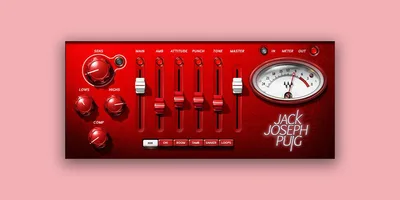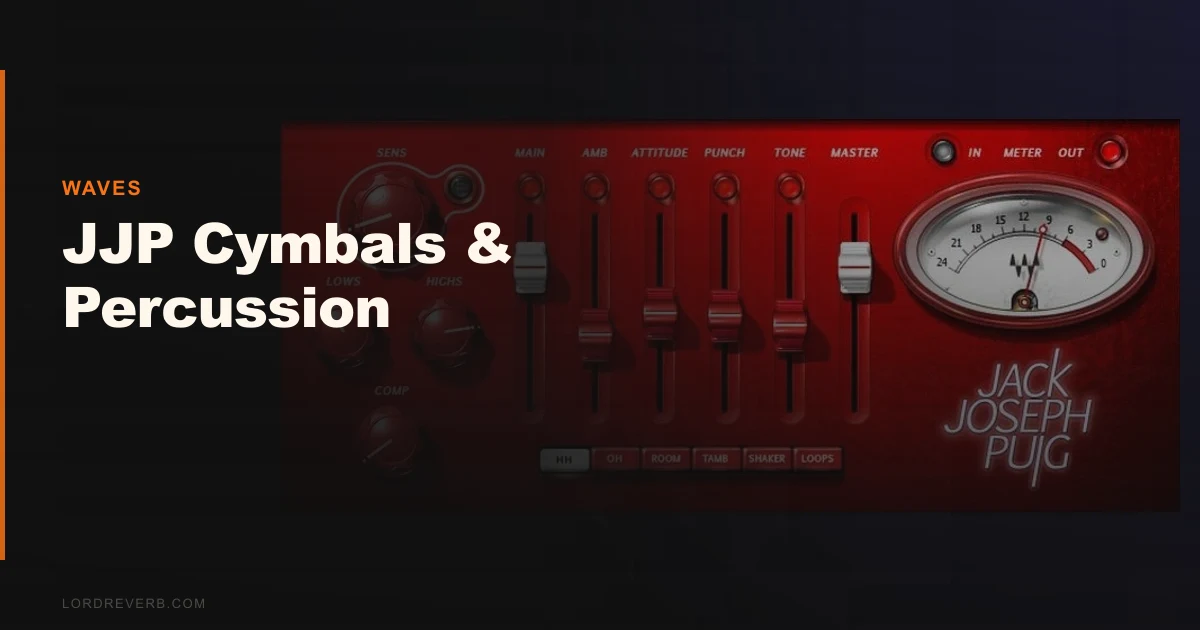
JJP Cymbals & Percussion is a Waves plugin that puts Jack Joseph Puig's overhead and percussion processing approach into a single panel with four controls and six instrument modes. We pulled it up on a session with a live drum kit that had been recorded well but sat flat in the mix. The overheads were phase-coherent and clean, but lifeless. Thirty seconds after loading the JJP Cym & Perc m>s version on the overhead bus and nudging the attitude slider past the 12 o'clock position, the top end had air and width it hadn't had before. That's not magic. That's the whole pitch. This plugin is built for producers who want a fast, credible-sounding result on cymbals, shakers, tambourines, and loops without spending forty-five minutes in a parametric EQ.
What This Plugin Actually Does (and Where It Falls Short)
There are two components. JJP Cym & Perc m>s takes a mono signal and widens it to stereo. JJP Cym & Perc Stereo processes an existing stereo source. Both run at 24-bit/96kHz resolution and support 44.1kHz and 48kHz sessions, plus higher sample rates.
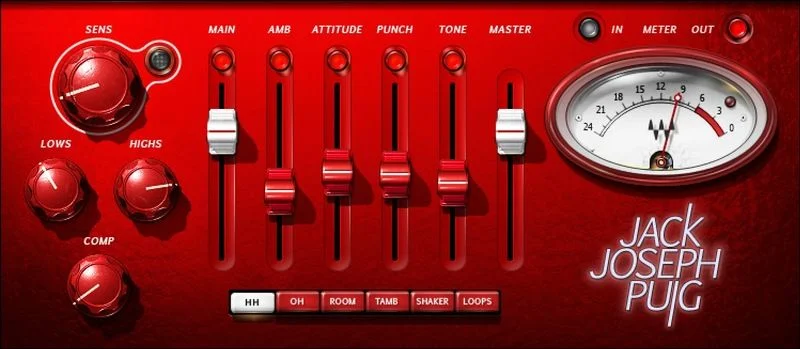
Each component has six modes: hi-hats, overheads, room, tambourine, shaker, and loops. Inside each mode, you get four parameters. Compression, EQ, ambience, and what Waves calls the attitude slider, which blends character and spatial feel simultaneously.
What it's not: a surgical tool. You won't find frequency-specific shelves, attack and release controls, or mid/side processing you can tweak independently. If you want to carve 2dB at 8kHz with a Q of 0.9, load a different plugin. This isn't built for that. It's built for speed and for trusting that Puig's underlying decisions were good ones. Mostly, they were.
Living With It Across a Real Session
We ran JJP Cym & Perc across three different projects over two weeks. A live indie rock recording, a programmed hip-hop beat, and a folk session with hand percussion recorded on a single condenser.
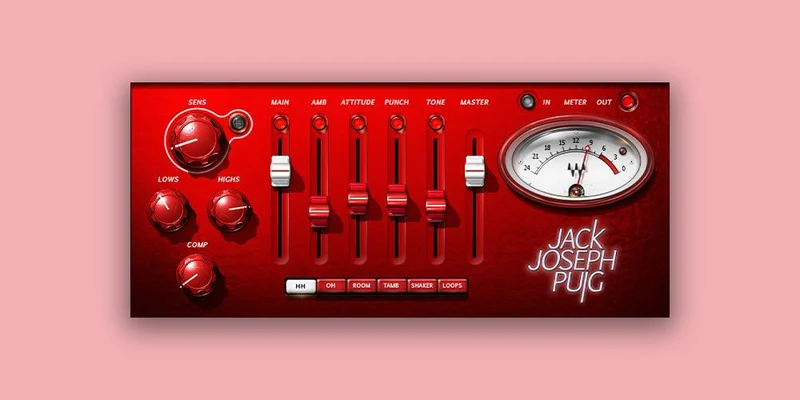
On the indie kit, we used the overheads mode on the stereo component. The stock setting added about 1.5dB of perceived air in the 8-12kHz range without making the cymbals harsh. Pushing the ambience control past 60% introduced a short, diffuse tail that thickened the room feel. We pulled it back to around 40% and it sat well.
The mono-to-stereo component on a single tambourine track was the most satisfying result. The tambourine had been recorded centre in the room and felt glued to the mono field. Loading the m>s version in tambourine mode and letting the attitude slider sit at roughly 65% spread it naturally across the stereo image without the phase issues you'd get from a basic Haas trick. It felt like the tambourine had always been recorded in stereo.
The frustrating part came on the loop material. The loops mode on a programmed percussion loop introduced a slight coloration in the 200-400Hz range that thickened the low-mid content in a way that wasn't always welcome. It wasn't broken, but it required a high-pass on the output to clean it up. Annoying, because it adds a step the plugin is supposed to eliminate.
Setup is quick. The plugin loads fast, the interface is clear, and the six-mode selector is obvious from first launch. System requirements are undemanding: Intel Core i3/i5/i7, 4GB RAM minimum, Mac 10.9.5 or later. It runs in AAX Native, AudioSuite, AU, VST, and SoundGrid formats. No authorization headaches if you're already in the Waves ecosystem.
The Trade-Offs You Need to Know About
The simplicity is a genuine strength if you're working fast. A single panel with four controls means there's almost nothing to misconfigure. For producers who aren't confident with overhead processing, this plugin removes the decision fatigue entirely.
But that same simplicity is the ceiling. We wish there were at least a wet/dry blend control visible at all times, not buried in a secondary menu. The attitude slider does a lot of work that you can't decompose into its parts. When it sounds right, great. When it doesn't, you can't isolate which element is causing the problem.
The version history is another concern. We're on V9, and there's no public roadmap for updates. Waves has a pattern of deep-discount sales that make pricing unpredictable. We've seen this plugin listed at various prices depending on the week. Check the Waves site for current pricing before committing. Buying it at full price when a sale is two weeks away would be a mistake.
There's also a real question about whether the Jack Joseph Puig association carries weight for your workflow. His credits include U2, the Rolling Stones, Green Day, Lady Gaga, John Mayer, Beck, and Sheryl Crow. Those are records with real overhead and percussion sounds. But a celebrity endorsement isn't a spec sheet. The processing either works for your material or it doesn't.
Against the Field
The closest direct competitor is Waves' own drum processing options within their catalogue. But outside that, the honest comparison is against just doing the work manually.
A combination of a good stereo imager, a Pultec-style EQ, and a fast-attack compressor on your overhead bus will outperform JJP Cym & Perc in flexibility. Every time. But that chain takes twenty minutes to dial in correctly, and this plugin takes two.
For the mono-to-stereo conversion specifically, iZotope's Imager and the mid/side processing inside Ozone give you far more control over the width at specific frequencies. If you're widening sources regularly and need precision, those tools win. JJP wins only on speed and on the built-in character of the processing.
For programmed percussion on hip-hop or electronic material, the MWaveShaperMB gives you transient and harmonic shaping with six bands of actual parameter control, which is more useful if your percussion already lives in a dense mix.
The Real Verdict
If you record live drums or work with real percussion regularly, this plugin earns its place in your chain. The overhead mode sounds good fast, and the mono-to-stereo conversion is one of the more musical implementations we've tested at this price point.
If you work primarily ITB with programmed drums, skip it. The loops mode is the weakest of the six, and you'll end up fighting the low-mid coloration more than you'll enjoy the width.
Buy it on a Waves sale. Not at full price. Check the manufacturer's site for current pricing before you do anything else.
Score Breakdown
| Category | Score | Notes |
|---|---|---|
| Sound Quality | 3.8/5 | Overhead and tambourine modes sound genuinely good; loops mode adds unwanted low-mid weight |
| Value for Money | 3.5/5 | Strong on a Waves sale; poor value at full list price given the parameter limitations |
| Ease of Use | 4.5/5 | Four controls and six modes; fastest overhead setup we've tested in this category |
| Features | 3.0/5 | Six modes cover real use cases, but four parameters per mode limits advanced shaping |
| CPU Efficiency | 4.5/5 | Runs light across a full drum bus with no measurable performance hit in our tests |
| Overall | 3.8/5 | Clever tool for live drum sessions, frustrating ceiling for ITB producers who want control |
Alternatives to Consider
If you want more parameter control over your percussion processing, MWaveShaperMB gives you six bands of transient and harmonic shaping. It's uglier to look at and takes longer to dial in, but you can decompose every decision.
For producers working with synthesized or textured percussion layers, InShaper by Sound Particles handles waveshaping on percussion transients with more surgical precision than JJP's attitude slider allows.
If budget is the constraint, KHORDS Cloud Waves is not a direct alternative but shows what a lower price can do in the Waves-adjacent plugin world, which is good to know before you spend more on JJP above sale price.
And if your real problem is the vocal chain around your percussion mix rather than the percussion itself, the W.A. Production Deluxe Vocal Bundle is where we'd look first. Getting the vocals to sit cleanly above the overheads sometimes matters more than widening the overheads themselves.
The honest truth about JJP Cymbals & Percussion is this: it sounds like someone made a good decision about overhead processing in 2010, packaged it carefully, and then stopped asking questions. For live drum sessions, that good decision still holds up in 2026. For anything programmed, you'll hit the ceiling inside ten minutes and wish you'd reached for something that argues back.
Frequently Asked Questions
What's the difference between the two JJP Cymbals & Percussion components?
The plugin ships with two separate processors. JJP Cym & Perc m>s takes a mono input and converts it to a stereo output, which works well on single-mic percussion recordings like hand percussion or a soloed tambourine. JJP Cym & Perc Stereo processes an existing stereo signal, making it the right choice for overhead buses or stereo room mics that already have width but need character and dimension added.
Is JJP Cymbals & Percussion worth buying at full price?
Not really. Waves runs sales constantly, and this plugin has been available at deep discounts for most of its commercial life. Check the Waves site for current pricing, but our recommendation is to wait for a sale before buying. The processing is good, but it's not so unique that it justifies a premium over the regular sale price you'll likely find within a few weeks.
Does JJP Cymbals & Percussion work on programmed drum samples?
It works, but it's not where the plugin shines. The loops mode in particular adds low-mid coloration around 200-400Hz that can thicken programmed material in ways that are hard to control with only four parameters. If your workflow is primarily ITB with programmed drums, a parametric EQ and a dedicated stereo imager will give you cleaner results with more flexibility.
What Jack Joseph Puig records influenced the processing in this plugin?
Puig's production and mixing credits span records with U2, the Rolling Stones, Green Day, Lady Gaga, John Mayer, Beck, and Sheryl Crow. The overhead and percussion sounds on those sessions informed the processing modes in the plugin. That said, the plugin doesn't replicate any specific record. It captures a general approach to adding air, dimension, and attitude to cymbal and percussion sources, which Puig applied differently depending on the session.