BitRate II and MonoBoy are the most complete 8-bit drum and melody toolkit you can buy for Reaktor at $49, and we’d pick them up again without hesitation, with one condition: you need to already own or be willing to install Reaktor Player.
If you’re building lo-fi beats, chiptune-influenced tracks, or anything that lives in that glitchy, circuit-bent space between nostalgia and modern production, this bundle earns its price. The two instruments work as a proper pair. BitRate II handles your drums. MonoBoy handles your melodic lines. Together they share a sound design philosophy that keeps sessions coherent without sounding like two different plugins stapled together.
That said, this isn’t a beginner’s toy. The modulation routing has depth that rewards time spent, and new users who’ve never opened a Reaktor ensemble may find the initial setup disorienting.
What You're Actually Getting
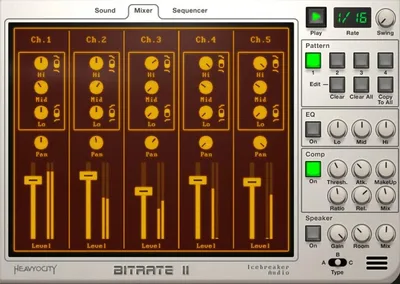
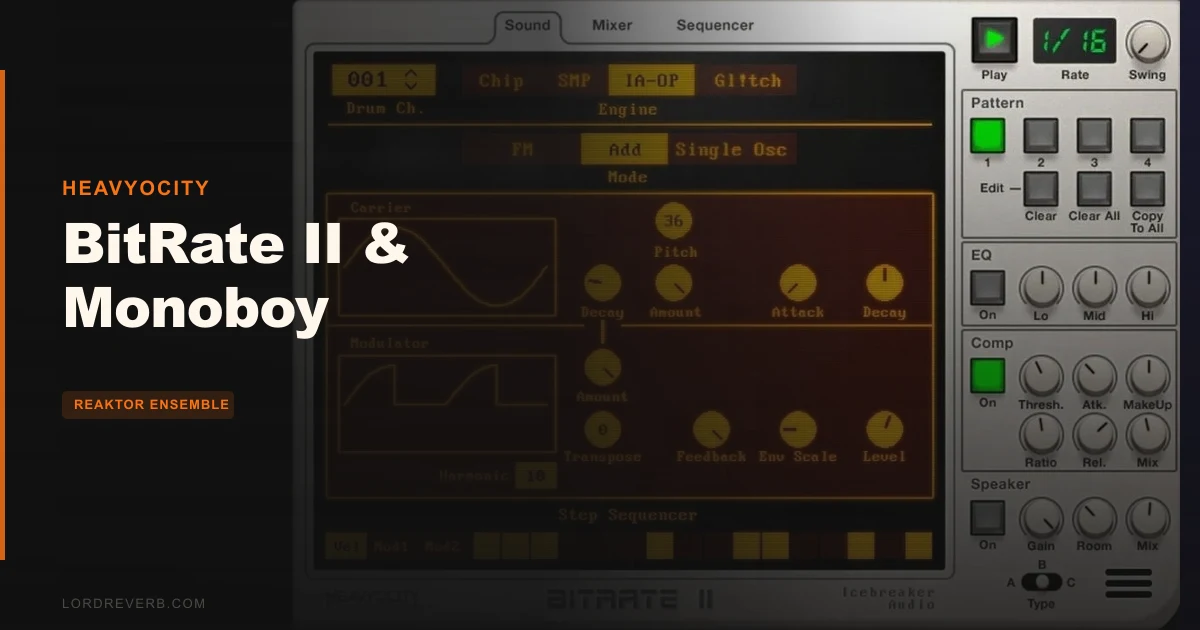
BitRate II is a 5-track drum machine running inside Reaktor. Each track can draw from four sound engines: chip sounds (think Game Boy-era square waves), FM synthesis, lo-fi sampling, and circuit-bent glitch generation. You pick the engine, shape the sound, then sequence it.
The sequencer is where BitRate II earns its keep. Each drum track gets two independent modulation sequences, routable to virtually any sound parameter. You can also set per-track sequence lengths, which means a kick running 16 steps while your hi-hat runs 12 steps is straightforward to programme.
MonoBoy uses the same engine family but presents it through a melodic interface. Three generator modes: a DM sampler, an arpeggiator, and Voice Controls. It also includes a Bit Delay effect we haven’t found anywhere else in a comparable bundle.
Total download size is 112 MB. Tight.
The Good
We loaded a kick from the FM engine and a hi-hat from the chip sound engine into the same pattern. The kick had real low-end weight despite the lo-fi architecture. The hi-hat buzzed with that aliased, slightly wrong quality that sample packs keep trying to fake and rarely nail. Setting them to different sequence lengths produced a polyrhythm that felt alive, not programmed.
That’s the honest strength of BitRate II. The four sound engines produce sounds that actually differ from each other in character, not just in preset name.
The modulation routing is satisfying in a way that takes a minute to explain. You’re not drawing automation. You’re assigning one of two internal mod sequences to any combination of sound parameters, per drum, per step. We routed pitch modulation on a snare to a 3-step sequence while the amplitude followed a different 7-step pattern. The result was a snare that felt organic. Weird in the right way.
MonoBoy’s Bit Delay is clever. Filtering, delay time, and bit reduction interact in one effect. Running a simple arpeggio through it produces textures that would normally require two or three chained plugins.
140 presets is a solid starting library. We found at least 30 we’d actually use.
The Not-So-Good
The Reaktor dependency is a genuine barrier. If you don’t own Reaktor, you need Reaktor Player, which is free but requires a separate download, installation, and NI account setup. For producers already inside the Native Instruments ecosystem this is nothing. For everyone else, it’s annoying friction before you hear a single sound.
No standalone operation. You’re loading this inside your DAW as a Reaktor instrument. That’s standard for Reaktor ensembles, but it means BitRate II doesn’t work as a quick sketch tool outside a project session.
CPU usage isn’t catastrophic, but it’s not trivial either. We ran four simultaneous FM engine tracks with active modulation sequences and saw our meter climb. On a modern machine it’s manageable. On anything older than a Core i5 from around 2018, you’ll feel it.
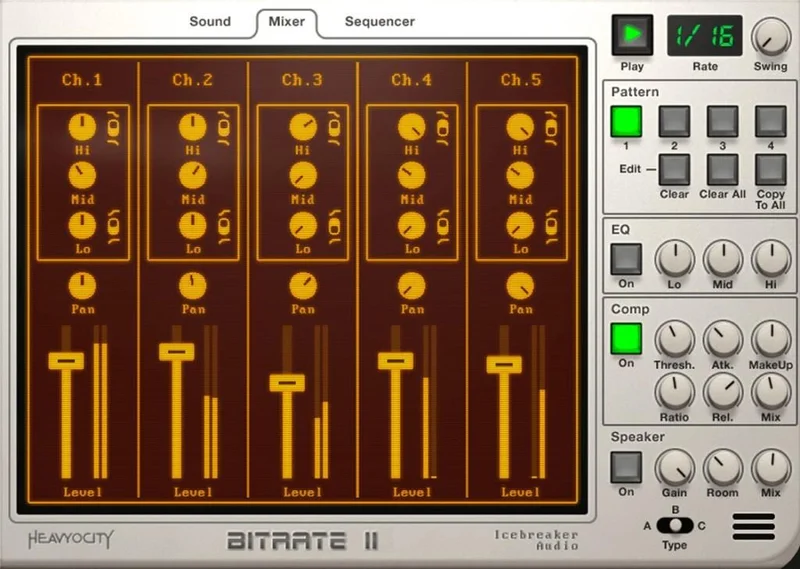
The interface, while functional, doesn’t communicate routing possibilities immediately. We wish the modulation assignment was more visual. There’s depth here that some producers will miss entirely because the UI doesn’t advertise it.
Compared to the Alternatives
The most direct competition is BFXR / SFXR territory: free tools that produce similar 8-bit sound effects but with no sequencer, no mixer, no modulation routing, and no DAW integration worth discussing. BitRate II makes them look like toys.
Affordable Audio’s 8Bit Drummer gives you a simpler interface and lower barrier to entry, but ships without an FM engine or the per-track sequence length flexibility that makes BitRate II’s rhythms interesting.
Native Instruments’ Battery 4 can load lo-fi samples and trigger them with a sequencer, but it’s not doing chip synthesis or circuit bending natively. You’d be simulating what BitRate II does natively.
At $49 for two instruments with genuine synthesis engines, the value comparison isn’t close. The Reaktor requirement is the deciding factor. If you’re already exploring Heavyocity’s instrument range, the ecosystem investment already makes sense.
Who Should Buy This
✅ Buy if you produce lo-fi hip-hop, chiptune, or experimental electronic music and want synthesis-based drums instead of samples.
✅ Buy if you already use Reaktor or Reaktor Player and want a new ensemble with real depth.
✅ Buy if you need melodic 8-bit elements and drums that share a coherent sonic identity in one $49 purchase.
❌ Skip if you’ve never opened Reaktor and aren’t willing to spend an hour learning the environment.
❌ Skip if you want a standalone drum machine that works outside your DAW.
❌ Skip if your CPU is already under pressure. Layered FM sequencing will cost you.
Score Breakdown
| Category | Score | Notes |
|---|---|---|
| Sound Quality | 4.5/5 | Four genuinely distinct engines; FM and chip sounds are the standouts |
| Value for Money | 4.5/5 | Two instruments, deep modulation, 140 presets at $49 is hard to argue with |
| Ease of Use | 3.0/5 | Reaktor dependency and routing complexity create a real learning curve |
| Features | 4.0/5 | Per-drum mod sequences and polyrhythmic length control are legitimate differentiators |
| CPU Efficiency | 3.5/5 | Acceptable on modern hardware, noticeable strain when stacking FM synthesis |
| Overall | 4.0/5 | Brilliant sound engine depth held back by the Reaktor barrier and no standalone mode |
Alternatives to Consider
If the Reaktor dependency is a dealbreaker, look at Klevgrand Degrader for lo-fi texture processing and pair it with a dedicated drum plugin. It’s not a drum machine, but it gets you into similar sonic territory with zero setup friction. Compare lo-fi processing tools
For producers already in the Heavyocity world, the Heavyocity Keys & Synth Bundle covers a broader tonal range if 8-bit isn’t your primary focus.
If you want Heavyocity’s approach to vocal texture instead, the Vocalise 3 shows how far Adam Hanley’s scripting work goes in a completely different direction.
For a free entry point into Reaktor ensemble territory, check NI’s own User Library before spending anything. You’ll get a feel for the environment and confirm Reaktor Player works in your setup before committing $49.
The 8-bit drum machine space is thin on quality. BitRate II is the best instrument we’ve found in this category at this price. If your machine can handle the FM load and you’re willing to meet Reaktor halfway, it’s genuinely worth it.
Skip it if you’re buying on impulse and haven’t installed Reaktor Player yet. Set that up first. Then come back.
Frequently Asked Questions
Do I need to buy Reaktor to use BitRate II and MonoBoy?
No. BitRate II and MonoBoy work with the free Reaktor Player (version 6.2 or later), which you can download from Native Instruments. You don't need the full paid version of Reaktor. That said, you will need an NI account and the NI application installed, so factor in that setup time before your first session.
Can I use my own samples in BitRate II?
Yes. The lo-fi sampling engine in BitRate II supports custom audio sources, so you're not locked into the factory content. Loading your own recordings into the sampler engine and running them through the circuit-bent glitch processing is one of the most interesting use cases in the bundle.
How do the two modulation sequences per drum actually work?
Each drum track in BitRate II has two independent step sequencers for modulation, separate from the main trigger sequence. You assign each mod sequence to any sound parameter you choose, in any amount. Because each track can also run a different sequence length, you can have your kick's pitch modulation cycling over 8 steps while its amplitude mod runs over 5 steps, creating evolving patterns without any automation drawn.
Is BitRate II good for modern lo-fi hip-hop or is it strictly a chiptune tool?
It works well for both. The lo-fi sampling engine and the bus compressor in the master FX section push it squarely into lo-fi hip-hop territory when you want that. The chip and circuit-bent engines are more genre-specific, but even those sit in a modern trap or experimental context with the right processing. It's not a one-genre instrument.