
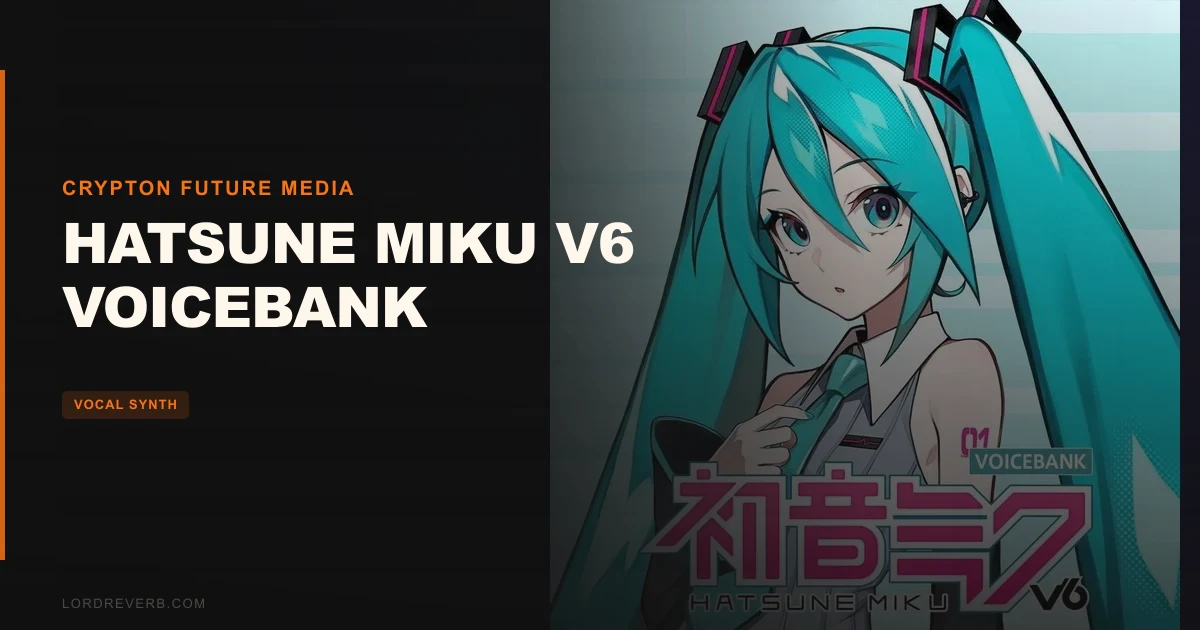
Hatsune Miku V6 is the answer to a specific complaint that’s been circling the VOCALOID community for years: English in Miku voicebanks has always been a headache, and older engines demand hours of phoneme wrangling before you get anything close to natural. V6, at $78, is Crypton Future Media’s attempt to fix that with machine learning. Whether it actually fixes it depends on what you’re building, and that’s the honest starting point here.
Quick verdict: V6 is a meaningful step forward for producers who work in Japanese and want better English without manually rerouting every syllable. The VOCALOID:AI engine delivers more organic pitch and breath behaviour than previous generations. But it carries real audio artefacts that reviewers and owners are openly unhappy about, and if you’re a power user still attached to V4X results, the upgrade case is weaker than Crypton would like. Score: 3.3/5. Worth $78 for the right user, not for everyone.
The Problem V6 Was Built to Fix
Older Miku voicebanks were brilliant for Japanese and painful for everything else. Getting English to sit naturally meant hand-editing phoneme sequences, coaxing every consonant, and still ending up with something that sounded like it was reading from a prompt.
That’s the frustration V6 targets directly. Enter English lyrics using standard spelling, and the engine assigns singing phonemes automatically. No phoneme maps. No manual switching between languages. Pitch transitions, volume curves, and breath placement are generated by machine learning rather than hard-coded rules.
It’s a workflow problem as much as a sound quality problem. If you’re producing J-pop, hyperpop, or any genre where Miku is the instrument, spending two hours on English verses was always the tax you paid. V6 is trying to cut that bill.
How It Performs in Practice
The AI synthesis engine analyses pitch transitions, volume transitions, timing, and accents, then builds the vocal from there. Breaths are added intelligently rather than placed by hand, which owners report makes the output feel more alive. The signature Miku character, Saki Fujita’s voice, is still recognisably there. Users describe V6 as retaining that signature feel while adding breathiness and a layer of naturalness that prior versions didn’t reach.
Imagine you’re laying in a verse with mixed Japanese and English lines. In V4X, that meant two separate passes. In V6, you type the English spelling and the engine takes it from there. That’s a real time saving, and for producers doing quick demos or working to a deadline, it matters.
The Expression parameter gives you control over vocal strength and firmness. Scoops, vibrato, and accents are all adjustable with visual pitch and volume curve references. The TAKE function handles harmony parts, which is clever for layering without doubling your workload.
But here’s where the report card gets complicated. Reviewers flag persistent engine noise in the output. Owners describe consonants as artificial and clicky. Some find the tone nasal. One reviewer concluded V6 doesn’t clear the bar set by V4X specifically because of those consonant artefacts. That’s not a minor complaint from one outlier: it’s a pattern in the owner feedback.
Strengths and Weaknesses
The strengths are real. Automatic English phoneme assignment is the biggest functional gain over prior versions. The breath intelligence saves fidgety manual work. Two voicebanks, Original and Soft, give you tonal range without needing a separate purchase. And the visual editing workflow, with pitch and volume curves you can actually see and adjust, is more transparent than older engines.
The weaknesses are equally real, and we’re not going to soften them. Engine noise sitting underneath the synthesis is frustrating and limits where V6 is usable without additional processing. Clicky consonants are an ugly artefact in a product at this price point. Several users report being unable to distinguish V6 from the New Tone releases, which raises a fair question about whether the technology gap between generations is as wide as the marketing suggests.
The Soft voicebank has a separate limit worth knowing. It doesn’t work with VOCALO CHANGER, and Crypton has confirmed no upgrade support is planned for that combination. If VOCALO CHANGER is part of your signal chain, the Soft bank is effectively off the table.
full guide to VOCALOID6 Editor workflows
Value for the Price
At $78, V6 ships with VOCALOID6 Editor Lite and Cubase LE with over 1,000 instrument sounds. If you’re coming in fresh with no existing DAW, that bundle has real practical value.
But the honest version of this assessment is that V6 requires you to already own VOCALOID6 Editor to access the full functionality. Editor Lite is included, but existing V6 users are essentially paying $78 for the voicebank and two banks of synthesis. For what you’re getting sonically, that’s justifiable if the artefact issues don’t bother you. If they do, it’s not.
Chinese language support is listed as planned, not delivered. That’s a spec you’d be buying in advance, not today.
best VOCALOID voicebanks ranked
Who Should (and Shouldn't) Buy This
✅ Buy if you produce in Japanese and want better English synthesis without manual phoneme work. ✅ Buy if you want a more organic Miku vocal with breath automation and flexible vibrato control. ✅ Buy if you’re new to VOCALOID and want a bundled starting point with Editor Lite and a full DAW.
❌ Skip if you’re a V4X power user who’s happy with your current results. The upgrade isn’t obviously worth it given the artefact reports. ❌ Skip if VOCALO CHANGER is central to your workflow. The Soft voicebank won’t work with it and there’s no fix coming. ❌ Skip if you’re waiting on Chinese language support. It’s not available at launch.
Specs & Technical Details
| Developer | Crypton Future Media |
| Price | $78 |
| Plugin Format | VOCALOID6 voicebank (requires VOCALOID6 Editor) |
| OS Support | Windows / macOS |
| Activation | N/A |
| CPU Usage | N/A |
| Trial Available | N/A |
| Version Reviewed | V6 |
Score Breakdown
| Category | Score | Notes |
|---|---|---|
| Sound Quality | 3.0/5 | Retains Miku character with added naturalness, but engine noise and clicky consonants are a genuine problem |
| Value for Money | 3.5/5 | Editor Lite and Cubase LE bundle adds value, though existing V6 users are paying mainly for the voicebanks |
| Ease of Use | 4.0/5 | Auto English phoneme assignment and intelligent breath placement reduce manual workload significantly |
| Features | 3.5/5 | TAKE function, Expression parameter, two voicebanks, and visual curve editing are all useful; Soft bank's VOCALO CHANGER limit stings |
| CPU Efficiency | N/A | Not enough data to rate |
| Overall | 3.3/5 | A real step forward in workflow, held back by artefacts that owners are loudly unhappy about |
Alternatives to Consider
If V6’s artefact reports are putting you off, these are worth a look before you commit.
Hatsune Miku V4X voicebank review remains the benchmark some users won’t leave. English tuning is harder work, but the consonants are cleaner to many ears and it’s the version reviewers still reference when critiquing V6.
Miku New Tone voicebank review sits one generation back from V6. If users report they can’t tell the two apart, and that’s what the feedback says, New Tone may already be in your library and costing you nothing extra.
For producers open to other AI vocal synthesis options beyond Miku entirely, best AI vocal synth plugins 2026 covers the wider field, including options that handle English with fewer artefact complaints.
If you’re specifically looking for the cleanest Miku English available right now, the honest answer is: V6 is the newest attempt, and it’s better than V4X for the workflow. Whether it’s better for the sound is still genuinely in dispute.
V6 is the right buy if English synthesis and breath automation matter more to you than clinical consonant accuracy. It’s the wrong buy if you’re expecting a clear sonic leap over what you already own. At $78, you’re paying for a forward-looking engine with a few rough edges that Crypton hasn’t smoothed out yet. That’s not a dealbreaker for everyone. But it’s not something we’d hide.
Frequently Asked Questions
Do I need VOCALOID6 Editor to use Hatsune Miku V6?
Yes, V6 is a voicebank that requires VOCALOID6 Editor to function. It does ship with VOCALOID6 Editor Lite as a standalone application, so you don't need a separate Editor purchase to get started. If you want the full Editor feature set, that's an additional cost to factor in.
Can V6 import tuning files from older Miku versions like V4X?
No. Pre-tuned VOCALOID4X files cannot be directly imported into V6 AI. If you have heavily tuned projects in V4X, you'd be rebuilding them from scratch in V6. That's a real consideration if you have an existing library of tuned content.
Does Hatsune Miku V6 support languages other than Japanese?
V6 supports Japanese and English at launch, with English phonemes assigned automatically when you type English spelling in the lyrics field. Chinese language support is listed as planned for a future update, but it's not available now. There's no confirmed timeline for when that update will arrive.