Affiliate disclosure: the buy button is an affiliate link to the store. If you buy through it we earn a commission at no extra cost to you. Full policy

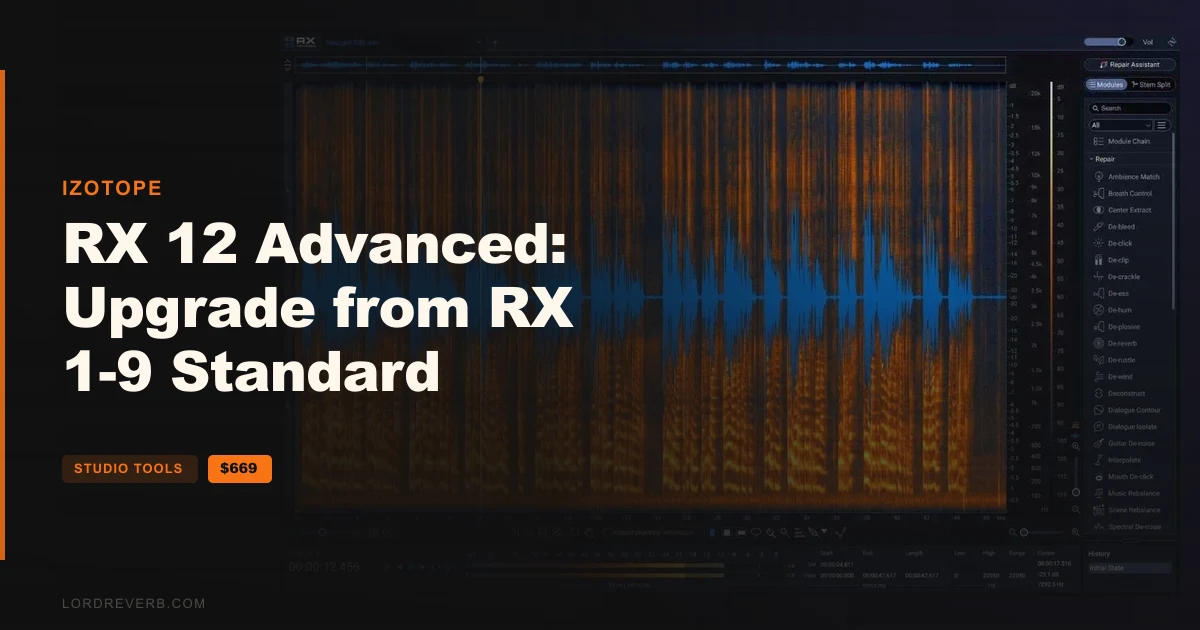
The RX 12 Advanced: Upgrade from RX 1-9 Standard Black Friday deal is the Advanced-edition upgrade for anyone who owns RX Standard from version 1 through 9, 33% off at $669 until Dec 7, 2026.
It is iZotope's top RX 12 tier, with the complete 50+ tool restoration suite. The maker calls it the industry standard for post.
RX 12 is a standalone audio editing application and also a set of plugins for your DAW. You can fix a file in the app or run the same tools on a track in your session.
It covers editing and restoration, from background noise removal to dialogue intonation. The maker pitches it as a way to fix flaws, avoid ADR and protect performances.
The Repair Assistant skips the setup and cleans up your sound in seconds. If you prefer hands-on control, the bespoke modules go deeper, for jobs like sibilance and intonation.
The new features, per the maker:
Music Rebalance and Dialogue Isolate also get improved neural nets, and both run in real time or offline.
Music Rebalance lets you adjust drums, vocals, bass and other elements in an existing mix. The maker says it splits vocals, bass, percussion and other instruments with clean, artifact-free separation. Use it to rework a mix, prep a remix or pull instrumentals and vocal stems.
Dialogue Isolate pulls speech and vocals out from under noise and reverb. It works for TV, film and podcast dialogue as well as vocals in a track.
RX 12 has a new look. The Spectrogram is larger, which helps on a laptop screen. There is also a module search, so you can skip menu diving, and a resizable History panel.
Owners of RX 1-9 Standard can move up to RX 12 Advanced through this upgrade. RX 12 comes in three editions, and Advanced is the one with the full tool set.
Yes, the Black Friday deal is 33% off, bringing it to $669, and it ends Dec 7, 2026. It is meant for owners of RX Standard from version 1 through 9 who want to move up to RX 12 Advanced.
It is the complete RX 12 suite of 50+ tools, delivered as a standalone audio editing application plus plugins for your DAW. It includes the new Scene Rebalance, Stems View, De-bleed, Breath Control and Trim Silence.
The Repair Assistant is the quick route when you want to skip the setup. The maker says it cleans up your sound in seconds, while the individual modules are there when you want finer control.
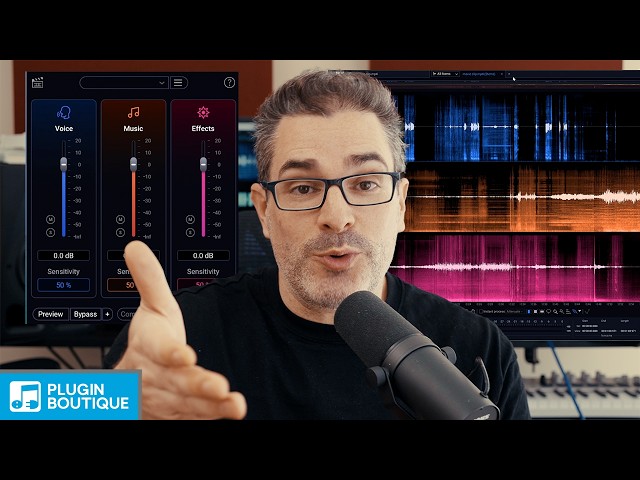
Stems View visually splits your audio into stems through Scene Rebalance, Music Rebalance and Dialogue Isolate. You can then apply any RX tool to a single stem, such as De-hum on bass, and bring it all back together for export.
Prices and end dates are checked at publishing time and can change, so confirm them at the store before you buy.
Not signed in to Spotify? You hear 30 second previews. Signed in, you hear the full tracks.
Send your track and tick the Mixtape box. If we pick it, it joins this playlist and plays for everyone who opens the player.