Affiliate disclosure: the buy button is an affiliate link to the store. If you buy through it we earn a commission at no extra cost to you. Full policy

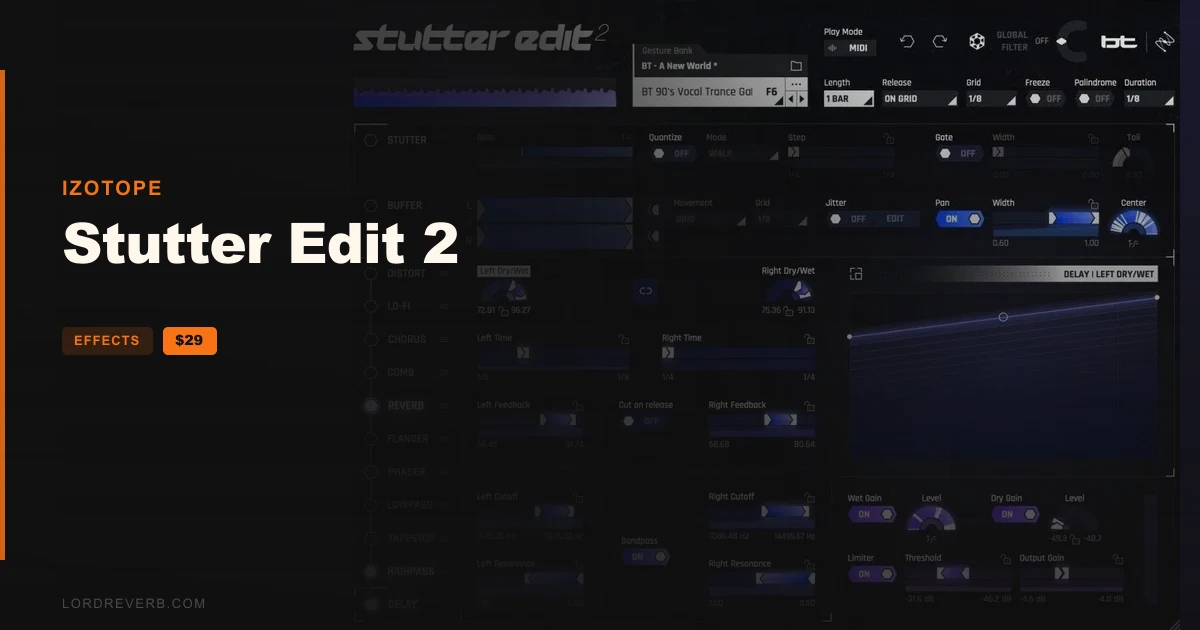
Stutter Edit 2 Black Friday pricing is 85% off, which brings iZotope's stutter and glitch plugin to $29 until Dec 7, 2026.
It was designed by BT in collaboration with iZotope, and it turns the classic stutter edit into a one-button move. You slice and dice samples, tracks or whole mixes without cutting audio by hand.
Put it on a track and fire off rhythmic gestures, sweeping filters and glitch effects, or stack them all at once. The Stutter and Buffer controls chop a sample to the beat or shred it into pitched, synth-like fragments.
iZotope's examples include trapping a hi-hat, making vocals skip and jump, turning percussion into pitch, and building an instant dubstep breakdown.
The main additions, according to the maker:
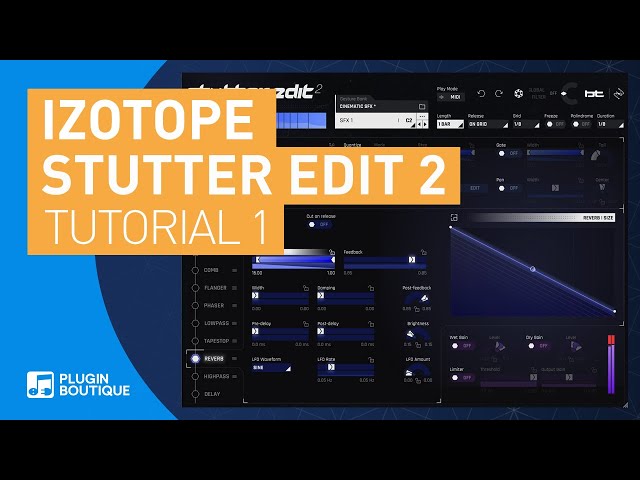
The Curve Editor lets you draw effect motion without touching your DAW's automation. Set the range with the blue sliders, pick one of 12 premade curves or draw your own, then play back to hear it. You can drill into any setting to edit the curve in detail.
The effects section is a suite of 11 modules, running from lo-fi ear-candy to tape stops.
The presets are built for cinematic rises, transitions and club-ready filter sweeps, so you can drop them straight into a production. Custom banks hold dozens of gestures, each with its own rhythmic flavour.
Saved banks auto-map to your MIDI keyboard. If you hook up a controller, the in-app help detects your DAW and walks you through setup step by step.
The interface adds a dedicated output section and easier Stutter controls. It also has a flexible system for saving your own banks and gestures.
An upgrade version is also available for owners of Stutter Edit 1 or Creative Suite.
Stutter Edit 2 is a 64-bit plugin in AU, AAX and VST3 formats.
Supported hosts are Logic Pro, Live 10.1 to 11, Cubase 12, Pro Tools 2022, FL Studio 20, Studio One 5 and 6, REAPER 6, Bitwig Studio 4 and Digital Performer 11.
Yes. The Stutter Edit 2 Black Friday deal is 85% off, which puts the plugin at $29 until Dec 7, 2026. It is iZotope's stutter, glitch and multi-effect plugin, created with BT.
The maker lists a Curve Editor, an AUTO mode, and new Comb, Chorus and Limiter modules. There is also a Reverb module from BT's personal collection and an upgraded two-band Distort module, plus new banks of presets and gestures.
Stutter Edit 2 is a VST3, AU and AAX plugin, 64-bit only. Supported hosts include Logic Pro, Live, Cubase, Pro Tools, FL Studio, Studio One, REAPER, Bitwig Studio and Digital Performer.
It moves any knob or slider in time with your session, so you draw effect motion without DAW automation. Set the range with the blue sliders, choose one of 12 premade curves or draw your own, then play back.
Prices and end dates are checked at publishing time and can change, so confirm them at the store before you buy.
Not signed in to Spotify? You hear 30 second previews. Signed in, you hear the full tracks.
Send your track and tick the Mixtape box. If we pick it, it joins this playlist and plays for everyone who opens the player.