Affiliate disclosure: the "Get this deal" button is an affiliate link to the store. If you buy through it we earn a commission at no extra cost to you. Full policy

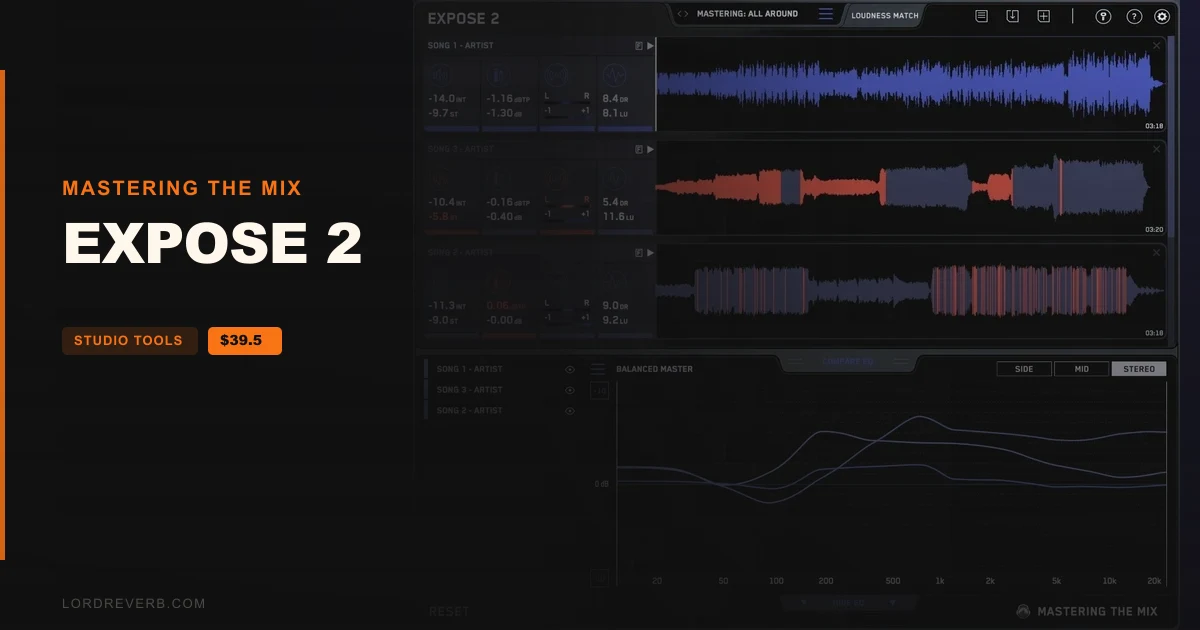
The EXPOSE 2 Black Friday deal takes 50% off Mastering The Mix's standalone quality control app for your masters, bringing it to $39.50 until Nov 9, 2026.
EXPOSE 2 is an application, not a plugin, so it runs on its own and never loads inside a DAW. Previous owners of EXPOSE 1 can get an upgrade.
The maker's pitch is simple: plenty of tracks go out with a poor EQ balance, true peak clipping, over-compression or phase problems. EXPOSE 2 is built to flag those before release.
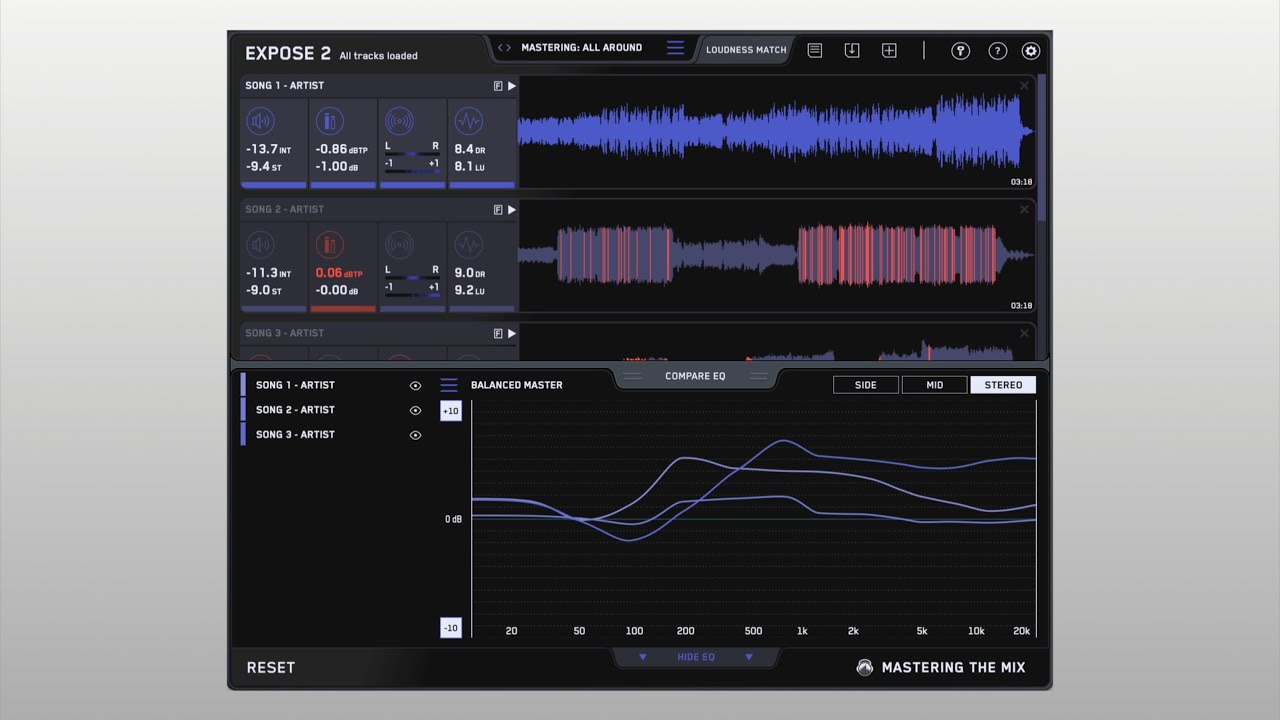
Drop a track in and you get readouts for loudness, peaks, stereo/phase and dynamic range. The maker says the analysis takes about 3 seconds.
Measurements include:
Open the app and drag your audio onto the dashboard. Then pick a preset for where the track will be heard, such as Spotify, YouTube or CD.
You can loop a section to see readings for just that part of the song.
When a problem turns up, the section icon turns red. Click it and the waveform isolates the exact spot, and the analysis feedback tells you how to fix it back in your DAW. There are 27 presets and 5 user preset slots.
Compare EQ lines up the average tonal balance of your song against a reference track you import. You can also use a genre-specific preset. The maker says those presets come from sonic profiles of commercially successful tracks.
Anything within ±3dB counts as a very similar balance. Past ±6dB the difference is considerable, and you may want to adjust.
The maker says this helps you catch a master that is too muddy, dull, thin or harsh before it goes out.
Loudness Match uses a LUFS algorithm to normalize playback of every track in the app to the same perceived volume. Louder music tends to sound fuller in the bass and clearer up top, so matching levels takes that bias out of your reference comparisons.
Playback works from the play icon or the spacebar.
System requirements:
If you access it through a Rent to Own plan or the Beatport Studio membership, it installs and runs through the Beatport Access portal. That route needs an internet connection every 30 days to validate your license.
Yes. The EXPOSE 2 Black Friday deal takes 50% off, which puts the standalone audio quality control app at $39.50. The offer ends Nov 9, 2026.
No. EXPOSE 2 is a standalone application, not a plugin, so it will not load inside a DAW. You open it on its own and drag your audio onto the dashboard. It runs on Mac and Windows.
It reads Integrated and Short Term LUFS, true peak with 16X oversampling, sample peak, left/right and correlation heat maps, short term dynamic range and loudness range. Issues turn the section icon red and highlight the waveform.
On Mac you need OS X 10.15 or higher, with native Apple Silicon support, 64-bit only. On Windows you need Windows 10 or higher, 64-bit only. Both versions run standalone, with no DAW required.
Prices and end dates are checked at publishing time and can change, so confirm them at the store before you buy.