Affiliate disclosure: the "Get this deal" button is an affiliate link to the store. If you buy through it we earn a commission at no extra cost to you. Full policy

The CARBON Q Black Friday deal from Mastering The Mix is 30% off, which brings this EQ plugin to $56, with the offer ending Nov 6, 2026.
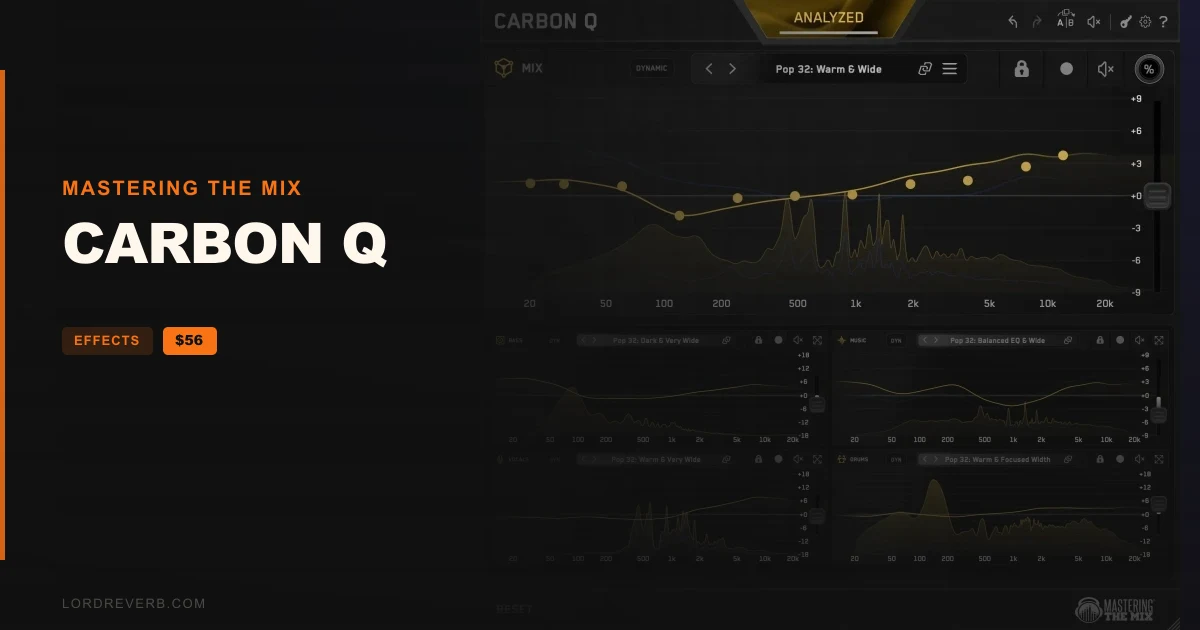
CARBON Q is an EQ plugin that links every main part of your song in one connected system. Vocals, music, drums, bass and the output all talk to each other.
According to the developer, a polished, pro-grade mix depends on balancing the volume of every element and making sure their tonal shapes work together. CARBON Q works on both at once.
Setup takes four steps: place CARBON Q at the very end of the insert chain on each vocal, music, drum and bass channel, then put the MIX instance on your output. Next, press ANALYZE, make sure every channel you want included is armed, and press GO. Afterward you can adjust any band by hand, and the analysis gives you a smart preset shaped by the context of your mix. It sets the tonal balance and the volume balance of every channel at the same time.
All the channels are linked together, so any adjustment you make on one takes the others into account. That is the maker's answer to how it differs from a normal EQ, which treats each channel on its own.
Drop a record you love into the reference tracks tab. CARBON Q separates it into vocals, music, drums and bass.
Next, the plugin analyzes how bright or dark every element sounds and how its level compares with the others in the mix. All of that becomes a preset for your own session.
Level matching matters when you fine tune. A boost that is also louder always sounds better at first. With every move level matched, you judge the EQ change itself.
Linear phase filters on every band keep phase shift out of the picture. Expect them to cost more CPU than minimum phase filters, so gain stage and plan your bus structure accordingly.
The MIX instance on your output pairs with the agents on the four channel groups. Together they balance EQ and volume against reference mixes or your own reference track.

Yes. The CARBON Q Black Friday deal takes 30% off, so the plugin costs $56. The offer ends Nov 6, 2026. It is an EQ plugin from Mastering The Mix.
Every instance is connected, so CARBON Q balances the parts of your mix against each other instead of treating each channel alone. Every EQ move is also level matched in real time, so you hear the change and not extra volume.
Place one instance of CARBON Q at the end of the plugin chain on every vocal, music, drum and bass track, then add the MIX instance to your master output. Press ANALYZE, make sure the channels you care about are armed, and press GO to receive a tailored preset.
Yes. Drop a record into the reference tracks tab. CARBON Q splits it into vocals, music, drums and bass, measures each part's tonal balance and loudness against the rest, then turns that into a preset for your mix.
Prices and end dates are checked at publishing time and can change, so confirm them at the store before you buy.