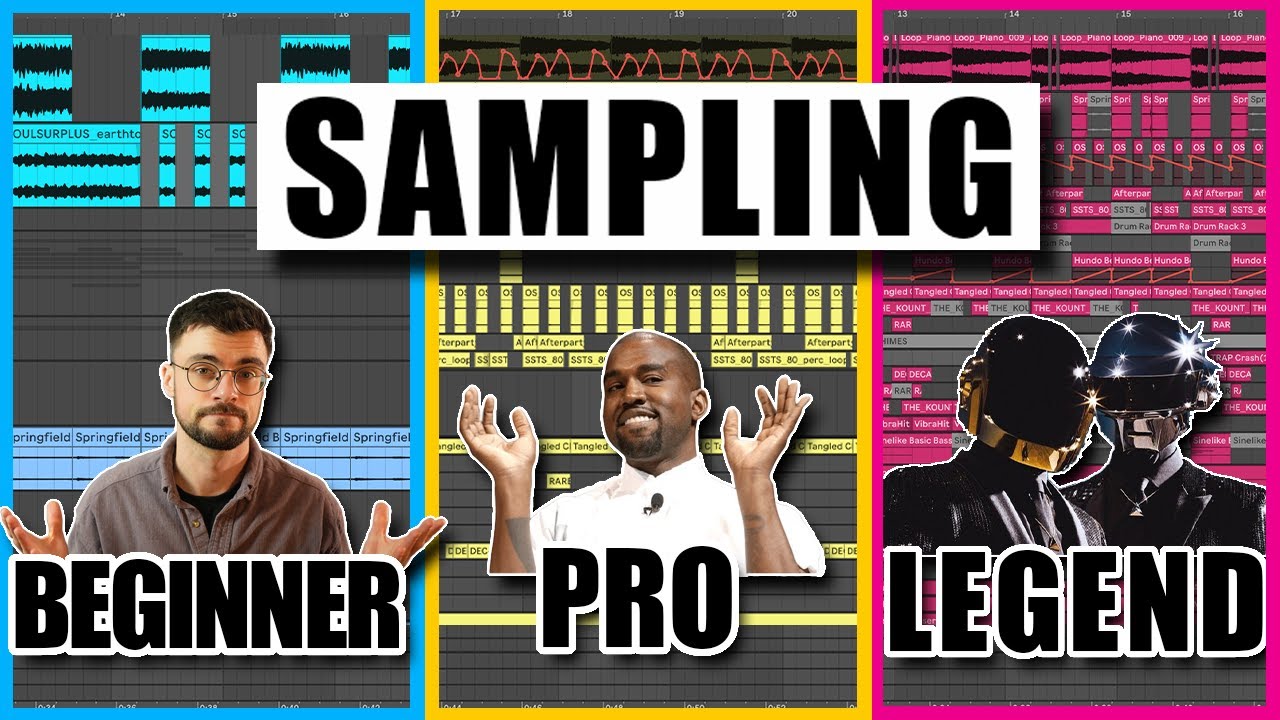
Sampling in music production means taking a recorded sound, or a section of one, and reusing it as a building block in a new track. You can loop it, chop it, pitch-shift it, layer it, or flip it into something that bears no resemblance to the original.
Sampling sits at the center of hip-hop, electronic music, and a growing slice of pop and indie production. It's not a workaround or a shortcut. It's a compositional technique with its own grammar, its own history, and its own legal minefield.
We've spent years building tracks around sampled material, clearing records, dodging clearance issues, and testing every sampler that matters. This guide covers the whole picture: what sampling actually is, how the techniques work, which tools are worth your money, and what you absolutely cannot ignore on the legal side.
Whether you're flipping a drum break for the first time or trying to optimize a sample-heavy workflow that's starting to creak, this is the hub. Every detailed review and comparison we publish links back here.
What Actually Is Sampling?
Sampling means capturing audio from an existing recording and incorporating it into new music. The "sample" can be a single snare hit, a two-bar chord loop, a vocal ad-lib, or a 30-second melodic phrase. Size doesn't define it. Intent does.
The practice predates digital audio. Hip-hop producers in the late 1970s were sampling records live with two turntables. Hardware changed everything when the Akai MPC60 arrived in 1988, letting producers trigger samples from pads, slice them, and arrange them at a level of control that was previously impossible.
DJ Shadow's Endtroducing (1996) remains the landmark proof of concept. Every sound on that album came from vinyl samples. No live instruments. It showed the world that sampling wasn't a production crutch. It was a compositional language.
That language hasn't changed. The tools have.
What Are the Core Sampling Techniques?
There are five techniques every producer needs to understand. You'll combine them constantly.
Looping
You isolate a section, usually 1, 2, or 4 bars, and set it to repeat. Looping is the foundation of most sample-based production. The satisfying part is finding the loop point. Get it wrong by even a few milliseconds and you'll hear a click or a timing stutter that ruins the whole feel.
We've spent an embarrassing amount of time hunting the perfect loop point in a vinyl rip. You nudge the start point forward, hit play, nudge again. When it locks, you know immediately. That moment never gets old.
Chopping
Chopping means slicing a sample into individual hits or phrases and rearranging them into a new pattern. A classic soul break gets chopped into kick, snare, hat, and fills, then reprogrammed into something the original drummer never played. This is where the Akai MPC workflow earned its reputation. On modern software, Ableton Live's Simpler and Drum Rack handle this with very low friction.
Pitch Shifting
You change the pitch of the sample without (ideally) changing the timing. Pitch-shift a vocal up a minor third and it becomes a different instrument. Pitch-shift a guitar chord down an octave and it starts reading as a bass part. The quality of the algorithm matters here. Cheap time-stretching leaves smearing artifacts in the high frequencies. Ableton's Complex Pro mode and Serato Sample's key-shifting both handle pitch changes cleanly down to about a fifth in either direction before things get ugly.
Reversing
Flip the sample backward. This is underrated as a creative tool, not just a texture trick. We ran a reversed piano chord into a reverb send once and then automated the reverb return to swell forward. It sounds like the piano is breathing. Takes about 90 seconds to set up. Sounds like you worked for hours.
Layering
Stack multiple samples together to create a sound that none of them could produce alone. A thin 808 kick gets layered with a punchy acoustic kick at a lower volume to add transient snap. A lo-fi vinyl sample gets layered with a clean synthesizer pad to add depth. Layering is where sample-based production crosses into sound design.
Which Tools Should You Actually Use?
The market splits into two camps: hardware and software. Both are legitimate. Your choice depends on how you work, not on which sounds better in theory.
Hardware Samplers
The Akai MPC line is still the default for hardware-first producers. The MPC One Retro Edition and MPC Live II both run standalone, meaning no laptop on stage or in the studio. Native Instruments Maschine MK3 sits in a similar space but is more tightly bound to the Maschine software on your computer. Both are strong. If you want full standalone capability, the MPC line wins.
The frustrating gap in the market is at the affordable end. There's no great hardware sampler that costs under $200 and feels genuinely intuitive. The Teenage Engineering Pocket Operator PO-33 gets close for a certain lo-fi workflow, but it's limited. We'd love something quick, fun, and cheap that doesn't feel like a toy. It doesn't really exist yet.
Software Samplers
Kontakt from Native Instruments is the industry standard for playback-focused sampling. The 8th iteration supports thousands of layered samples, a full scripting engine, and a library ecosystem that covers every instrument imaginable. It's brilliant for orchestral mockups and complex instruments. It's overkill if you just want to flip a vocal chop.
TAL-Sampler costs under £50 and emulates vintage hardware samplers with genuine character. The bit reduction and aliasing are not cosmetic. They change the texture of the material the same way a real SP-1200 does. We'd reach for TAL before Kontakt for any lo-fi or boom-bap workflow.
Serato Sample is the most useful tool for chopping existing records quickly. The real-time stem separation isolates vocals, drums, bass, and melodic content with a single click. Key detection and BPM syncing are accurate enough to trust without double-checking. If you buy sample packs and flip them regularly, Serato Sample pays for itself in hours saved.
Ableton Live's built-in tools, Simpler, Sampler, and Drum Rack, cover most workflows without spending anything extra. If you're already in Ableton, learn Simpler first. It handles loop points, slice modes, and basic pitch-shifting without leaving the session.
Worth Bookmarking
- WhoSampled, database of sample usage across genres, useful for clearance research and creative inspiration
- Splice, royalty-free sample subscription, broad library, useful for legally clear material
- Looperman, free user-uploaded loops, all cleared for commercial use
- Music Gateway, sample clearance services and licensing support
- Kontakt 8, Native Instruments' flagship sampler
- TAL-Sampler, affordable vintage hardware emulation
- Serato Sample, stem separation and chop tool
- Ableton Live, best built-in sampling workflow of any major DAW
What Do AI Tools Actually Add to a Sampling Workflow?
AI-powered sampling tools are real and some of them are genuinely useful. Let's be specific about what they do well and where the hype outpaces the reality.
Source separation, splitting a stereo mix into isolated stems, has improved dramatically. Tools like Serato Sample, iZotope RX, and LALAL.AI can isolate a drum track from a fully mixed record with minimal bleed. Two years ago this was impressive. Now it's a baseline expectation. We use it constantly.
AI sample suggestion is the newer pitch. The idea is that an algorithm analyzes your session's harmonic and rhythmic content and recommends complementary samples from a library. Splice's AI search moves in this direction. It's useful about 60% of the time. The other 40% it suggests something that technically matches the key but has zero creative relationship to what you're building. Don't trust it blindly. Use it as a starting point.
The counter-trend is real too. A growing number of producers are deliberately avoiding clean digital sampling and reaching for SP-1200 emulations, TAL-Sampler, and the rough aliasing that comes with low bit-rate playback. The reason isn't nostalgia. Bit-crushed samples sit differently in a mix. The high-frequency content is rolled off, which means less competition with the lead elements above 8kHz. It's a technical advantage dressed up as an aesthetic choice.
We think both approaches are valid. The annoying take is "use whatever sounds right." The more useful take: if you're building dense, layered tracks, lo-fi sampling cuts through mix problems that clean samples create. If you're working in a sparse arrangement, clean high-resolution samples give you more flexibility in post.
What Are the Legal Rules You Cannot Ignore?
This is not optional reading. Skip it and you will eventually pay for it.
Sampling a commercial recording without permission means you're using two separate copyrights: the sound recording copyright (owned by the label or the artist), and the composition copyright (owned by the publisher or songwriter). You need to clear both. Every time. With no exceptions.
The cost of clearance ranges from a few hundred dollars for an obscure b-side to hundreds of thousands for a recognizable hook from a major-label catalog. This is not an exaggeration. "Bittersweet Symphony" by The Verve used a Rolling Stones sample. The clearance negotiation famously went wrong, and the Verve's songwriters lost their publishing royalties for years.
Practically speaking, most independent producers have three options. First, clear the sample formally through a music licensing service like Music Gateway or direct label contact. Second, use royalty-free sample libraries like Splice or Looperman where clearance is already handled. Third, replay the sampled element yourself so you're creating an original recording inspired by the source rather than copying it.
WhoSampled is useful for clearance research. Search any track and you'll see its sample history, who used what, and often whether a clearance issue arose. It's not legal advice. It's intelligence.
Blockchain-based copyright management is being discussed as a future solution for tracking sample ownership automatically. We're watching it. It's not here yet in any practical form.
The ethical side goes beyond legality. Some producers use samples from communities whose music they have no direct relationship with, profit from it, and never credit or compensate the source. That's worth sitting with, regardless of what's technically legal.
Summary
Sampling means taking recorded audio and building something new from it. The five techniques are looping, chopping, pitch shifting, reversing, and layering. Hardware options like the Akai MPC still lead for standalone workflows. In software, Kontakt handles complex instruments, TAL-Sampler handles lo-fi character, and Serato Sample handles fast chopping. AI tools are most useful for stem separation and key matching, less useful for creative suggestion. Legal clearance is mandatory for commercial work, covering both the sound recording and the composition. Use royalty-free libraries when clearance isn't viable. Understand the ethics as well as the rules.
Part of our complete Music Production Guide: From First Session to Finished Song series.
Frequently Asked Questions
What's the difference between sampling and interpolation?
Sampling uses the actual recorded audio from a source. Interpolation means re-recording a melody or chord progression that closely resembles the original, without using the original recording. Interpolation only requires clearing the composition copyright, not the sound recording copyright, which can make it cheaper and faster to clear. Many producers interpolate specifically to avoid label negotiations.
Do I need clearance for a sample I'm only using in a free release?
Yes. Copyright law doesn't make exceptions based on whether money changes hands. Using a sample without permission in a free release still infringes copyright. Labels have pursued takedowns and legal action against free releases, particularly when they generate significant streaming numbers or exposure.
What's the best free sampler for beginners?
If you're in Ableton Live, Simpler is your answer. It's built-in, intuitive, and handles looping, slicing, and basic pitch-shifting without any additional spend. If you're not in Ableton, TX16Wx Software Sampler is a free standalone and plugin option that covers the basics well.
How do I find the loop point without clicks or stutters?
Set your loop start and end points at zero-crossings, places where the waveform passes through silence. Most DAWs show zero-crossing markers if you zoom in far enough. A click at the loop point almost always means the waveform has amplitude at the loop boundary. Nudge by single samples until the click disappears.
Can I sample myself? Does that count?
You can sample your own recordings without any clearance issue since you own both copyrights. This is called self-sampling, and it's a legitimate workflow. Some producers build a personal sample library from their own sessions specifically so they have cleared material to chop from.
What's the "1-second rule" I keep hearing about?
There is no legal 1-second rule. The myth that samples under a certain length are automatically cleared has no basis in copyright law. The Supreme Court case Grand Upright v. Warner (1991) and subsequent cases make clear that any unauthorized use of a sample, regardless of length, can constitute infringement.
Is Splice sample clearance reliable for commercial releases?
Yes. Splice's royalty-free license covers commercial use including streaming, sync, and physical releases. The one exception is if you replicate a sample so closely to its original context that it sounds like the original source material. Read their license terms carefully. They're detailed and currently maintained on the Splice site.
Why does my sample sound out of tune when I pitch-shift it?
Pitch-shifting algorithms introduce artifacts, especially beyond a fifth in either direction. The material also matters. Samples with strong harmonic content, like chords or vocals, show artifacts faster than simple percussive hits. Try a different algorithm: most DAWs offer multiple modes. In Ableton, switch from Beats mode to Complex or Complex Pro for tonal material.
What's stem separation and which tool does it best?
Stem separation uses machine learning to split a mixed recording into isolated components: vocals, drums, bass, and other instruments. iZotope RX 11 is the most accurate for professional work. Serato Sample is faster for a quick in-session chop workflow. LALAL.AI is a solid browser-based option that doesn't require a plugin install.
How do I handle sample clearance if I can't afford it?
Three practical routes. First, use royalty-free libraries like Splice, Looperman, or Cymatics where clearance is already handled in the subscription or download. Second, interpolate the element you want rather than using the original recording. Third, contact the rights holder directly. Smaller publishers and independent labels are sometimes open to revenue-share deals rather than flat licensing fees, especially for emerging artists.