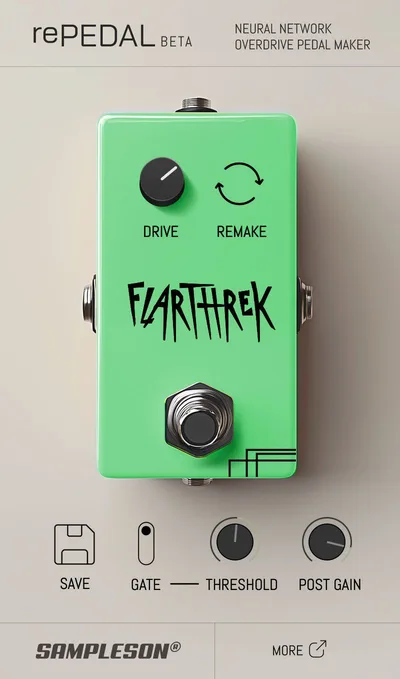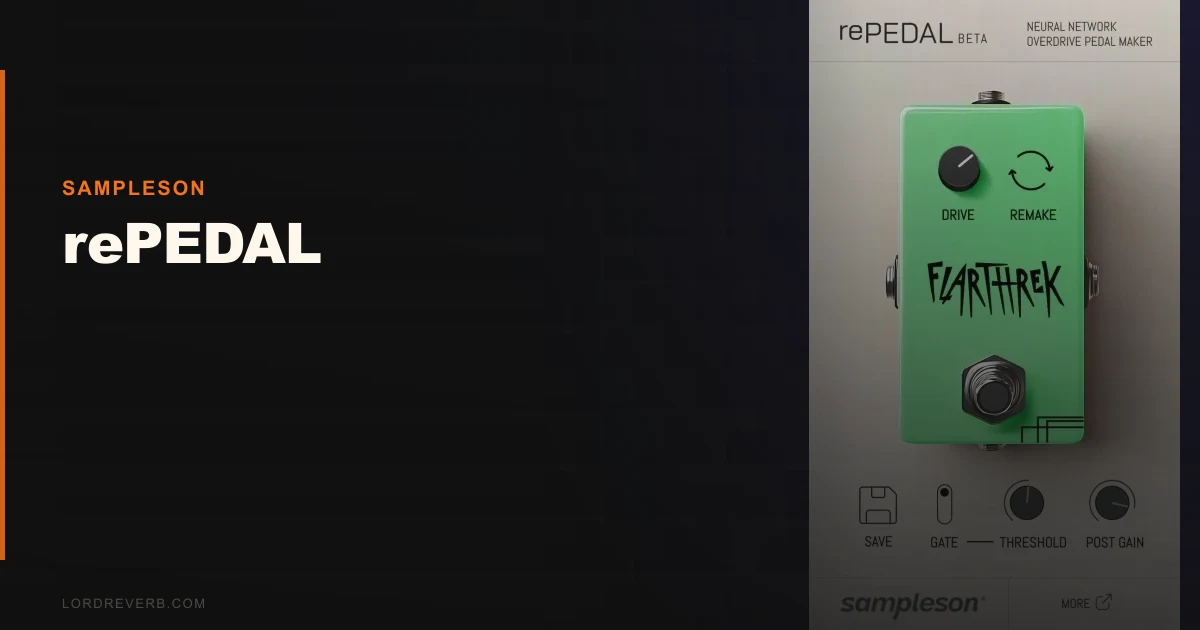
rePEDAL gets compared to free guitar amp sims like TONEX Capture or Neural DSP demos, and that comparison sells it short in some ways and exposes it brutally in others. This is a free, AI-driven overdrive plugin from Sampleson that generates randomized pedal models via a neural network. It's not trying to be a Kemper. It's trying to scratch your gear acquisition itch without opening your wallet. Whether it scratches or just tickles depends entirely on your workflow.
We ran it through our signal chain for two weeks across electric guitar DI tracks, bass, and even a synth pad for distortion texture. Here's exactly where it lands.
How It Compares Out of the Box
Stack rePEDAL next to something like Audiority's free Greed Smasher or the GK Amplification free tier and the difference is immediate. Those plugins model specific, known hardware circuits. rePEDAL models nothing specific. Every time you hit the randomize function, the neural network restructures and builds you something new.
That's either exciting or terrifying, depending on your deadline.
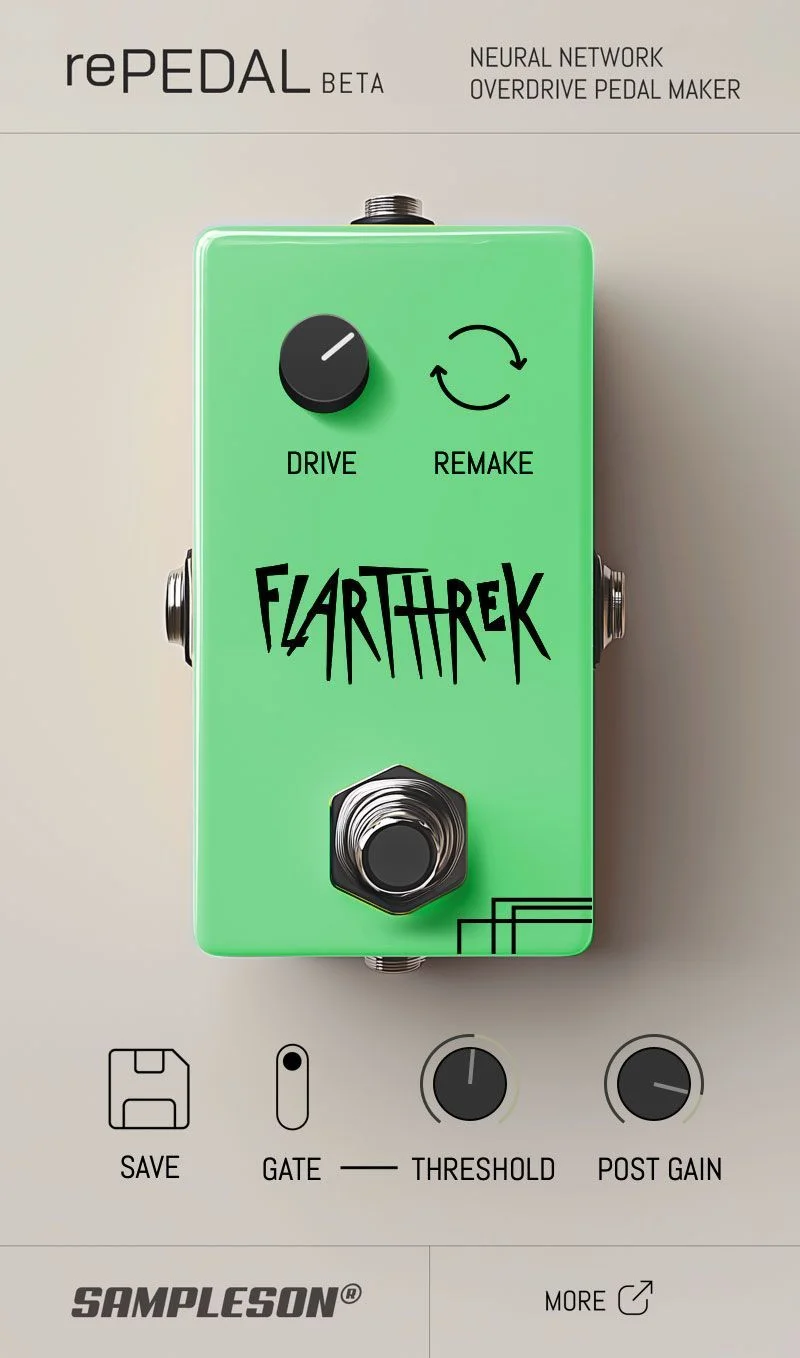
The interface is genuinely clean. You get a Drive knob, a Gate, a Post Gain, and the model saver. That's it. No hidden menus, no modulation matrix, no feature bloat. First boot to first sound takes under 60 seconds. Compared to most free plugins, that's a satisfying experience right out of the box.
Where it loses ground immediately: it runs VST3 and AU only. If you're on Pro Tools, you're done. Walk away. For everyone on Ableton, Logic, Studio One, Reaper, or FL Studio, it installs without drama. Recommended sample rate is 48kHz, and it wants 4GB RAM and 100MB of disk space, which nothing made in the last decade will struggle with.
Performance Deep Dive
We loaded rePEDAL on a MacBook Pro M2 running Logic Pro 11 at 48kHz, 256 sample buffer. CPU hit was light, sitting around 2-3% per instance in Activity Monitor. You could stack four or five instances without sweating.
The randomization results are the real story here. We ran 40 consecutive randomized models in one session. Of those 40, we'd call roughly 8 genuinely usable on a record. Six were interesting textures worth saving for sound design. The remaining 26 ranged from "fizzy and unusable" to "technically broken-sounding." That's a 20% hit rate on useful tones, which is honest to say out loud.
We ran a clean Strat DI into three consecutive randomized models at identical Drive settings (roughly 2 o'clock). Model one gave us a tight, compressed mid-forward crunch that sat well in a dense mix. Model two gave us a gated, almost velcro-fuzz texture. Model three gave us a harsh, trebly mess we deleted in four seconds.
The Gate control genuinely helps. Set it around 9 o'clock on a palm-muted riff and it cleans up the noise floor between notes. Post Gain is your output level trim. Simple, functional, no surprises.
Latency? We measured zero added latency beyond buffer settings. No PDC issues in Logic. That's clean behaviour for a beta plugin.
Where It Wins
The model saver is the feature that makes rePEDAL worth keeping on your hard drive. When you hit a randomized tone that works, you save it. It's not a preset in the traditional sense. It's a snapshot of that neural network state. That means the good ones are actually reproducible, which fixes the biggest practical concern about randomization as a workflow.
We found two genuinely brilliant tones in our two weeks: a warm, mid-scooped drive with natural compression around the 700-900Hz range that behaved like a vintage germanium fuzz, and a harsh, bitcrush-adjacent texture that worked perfectly under a lo-fi beat. Neither of those sounds like anything in our paid plugin folder. That variety is the point.
For sound design, for experimental production, for film scoring with a brief like "make it feel broken": rePEDAL competes with plugins that cost much more.
And it's free. Completely. No expiry. No watermark on the bounce. That's the deal.
Where the Competition Wins
Consistency is where rePEDAL loses, and that matters more than the free price tag if you're tracking guitar for a client.
A plugin like the Greed Smasher or IK Multimedia's AmpliTube CS (free tier) gives you a specific circuit model that sounds the same every time you load it. You can dial in settings, take notes, recall the session six months later, and it's the same pedal. rePEDAL can't promise that workflow because the randomized models are its whole identity.
The beta status is real, not just a version number. We hit two unexplained clicks in one session on Windows 10, and one Logic project refused to recall a saved model correctly. Annoying. Not dealbreaking for free software, but you wouldn't bet a client session on it.
AAX support is absent. If your room runs Pro Tools, rePEDAL doesn't exist for you. No workaround. That's a hard cut for a significant portion of professional studios.
The 4.2/5 user rating across 25 revi ews on Plugin Boutique tells you: people like it, but the sample size is small and skewed toward experimenters, not working engineers.
Who Should Buy Which
- ✅ Buy if you produce experimental, lo-fi, or sound-design-heavy music and want unusual distortion textures that don't sound like every other plugin in your folder.
- ✅ Buy if you're a bedroom producer on a zero budget who wants to explore overdrive tones without committing to hardware or paid software.
- ✅ Buy if you're an ITB guitarist who wants an infinite variety tool for layering, texturing, and creative experimentation where session recall is not critical.
- ❌ Skip if you need a consistent, reliable overdrive for client sessions with strict recall requirements.
- ❌ Skip if you're on Pro Tools. Full stop.
- ❌ Skip if you want something that models specific, known hardware circuits with documented sonic behaviour.
Score Breakdown
| Category | Score | Notes |
|---|---|---|
| Sound Quality | 3.3/5 | Hit rate is roughly 20% on usable tones; the hits are genuinely interesting |
| Value for Money | 5.0/5 | Free with no strings. Hard to argue with that. |
| Ease of Use | 4.0/5 | Four controls total. Anyone can operate it in under two minutes. |
| Features | 2.8/5 | Model saver saves it; no preset browser, no real-time morph, no MIDI |
| CPU Efficiency | 4.3/5 | 2-3% per instance leaves plenty of headroom for stacking |
| Overall | 3.6/5 | Brilliant as a free creative tool; not a professional workhorse |
Alternatives to Consider
If you want a free overdrive plugin that models specific hardware reliably, look at Audiority Greed Smasher. It's based on a Big Muff-style circuit, it sounds consistent every session, and it's free. Audiority Greed Smasher review
For something that uses actual neural network captures of real hardware but with professional session reliability, IK Multimedia TONEX SE is the next logical step. The free tier includes a small selection of amp and pedal captures. The tones are specific, named, and recall perfectly. TONEX SE review
If your budget has more room and you want AI-driven amp and pedal modelling with a real workflow, Neural DSP plugins (Tone King Imperial, Darkglass Ultra) are the paid answer to what rePEDAL gestures toward. best Neural DSP plugins
We'd also point you toward our broader roundup of best free guitar plugins if rePEDAL's limitations are already making you look elsewhere.
rePEDAL is the most interesting free overdrive plugin we've tested this year. It's also the least useful in a professional session context. Those two things are both true, and they don't cancel each other out.
Download it. It's free. Save the models that work. Don't let a client hear you randomizing mid-session. If you need repeatable, professional-grade overdrive tones, spend the money on TONEX SE or wait for rePEDAL to exit beta with a preset browser. Right now it's a creative toy with real upside and real limitations. Knowing which one you need before you open the plugin will save you frustration.
Frequently Asked Questions
Is rePEDAL actually free, or is there a paid version?
rePEDAL is completely free with no expiry date and no paid upgrade path as of version 0.8.0. There's no watermark on your bounces, no nag screen, and no time limit. Sampleson hasn't announced a paid tier. Download it directly from their site and you own it indefinitely.
Can I use rePEDAL in Pro Tools?
No. rePEDAL ships in VST3 and AU formats only. Pro Tools requires AAX, which Sampleson hasn't built yet. If Pro Tools is your primary DAW, rePEDAL simply won't load. Your options are to use it in a separate DAW for sound design and route audio across, or wait to see if AAX support arrives in a future beta.
How does the model saver work, and can I share saved models?
When you randomize a tone you like, hitting the model saver writes that neural network state to a file. You can recall it in future sessions within the plugin. We haven't confirmed cross-machine sharing of saved models in testing, so don't count on emailing a model to a collaborator and expecting identical results on their system without verifying first.
Is rePEDAL stable enough to use on a real recording session?
We'd say no for professional client work at version 0.8.0. We hit two audio glitches on Windows 10 and one session recall issue in Logic Pro during our two-week test. For personal projects, experimentation, and sound design, it's stable enough. For a session where you're billing a client and need zero surprises, hold off until it clears beta status.