Affiliate disclosure: the "Get this deal" button is an affiliate link to the store. If you buy through it we earn a commission at no extra cost to you. Full policy

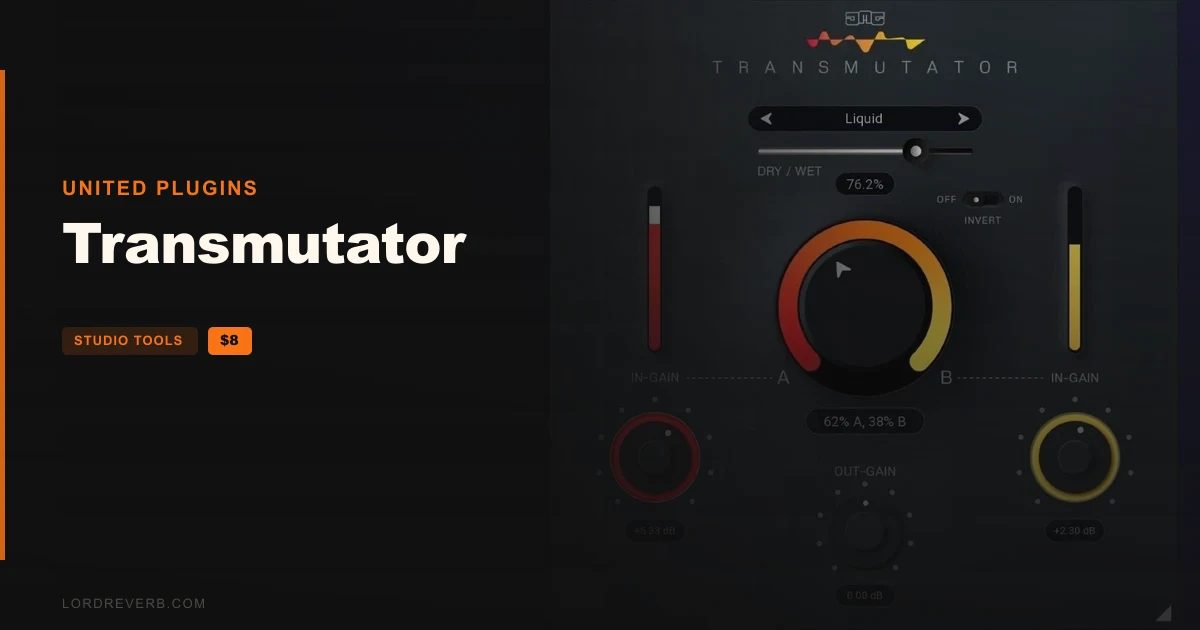
The Transmutator Black Friday deal takes 88% off United Plugins' sidechain crossfader, so the plugin costs $8 until Nov 29, 2026.
Transmutator is a utility plugin that fades between two audio inputs. The maker says it goes well beyond a plain volume crossfade.
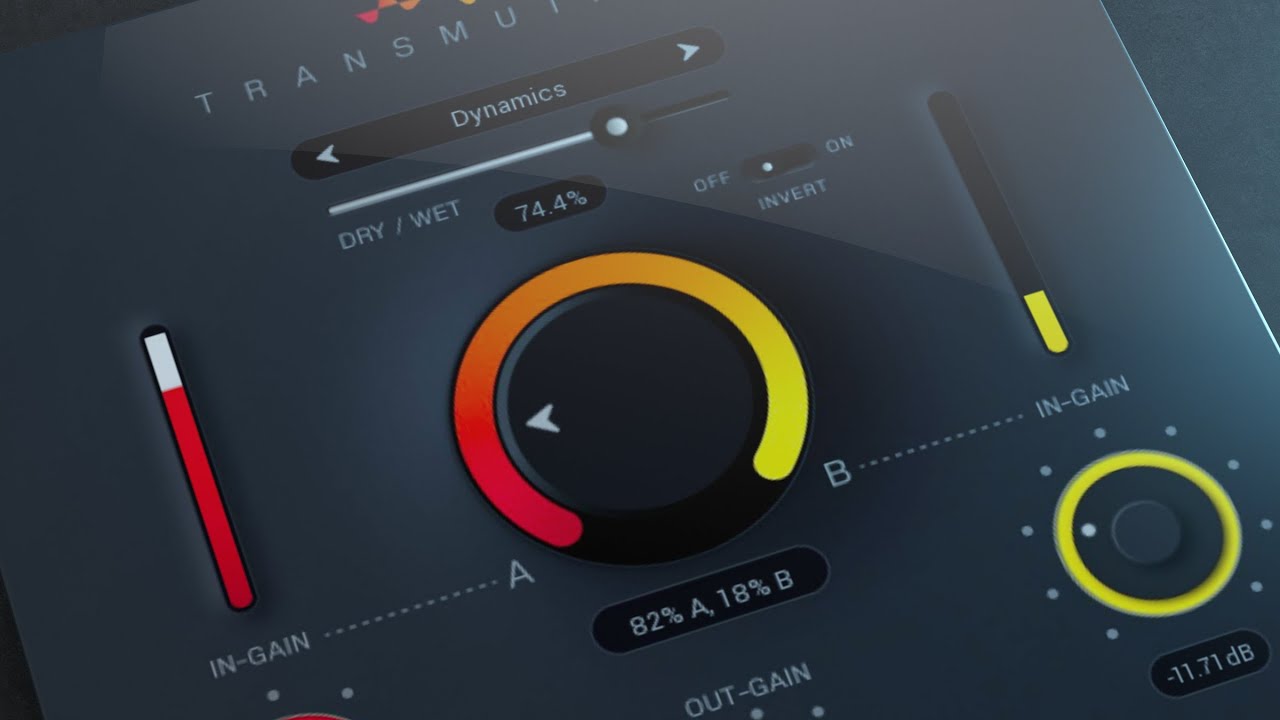
You put it on one track and feed a second track into its sidechain input. The Mix dial then moves the result from A to B.
There are 16 (x2) blend modes behind that Mix dial. They include Mid/Side, Multi-band, Dynamics, Filtering, Spectral freezing/blurring and Pitch/Frequency shifting.
The Invert parameter changes how each mode behaves. That is how the count reaches 16 (x2).
The maker also lists spectral morphing and Noise/Tone merging as ways to fuse two signals.
The Dry/Wet slider sets how far the effect goes. At one end you get a traditional volume crossfader, at the other full-on sonic mangling.
The maker points to a few uses:
The interface is a photorealistic 3D design. Drag the arrow in the bottom right corner to resize it: smaller to save screen space, larger for easier control.
Internally the plugin runs 64-bit audio processing and handles any sample rate, including 192 kHz and higher.
Smart Bypass avoids clicks and noise when you automate the parameter. It also compensates for latency, so the bypass states stay in sync with each other.
Activation uses licence files. There is no iLok, no dongle and no internet connection needed. Install Transmutator on as many of your own machines as you like, provided you are the one using it.
On Mac:
On Windows:
The plugin works only with sidechain signals. Hosts that do not support that routing, GarageBand for one, do not work well with it.
Yes. United Plugins' Transmutator carries 88% off in the Black Friday deal, bringing the plugin to $8 until Nov 29, 2026. It is a utility plugin that crossfades between two inputs, with 16 (x2) blend modes.
Place Transmutator on one track and route a second track into its sidechain input. Then move the Mix dial to transition from A to B in the blend mode you picked. Automating Mix in your DAW handles verse-to-chorus or build-up-to-drop transitions.
On Mac it runs as VST2, VST3, AAX or AU in a 64-bit host, on macOS 10.10 and later. On Windows 8 to 11 it comes as VST2, VST3 or AAX, in 32-bit or 64-bit hosts. A host with sidechain routing is required.
There are 16 (x2) modes, with the Invert parameter changing how each behaves. They cover Mid/Side, Multi-band, Dynamics, Filtering, Spectral freezing/blurring and Pitch/Frequency shifting, plus spectral morphing and Noise/Tone merging.
Prices and end dates are checked at publishing time and can change, so confirm them at the store before you buy.