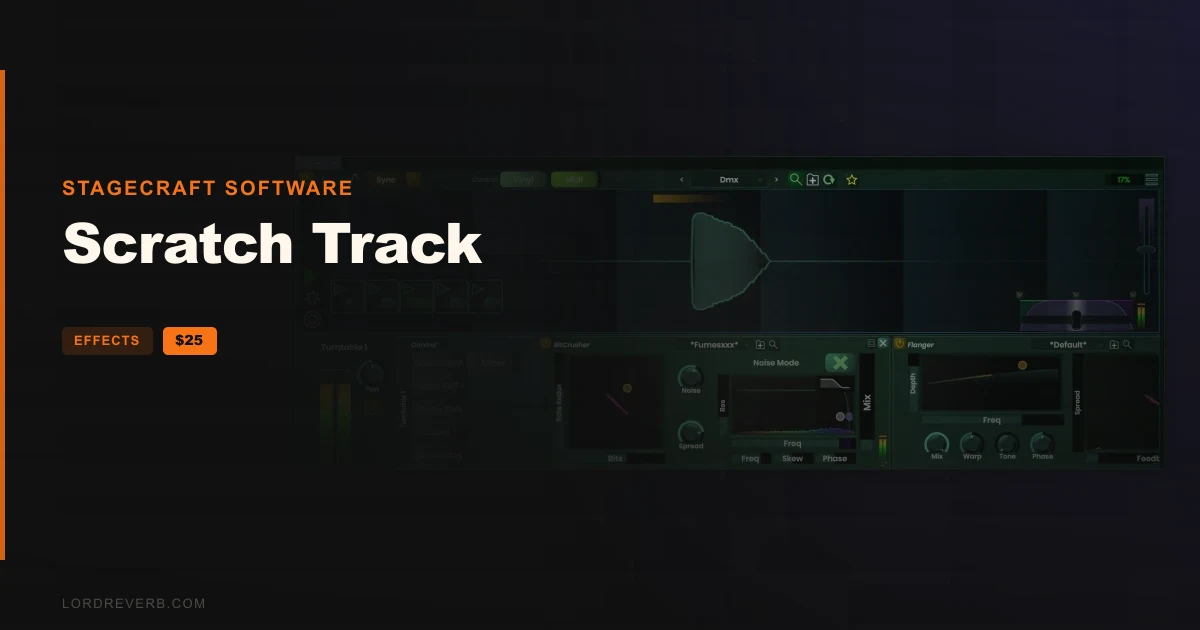
Affiliate disclosure: the buy button is an affiliate link to the store. If you buy through it we earn a commission at no extra cost to you. Full policy

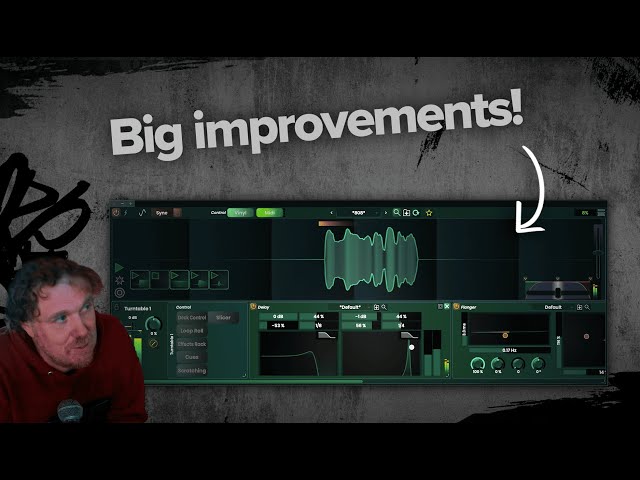
Scratch Track Black Friday deals start with 75% off this Stagecraft Software DJ plugin, which puts it at $25 until Dec 31, 2026. It lets you scratch samples, loops, tracks or live incoming audio from inside your DAW.
The maker says it is the only software that combines live scratching with support for every type of timecoded vinyl, MIDI learn on the controls, automation and a programmable crossfade.
Scratch Track puts scratching inside your recording project. You can work with timecoded vinyl in Ableton, Cubase, Reaper or any other DAW, without leaving the session.
The maker also describes it as the cheapest, simplest and most versatile way to use timecoded vinyl in any DAW or plugin host.
Prefer to trigger material instead of scratching it? Scratch Track also fires samples and tracks, with programmable cue points so you can juggle between cues at the touch of a button.
Switch on the live input button and audio arriving on inputs 3 and 4 is added to the plugin's scratch buffer. The waveform display shows it as it comes in.
That means you can sing a line, or catch a live MC's shout-out, and scratch it moments after it was made. Once you scratch the stream, it drifts out of sync with the live throughput, and the sync button pulls it back to the current playtime.
For vinyl, open the plugin UI, enable vinyl in, then choose your vinyl type in the vinyl control panel. Route your vinyl signal to the plugin's first two inputs. In Ableton, you pick the incoming vinyl signal from the track's audio input dropdown.
For MIDI, right-click any button or slider, including the crossfade, and activate MIDI learn. The control picks up the next MIDI message it receives and responds to it from then on.
Set the automation to out and the plugin sends tracking data for every parameter to your host. That includes the scratches produced from your timecoded vinyl movements. Record it in the DAW, then switch the plugin to automation in to play it back without any vinyl input.
That gives you a way to edit a scratch after the fact, or to build scratches that would be impractical by hand. Automate the crossfade too and you can reproduce a turntablist's moves in fine detail.
The maker calls the crossfade professional level, with an adjustable curve and super-low latency response to incoming MIDI.
On Mac you need macOS 10.13 or newer, 64-bit only, with Intel and M1 Apple Silicon supported. Formats are AAX, AU, VST3 and Standalone.
On Windows you need Windows 7 or newer, 64-bit only, in AAX, VST3 and Standalone.
Yes. Stagecraft Software's Scratch Track plugin is 75% off for Black Friday, which brings it to $25. The offer runs until Dec 31, 2026.
You can scratch samples, loops, tracks or live incoming audio, including anything the host program generates or a live MC. It also triggers samples and tracks, with programmable cue points for juggling between cues.
On Mac it runs as AAX, AU, VST3 or Standalone on macOS 10.13 or newer, Intel and M1 Apple Silicon, 64-bit only. On Windows 7 or newer it comes as AAX, VST3 or Standalone, 64-bit only.
Yes. Set automation to out and the plugin sends tracking data for all parameters to your host, including the scratches produced from the vinyl. Switch to automation in to play them back, and edit them after the fact.
Prices and end dates are checked at publishing time and can change, so confirm them at the store before you buy.
Not signed in to Spotify? You hear 30 second previews. Signed in, you hear the full tracks.
Send your track and tick the Mixtape box. If we pick it, it joins this playlist and plays for everyone who opens the player.